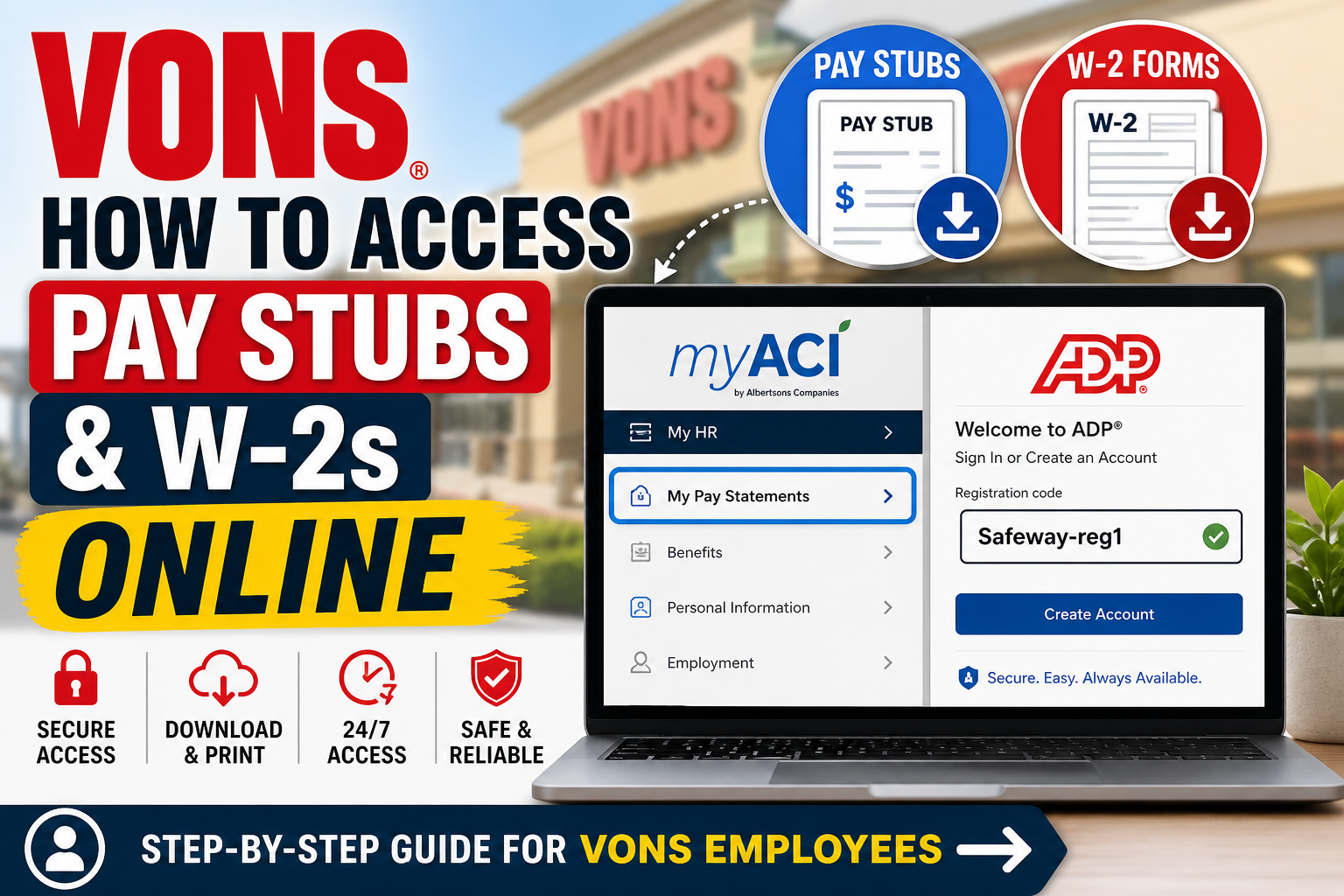
Vons, a historic grocery brand founded in 1906 by Charles Von der Ahe, has evolved into a major retail force under Albertsons Companies. Today, employees benefit from modern HR systems that allow seamless access to payroll documents online. If you are a current or former Vons employee, this guide will walk you through how to access your pay stubs via myACI and W-2 forms via ADP, using a clear, professional, and user-friendly approach.
🧾 Overview: Where to Access Your Payroll Information
| Document Type | Platform | Link |
| Pay Stubs | myACI (Albertsons HR Portal) | https://myaci.albertsons.com/ |
| W-2 Forms | ADP Self-Service Portal | https://my.adp.com |
According to the Employee Resource Center, these systems are available exclusively for authorized employees and require secure login credentials.
🧑💻 How to Access Vons Pay Stubs (myACI Portal)
The myACI portal is the official HR system for Vons and Albertsons employees, allowing access to payroll, benefits, and employment records.
Step-by-Step Instructions
- Visit the official login page:
👉 https://myaci.albertsons.com/ - Enter your:
- Employee email / User ID
- Password
- After logging in:
- Click on “My HR”
- Select “My Pay Statements”
- Choose the desired pay period to:
- View
- Download
- Print your pay stub
📌 As shown in the employee resource file (page 2), myACI is accessible from any computer with authorized credentials.
🔐 Troubleshooting Login Issues
- Ensure your credentials are correct
- Reset password if needed
- Contact Service Desk: 877-286-3200
📄 How to Access Vons W-2 Forms (ADP Portal)
Vons uses ADP (Automatic Data Processing) for tax documents like W-2s.
Step-by-Step Instructions
- Go to ADP portal:
👉 https://my.adp.com - Click on “Create Account” (first-time users)
- Enter the registration code:
👉 Safeway-reg1 - Provide required details:
- Name (as per payroll records)
- SSN or Employee ID
- Email and phone verification
- Create:
- Username
- Password
- Security questions
- Log in and navigate to:
- “Pay & Tax Statements” → “W-2 Forms”
📌 According to the ADP registration guide, users must complete identity verification before accessing payroll documents.
📥 What You Can Do on ADP
- View and download W-2 forms
- Print tax documents
- Access previous years’ records
💡 Key Features of Online Payroll Access
Modern payroll systems like myACI and ADP provide:
- 24/7 secure access
- Digital storage of payroll records
- Easy download and printing
- Mobile-friendly interfaces
- Enhanced data security
⚠️ Important Notes
- Login credentials are required for both platforms
- W-2s are typically available by January each year
- Always access portals from a secure device
- Keep your login details confidential
🏁 Final Thoughts
Vons has successfully integrated modern HR technology to simplify payroll access for its employees. Whether you need to check your earnings or download tax forms, the myACI and ADP platforms offer a fast, secure, and efficient solution. By following the steps outlined above, you can easily manage your payroll records anytime, anywhere—ensuring transparency, convenience, and control over your financial documentation.
❓ Frequently Asked Questions (FAQs)
1. How do I access my Vons pay stubs online?
Log in to the myACI portal, go to My HR, and select My Pay Statements to view or download your pay stubs.
2. What is the official Vons employee payroll portal?
The official payroll portal is myACI, which is Albertsons’ employee HR system.
3. Where can I find my Vons W-2 form?
You can access your W-2 form through the ADP portal at my.adp.com.
4. What registration code is required for ADP?
Use the registration code Safeway-reg1 when creating your ADP account.
5. Can I access my Vons pay stubs from home?
Yes, the myACI system can be accessed from any device with internet and valid login credentials.
6. What should I do if I forget my myACI password?
Use the password recovery option on the login page or contact the Service Desk at 877-286-3200.
7. When are Vons W-2 forms available?
W-2 forms are typically available by January each year.
8. Can former employees access Vons pay stubs?
Yes, former employees can access payroll documents through ADP or myACI if their accounts remain active.
9. Is the myACI portal secure?
Yes, myACI uses secure login protocols to protect employee data.
10. Can I download and print my pay stubs?
Yes, both myACI and ADP allow you to download and print payroll documents.
11. What information do I need to register on ADP?
You need your name, SSN or employee ID, and registration code to create an account.
12. Can I access payroll documents on mobile devices?
Yes, both portals are mobile-friendly, and ADP also offers a mobile app.
13. Who should I contact for payroll issues?
Contact the Vons Service Desk (877-286-3200) for assistance with login or payroll-related problems.
14. How far back can I access my pay stubs?
Typically, you can access multiple years of pay history depending on system availability.
15. What if my W-2 is incorrect?
Contact your HR department or payroll support immediately to request a correction (W-2c).
