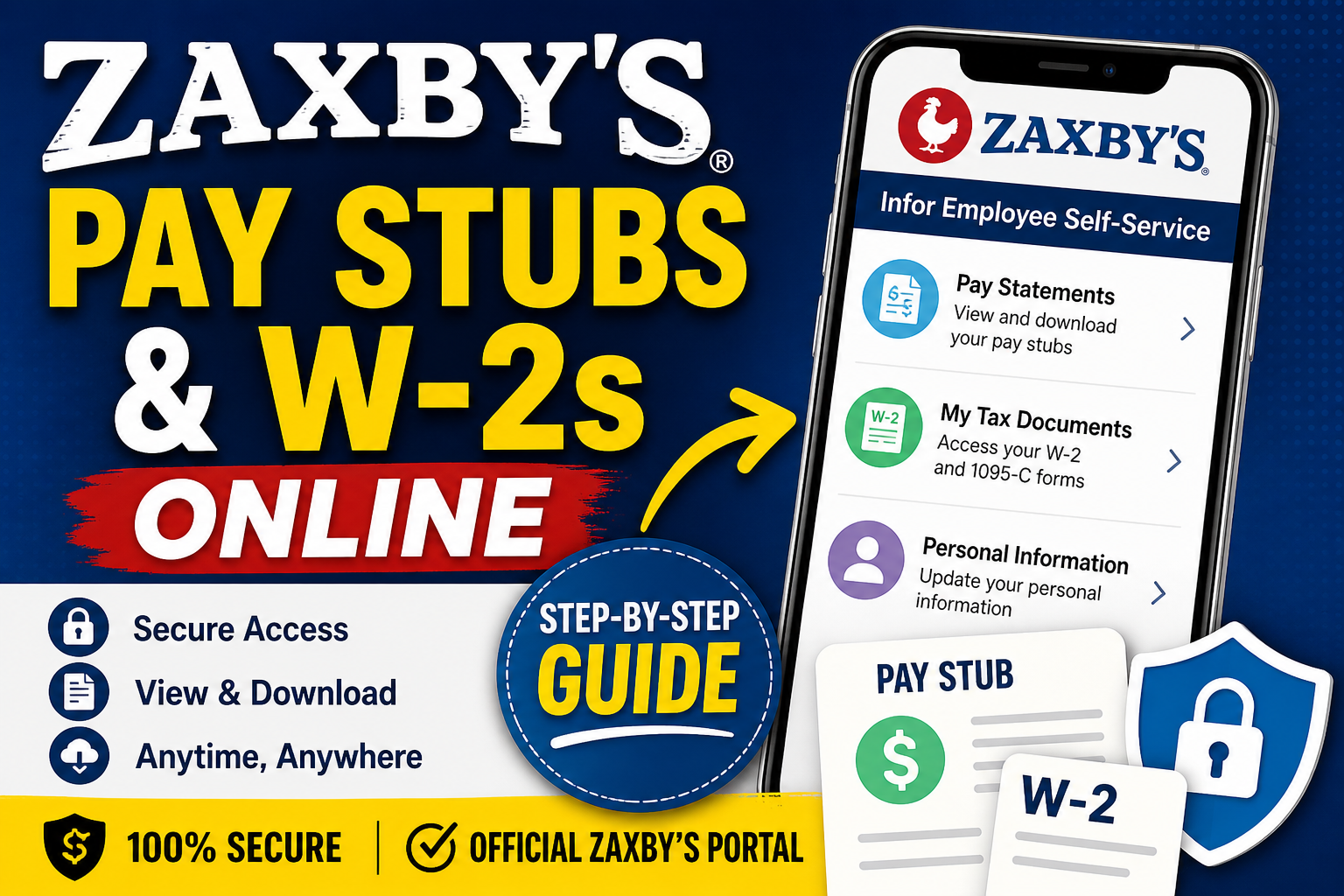
Zaxby’s®, a leading fast-casual restaurant chain known for its iconic Chicken Fingerz™ and Southern hospitality, empowers its employees with digital tools to manage payroll and tax documents efficiently. If you are a Zaxby’s employee, you can conveniently access your pay stubs and W-2 forms online through the Infor Employee Self-Service (ESS) portal. This comprehensive guide walks you through the exact process—step by step—so you can securely view, download, and print your payroll records anytime.
🔗 Zaxby’s Payroll Portal Access
To get started, visit the official employee portal:
This portal is powered by Infor CloudSuite, a robust HR and payroll system widely used across enterprise organizations.
🧾 How to Access Zaxby’s Pay Stubs Online
Follow these steps to view your pay statements:
Step-by-Step Instructions:
- Log in to the Infor Portal
Use your assigned Employee ID (EID) and password to sign in. - Navigate to the Main Dashboard
Click the menu icon (often shown as a grid or “tic-tac-toe” icon) in the top-left corner. - Open Global HR
Select “Infor Global HR” from the menu options. - Access Pay Information
Go to “My Pay” or “Pay Statements” to view your recent and past pay stubs. - Download or Print
Select a pay period and download your pay stub in PDF format.
📄 How to Access Zaxby’s W-2 Forms Online
To retrieve your W-2 and tax documents, follow this enhanced process derived from your uploaded guide:
Detailed Steps (Based on Official Infor GHR Workflow):
- Log into the Infor system via the portal.
- Click the menu (grid icon) and select Infor Global HR.
- From the homepage, choose “My Tax Documents.”
- You will be redirected to the document management system.
- Click “My Documents” and select W-2 or 1095-C forms.
⚠️ First-Time Access: Authorization Process
If you are accessing your W-2 online for the first time, additional authorization is required:
- Click “Authorization Required”
- Select “Print Test” to verify document access
- Open the test PDF and confirm successful printing
- Click “Yes” and then “I Agree” to proceed
After this:
- Choose Web Delivery = Yes
- Click Submit
- Select your desired tax year and click “View Selected” to open your W-2
🔐 Login Credentials & Access Tips
- Your username is typically your Employee ID (EID)
- Passwords are assigned during onboarding or by your manager
- If you cannot log in, contact your store manager or HR representative
⚠️ According to employee discussions, credentials are often issued internally, and access may vary by franchise location
🛠️ Troubleshooting Common Issues
- Forgot Password? Use the “Forgot Password” option on the login page
- Portal Not Loading? Clear your browser cache or switch browsers
- Missing Documents? Ensure you completed the authorization process
- Login Issues? Contact your General Manager (GM) for assistance
📌 Key Benefits of the Zaxby’s Infor Portal
- 24/7 secure access to payroll records
- Instant download of W-2 and tax forms
- Environmentally friendly paperless system
- Centralized HR and payroll management
🧠 Pro Tip
Even if you opt for electronic delivery, you may still receive a paper copy of your W-2 by mail, depending on company policy
✅ Final Thoughts
Accessing your Zaxby’s pay stubs and W-2 forms online is simple once you understand the Infor system workflow. By following the steps outlined above, you can efficiently manage your payroll information, stay organized during tax season, and eliminate unnecessary paperwork. If you encounter any issues, always reach out to your store management or HR support for prompt assistance.
❓ Frequently Asked Questions (FAQs)
1. How do I log in to the Zaxby’s payroll portal?
Visit people.zaxbys.com and log in using your Employee ID (EID) and password provided by your employer.
2. Where can I find my Zaxby’s pay stubs?
After logging in, go to Infor Global HR → My Pay or Pay Statements to access your pay stubs.
3. How do I download my Zaxby’s W-2 form?
Navigate to My Tax Documents, select the year, and click View Selected to download your W-2 as a PDF.
4. What is the Infor Employee Self-Service portal?
It is a secure HR system used by Zaxby’s employees to access payroll, tax documents, and personal employment information.
5. What should I do if I forgot my password?
Click the “Forgot Password” option on the login page or contact your manager or HR for assistance.
6. Why can’t I see my W-2 form?
You may need to complete the authorization process, including the test print and agreement, before accessing tax documents.
7. Do I need to authorize access every time?
No, authorization is only required the first time you access your W-2 electronically.
8. Can I access my pay stubs from my phone?
Yes, the Infor portal is accessible via mobile browsers, allowing you to check pay stubs anytime.
9. What is my username for the portal?
Your username is usually your Employee ID (EID) assigned by your store or HR department.
10. Will I still receive a paper W-2?
Yes, in many cases, you will still receive a paper copy by mail, even if you choose electronic delivery.
11. What should I do if the portal is not loading?
Try clearing your browser cache, switching browsers, or using a different device.
12. Can former employees access their W-2 online?
Access may vary by location. If you cannot log in, contact your former manager or HR for assistance.
13. How far back can I view pay stubs?
Most systems allow access to multiple past pay periods, depending on company policy.
14. Is the Zaxby’s payroll portal secure?
Yes, the Infor system uses secure login protocols to protect employee data and financial information.
15. Who should I contact for payroll issues?
Reach out to your store manager, HR department, or payroll administrator for help with login or document issues.
