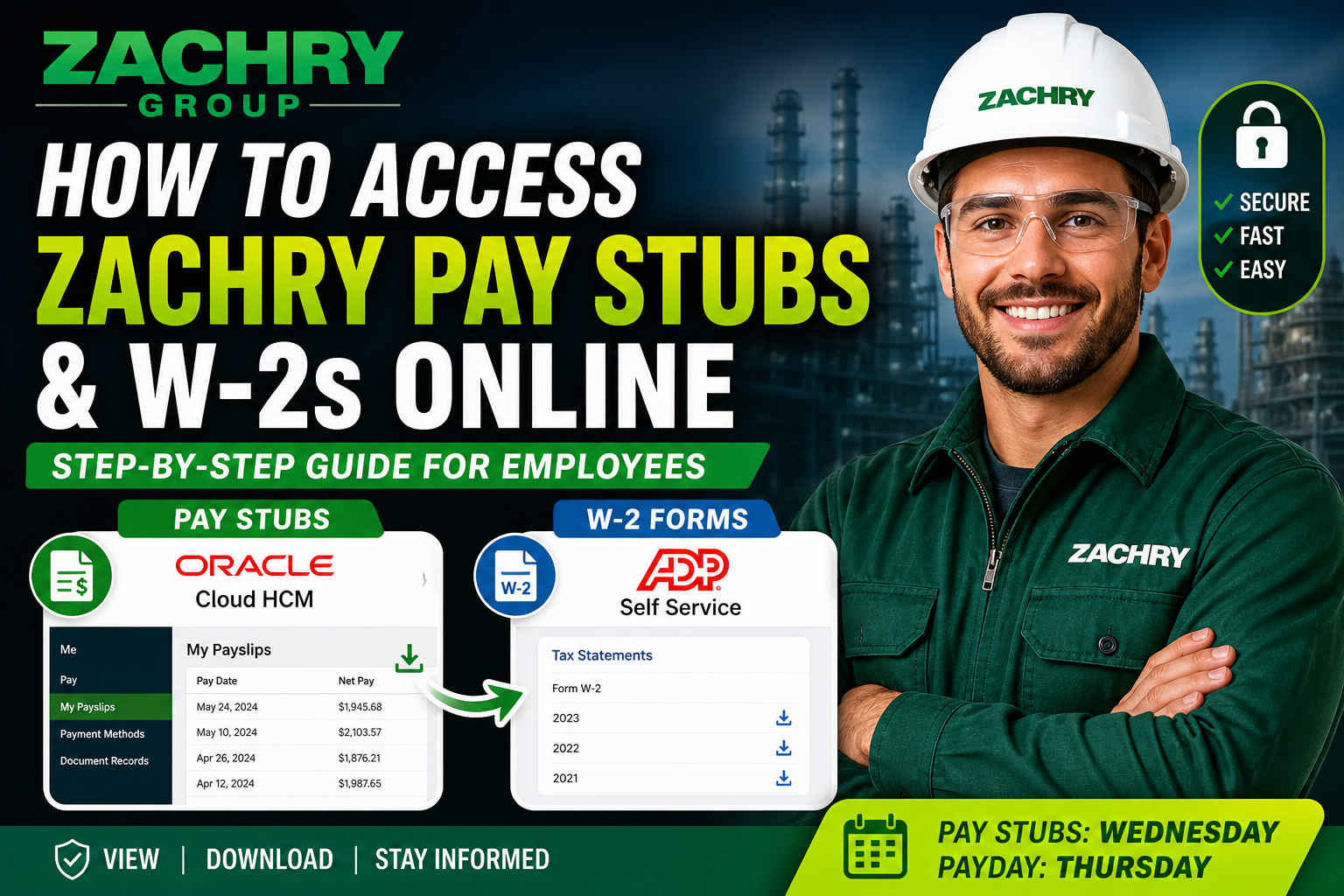
Zachry Group, a leader in engineering, construction, and industrial services across North America since 1924, empowers its workforce with modern digital tools to manage payroll information efficiently. As a Zachry employee, you can securely access your pay stubs through Oracle HCM and retrieve your W-2 forms via ADP—two trusted self-service platforms. This comprehensive guide walks you through each step with precision, ensuring seamless access to your payroll records.
🔐 Accessing Zachry Pay Stubs via Oracle HCM
Zachry employees can view and download payslips using the Oracle Cloud HCM Employee Self-Service (ESS) portal.
👉 Official Portal: https://hcm.zhi.com/
📝 Step-by-Step Guide to View Payslips
According to the official ESS Quick Reference Guide:
- Log in to the Oracle HCM portal.
- Navigate to the “Me” tab from the homepage.
- Select the “Pay” application.
- Click on “My Payslips.”
- Choose the desired pay date by checking the corresponding box.
- Review details in the summary panel, including:
- Earnings
- Deductions
- Net pay
📌 Payslip details include categorized earnings and deductions displayed visually for easy comparison
📥 Download or Print Payslips
- Click “Payslip Preview” to open a PDF version.
- Use the download icon to save the file.
- You can also select multiple payslips and download them in bulk.
📌 The PDF can be accessed via your browser or downloads folder for record-keeping
⏰ Payroll Schedule (Important)
- Payslips available: Wednesday mornings
- Payment delivery: Typically Thursday (depends on your bank’s ACH schedule)
📌 Off-cycle payments may be processed by Friday if corrections are submitted early
🔑 First-Time Login (Without Zachry Email)
If you don’t have a company email:
- Submit your personal email to Zachry IT (if required).
- Visit the Oracle HCM portal.
- Enter your personal email as your username.
- Click “Need help signing in?” to reset your password.
- Verify via email and set a new password.
- Enable secure verification (mobile authentication).
📌 Multi-factor authentication is mandatory for account security
📄 Understanding Your Payslip
Your Zachry payslip includes detailed financial insights such as:
- Gross earnings: Regular and overtime income
- Non-payroll payments: Per diem, reimbursements
- Tax deductions: Federal (FIT), Social Security, Medicare
- Voluntary deductions: Benefits, 401(k), insurance
- Work hours: Regular, overtime, and absences
📌 These categories are clearly structured in the payslip breakdown for transparency
🧾 Accessing Zachry W-2 Forms via ADP
Zachry issues W-2 tax forms through the ADP self-service portal.
👉 ADP Portal: https://my.adp.com
📝 How to Register and Access W-2
- Visit the ADP website or download the mobile app.
- Click “Create Account.”
- Enter your registration code (provided by employer).
- Verify your identity using:
- Name and SSN (must match payroll records)
- Receive a Personal Registration Code (PRC) via email.
- Create your username, password, and security questions.
- Log in and navigate to:
- Pay → Tax Statements → W-2 Forms
📌 Registration ensures secure access to payroll and tax documents
🔒 Security Tips for Employees
- Always use a trusted device when accessing payroll portals
- Enable multi-factor authentication
- Never share login credentials
- Log out after each session
❗ Troubleshooting & Support
If you encounter issues:
- Payroll inquiries: Payroll@zachrygroup.com
- Oracle login issues: Contact Zachry User Support
- ADP account issues: Use “Forgot Username/Password” options
✅ Final Thoughts
Zachry Group’s integration of Oracle HCM and ADP ensures employees enjoy a streamlined, secure, and transparent payroll experience. By following the steps outlined above, you can easily access your payslips and W-2 forms anytime, anywhere. Staying informed about your earnings and tax documents has never been more convenient.
❓ Frequently Asked Questions (FAQs)
1. Where can I access my Zachry pay stubs online?
You can access your pay stubs through the Oracle HCM portal at https://hcm.zhi.com/ under the Pay → My Payslips section.
2. When are Zachry pay stubs available?
Payslips are typically available on Wednesday mornings, while payments are issued on Thursdays, depending on your bank.
3. How do I download my Zachry payslip?
Open your payslip in Oracle HCM, click Payslip Preview, and use the download icon to save it as a PDF.
4. Can I download multiple pay stubs at once?
Yes, you can select multiple pay dates and download them together using the bulk download option.
5. What should I do if I can’t log into Oracle HCM?
Use the “Need help signing in?” option to reset your password or contact Zachry IT support.
6. Can I access Oracle HCM without a Zachry email?
Yes, you can log in using your personal email address if you don’t have a company-issued email.
7. What information is included in a Zachry payslip?
Your payslip includes earnings, deductions, taxes, hours worked, reimbursements, and net pay details.
8. How do I access my Zachry W-2 form?
You can retrieve your W-2 from the ADP portal at https://my.adp.com after logging into your account.
9. Do I need to register on ADP to view my W-2?
Yes, first-time users must create an account using a registration code provided by Zachry.
10. What if I forgot my ADP login credentials?
Use the “Forgot User ID/Password” option on the ADP login page to recover your account.
11. Is there a mobile app for accessing pay stubs and W-2s?
Yes, ADP offers a mobile app called ADP Mobile Solutions for easy access to payroll and tax documents.
12. Why is my payment delayed even though my payslip is available?
Payment timing depends on your bank’s ACH processing schedule, which may vary.
13. What happens if I don’t set up direct deposit?
If no bank account is linked, Zachry may issue a pay card by default.
14. Can I access my payslips after leaving Zachry?
Access may be limited after termination, so it’s recommended to download your records in advance.
15. Who should I contact for payroll issues?
You can contact Zachry Payroll support via Payroll@zachrygroup.com for assistance.
