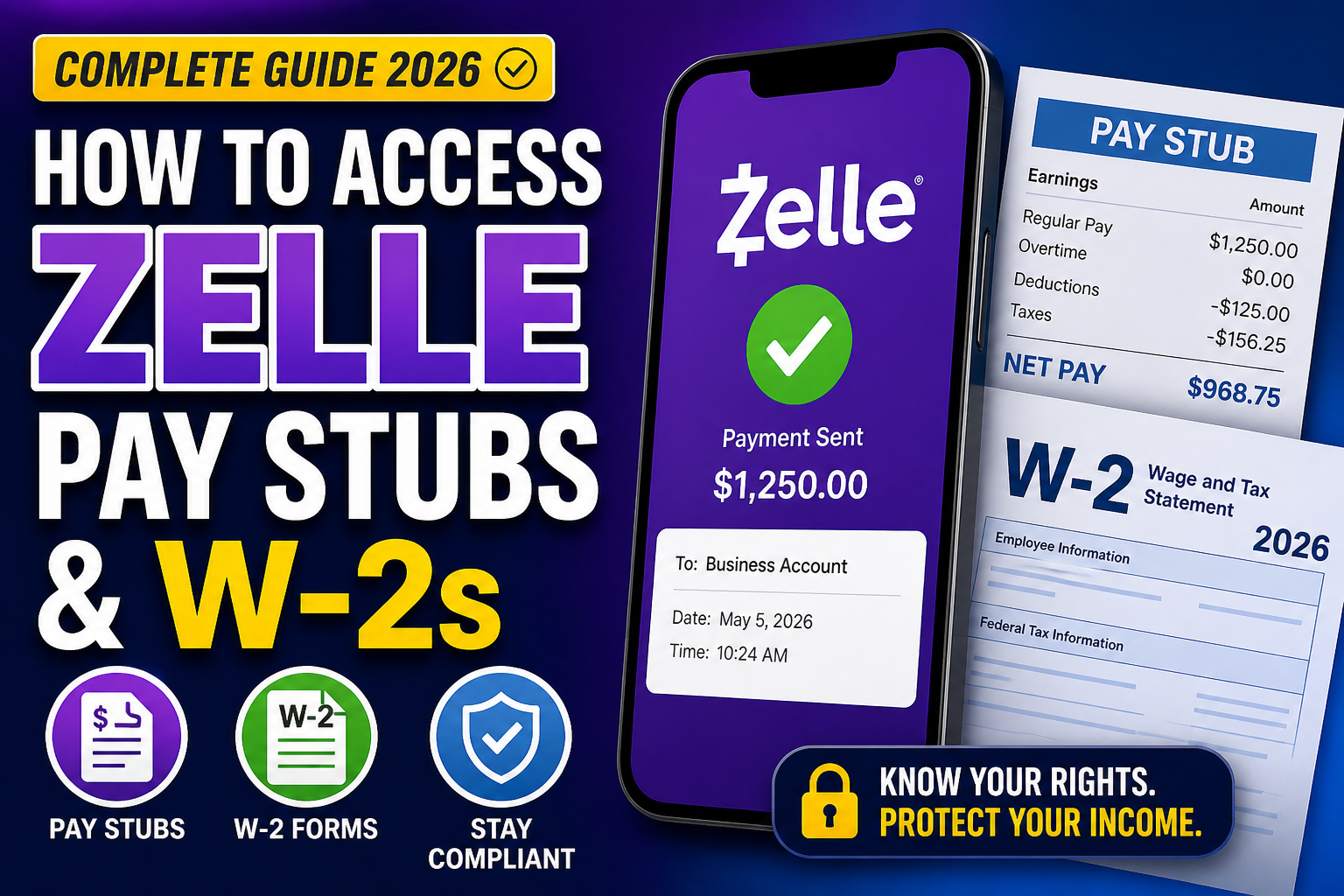
Zelle has revolutionized the way money is transferred—fast, seamless, and integrated directly into banking apps. However, when it comes to payroll, many employees and contractors are confused about how to access pay stubs and W-2 forms when payments are made via Zelle. This guide provides a clear, legally accurate, and practical explanation of how Zelle payments work in employment contexts—and how to properly obtain your payroll documents.
What Is Zelle and How Does It Work for Payments?
Zelle is a peer-to-peer (P2P) payment network that allows users to send and receive money instantly using an email address or phone number linked to a bank account.
Businesses often use Zelle for:
- Paying freelancers or contractors
- Sending quick reimbursements
- Handling small business transactions
However, Zelle is not a payroll system—and this distinction is critical.
Does Zelle Provide Pay Stubs or W-2 Forms?
No. Zelle does not generate pay stubs, W-2s, or any official payroll documentation.
Zelle only shows:
- Payment amount
- Transfer date
- Sender/recipient information
These transaction records are proof of payment, not proof of income structure or tax compliance.
Why You Don’t Receive Pay Stubs from Zelle
Because Zelle is only a payment method, it does not:
- Calculate taxes
- Track deductions
- Generate itemized earnings statements
According to labor regulations, employers must provide an itemized pay statement for each pay period, regardless of how wages are paid.
Employment Type Matters: W-2 vs 1099
1. If You Are a W-2 Employee
You are legally entitled to:
- Regular pay stubs
- A W-2 form at year-end
- Tax withholding (income tax, Social Security, Medicare)
👉 Even if paid via Zelle, your employer must still provide official payroll documents.
2. If You Are a 1099 Independent Contractor
If paid through Zelle, you are often classified as a contractor. Evidence from real-world cases shows that Zelle payments are commonly used in contractor arrangements.
In this case:
- You will receive a 1099-NEC form, not a W-2
- No taxes are withheld
- You must pay self-employment tax (15.3%) yourself
⚠️ Important: Contractors typically do not receive traditional pay stubs, so you must track your own earnings.
How to Access Your Pay Stubs When Paid via Zelle
Step 1: Request Pay Stubs from Your Employer
Ask your employer for:
- Digital payroll portal access (e.g., ADP, Workday, Paychex)
- PDF or printed pay statements
👉 This is your legal right as an employee.
Step 2: Check Payroll Software (If Used)
Many employers use payroll systems even if they pay via Zelle. Common platforms include:
- ADP
- Workday
- Paychex
- Gusto
Your pay stubs will be available there—not in Zelle.
Step 3: Review Your Bank Transaction History
While not official, your bank/Zelle history can:
- Help track payments
- Support income verification
But remember:
❌ Not valid as a pay stub
❌ No tax breakdown
Step 4: Maintain Personal Records (For Contractors)
If you are a 1099 worker:
- Keep a spreadsheet of all payments
- Save Zelle transaction screenshots
- Set aside ~25–30% for taxes
How to Access Your W-2 or 1099 Forms
For Employees (W-2):
- Provided by employer (usually by January 31)
- Accessible via payroll portal or email
For Contractors (1099-NEC):
- Issued if you earn $600+ annually
- Sent by employer or client
👉 If you don’t receive it, request it immediately.
Legal Compliance: What Employers Must Do
Regardless of payment method (Zelle, cash, check, or direct deposit):
✔ Provide pay stubs
✔ Issue correct tax forms (W-2 or 1099)
✔ Report income to tax authorities
Failure to do so may indicate:
- Misclassification (W-2 vs 1099)
- Tax evasion risks
- Labor law violations
Risks of Being Paid via Zelle Without Documentation
- No proof of income for loans or visas
- Incorrect tax filings
- Potential IRS penalties
- Loss of employee protections
Best Practices for Employees and Contractors
For Employees:
- Always request pay stubs
- Confirm W-2 classification
- Verify tax deductions
For Contractors:
- Track all income
- Pay quarterly taxes
- Request 1099 forms
For Employers:
- Use payroll software
- Provide itemized pay statements
- Stay compliant with labor laws
Conclusion
Zelle is an efficient payment tool—but it is not a payroll system. While you can receive wages through Zelle, your employer is still legally obligated to provide proper documentation such as pay stubs and W-2 or 1099 forms. To protect your income, taxes, and legal rights, always ensure that your payments are accompanied by formal payroll records.
❓ Frequently Asked Questions (FAQs)
1. Does Zelle provide pay stubs?
No. Zelle only shows transaction history and does not generate official pay stubs.
2. Can I use Zelle transaction history as a pay stub?
No. It serves as proof of payment but lacks tax, deduction, and earnings details required in a pay stub.
3. How do I get my pay stubs if I’m paid via Zelle?
You must request them from your employer or access them through a payroll system like ADP, Workday, or Paychex.
4. Will I receive a W-2 if I’m paid through Zelle?
Yes, if you are a W-2 employee, your employer must provide a W-2 regardless of the payment method.
5. What if I receive a 1099 instead of a W-2?
That means you are classified as an independent contractor and are responsible for your own taxes.
6. Do contractors paid via Zelle get pay stubs?
Typically no. Contractors track their own income and receive a 1099 form at year-end.
7. Is it legal for employers to pay through Zelle?
Yes, but they must still comply with payroll laws, including providing pay stubs and tax forms.
8. What taxes do I pay if I’m paid via Zelle as a contractor?
You must pay self-employment tax (15.3%) plus income tax.
9. Can an employer avoid taxes by paying via Zelle?
No. Employers are still legally required to report income and comply with tax laws.
10. What should I do if my employer doesn’t provide pay stubs?
Request them immediately. If refused, consider contacting your local labor authority.
11. How can I verify my income without pay stubs?
You can use bank statements temporarily, but official pay stubs are required for legal and financial purposes.
12. Do I need to file taxes if I’m paid via Zelle?
Yes. All income received via Zelle must be reported to tax authorities.
13. What is the difference between W-2 and 1099?
W-2 employees have taxes withheld by employers, while 1099 contractors handle their own taxes.
14. Can small businesses use Zelle for payroll?
They can use it for payments, but they should use payroll software to generate proper documentation.
15. What is the safest way to manage income paid via Zelle?
Keep detailed records, request official documents, and consult a tax professional to ensure compliance.
