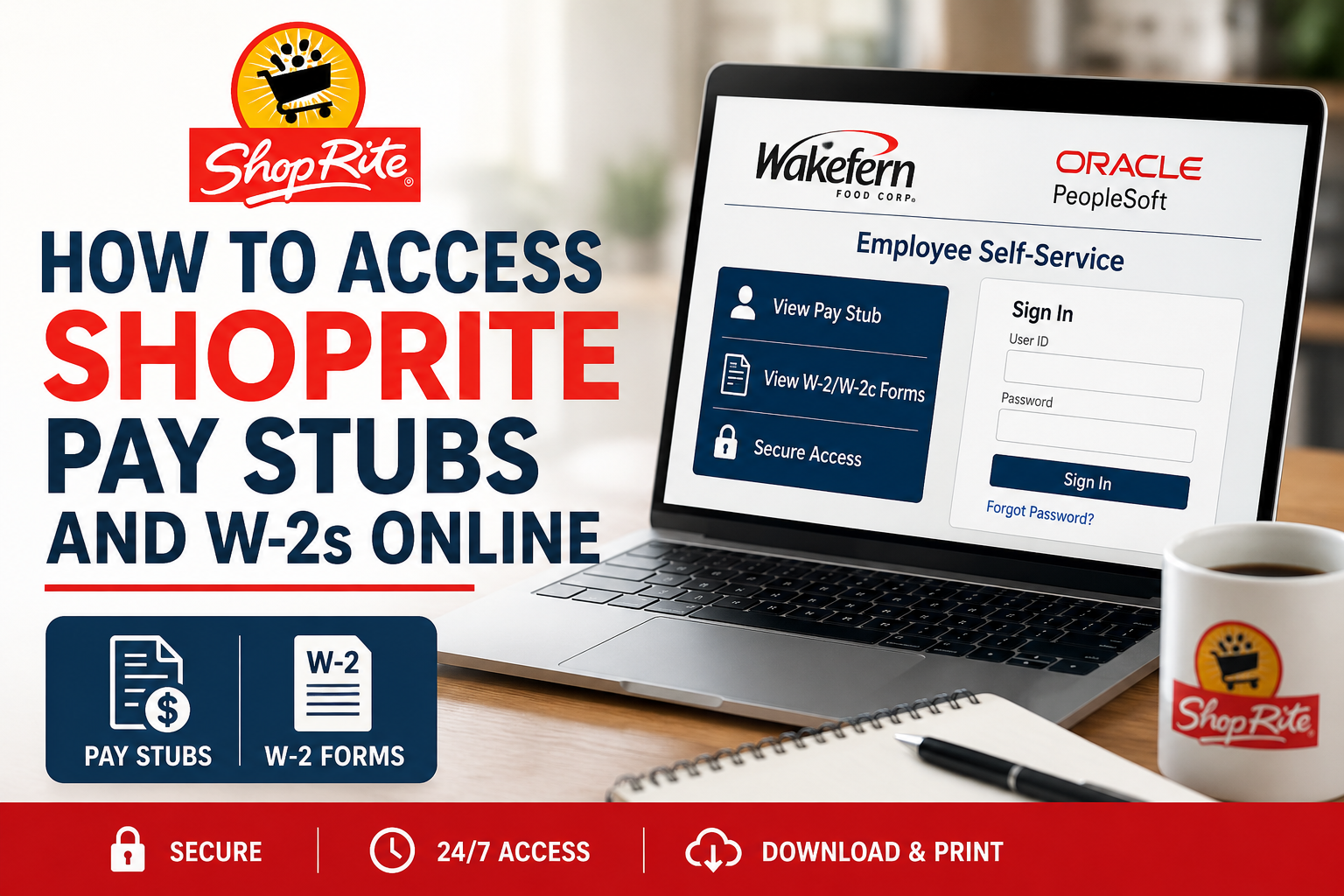
ShopRite employees can conveniently access their pay stubs and W-2 tax forms online through the Wakefern Oracle PeopleSoft Employee Self-Service portal. Whether you are a current associate or a former employee with active portal access, the online system allows you to review paycheck history, download PDF payslips, and retrieve tax documents securely from any internet-connected device. ShopRite, a Wakefern Food Corp. brand, has been serving communities across the Northeast since the 1940s and operates hundreds of supermarkets throughout New Jersey, New York, Pennsylvania, Connecticut, Delaware, and Maryland. Employees use the Wakefern Employee Self-Service (ESS) portal to manage payroll and employment information online.
ShopRite Employee Self-Service Portal
Employees can access payroll information through the official Oracle PeopleSoft ESS portal:
Portal Link:
https://ess.wakefern.com/
Through the portal, associates can:
- View current and previous pay stubs
- Download payslips in PDF format
- Access W-2 tax forms
- Review payroll deductions and tax withholdings
- Manage personal payroll information
- Access self-service payroll tools
According to the PeopleSoft Quick Reference Guide, employees can use the system for viewing pay stubs, printing W-2 forms, benefits enrollment, and other employee self-service activities.
How to Access ShopRite Pay Stubs Online
Follow these steps to retrieve your ShopRite payslips online:
Step 1: Visit the Wakefern ESS Portal
Open your preferred web browser and visit:
The portal works on desktops, laptops, tablets, and mobile devices with internet access.
Step 2: Log In to Oracle PeopleSoft
Enter your:
- Employee User ID
- Password
If this is your first time signing in, you may need to activate your account or reset your password through your employer’s onboarding instructions.
Step 3: Navigate to Payroll and Compensation
After logging in:
- Select Self Service
- Click Payroll and Compensation
- Choose View Paycheck
Employees can access paycheck history directly from the “Payroll and Compensation” section inside Self Service.
Step 4: View or Download Your Pay Stub
Inside the “View Paycheck” section, you will see a chronological list of available paychecks.
To open a pay stub:
- Click the View Paycheck link beside the paycheck date
- Enable the View PDF option for a downloadable version
- Save or print the document for your records
PDF pay stubs may open in a new browser window, so pop-up blockers should be disabled if the document does not appear automatically.
Understanding Your ShopRite Pay Stub
Your online pay stub includes important payroll details, including:
Earnings Information
- Regular hours worked
- Overtime pay
- Bonuses or incentive pay
- Gross earnings
Tax Information
- Federal tax withholding
- State tax withholding
- Medicare and Social Security deductions
Deductions
- Health insurance
- Retirement contributions
- Before-tax deductions
- After-tax deductions
How to Access ShopRite W-2 Forms Online
ShopRite employees can also retrieve W-2 tax forms through Oracle PeopleSoft.
Steps to Download Your W-2
- Log in to https://ess.wakefern.com/
- Select Self Service
- Open Payroll and Compensation
- Choose View W-2/W-2c Forms
- Select the desired tax year
- Download or print your W-2 form
Can Former ShopRite Employees Access Pay Stubs?
In many cases, former employees may still retain temporary access to the ESS portal after separation from employment. Availability depends on Wakefern payroll policies and account status.
If your account no longer works, contact your ShopRite Human Resources or payroll department for assistance with:
- W-2 reissues
- Payroll history requests
- Username recovery
- Password resets
Common ShopRite ESS Login Problems
Forgotten Password
Use the password reset or account recovery option available on the ESS login page.
Account Locked
Multiple failed login attempts may temporarily lock your account. Contact payroll support or HR for assistance.
PDF Pay Stub Not Opening
Disable browser pop-up blockers or try another browser.
Missing W-2 Form
Tax forms are typically available by the end of January each year.
Benefits of Using the ShopRite ESS Portal
Using the Oracle PeopleSoft self-service system provides several advantages:
- 24/7 payroll access
- Faster W-2 retrieval
- Secure digital payroll storage
- Easy paycheck history tracking
- Convenient PDF downloads
- Reduced paper clutter
ShopRite Payroll Portal Security Tips
To protect your payroll information:
- Never share your ESS login credentials
- Use strong passwords
- Log out after each session
- Avoid public Wi-Fi when accessing payroll data
- Download W-2s only on secure devices
Final Thoughts
The Wakefern Oracle PeopleSoft ESS portal makes it simple for ShopRite employees to access pay stubs and W-2 forms online. With secure self-service access, associates can review paycheck history, monitor payroll deductions, and download tax documents anytime from virtually anywhere. By following the steps outlined above, current and former ShopRite employees can quickly retrieve the payroll records they need without waiting for paper copies or contacting payroll support.
Frequently Asked Questions (FAQs)
1. How do I access my ShopRite pay stubs online?
You can access your ShopRite pay stubs by logging into the Wakefern ESS portal at https://ess.wakefern.com/ and navigating to Self Service > Payroll and Compensation > View Paycheck.
2. What portal does ShopRite use for payroll?
ShopRite employees use the Oracle PeopleSoft Employee Self-Service (ESS) portal managed by Wakefern Food Corp.
3. Can former ShopRite employees access W-2 forms online?
Yes, many former employees can still access W-2 forms through the ESS portal if their account remains active. Otherwise, they should contact HR or payroll support.
4. How do I download my ShopRite pay stub PDF?
After selecting a paycheck inside the portal, choose the “View PDF” option to download or print your payslip.
5. Where can I find my ShopRite W-2 online?
Your W-2 form is available under Self Service > Payroll and Compensation > View W-2/W-2c Forms.
6. What should I do if I forgot my ESS portal password?
Use the password recovery or reset option on the ESS login page or contact your HR department for assistance.
7. Is the ShopRite ESS portal available 24/7?
Yes, employees can typically access the payroll portal anytime using an internet-connected device.
8. Why is my ShopRite pay stub not opening?
Your browser may be blocking pop-ups. Disable the pop-up blocker or try another browser to open PDF payslips.
9. When are ShopRite W-2 forms available?
W-2 forms are usually released by the end of January each year for the previous tax year.
10. Can I access the ShopRite payroll portal from my phone?
Yes, the ESS portal works on smartphones, tablets, laptops, and desktop computers.
11. What information appears on a ShopRite pay stub?
Pay stubs typically include gross pay, net pay, taxes, deductions, hours worked, overtime, and benefit contributions.
12. Is the Wakefern ESS portal secure?
Yes, Oracle PeopleSoft uses secure login and employee authentication systems to protect payroll information.
13. Can I print my ShopRite W-2 form?
Yes, employees can download and print W-2 forms directly from the portal.
14. Who should I contact if my ESS account is locked?
Contact your ShopRite HR department or Wakefern payroll administrator for account recovery assistance.
15. Can I view previous years’ pay stubs online?
Yes, the PeopleSoft ESS portal stores historical payroll records that employees can review and download online.
