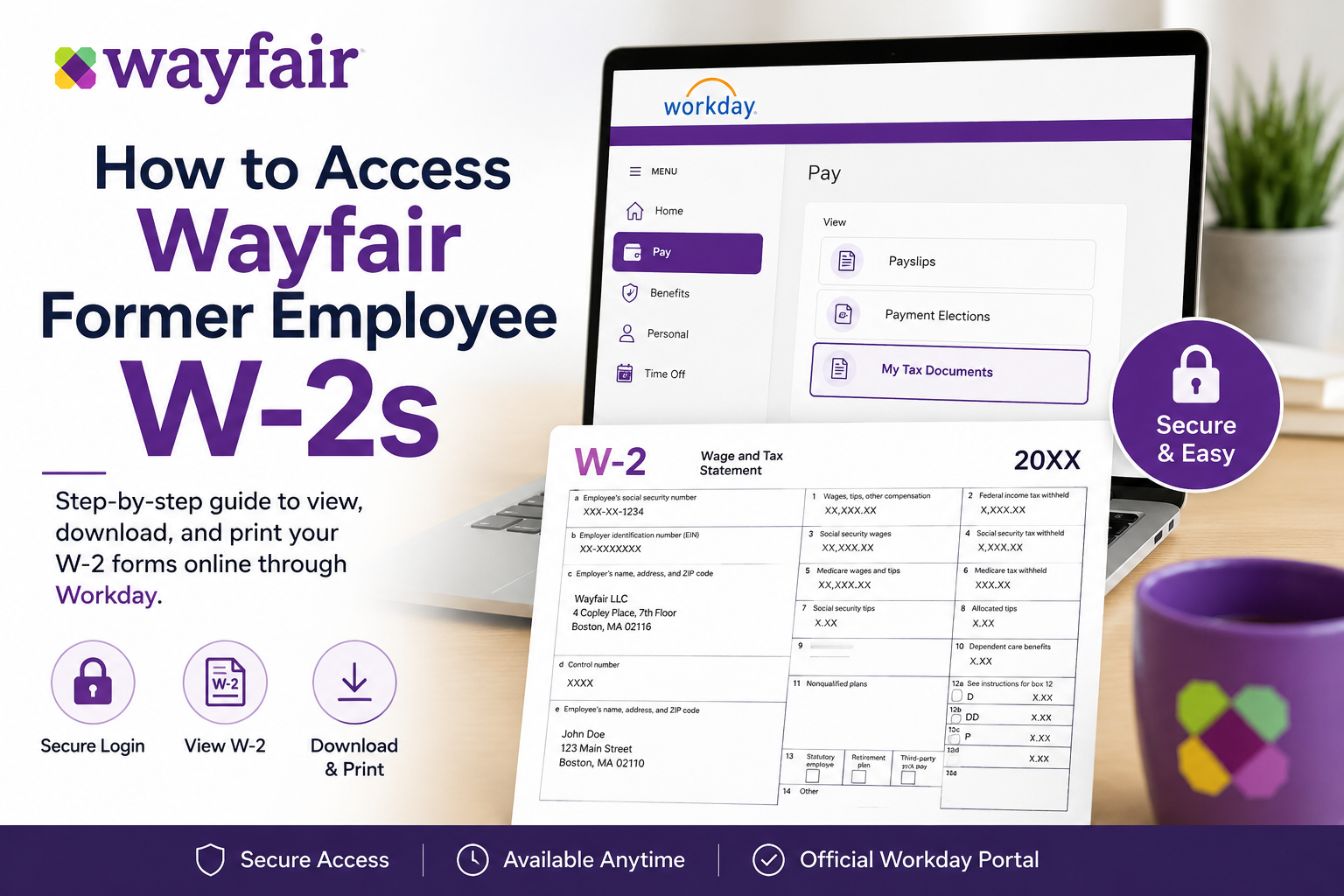
Former employees of Wayfair can still access their W-2 tax forms online through the Workday self-service portal if they previously consented to electronic delivery. Employees who did not opt for paperless delivery will generally receive their W-2 forms by mail at the home address already on file with the company. Wayfair uses Workday integrated with Okta and Okta FastPass authentication, allowing eligible former employees to securely retrieve tax documents, print copies, and download PDF versions for filing purposes.
Wayfair Former Employee W-2 Portal
Former employees can access their W-2 statements through the official Workday portal:
Wayfair Workday Login:
Wayfair Workday Portal
If you still have your Okta credentials or Okta FastPass enabled, you can continue using them to sign in to Workday and access your payroll tax records.
Who Can Access W-2s Online?
You can typically access your W-2 electronically if:
- You previously enrolled in electronic W-2 delivery
- Your Workday account remains active
- You still have access to Okta or Okta FastPass authentication
- Your login credentials are valid
If you did not consent to electronic delivery, your W-2 will usually be mailed to your last known mailing address on file with Wayfair.
Step-by-Step Guide to Access Wayfair Former Employee W-2s
Step 1: Open the Workday Login Page
Visit the official Wayfair Workday portal:
https://www.myworkday.com/wayfair/d/home.htmld
You may also see the Okta sign-in interface that allows access through Okta FastPass.
Step 2: Sign In Using Okta or Okta FastPass
Former employees can log in using:
- Username and password
- Okta Verify authentication
- Okta FastPass approval
The login screen includes a “Sign in with Okta FastPass” option for secure authentication.
If your account is locked, use the “Unlock account” option or contact Wayfair HR or IT support.
Step 3: Access the Pay Section
After successfully signing in:
- Open the Workday homepage
- Select the Menu option
- Navigate to Pay from the dashboard
Workday stores payroll and tax-related information within the Pay application.
Step 4: Open “My Tax Documents”
Inside the Pay dashboard:
- Locate My Tax Documents
- Click to open your available tax forms
Your W-2 forms will appear in the tax documents section.
Step 5: View or Print Your W-2
To access your tax form:
- Select the applicable tax year
- Click View/Print
- Wait for the PDF to generate
The form may take a few moments to load due to processing time.
Step 6: Download the PDF Copy
Once your W-2 opens:
- Use the printer icon to print your form
- Use the download icon to save the PDF version
- Keep a secure backup copy for tax filing purposes
Workday allows employees to store and retrieve tax forms digitally for convenient access.
What If You Cannot Access Your Wayfair W-2?
If you are unable to log in:
Reset Your Password
Use the password recovery or account unlock option on the Okta login screen.
Check Your Mailing Address
If you did not enroll in electronic delivery, your W-2 should arrive by mail at the address stored in Wayfair’s payroll system.
Contact Wayfair HR or Payroll
If your account has been disabled or you no longer have access to Okta authentication, contact Wayfair Human Resources or Payroll Support for assistance with:
- W-2 reissues
- Address updates
- Former employee login recovery
- Tax document corrections
Benefits of Accessing W-2s Through Workday
Using Workday offers several advantages for former Wayfair employees:
- Fast online access to tax forms
- Secure login through Okta authentication
- Easy PDF download and printing
- Digital storage of payroll records
- Reduced waiting time during tax season
Common Issues Former Employees Face
Forgotten Okta Credentials
Many former employees lose access because they no longer use their company authentication tools regularly.
Inactive Accounts
Some accounts may eventually become inactive after separation from employment.
Delayed Mailed W-2 Forms
Postal delivery delays can occur during peak tax season.
Browser Compatibility Problems
Clearing browser cache or using an updated browser often resolves login issues.
Tips for a Smooth W-2 Access Experience
- Use Google Chrome or Microsoft Edge
- Enable pop-ups for PDF downloads
- Keep your mailing address updated
- Save digital copies immediately
- Access the portal early during tax season
About Wayfair
Wayfair is one of the world’s leading online destinations for home furnishings, décor, and lifestyle products. Founded in 2002 and headquartered in Boston, Massachusetts, the company operates multiple retail brands and serves millions of customers worldwide.
The company uses advanced digital infrastructure, including Workday and Okta authentication systems, to manage employee payroll and tax documentation securely.
Final Thoughts
Accessing your Wayfair former employee’s W-2 online is usually straightforward if you previously enrolled in electronic tax delivery and still have access to your Workday credentials. By using the Wayfair Workday portal together with Okta or Okta FastPass authentication, former employees can securely retrieve, download, and print W-2 tax forms whenever needed. If online access is unavailable, mailed delivery and HR assistance remain reliable alternatives for obtaining your tax documents quickly and securely.
Frequently Asked Questions (FAQ)
1. How do former employees access Wayfair W-2 forms online?
Former employees can access their W-2s through the Wayfair Workday portal using their Okta or Okta FastPass credentials if electronic delivery was previously enabled.
2. What is the official Wayfair Workday login link?
The official Workday login portal for Wayfair employees and former employees is:
https://www.myworkday.com/wayfair/d/home.htmld
3. Can former employees still use Okta FastPass?
Yes. Many former employees can still log in using Okta FastPass or their existing Okta credentials, depending on account status and access permissions.
4. What should I do if I forgot my Wayfair Workday password?
Use the password reset or “Unlock account” option on the Okta sign-in page. If that fails, contact Wayfair HR or IT support for assistance.
5. Where can I find my W-2 after logging into Workday?
After logging in:
- Open the Menu
- Select Pay
- Click My Tax Documents
- Choose the correct tax year
- Select View/Print
6. Will Wayfair mail my W-2 automatically?
Yes. If you did not consent to electronic delivery, Wayfair typically mails your W-2 to the home address on file.
7. When are Wayfair W-2 forms usually available?
W-2 forms are generally available by the end of January each tax season, following IRS deadlines.
8. Can I download a PDF copy of my Wayfair W-2?
Yes. Workday allows users to download and save PDF copies of W-2 forms for tax filing and personal records.
9. Can I print my W-2 directly from Workday?
Yes. Once the W-2 form opens in Workday, you can use the printer icon to print a physical copy.
10. What if my Wayfair account is inactive?
If your Workday or Okta account has been deactivated, contact Wayfair Human Resources or Payroll Support to request access or a mailed copy.
11. What happens if my mailing address changes after leaving Wayfair?
You should contact Wayfair HR immediately to update your mailing address and avoid delays in receiving tax documents.
12. Is electronic W-2 delivery secure?
Yes. Workday and Okta use secure authentication and encryption technologies to protect employee tax information.
13. Can I access older Wayfair W-2 forms online?
In many cases, historical W-2 forms remain available in Workday as long as your account access is active.
14. Why is my W-2 taking time to load in Workday?
Workday may require a few moments to process the PDF file. Wait for the notification to appear before opening the document.
15. Who should I contact for Wayfair payroll or W-2 problems?
You should contact Wayfair Payroll, HR Support, or the IT Help Desk if you experience login issues, missing forms, or incorrect tax information.
