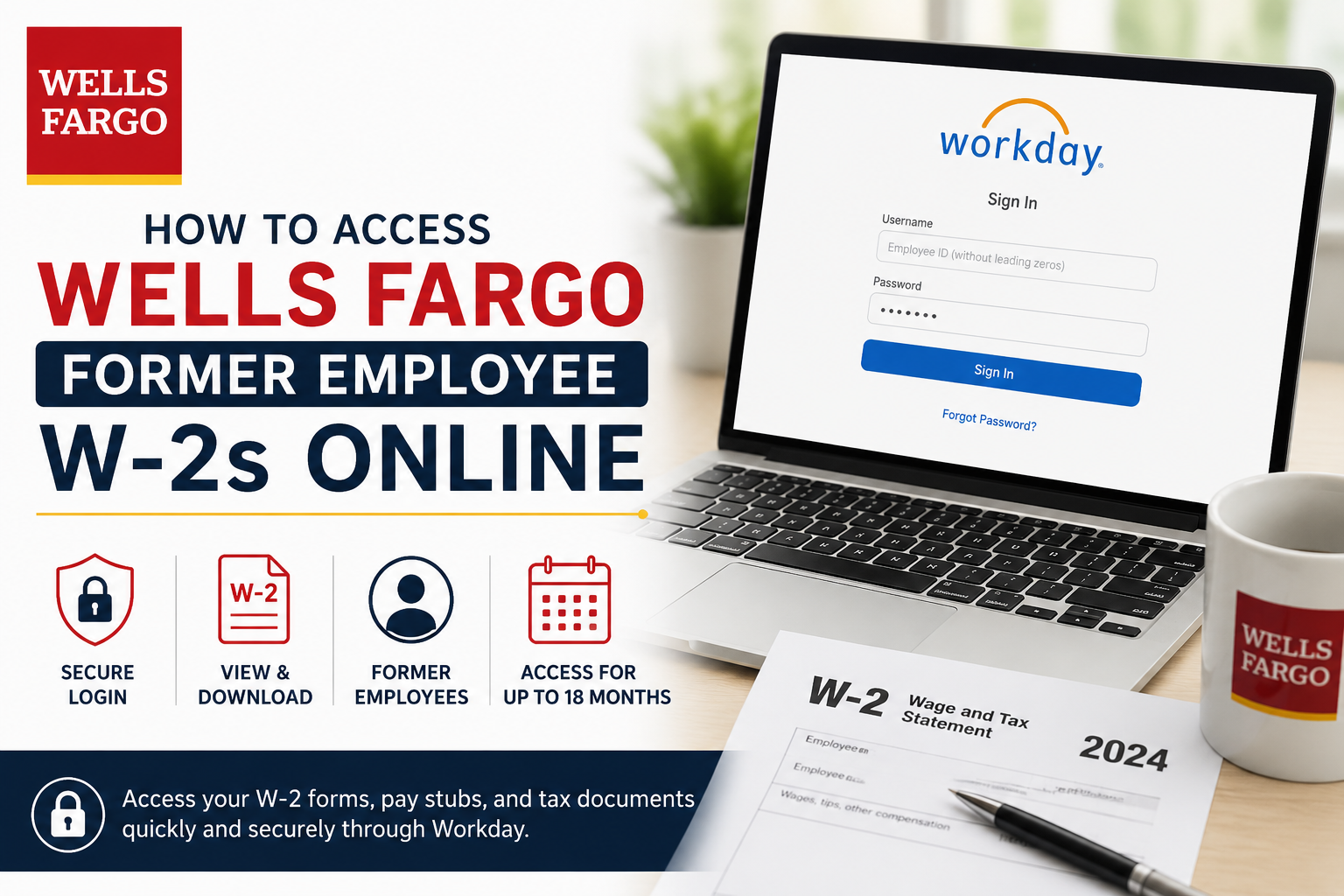
Former employees of Wells Fargo & Company can conveniently access W-2 tax forms, historical pay stubs, and payroll-related documents online through the Workday self-service portal. Even after separation from the company, Wells Fargo provides eligible former team members with secure Workday access for up to 18 months after termination, making it easier to retrieve essential tax records without contacting payroll support. Whether you need your W-2 for tax filing, loan applications, immigration documentation, or income verification, this guide explains the exact steps to regain access to your Workday account and download your Wells Fargo former employee’s W-2 online.
Wells Fargo Former Employee Workday Login Portal
Former Wells Fargo employees can access Workday using the following secure login portal:
Official Workday Login
Wells Fargo Workday Portal at https://www.myworkday.com/wf/login.htmld?redirect=n
According to Wells Fargo’s Teamworks, former employees receive a temporary password automatically via email after their final day of employment, provided their personal email address is saved in Workday.
Who Can Access Former Employee W-2s?
The Workday portal is available for:
- Former Wells Fargo employees
- Employees on leave without system access
- Displaced employees
- Retired team members with eligible access
Wells Fargo allows former employees to access Workday through a PC or mobile browser for up to 18 months after termination.
How to Access Wells Fargo Former Employee W-2s Online
Follow these step-by-step instructions to retrieve your W-2 tax statement online.
Step 1: Open the Wells Fargo Workday Portal
Visit the official Workday login page:
Former Employee Workday Access
Use a desktop browser such as:
- Google Chrome
- Microsoft Edge
- Safari
- Firefox
Step 2: Enter Your Username
Your username is:
Employee ID Without Leading Zeroes
Example:
- Employee ID: 000012345
- Username: 12345
Step 3: Use Your Temporary Password
After leaving Wells Fargo, a temporary password is automatically sent to your personal email address stored in Workday.
If you have already received the email:
- Enter your temporary password
- Sign in to Workday
- Create a new password if prompted
Forgot Your Workday Password?
If you no longer have the temporary password, you can restore access directly through Workday.
Reset Your Password
- Open the Workday login page
- Click Forgot Password
- Enter:
- Username: Employee ID without leading zeros
- Personal email address
- Submit the request
Wells Fargo states that you will receive a password reset email from:
WellsFargoHR (wf@otp.workday.com)
within approximately 24 hours. Be sure to check your spam or junk folder.
How to Download Your Wells Fargo W-2 Form
Once logged into Workday:
- Go to View All Apps
- Open Pay and U.S. Benefits
- Under Payroll Direct Access, select Tax Documents
- Open the desired W-2 PDF
- Download or print your W-2
How to Print Wells Fargo W-2 Forms
After opening your W-2 PDF:
- Click the printer icon to print
- Click the download icon to save the document
- Use navigation arrows to review multiple pages
Can Former Employees Access Pay Stubs Too?
Yes. Former employees may also access historical payslips and payroll records through Workday, depending on document retention availability.
According to Wells Fargo Teamworks resources, the Workday Pay and U.S. Benefits app allows employees to view:
- Payslips
- Tax documents
- Payment elections
- Payroll details
Accessing Older W-2 Forms (2021 and Earlier)
For older tax documents created for 2021 and earlier years, Wells Fargo advises former employees to contact HR directly.
HR Support Number
1-877-HRWELLS (1-877-479-3557)
Options:
- Option 2
- Option 1
Wells Fargo Workday Mobile App Information
Wells Fargo offers a Workday mobile application for active employees to view payslips, time tracking, and payroll information.
However:
- Former employees should use a mobile browser instead
- W-2 forms are not accessible through the mobile app for separated employees
Common Wells Fargo W-2 Access Issues
1. Personal Email Not on File
If your personal email address was never added to Workday before termination, password recovery may fail.
In this case, contact HR support to update your information.
2. Password Reset Email Not Received
Check:
- Spam folder
- Junk mail
- Promotions tab
The reset email comes from:
wf@otp.workday.com
3. Account Access Expired
Former employee access generally expires after 18 months post-termination. After that period, you may need to contact Wells Fargo HR for document assistance.
About Wells Fargo
Founded in 1852 and headquartered in San Francisco, Wells Fargo is one of the largest financial institutions in the United States. The company serves millions of customers globally through banking, mortgage, investment, and financial services operations. Wells Fargo operates thousands of banking locations and ATMs across the country and maintains a strong international presence.
Final Thoughts
Accessing your Wells Fargo former employee’s W-2 online is straightforward through the Workday self-service platform. As long as your personal email remains connected to your employee profile, you can reset your password, sign in securely, and retrieve tax documents without waiting for mailed copies.
For the fastest experience:
- Use a desktop browser
- Keep your personal email updated
- Save downloaded W-2 forms for future tax records
- Contact HRWELLS if you encounter login or document issues
With secure Workday access available for up to 18 months after separation, Wells Fargo makes it relatively simple for former employees to manage payroll and tax documentation online.
Frequently Asked Questions (FAQ)
1. How do former Wells Fargo employees get W-2 forms online?
Former employees can access W-2 forms through the Wells Fargo Workday portal using their employee ID and personal email-linked password.
2. What is the Wells Fargo former employee’s Workday login link?
The official portal is:
https://www.myworkday.com/wf/login.htmld?redirect=n
3. How long can former employees access Workday after leaving Wells Fargo?
Former employees typically retain Workday access for up to 18 months after termination.
4. What username should I use for Wells Fargo Workday?
Use your Wells Fargo employee ID without leading zeros.
Example:
- Employee ID: 000012345
- Username: 12345
5. What if I forgot my Wells Fargo Workday password?
Select “Forgot Password” on the Workday login page and follow the password reset instructions using your personal email address.
6. Where will the password reset email come from?
The reset email usually comes from:
wf@otp.workday.com
Check your spam or junk folder if you do not see it.
7. Can I access Wells Fargo W-2s on my phone?
Yes, former employees can use a mobile browser, but Wells Fargo states that W-2 forms are not available through the Workday mobile app.
8. How do I download my Wells Fargo W-2?
After logging into Workday:
- Open Pay and U.S. Benefits
- Select Tax Documents
- Open your W-2 PDF
- Download or print the file
9. Can former employees access historical pay stubs?
Yes. Workday may also provide access to historical payslips and payroll records, depending on retention availability.
10. What should I do if my personal email is not on file?
Contact Wells Fargo HR support to update your personal email before attempting password recovery.
11. Does Wells Fargo mail paper W-2 forms?
Yes. Paper W-2 forms are generally mailed to the employee’s address on file if electronic delivery is unavailable.
12. Who should I contact for Wells Fargo payroll or W-2 support?
Call HRWELLS at:
1-877-479-3557
Follow the payroll support menu options for tax document assistance.
13. Can I access W-2 forms from previous tax years?
Yes, depending on document availability inside Workday. Older tax records may require HR assistance.
14. Why is my Workday account locked?
Multiple failed login attempts, expired credentials, or missing personal email information can temporarily lock access.
15. Is Wells Fargo Workday access secure?
Yes. Wells Fargo uses secure authentication and password verification processes to protect employee payroll and tax information.
