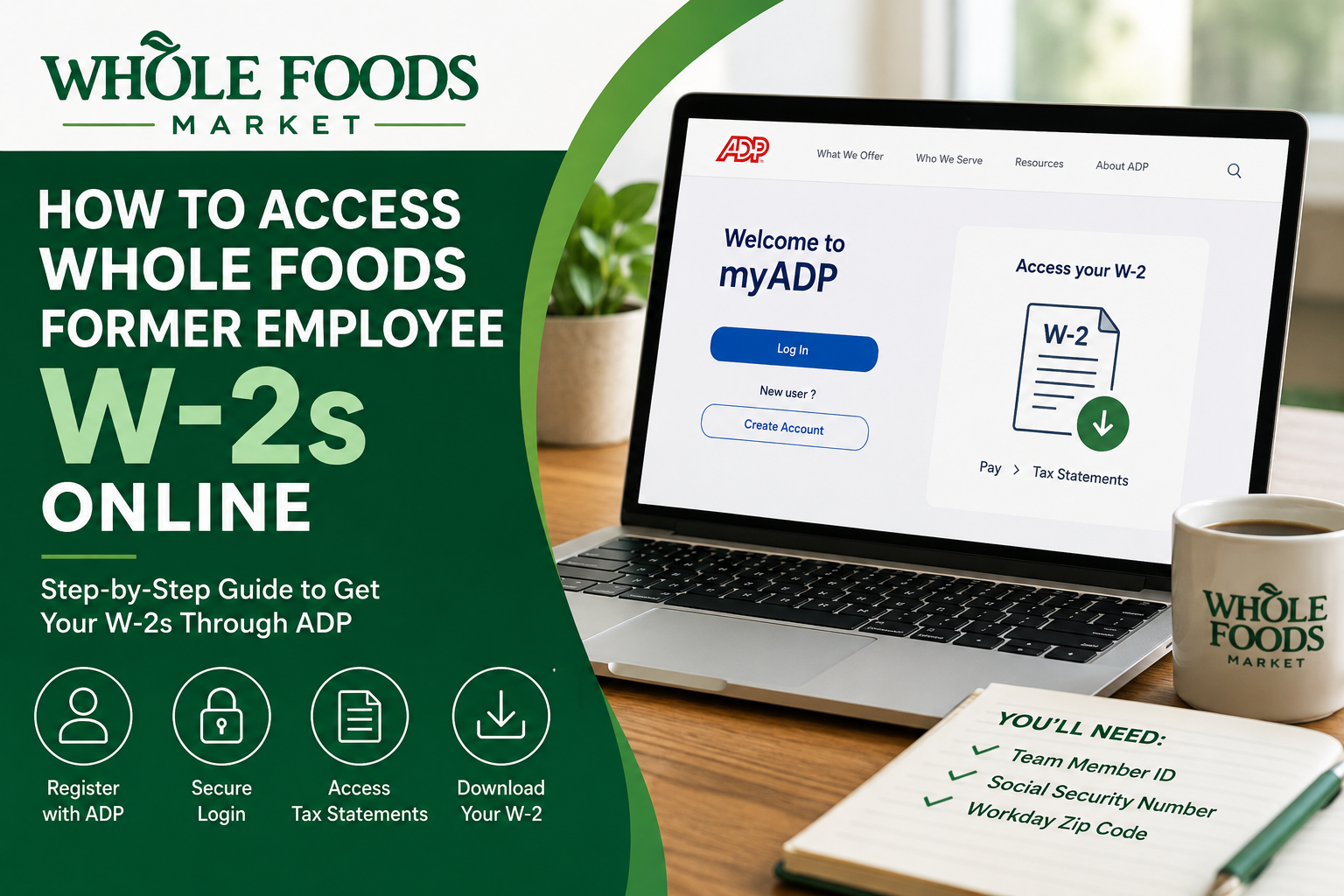
Whole Foods Market is one of the most recognized natural and organic grocery chains in the United States. Founded in 1980, the company transformed the grocery industry through its commitment to high-quality organic products, ethical sourcing, and customer transparency. Today, Whole Foods operates more than 500 stores and employs tens of thousands of team members across North America. If you previously worked at Whole Foods and need access to your W-2 form for tax filing, the process is straightforward. Since 2023, Whole Foods has used the ADP self-service portal to provide former employees with online access to W-2 statements. However, after approximately 30 days following termination, former employees generally lose access to Workday, making ADP the primary method for retrieving tax documents. This guide explains exactly how to access your Whole Foods former employee W-2 online quickly and securely.
Can Former Whole Foods Employees Access W-2s Online?
Yes. Former Whole Foods employees can retrieve recent W-2 statements online through the ADP portal at:
MyADP Portal at my.adp.com
Whole Foods transitioned former employee W-2 access to ADP beginning with the 2023 tax year. If you need a W-2 from an earlier year, you may need to contact Whole Foods Payroll or Team Member Services directly.
Important Information Before You Begin
Before registering with ADP, make sure you have the following information available:
- Your 7-digit Whole Foods Team Member ID
- Social Security Number
- Your zip code as it appeared in Workday on December 31 of the W-2 year
- Access to your personal email and mobile phone
- A secure computer or device
Accessing ADP from a desktop or laptop computer is generally more reliable than using a mobile device.
Step-by-Step Guide to Access Whole Foods Former Employee W-2s
Step 1: Visit the ADP Portal
Go to:
Click “Get Started.”
Step 2: Choose Registration Code Option
If you have never registered Whole Foods with ADP before:
- Click “I Have a Registration Code”
- Enter the Whole Foods registration code:
WHF2-W2Then click Continue.
Step 3: Enter Your Personal Information
You will now be asked to verify your identity.
Enter:
- First Name
- Last Name
- Service Type: Select W-2 Services
- W-2 Year Needed (Example: 2023)
- Team Member ID (7-digit employee ID)
- Company Code:
R9N- Zip Code from your Workday profile as of December 31 of the W-2 year
- Social Security Number (without spaces or dashes)
The information must match Whole Foods payroll records exactly.
Step 4: Complete Security Verification
ADP will require additional identity verification steps, including:
- Creating a unique password
- Setting security questions
- Verifying your email or phone number
- Generating your User ID
Once verification is complete, your ADP account will be activated.
Step 5: Access Your W-2 Form
After logging into ADP:
- Navigate to Pay
- Select Tax Statements
- Choose the desired tax year
- Download or print your W-2
For the best experience, use a computer instead of a smartphone when downloading tax forms.
What If You Need a W-2 Before 2023?
If you need an older W-2 form from years prior to 2023, online access may not be available through ADP.
In that case, contact:
- Your store’s Payroll Benefits Specialist
- Whole Foods Alumni Team Member Services
Email:
wfm.alumnitms@wholefoods.comWhat If You No Longer Remember Your Employee ID?
Your Team Member ID is required for ADP registration. If you cannot remember it, try the following:
- Search old emails or onboarding documents
- Check previous pay stubs
- Review tax forms from prior years
- Contact your former store leadership
- Reach out to Whole Foods Team Member Services
Some former employees have also reported success contacting AskTMS support for assistance with account recovery.
Why Can’t I Access Workday Anymore?
Many former Whole Foods employees lose Workday access after separation from the company. While some users previously retained temporary access, Whole Foods now primarily directs former employees to ADP for W-2 retrieval.
If your Workday account no longer works, this is normal and does not prevent you from obtaining your W-2 online.
Common Issues and Solutions
Incorrect Zip Code Error
Use the zip code that was listed in your Workday profile on December 31 of the W-2 year, even if you have since moved.
Registration Not Working
Double-check:
- Registration code: WHF2-W2
- Company code: R9N
- Correct Team Member ID
- Exact legal name spelling
W-2 Not Available Yet
Whole Foods typically releases W-2 forms near the end of January each year.
Locked Out of ADP
Use the “Forgot User ID” or “Forgot Password” tools on the ADP login page.
Benefits of Accessing Your W-2 Online
Using ADP provides several advantages:
- Faster access to tax documents
- Instant downloads and printing
- Secure digital storage
- Reduced risk of lost mail
- Access from anywhere
Former employees can often retrieve W-2s much faster online than waiting for mailed copies.
Final Thoughts
Accessing your Whole Foods former employee W-2 online is relatively simple through the ADP self-service portal. By registering with the correct Whole Foods registration code and verifying your payroll information, you can securely download your tax forms in minutes.
If you are unable to register or need older tax records, Whole Foods Payroll Benefits Specialists and Team Member Services can help you recover your documents.
For the smoothest experience, keep your Team Member ID, Social Security Number, and historical Workday zip code available before beginning the registration process.
Frequently Asked Questions (FAQ)
1. How do I get my Whole Foods former employee W-2 online?
Visit ADP Portal, create an account using the registration code WHF2-W2, and access your W-2 under Pay > Tax Statements.
2. What is the ADP registration code for Whole Foods former employees?
The Whole Foods ADP registration code is:
WHF2-W23. What company code does Whole Foods use for ADP W-2 registration?
Whole Foods uses the following company code:
R9N4. Can I still access my W-2 after losing Workday access?
Yes. Former employees typically lose Workday access after termination, but W-2 forms remain accessible through ADP.
5. Where can I download my Whole Foods W-2?
After logging into ADP, navigate to:
Pay → Tax Statements
You can then view, print, or download your W-2.
6. What information do I need to register with ADP?
You will need:
- 7-digit Team Member ID
- Social Security Number
- Workday zip code
- Legal first and last name
- W-2 year requested
7. What if I forgot my Whole Foods Team Member ID?
You can:
- Check old pay stubs
- Search onboarding emails
- Contact your former store
- Reach out to Team Member Services
8. Can I access W-2 forms from years before 2023?
Possibly not through ADP. For pre-2023 W-2s, contact:
wfm.alumnitms@wholefoods.com9. When are Whole Foods W-2s available each year?
W-2 forms are generally released near the end of January.
10. Does Whole Foods mail paper W-2 forms?
Yes. Paper W-2s are usually mailed to the address on file even if online access is available.
11. Why does ADP say my information does not match?
This usually happens because:
- The zip code is incorrect
- The Team Member ID is wrong
- Your legal name does not exactly match payroll records
12. Can I access Whole Foods W-2s on my phone?
Yes, but downloading and printing tax documents works better on a desktop or laptop computer.
13. Is ADP secure for accessing tax forms?
Yes. ADP uses identity verification, passwords, and security questions to protect employee tax information.
14. What should I do if my W-2 is missing?
Wait until late January if forms have not yet been released. If still unavailable, contact Whole Foods Payroll or Team Member Services.
15. Can former employees reset their ADP password?
Yes. Use the “Forgot User ID” or “Forgot Password” options on the ADP login page to recover your account credentials.
