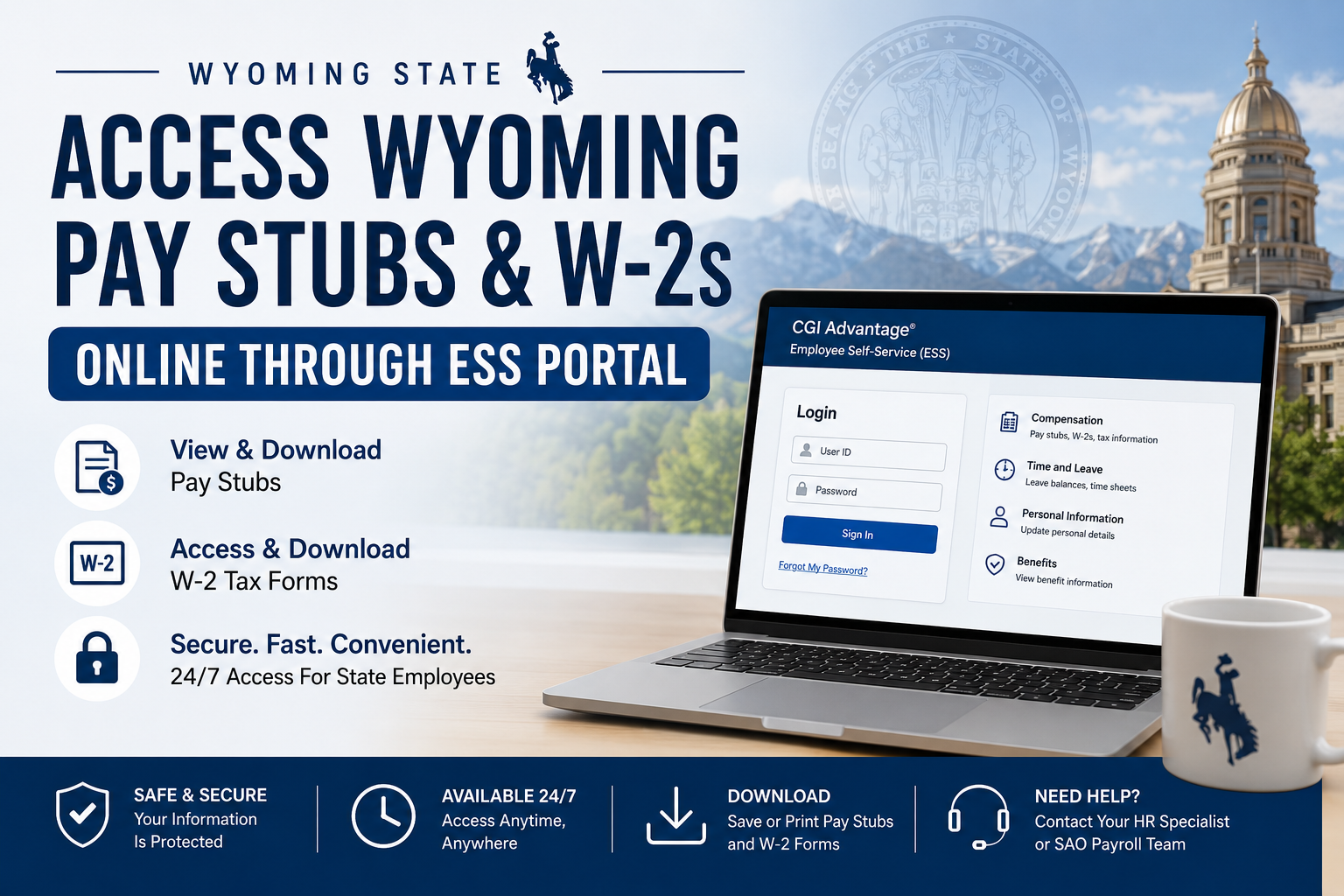
Employees of the State of Wyoming can conveniently access their pay stubs, payroll records, and annual W-2 tax forms online through the Employee Self-Service (ESS) Portal. The secure ESS system allows state employees to manage payroll information, tax documents, direct deposit details, and personal employment records from any internet-connected device. The Wyoming State Auditor’s Office oversees payroll processing and maintains the statewide payroll system for public employees across Wyoming agencies.
Wyoming ESS Portal Login
Wyoming employees can access the ESS Portal using the official login page below:
ESS Portal:
https://wyess.hostams.com/PRDESS1X1/Advantage4
The ESS portal is powered by CGI Advantage Employee Self-Service, a secure payroll and HR management platform designed for Wyoming state employees.
What You Can Access Through Wyoming ESS
The Wyoming ESS Portal provides employees with access to:
- Current and previous pay stubs
- W-2 tax forms
- Direct deposit information
- Federal tax withholding details
- Leave balances and attendance records
- Timesheets
- Payroll deductions
- Personal employee information
- Benefits and compensation details
According to the ESS system guide, employees can securely access payroll and HR-related data maintained within the CGI Advantage HRM system.
How to Access Wyoming Pay Stubs Online
Follow these steps to view and download your Wyoming pay stubs:
Step 1: Open the Wyoming ESS Portal
Visit the official ESS login page:
https://wyess.hostams.com/PRDESS1X1/Advantage4
Step 2: Sign In to Your Account
Enter your:
- User ID
- Password
Then click Sign In.
If you are a first-time user, your agency HR or payroll department may provide your initial login credentials.
Step 3: Navigate to the Compensation Section
After logging in:
- Select the Compensation tab
- Open Issued Checks/Advices
- Choose the pay period you want to review
The ESS system includes a dedicated Compensation section where employees can access issued checks, payroll summaries, tax information, and deductions.
Step 4: View or Download Your Pay Stub
You can:
- Open your pay stub online
- Download a PDF copy
- Print your payroll statement for personal records
The ESS system also supports printing payroll-related information directly from widgets and employee dashboards.
How to Access Wyoming W-2 Forms Online
Wyoming employees can also retrieve annual W-2 tax forms through ESS.
Step 1: Log Into ESS
Access the ESS portal and sign in with your employee credentials.
Step 2: Go to Tax Information
Navigate to:
Compensation → Tax Information
The ESS platform includes a dedicated Electronic W-2 section where employees can access tax forms digitally.
Step 3: Select the Tax Year
Choose the desired tax year from the available list.
Step 4: Download Your W-2
Open, save, or print your W-2 form for tax filing purposes.
The Wyoming State Auditor’s Office states that W-2 documents are generally available in the ESS portal by January 31 each year.
How to Reset Your Wyoming ESS Password
If you forget your ESS password:
- Visit the ESS login page
- Click Forgot My Password
- Follow the password recovery instructions
The Wyoming ESS FAQ confirms that employees can reset their own passwords directly from the login page.
Important ESS Login Notes
Password Reset Restrictions During Payroll Processing
The Wyoming State Auditor’s Office notes that password resets may be temporarily unavailable during monthly payroll processing periods because the ESS portal is directly connected to the payroll system.
W-4 Tax Form Changes
Employees who need to update federal tax withholding information must contact their agency Human Resource Specialist to submit a new W-4 form.
Wyoming ESS Portal Features
The CGI Advantage ESS platform includes several useful payroll and HR tools, including:
- Pay and deduction summaries
- Direct deposit setup
- Electronic W-2 enrollment
- Leave management
- Attendance tracking
- Timesheet submission
- Benefits management
- Work schedule access
Wyoming ESS Contact Information
If you experience login issues or payroll access problems, contact the Wyoming State Auditor’s Office.
Wyoming State Auditor’s Office
Address:
Herschler Building East
122 W. 25th Street, Suite E400
Cheyenne, WY 82002
Phone:
(307) 777-7831
Email:
SAOAdmin@wyo.gov
Tips for Secure ESS Access
To protect your payroll information:
- Use a strong password
- Avoid public Wi-Fi when accessing ESS
- Log out after each session
- Enable secure browser settings
- Keep your recovery email updated
The ESS system also supports security questions and password recovery features for enhanced account protection.
Final Thoughts
The Wyoming Employee Self-Service Portal provides a fast and secure way for state employees to access payroll records and tax documents online. Whether you need to download your latest pay stub, print a W-2 form, review deductions, or manage direct deposit information, the ESS platform offers convenient self-service tools available 24/7. By using the official Wyoming ESS portal, employees can eliminate paperwork delays and maintain easy access to important payroll records throughout the year.
Frequently Asked Questions (FAQ)
1. How do I log in to the Wyoming ESS Portal?
Visit the Wyoming ESS Portal and enter your User ID and password to access your payroll and employee information online.
2. Where can I find my Wyoming pay stubs online?
After logging into ESS, go to the Compensation section and select Issued Checks/Advices to view and download your pay stubs.
3. How do I download my Wyoming W-2 form?
Sign in to ESS, open the Compensation tab, select Tax Information, choose the tax year, and download your W-2 form.
4. When are Wyoming W-2 forms available online?
Wyoming W-2 forms are typically available in the ESS Portal by January 31 each year.
5. Can former Wyoming employees access ESS?
Former employees may still have limited access depending on agency policies. Contact your HR department or the Wyoming State Auditor’s Office for assistance.
6. What should I do if I forget my ESS password?
Click the “Forgot My Password” link on the ESS login page and follow the password recovery instructions.
7. Why can’t I reset my ESS password during payroll processing?
The ESS system is directly connected to the payroll system, and password resets may be temporarily disabled during monthly payroll processing periods.
8. Can I print my Wyoming pay stubs from ESS?
Yes. Employees can open, download, and print pay stubs directly from the ESS Portal.
9. Is the Wyoming ESS Portal secure?
Yes. The ESS Portal is a secure online payroll and HR platform designed to protect employee payroll and tax information.
10. Can I access ESS from my phone?
Yes. The Wyoming ESS Portal can be accessed from most smartphones, tablets, and desktop browsers with an internet connection.
11. How do I update my tax withholding information?
To change your W-4 tax withholding information, contact your agency Human Resource Specialist.
12. What payroll information is available in ESS?
ESS provides access to pay stubs, W-2 forms, direct deposit details, payroll deductions, leave balances, and compensation summaries.
13. Can I change my direct deposit information in ESS?
Depending on agency permissions, employees may be able to update direct deposit information through the ESS portal.
14. Who manages the Wyoming ESS payroll system?
The Wyoming State Auditor’s Office oversees payroll operations and maintains the ESS payroll platform for state employees.
15. Who should I contact for ESS login issues?
For technical or payroll assistance, contact the Wyoming State Auditor’s Office at (307) 777-7831 or email SAOAdmin@wyo.gov.
