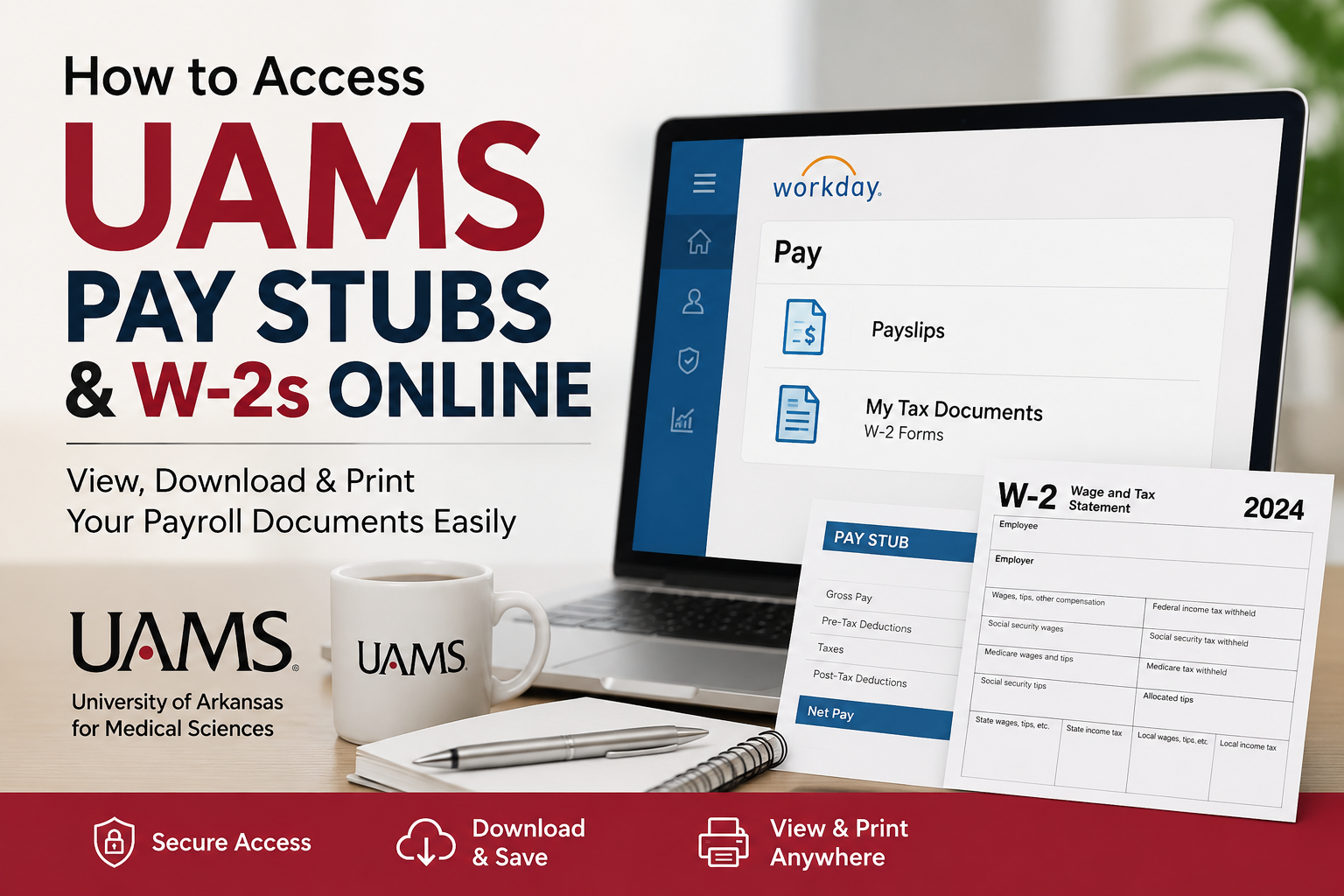
The University of Arkansas for Medical Sciences (UAMS) is Arkansas’s only comprehensive academic health center and one of the state’s largest employers, serving patients, students, researchers, and healthcare professionals across multiple campuses and regional centers. With more than 10,000 employees and a nationally recognized healthcare system, UAMS provides employees with secure online access to payroll and tax documents through Workday and SAP Employee Self-Service portals. If you are a current UAMS employee, you can conveniently view, download, and print your pay stubs and W-2 forms online without waiting for paper copies. This guide explains exactly how to access your payroll information quickly and securely.
UAMS Employee Payroll Portals
Workday Self-Service Portal
UAMS employees use Workday for modern payroll and HR self-service functions, including:
- Viewing current pay stubs
- Downloading W-2 tax forms
- Managing direct deposit information
- Updating tax withholding elections
- Accessing payroll history
Workday Login:
UAMS Workday Portal at https://wd5.myworkday.com/uasys/d/home.htmld
SAP Employee Self-Service Portal
Employees looking for historical payroll records or legacy W-2 information may still access the SAP portal.
SAP Employee Self-Service Portal:
UAMS SAP Employee Portal at https://enterprise.uams.edu/irj/portal
How to Access UAMS Pay Stubs Online
Step 1: Sign In to Workday
Visit the official UAMS Workday portal and log in using your UAMS network credentials.
You will need:
- UAMS Network ID
- Password
- Multi-factor authentication
Step 2: Open the Pay Application
After signing into Workday:
- Navigate to your Workday homepage
- Select Pay
- Choose Payslips from the View section
Employees can review payroll details for current and previous pay periods, including:
- Gross pay
- Net pay
- Tax deductions
- Direct deposit details
- Year-to-date totals
- Federal and state withholding information
Step 3: View or Print Payslips
Inside the Payslips section:
- Click View to open a pay stub
- Click Print to print a copy
- Download the payslip PDF for personal records
Workday also allows employees to review:
- Check dates
- Pay period dates
- Taxable wages
- Employer-paid benefits
- Pre-tax and post-tax deductions
How to Access UAMS W-2 Forms Online
Access W-2 Forms Through Workday
UAMS employees can securely retrieve W-2 forms directly through Workday.
Follow these steps:
- Log in to Workday
- Open the Pay dashboard
- Select My Tax Documents
- Locate your W-2 form under available tax documents
- Click View/Print
- Download or print the form as needed
Employees may also access accessible-format W-2 forms directly within the portal.
How to Enroll in Online W-2 Delivery
UAMS employees can choose electronic W-2 delivery instead of receiving paper forms by mail.
Steps to Enable Online W-2 Access
- Log into Employee Self-Service
- Select the Employee Self Service tab
- Click Payments
- Choose Election for Online W-2
- Select New Election
- Choose Elect for Univ of Ark for Med Sciences
- Click Receive W-2 Online
- Confirm the election
Once completed, future W-2 forms will be delivered electronically through the employee portal.
Employees may change their election preference later if they prefer mailed paper copies.
Accessing Historical Pay Stubs and Older Payroll Records
If you need older payroll information not available in Workday:
- Visit the SAP Employee Self-Service Portal
- Log in using your UAMS credentials
- Navigate to payroll or tax document sections
- Access archived pay statements and tax forms
This portal is especially useful for employees needing historical payroll data.
Troubleshooting UAMS Payroll Access Issues
Forgot Your Password?
Use the UAMS password reset tools or contact IT support.
Account Locked?
Too many failed login attempts may temporarily lock your account.
Missing W-2 Forms?
W-2 forms are generally released annually after payroll processing is finalized.
Browser Issues?
Try:
- Clearing browser cache
- Using Google Chrome or Microsoft Edge
- Disabling popup blockers
UAMS Payroll Contact Information
Employees who need payroll assistance can contact the UAMS Payroll Office.
Payroll Office Contact Details
- Phone: (501) 686-6100
- Fax: (501) 603-1578
- Location: University Tower, 1123 S. University Ave., 7th Floor, Little Rock, AR 72204
Why UAMS Employees Prefer Online Payroll Access
Online payroll access offers several advantages:
- Instant access to pay stubs
- Faster W-2 delivery
- Secure digital storage
- Easy tax preparation
- Reduced paper clutter
- Mobile-friendly access
Employees can access payroll information anytime without needing to contact HR for routine payroll documents.
Frequently Asked Questions (FAQs)
How do I log into the UAMS Workday portal?
Visit the official Workday login page and sign in using your UAMS network ID and password.
Where can I find my UAMS pay stubs?
Pay stubs are available in the Workday Pay application under the Payslips section.
Can I download my UAMS W-2 online?
Yes. Employees can download and print W-2 forms from the My Tax Documents section in Workday.
Does UAMS mail paper W-2 forms?
Yes. Employees receive paper W-2s by default unless they enroll in electronic delivery.
How do I choose paperless W-2 delivery?
Use the Employee Self-Service portal and complete the Election for Online W-2 process.
Can former employees still access W-2 forms?
Former employees may need access through SAP Employee Self-Service or assistance from Payroll.
What if my Workday account is locked?
Contact UAMS IT or reset your password through the official account recovery tools.
Can I access payroll records on my phone?
Yes. Workday is mobile-friendly and supports secure access from smartphones and tablets.
What information appears on UAMS pay stubs?
Pay stubs include gross pay, deductions, taxes, direct deposits, and year-to-date earnings.
Where can I find historical pay stubs?
Historical payroll records may be available through the SAP Employee Self-Service portal.
When are W-2 forms available?
W-2 forms are generally released annually before the IRS filing deadline.
Can I print multiple pay stubs?
Yes. Workday allows employees to print individual pay statements as needed.
Is Workday secure for payroll access?
Yes. Workday uses secure authentication and encrypted employee access systems.
What browser works best with Workday?
Google Chrome and Microsoft Edge are generally recommended.
Who should I contact for payroll issues?
Contact the UAMS Payroll Office at (501) 686-6100 for payroll-related assistance.
