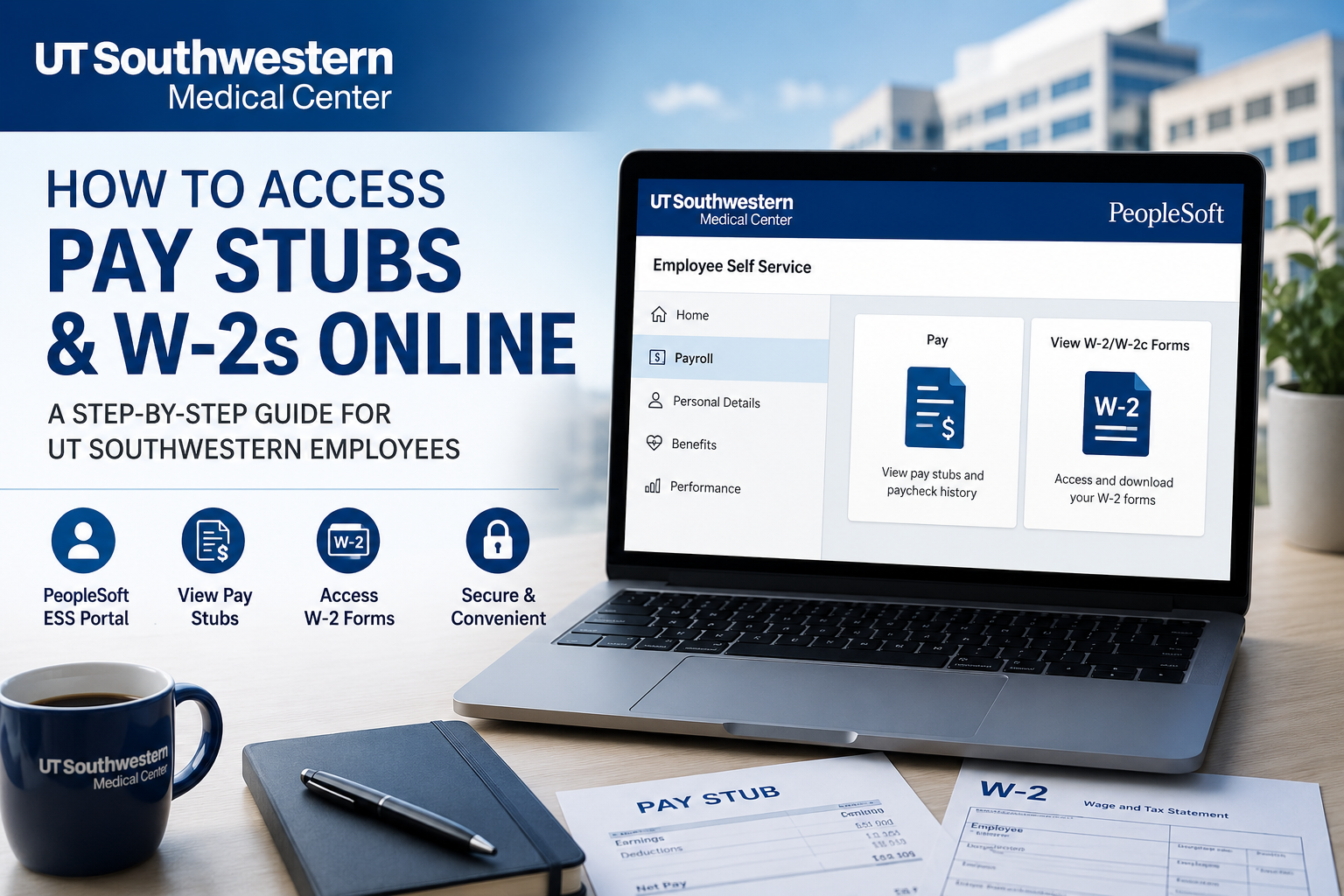
UT Southwestern Medical Center is one of the most respected academic medical institutions in the United States, internationally recognized for excellence in medical education, groundbreaking research, and world-class patient care. Ranked as the No. 1 hospital in Dallas-Fort Worth for nine consecutive years, UT Southwestern employs approximately 25,000 professionals and operates one of the nation’s leading healthcare systems. If you are a current employee of UT Southwestern, you can conveniently access your pay stubs, payroll records, and W-2 tax forms online through the PeopleSoft Employee Self Service (ESS) portal.
The online payroll system allows employees to:
- View and download current and previous pay stubs
- Access annual W-2 and corrected W-2c tax forms
- Manage payroll-related information securely
- Retrieve payroll records remotely using secure authentication
- Access electronic tax documents faster than mailed copies
UT Southwestern Employee Payroll Portal
Employees can access payroll and tax documents through the official PeopleSoft self-service portal:
Official Login Portal
UT Southwestern PeopleSoft Login at https://my.swmed.edu/
How to Access UT Southwestern Pay Stubs Online
Follow these steps to view or download your paycheck online:
Step 1: Visit the Employee Portal
Go to the official UT Southwestern employee portal:
Step 2: Sign In to Your Account
Enter your UT Southwestern username and password.
For off-campus access, you may be required to complete Duo Two-Factor Authentication (2FA) for security purposes.
Step 3: Open Employee Self Service (ESS)
After signing in:
- Select Employee Self Service (ESS)
- Open the Payroll section
Step 4: Access Your Pay Statements
Navigate through the following menu:
Employee Self Service (ESS) → Payroll → Pay
A list of your available paychecks will appear on the screen. Select the paycheck you want to view or download.
Step 5: View or Download Your Pay Stub
Once selected, your detailed paycheck information will open in a separate browser window where you can:
- View earnings and deductions
- Check tax withholdings
- Review direct deposit details
- Download or print the pay stub for your records
How to Access UT Southwestern W-2 Forms Online
Employees can also retrieve their annual W-2 and W-2c tax forms electronically through PeopleSoft.
Steps to Access W-2 Forms
- Log in to the PeopleSoft portal
- Select Employee Self Service (ESS)
- Click the Payroll tile
- Choose View W-2/W-2c Forms
Menu path:
Employee Self Service (ESS) → Payroll → View W-2/W-2c Forms
Electronic W-2 Delivery Information
UT Southwestern provides employees with electronic W-2 access beginning each January.
Employees who opted for electronic delivery through ADP or PeopleSoft typically will not receive a paper copy by mail.
Employees who did not consent to electronic delivery usually receive paper W-2 forms through postal mail.
Former Employees: How to Receive Your W-2
If you are no longer employed at UT Southwestern:
- Your W-2 will usually be mailed to the address on file
- If your address has changed, contact Human Resources to request a reissued W-2
HR Contact Information
- Email: HR@utsouthwestern.edu
- Phone: 214-648-9810
Common Payroll Features Available in PeopleSoft
The UT Southwestern PeopleSoft ESS portal allows employees to:
- Access pay history
- Download W-2 and W-2c forms
- Manage direct deposit
- Review tax information
- Update payroll preferences
- Access payroll and compensation tools securely
Troubleshooting UT Southwestern Payroll Login Issues
Forgot Your Password?
Use the password recovery tools available on the login page or contact the IT Help Desk for assistance.
Unable to Access Off Campus?
Remote users may need:
- VPN connectivity
- Duo 2FA verification
- Updated employee credentials
W-2 Not Showing?
If your W-2 is unavailable:
- Verify you selected the correct tax year
- Ensure your employee account remains active
- Contact HR for assistance
Why Employees Prefer Electronic Pay Stubs and W-2s
Electronic payroll access provides several advantages:
- Faster access to tax documents
- Secure online storage
- Easy printing and downloading
- 24/7 accessibility
- Reduced paper clutter
- Convenient payroll tracking
Frequently Asked Questions (FAQs)
How do I access UT Southwestern pay stubs online?
Log in to the PeopleSoft Employee Self Service portal at my.swmed.edu and navigate to:
ESS → Payroll → Pay
Where can I download my UT Southwestern W-2?
You can access W-2 forms through:
ESS → Payroll → View W-2/W-2c Forms
Does UT Southwestern use PeopleSoft?
Yes. UT Southwestern employees use the PeopleSoft Employee Self Service system for payroll and tax document access.
Can former employees access W-2 forms online?
Former employees typically receive W-2s by mail. If your address changed, contact HR for a reissue request.
What should I do if I forgot my login credentials?
Use the account recovery options on the portal login page or contact the UT Southwestern IT support team.
Is Duo authentication required?
Yes. Off-campus access may require Duo Two-Factor Authentication for enhanced security.
When are electronic W-2s available?
Electronic W-2s are generally available in January each year.
Can I print my pay stubs?
Yes. Pay stubs can be viewed, downloaded, and printed directly from PeopleSoft.
Does UT Southwestern mail paper W-2s?
Yes, unless you previously consented to electronic-only W-2 delivery.
Who should I contact for payroll assistance?
Contact UT Southwestern Human Resources:
- HR@utsouthwestern.edu
- 214-648-9810
