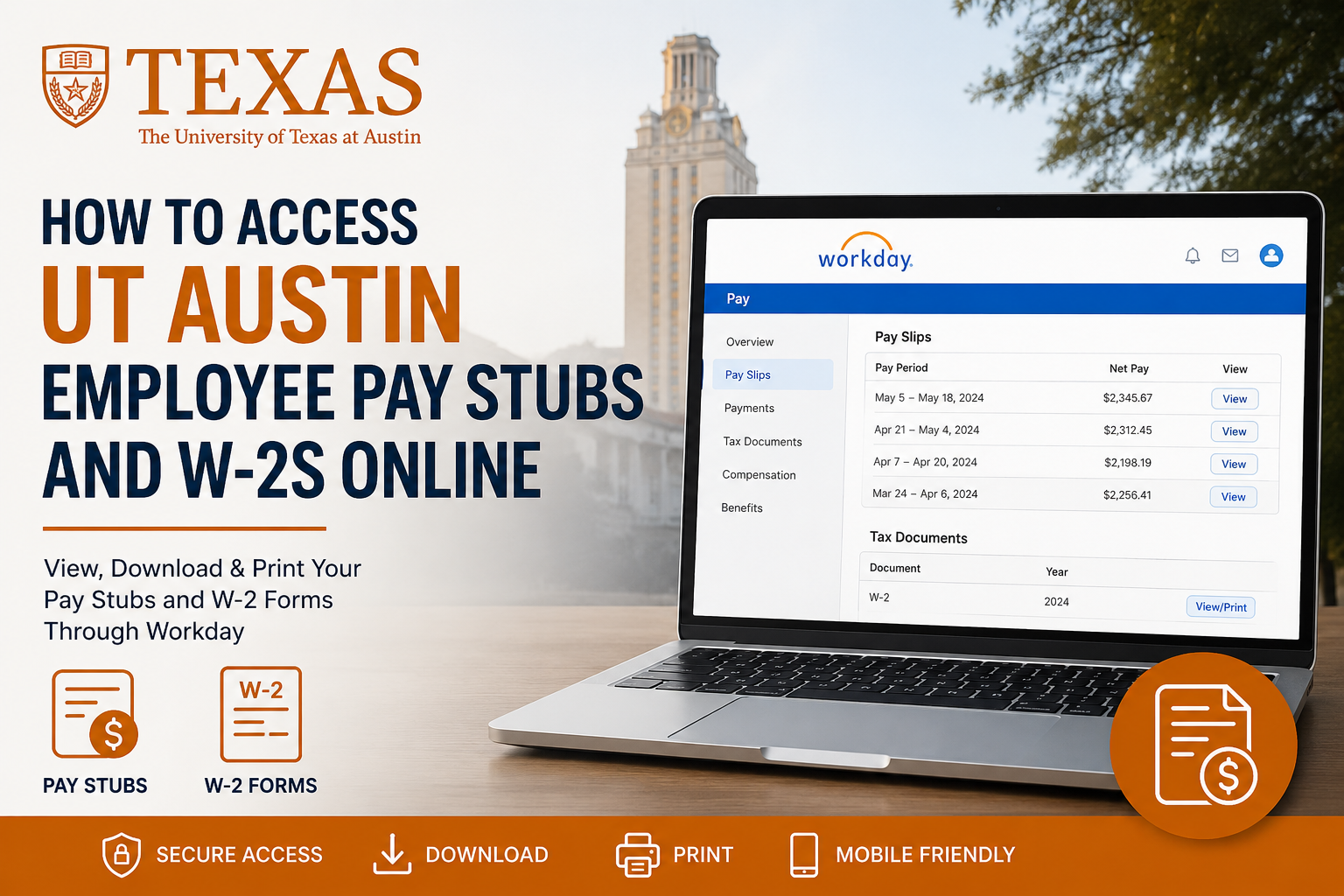
The University of Texas at Austin is one of the largest and most respected public research universities in the United States. Founded in 1883, the university has grown into a world-renowned institution with more than 50,000 students, 16 colleges and schools, and over 21,000 faculty and staff members. As an employee of UT Austin, you can conveniently access your pay stubs, earnings statements, tax forms, and W-2 documents online through the official Workday self-service portal. The system allows employees to securely manage payroll information anytime and from any device.
UT Austin Workday Login Portal
Employees can access payroll and tax documents through the official Workday portal:
You will need your UT EID and password to log in securely.
How to Access UT Austin Pay Stubs Online
Workday makes it simple to view, download, and print your payroll statements.
Step-by-Step Guide to View Pay Stubs
- Visit the UT Austin Workday login page.
- Sign in using your UT EID credentials.
- Navigate to the Pay section.
- Select Pay Slips.
- You will see a list of all available payslips.
- Click View to open detailed payroll information.
- Review your:
- Gross pay
- Net pay
- Taxes
- Deductions
- Earnings breakdown
- Select Print if you want a physical copy of the payslip.
The Workday payroll section also allows employees to print multiple payslips at once by selecting a specific date range.
How to Access UT Austin W-2 Forms Online
Employees can also retrieve annual W-2 tax forms electronically through Workday.
Steps to View and Print W-2 Forms
- Log in to Workday.
- Open the Pay dashboard.
- Click Tax Documents or My Tax Documents.
- Locate your W-2 form for the desired tax year.
- Click View/Print.
- Use the printer icon to print the form.
- Use the download icon to save a PDF copy for your records.
W-2 forms are stored digitally in Workday and remain accessible for employees after publication by Payroll Services.
How to Opt In for Electronic W-2 Delivery
UT Austin employees can choose paperless tax document delivery inside Workday.
Steps to Enable Electronic W-2 Forms
- Log in to Workday.
- Open the Pay application.
- Select Tax Documents.
- Under Printing Election, choose Edit.
- Select:
- Receive electronic copy of my Year End Tax Documents
- Click OK and then Done to save your election.
Going paperless helps employees access tax forms faster while reducing paper waste.
Accessing Pay Stubs Through the Workday Mobile App
UT Austin employees can also view payroll details directly from the Workday mobile application.
Mobile Access Instructions
- Open the Workday mobile app.
- Tap the Pay worklet.
- Select View Pay Slips.
- Choose the paycheck you want to review.
- Tap View Pay Details to see:
- Hours worked
- Earnings
- Shift differentials
- PTO and holiday pay
- Taxes and deductions
The mobile app provides a convenient way to review payroll details without needing a desktop computer.
Forgot Your UT EID or Password?
If you forgot your UT EID credentials, you can recover or reset them through the official UT EID Self-Service Tools portal.
Available services include:
- Find My UT EID
- Reset Password
- Change Password
- Manage UT EID Profile
Former employees may also use the portal to regain access to payroll-related systems.
UT Austin Payroll Services
The university’s Payroll Services department provides payroll calendars, direct deposit management, payroll FAQs, and payroll-related support for employees and retirees.
Services include:
- Payroll deadlines
- Direct deposit updates
- Payroll forms
- Retirement billing
- Tax document assistance
- Payday schedules
Benefits of Using the UT Austin Workday Portal
Using Workday provides several advantages for university employees:
- 24/7 online access to payroll records
- Secure storage of W-2 tax documents
- Fast access to historical pay statements
- Mobile-friendly payroll management
- Electronic document delivery
- Printable PDF copies for loans, taxes, or verification purposes
The platform centralizes payroll and tax management into one secure self-service system.
Common Payroll Issues and Solutions
Unable to Log Into Workday
Verify your UT EID credentials and ensure Duo authentication is working properly.
Missing Payslip
Payroll statements may not appear until payroll processing is complete. Wait until the official payday.
W-2 Form Not Available
W-2s are generally published after the end of the tax year. Employees receive notification when forms become available.
Frequently Asked Questions (FAQ)
How do I access UT Austin pay stubs online?
Log in to the Workday self-service portal and navigate to Pay > Pay Slips or Payments.
Can I print my UT Austin payslips?
Yes. Workday allows employees to print individual or multiple payslips.
Where can I find my UT Austin W-2 form?
Your W-2 is available under Pay > Tax Documents in Workday.
Does UT Austin offer electronic W-2 delivery?
Yes. Employees can opt into electronic-only W-2 delivery through Workday.
Can former employees access W-2 forms?
Yes. Former employees may still access payroll services using their UT EID credentials.
What is a UT EID?
A UT EID is the official online account used for accessing university systems and services.
Is the Workday mobile app available?
Yes. Employees can access payroll information through the Workday mobile application.
How do I reset my UT EID password?
Use the UT EID Self-Service Tools portal to reset or recover your credentials.
Can I download my W-2 as a PDF?
Yes. Workday allows users to download and save W-2 forms electronically.
Does Workday show tax deductions?
Yes. Payslips include detailed information about taxes, deductions, and earnings.
Can I access previous years’ payslips?
Yes. Historical payroll records are stored within Workday.
What should I do if my payslip is incorrect?
Contact UT Austin Payroll Services immediately for assistance.
Can I update direct deposit information in Workday?
Yes. Employees can manage payroll direct deposit settings online.
Is Workday secure?
Yes. Workday uses secure authentication and encryption to protect employee data.
Does UT Austin Payroll Services provide payroll calendars?
Yes. Payroll calendars and deadlines are available through Payroll Services.
