The University of Wisconsin–Superior is a respected public liberal arts university known for its student-centered learning environment, community engagement initiatives, and strong academic research programs. Founded in 1893, the university is part of the University of Wisconsin System and serves nearly 2,900 students with a broad range of undergraduate and graduate programs. If you are a former employee of UWS, you can conveniently access your W-2 tax statements online through the University of Wisconsin’s Workday self-service portal. The system allows eligible former employees to securely retrieve tax documents, view payslips, and manage personal contact information for up to two years after separation from employment.
UWS Former Employee Workday Login Portal
Former employees can access their W-2 forms using the official Workday portal below:
Workday Login:
Universities of Wisconsin Workday Portal
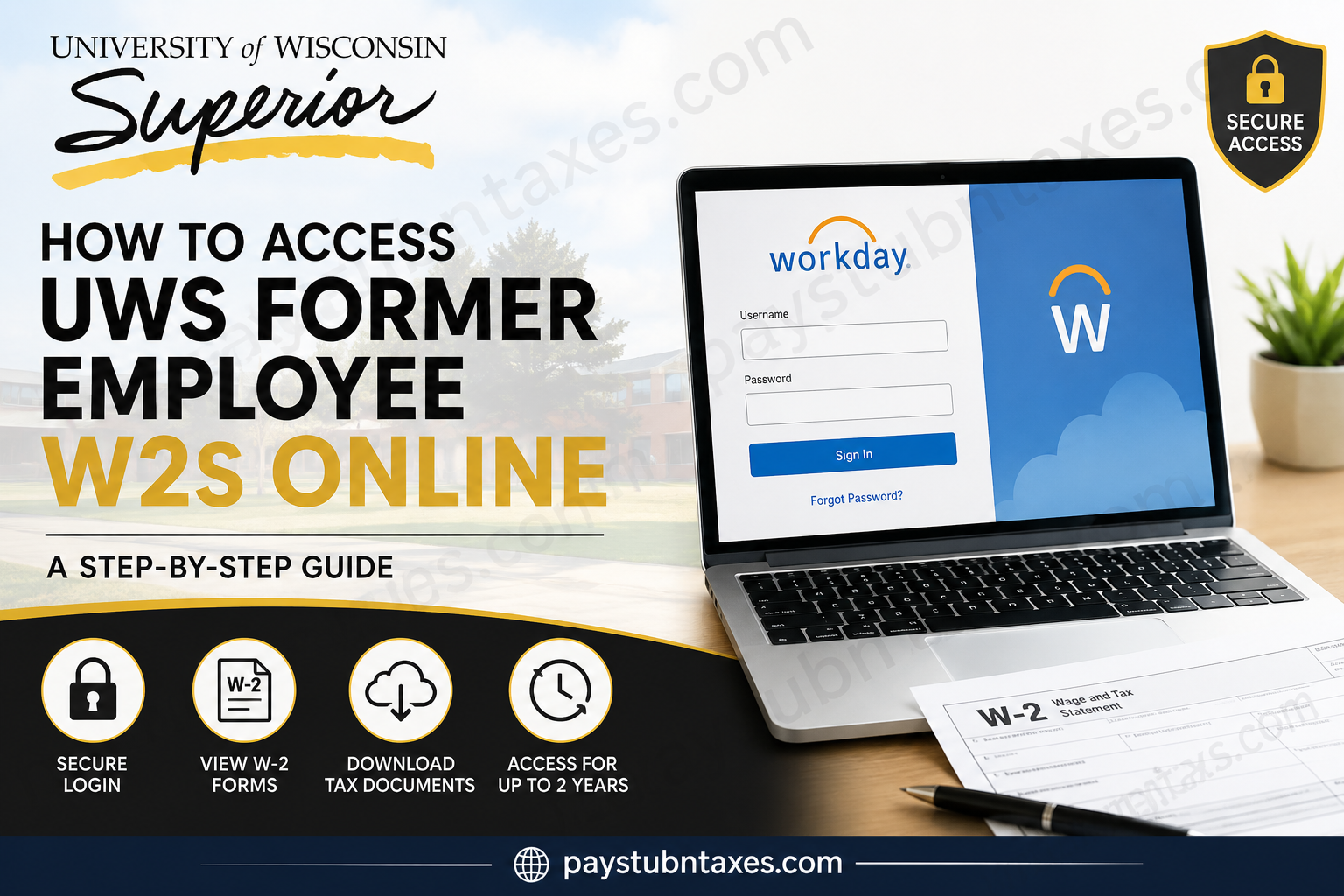
The Workday sign-in page includes username and password fields along with password recovery tools.
Important Login Information for Former Employees
Former employees whose positions ended after July 1, 2025, must use a dedicated Workday username and password instead of their previous OKTA or campus SSO credentials.
After termination, processing is completed:
- A Workday username is sent via email
- A temporary password is provided
- Employees are prompted to reset the password during the first login
- Access remains available for up to two years after separation
If you did not receive your credentials, contact: Email: gethelpuw@support.wisconsin.edu
How to Access Your UWS Former Employee’s W-2 Online
Follow these steps to retrieve your W-2 tax document through Workday:
Step 1: Open the Workday Portal
Visit the University of Wisconsin Workday login page: https://wd1-identity.myworkday.com/wday/authgwy/wisconsin/upc/login?redirect=n
Step 2: Sign In to Your Account
Enter:
- Your Workday username
- Your password
If this is your first login, you may be required to change the temporary password sent to your email.
Step 3: Navigate to Tax Documents
After signing in:
- Hover over Personal
- Select Benefits and Pay
- Click My Tax Documents
Step 4: View or Download Your W-2
- Locate the desired tax year
- Click View/Print under Employee Copy
- Select Notify Me Later
- Wait for Workday to generate the document
- Open the notification pop-up to access your downloadable W-2 PDF
How to Reset Your Forgotten Password
If you forgot your Workday password:
- Go to the Workday login page
- Click Forgot Password?
- Enter the email address associated with your Workday account
- Follow the password reset instructions sent by email
Forgot Your Username?
Former employees cannot retrieve forgotten usernames through self-service.
Instead, contact: GetHelpUW@support.wisconsin.edu
for username recovery assistance.
Additional Workday Features for Former Employees
Eligible former employees can also:
- View and print payslips
- Update mailing addresses
- Update phone numbers
- Change personal email addresses
- Manage tax-related contact information
The University of Wisconsin’s Workday platform keeps limited employee self-service access active for two years after employment separation.
Troubleshooting UWS Workday Login Issues
If you experience login problems:
- Verify you are using your Workday credentials instead of SSO
- Check your personal email inbox for credential emails
- Reset your password if necessary
- Clear your browser cache and cookies
- Try accessing Workday using another browser
- Contact UW support if access remains unavailable
When Are W-2 Forms Available?
Most W-2 forms become available electronically by the end of January each year. Former employees should regularly check Workday notifications during tax season for document availability.
Benefits of Accessing Your W-2 Online
Using the Workday self-service portal provides several advantages:
- Fast access to tax documents
- Secure online delivery
- Downloadable PDF copies
- Convenient access from any device
- Reduced paper mail delays
- Easy reprinting whenever needed
Frequently Asked Questions (FAQs)
Can former UWS employees still access Workday?
Yes. Former employees retain limited Workday access for up to two years after leaving the university.
Can I use my old university SSO login?
No. Former employees whose employment ended after July 1, 2025 must use a Workday username and password instead of OKTA or SSO credentials.
What if I never received my Workday credentials?
Contact gethelpuw@support.wisconsin.edu for assistance retrieving your username and temporary password.
How do I download my W-2 PDF?
Navigate to:
Personal → Benefits and Pay → My Tax Documents → View/Print
Then download the generated PDF copy.
Can I access older W-2 forms?
Yes, if they remain available within your active former employee Workday access period.
What should I do if my W-2 is missing?
Contact UW support or request a duplicate tax document if the form is unavailable in Workday.
Can I update my mailing address in Workday?
Yes. Former employees can update home addresses and contact information directly through Workday self-service.
Is Workday secure for tax documents?
Yes. Workday uses secure authentication and encrypted access to protect employee payroll and tax information.
Can I print my W-2 directly from Workday?
Yes. After opening the PDF, you can print or save the document for your records.
What browsers work best with Workday?
Modern browsers such as Google Chrome, Microsoft Edge, Firefox, and Safari generally provide the best compatibility.
Can I access Workday from my mobile device?
Yes. Workday is accessible through mobile browsers and supported devices.
What happens after two years?
Former employee self-service access typically expires after two years following separation from employment.
Can active students who are former employees use SSO?
Yes. Former employees who remain active students should continue using campus SSO credentials.
Does Workday also provide payslips?
Yes. Former employees can view and print payslips through the Benefits and Pay section.
Who should I contact for technical issues?
For login or account support, contact: GetHelpUW@support.wisconsin.edu
