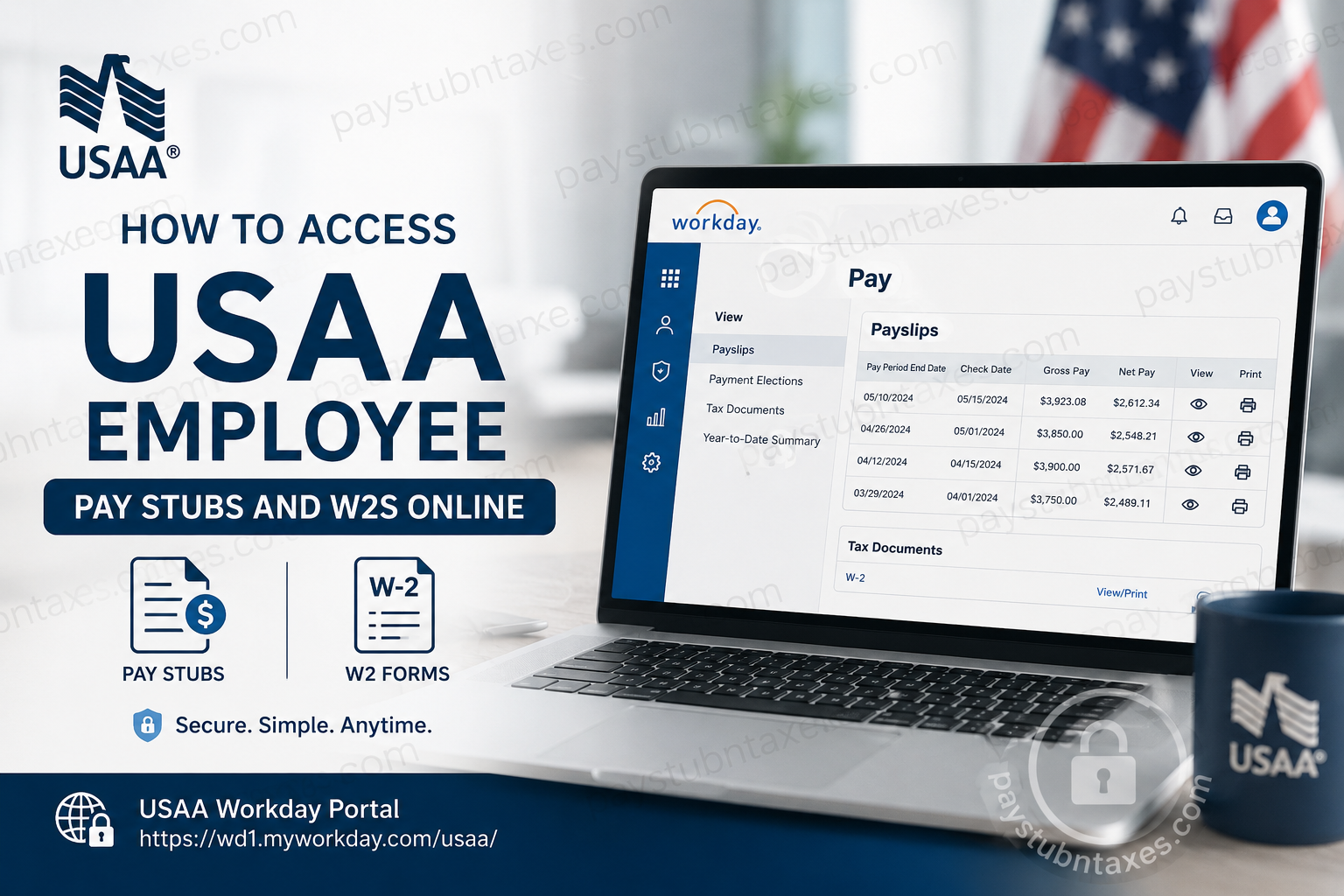
USAA has built its reputation on serving military members, veterans, and their families with integrity, loyalty, and financial excellence. Founded in 1922, the organization continues to provide trusted banking, insurance, and retirement services while maintaining a strong commitment to employees and members alike. If you are a current USAA employee, you can conveniently access your pay stubs, tax forms, and payroll information online through the Workday employee self-service portal. The system allows employees to securely view payslips, download W-2 forms, manage tax elections, and review payroll history anytime from a desktop or mobile device.
USAA Employee Payroll Portal
Current employees can access payroll services through the official USAA Workday portal:
Workday Login:
USAA Workday Portal
Employees must log in using their Okta Eagle ID and password. After authentication, select Workday from the MyApps dashboard to access payroll and tax information.
How to Access USAA Pay Stubs Online
Follow these steps to view or print your USAA payslips online:
- Visit the USAA Workday portal.
- Sign in with your Okta Eagle ID and password.
- Open the Workday application from MyApps.
- From the Workday homepage, select Pay.
- Click Payslips under the View section.
- Choose the desired pay period.
- Click View to open the pay stub.
- Select Print or download the document as a PDF for your records.
Employees can review detailed payroll information, including:
- Gross earnings
- Net pay
- Federal and state tax withholdings
- Pre-tax deductions
- Retirement contributions
- Direct deposit details
- Year-to-date earnings totals
How to Access USAA W2 Forms Online
USAA employees can also retrieve electronic W-2 tax forms through Workday.
Steps to View or Download Your W-2
- Log in to Workday.
- Click Benefits and Pay.
- Select Pay from the dashboard.
- Open the Tax section.
- Choose View/Print next to the applicable tax year.
- Download the W-2 as a PDF or print a physical copy.
Accessing W2 Forms on the Workday Mobile App
USAA employees may also retrieve W-2 forms through the Workday mobile application.
Mobile Access Instructions
- Download the Workday app from the Apple App Store or Google Play Store.
- Open the application and enter:
- Tenant: USAA
- Website: https://www.myworkday.com
- Sign in using your Eagle ID credentials.
- Go to your Profile.
- Select:
- More
- Pay
- Tax Documents
- W-2
- Submit the request to generate your W-2.
- Open your Workday notifications inbox to retrieve the form.
How to Change Your W2 Delivery Preference
USAA employees can choose whether to receive tax forms electronically or by mail.
Update Your Tax Form Election
- Log in to Workday.
- Open Benefits and Pay.
- Select Pay, then click Tax.
- Locate Tax Forms Printing Elections.
- Click Edit.
- Choose either:
- Electronic Only
- Electronic and Paper Copy
- Click OK, then Done to save changes.
Electronic delivery is often the safest option because it reduces the risk of mail-related identity theft.
Troubleshooting USAA Workday Login Issues
If you experience issues accessing Workday or payroll information, consider the following solutions:
Forgot Your Password or Eagle ID
Contact the USAA IT Service Desk for account recovery assistance.
IT Support: 210-456-9999
Workday Mobile App Not Working
Ensure you are using the correct tenant configuration:
- Tenant: USAA
- Website: myworkday.com
Unable to Access Payroll Information
Verify that your employment status is active and that your payroll profile has been fully configured.
Browser Recommendations
For the best experience, use updated versions of:
- Google Chrome
- Microsoft Edge
- Mozilla Firefox
- Safari
Benefits of Electronic Pay Stubs and W2 Access
Using the Workday self-service system provides several advantages:
- 24/7 secure access
- Faster retrieval of tax documents
- Reduced paperwork
- Mobile-friendly payroll access
- Environmentally friendly digital storage
- Easy download and printing options
- Improved payroll transparency
Employees can also securely maintain historical payroll records for financial planning, tax filing, mortgage applications, and employment verification.
Final Thoughts
USAA provides employees with a secure and efficient payroll management system through Workday. Whether you need to review your latest pay stub, retrieve a W-2 tax form, or update your tax delivery preferences, the platform offers a streamlined self-service experience accessible from both desktop and mobile devices. With secure authentication, detailed payroll visibility, and digital tax management tools, USAA employees can conveniently manage their payroll information anytime and anywhere.
Frequently Asked Questions (FAQ)
1. How do I access my USAA pay stubs?
You can access pay stubs through the USAA Workday portal using your Eagle ID credentials.
2. Where can I download my USAA W2 online?
W-2 forms are available in Workday under the Pay and Tax section.
3. Does USAA use Workday for payroll?
Yes. USAA employees use Workday to manage payroll, payslips, tax forms, and benefits information.
4. Can I access my USAA pay stubs on mobile?
Yes. The Workday mobile app supports access to payslips and W-2 forms.
5. What information appears on a USAA pay stub?
Pay stubs typically include earnings, taxes, deductions, direct deposits, and year-to-date totals.
6. How do I reset my USAA Workday password?
Contact the USAA IT Service Desk at 210-456-9999 for password assistance.
7. Can I print my W2 from Workday?
Yes. Workday allows you to print or download W-2 forms as PDF files.
8. What is the USAA Workday login URL?
The official portal is: https://wd1.myworkday.com/usaa/
9. Can I choose electronic-only W2 delivery?
Yes. Employees can update tax form delivery preferences directly in Workday.
10. Is the USAA payroll portal secure?
Yes. Workday uses secure authentication and encrypted access protocols.
11. Can former employees access Workday?
Former employees may have limited access depending on company policies and account status.
12. What should I do if my payslip is missing?
Contact HR or payroll support if a payslip does not appear after the payroll processing date.
13. Does Workday store previous pay statements?
Yes. Employees can review historical payroll records and tax documents online.
14. Can I download payslips as PDFs?
Yes. Workday provides PDF download and print functionality.
15. Who do I contact for HR support at USAA?
Employees may contact the HR Service Desk via: humanResources@usaa.com
