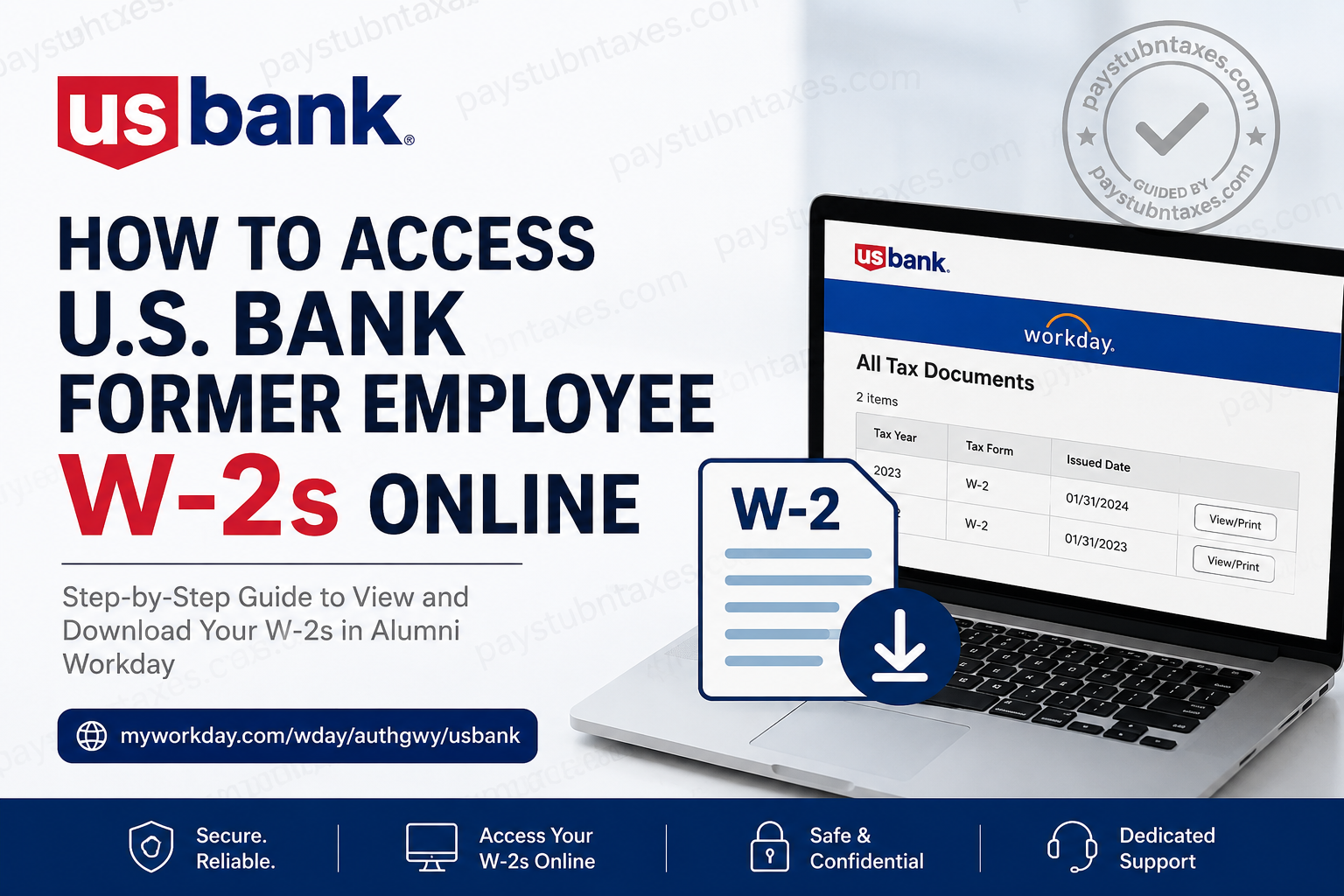
As one of the largest and most respected financial institutions in the United States, U.S. Bank provides former employees with secure online access to important payroll and tax documents through the Alumni Workday self-service portal. Whether you need your Form W-2 for tax filing, income verification, or recordkeeping purposes, the process is designed to be straightforward and secure. Former employees who enrolled in electronic tax document delivery can conveniently download their W-2 online without waiting for a mailed copy. Those who did not opt for electronic delivery will receive a paper copy mailed to their address on file by January 31 each year.
U.S. Bank Alumni Workday Login Portal
Former employees can access their W-2 forms through the official Alumni Workday portal:
Portal Link:
U.S. Bank Alumni Workday Login
The login page allows former employees to securely access payroll and tax records online.
Who Can Access W-2 Forms Online?
You can access your W-2 electronically if:
- You previously elected electronic delivery for tax forms
- You still have Alumni Workday access
- Your personal email address is active and accessible
- Your termination date falls within the two-year Alumni Workday access period
U.S. Bank notes that Alumni Workday access expires two years after your termination date.
How to Access U.S. Bank Former Employee W-2s Online
Step 1: Open the Alumni Workday Portal
Visit the official Alumni Workday sign-in page and select Forgot Your Password if you have not yet created personal login credentials after leaving the company.
Step 2: Set Up Your Personal Workday Access
After your employment ends, your company credentials become inactive. You must create personal login credentials using the email address associated with your employee records.
To reset your password:
- Click Forgot Your Password
- Enter your personal email address in both the Username and Email fields
- Click Send Code
- Retrieve the six-digit verification code sent to your email
- Create a new password
- Sign in using your personal email address and newly created password
The Username and Email fields must match exactly during setup.
Passwords must include:
- At least eight characters
- Uppercase and lowercase letters
- A number
- A special character
Multi-Factor Authentication (MFA)
For additional security, Workday uses multi-factor authentication.
Each time you log in:
- A new six-digit verification code will be sent to your email
- Enter the code in Workday
- Complete the verification process to access your account
How to View and Download Your W-2
Once logged into Alumni Workday:
- Click Menu in the upper-left corner
- Select Benefits and Pay
- Choose Pay
- Click Tax
Under the All Tax Documents section:
- Locate the desired tax year
- Click View/Print
- Open your W-2 form
- Download or print the document for your records
How to Enable Electronic W-2 Delivery
Electronic delivery allows you to receive your W-2 earlier than mailed paper copies.
To enable electronic delivery:
- Navigate to the Tax Forms Printing Elections section
- Click Edit
- Select Receive electronic copy of my Year-End Tax Documents
- Click OK
- Click Done
Electronic W-2s are generally available weeks before paper copies arrive by mail.
When Will Former Employees Receive W-2 Forms?
U.S. Bank distributes W-2 forms annually by January 31.
- Employees enrolled in electronic delivery receive an email notification when the form becomes available
- Paper W-2s are mailed to the address on file if electronic delivery was not selected
It is important to keep your mailing address and email address updated in Workday to avoid delays.
Troubleshooting U.S. Bank Alumni Workday Access
If you experience issues accessing your account:
- Verify you are using the correct personal email address
- Check your spam or junk folder for verification emails
- Reset your password again if necessary
- Ensure your Alumni Workday access has not expired
For the best experience, U.S. Bank recommends using common personal email providers such as Gmail, Yahoo, or Outlook.
U.S. Bank Employee Services Contact Information
If you need additional assistance with Workday, payroll, or W-2 access, contact Employee Services:
Phone: 800-806-7009
Option: Select Option 2 (“Workday, pay and recruitment”)
European former employees may also contact:
Email: employeeserviceseurope@elavon.com
Frequently Asked Questions
1. Can former employees still access Workday after leaving U.S. Bank?
Yes. Former employees can access Alumni Workday for up to two years after termination.
2. What if I forgot my Alumni Workday password?
Use the Forgot Your Password option on the login page and follow the email verification process.
3. When are electronic W-2s available?
Electronic W-2s are typically available before mailed paper copies, and notifications are sent by January 31.
4. Can I receive both paper and electronic W-2 forms?
Yes. Workday allows eligible users to manage their tax document delivery preferences.
5. What if my personal email address changed?
You may need to contact Employee Services for assistance updating your account information.
6. Why am I not receiving verification codes?
Check your spam folder and verify that you are using the correct personal email address associated with your Workday account.
7. Can I print my W-2 directly from Workday?
Yes. After opening the form, you can download or print it directly from the portal.
8. What happens if my Alumni Workday access expires?
Once the two-year access period ends, you may need to contact U.S. Bank Employee Services for further assistance obtaining tax documents.
9. Is the Alumni Workday portal secure?
Yes. The portal uses multi-factor authentication and secure login procedures to protect employee information.
10. Can I access older W-2 forms?
If available in your account history, you can access multiple years of tax documents under the All Tax Documents section.
