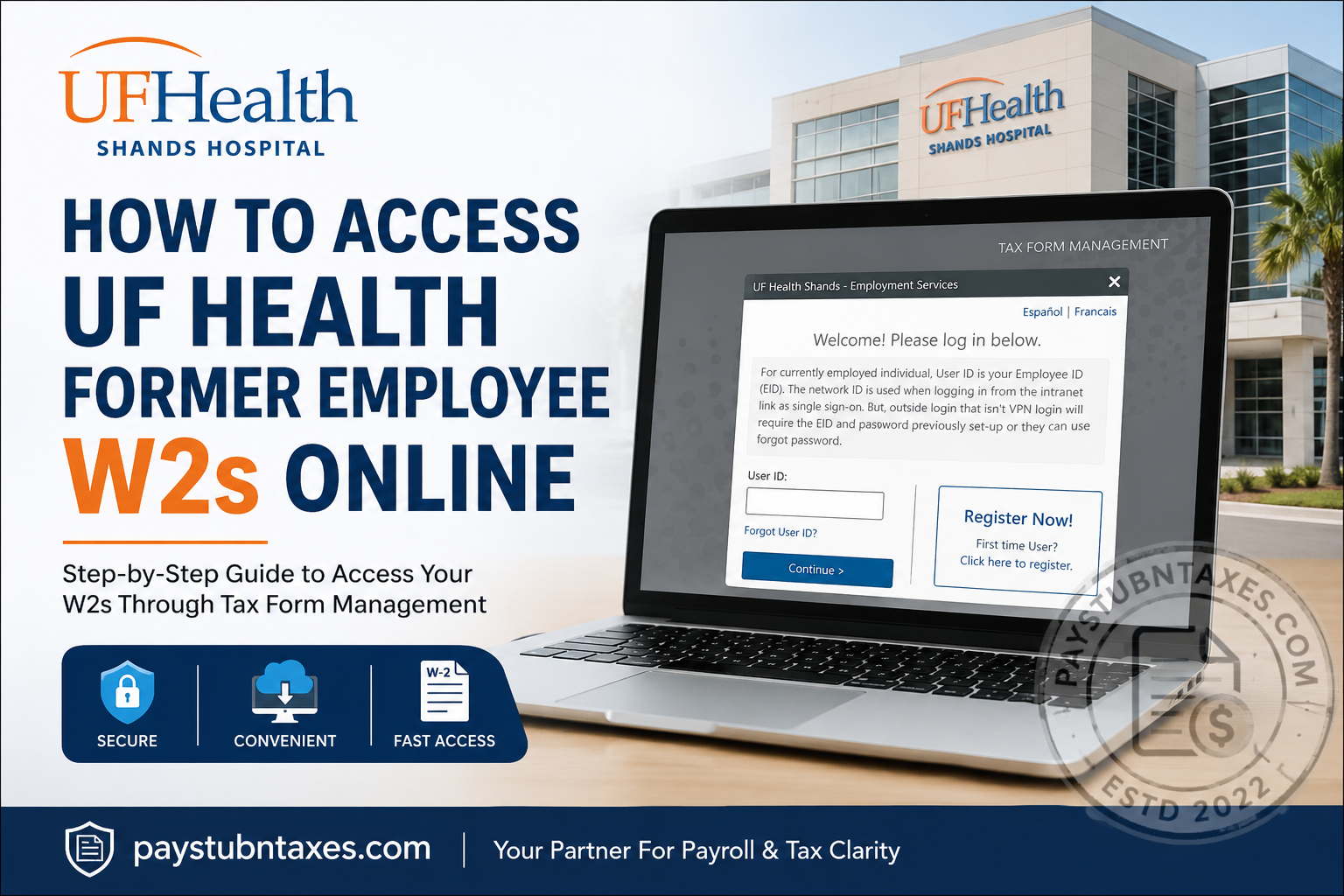
UF Health Shands Hospital is one of Florida’s leading academic medical centers, serving patients through a network of nationally recognized hospitals and specialty care facilities. Based in Gainesville, Florida, UF Health Shands is affiliated with the University of Florida College of Medicine and employs thousands of healthcare professionals, physicians, nurses, and support staff dedicated to advanced patient care and medical research. If you are a former employee of UF Health Shands Hospital or UF Health Jacksonville, you can conveniently access your W-2 tax forms online through the Tax Form Management portal. This secure electronic system allows former employees to retrieve current and prior-year W-2 statements without needing VPN access or active employee credentials.
UF Health Former Employee W2 Portal
Former UF Health employees can obtain their W-2 forms online using the Tax Form Management system.
Official W2 Portal
Employer Code: 13267
The employer code is required before you can access the login or registration page.
How to Access Your UF Health W2 Online
Follow these steps carefully to retrieve your electronic W-2 form.
Step 1: Visit the Tax Form Management Website
Go to:
mytaxform.com
Enter the UF Health employer code: 13267
Then click Login.
Step 2: Log In or Register
Returning Users
If you already created an account previously:
- Enter your User ID
- Input your password or PIN
- Click Continue
Some users may use their Social Security Number (without dashes) during the initial login setup.
First-Time Users
If this is your first time accessing the portal:
- Click Register Now
- Continue through the identity verification process
- Create a new username and password for future access
Identity Verification Process
To protect employee tax information, the portal requires identity verification before granting access.
During registration, you may need to provide:
- Full legal name
- Date of birth
- Last four digits of your SSN
- Mailing address
- Phone number
- Email address
The system may send a one-time verification code via text or voice call for authentication.
Create Your Online Account
After verification:
- Choose a unique User ID
- Create a secure password
- Save your credentials
- Optionally select “Remember This Device” for faster future logins
Your account setup will then be complete.
Choose Electronic W2 Delivery
UF Health former employees are strongly encouraged to enroll in electronic tax form delivery.
Benefits include:
- Faster access to W-2 forms
- Secure online retrieval
- Reduced risk of mail delays
- Convenient access to prior-year forms
To enable paperless delivery:
- Select “Set me up to receive my tax forms online”
- Accept the electronic consent agreement
- Confirm your contact information
If you do not enroll in electronic delivery, your W-2 will typically be mailed to your last address on file.
Current Employee Login Information
For currently employed UF Health staff:
- User ID is typically your Employee ID (EID)
- Internal network users may log in through single sign-on (SSO)
- External access outside the UF Health network requires your EID and password
Users who forgot their password can use the Forgot Password feature on the login screen.
Troubleshooting UF Health W2 Access Issues
If you experience login problems, try the following:
Forgot Password or User ID
Use the recovery links on the login page to reset your credentials.
Browser Issues
For best performance:
- Use Google Chrome, Microsoft Edge, or Firefox
- Clear browser cache and cookies before logging in
Account Verification Problems
Ensure your personal information matches UF Health payroll records exactly.
UF Health Payroll and Tax Support
If you still cannot access your W-2, contact UF Health support directly.
Tax Services: 352-294-7266
Payroll Services: 352-392-1231
These numbers are commonly provided for former employee W-2 assistance.
Can Former Employees Still Access W2s After Leaving UF Health?
Yes. Former employees can continue accessing their W-2 statements online through the Tax Form Management portal, even after their employee network access or VPN privileges expire. Many former employees successfully retrieve forms directly through the external portal without requiring active hospital credentials.
Tips for Secure W2 Access
To protect your personal tax information:
- Use a private and secure device
- Avoid public Wi-Fi networks
- Enable electronic delivery only on trusted devices
- Store your login credentials securely
- Log out completely after accessing your forms
Frequently Asked Questions
1. What is the employer code for UF Health W2 access?
The employer code for UF Health Shands and Jacksonville employees is 13267.
2. Where can former UF Health employees access W2 forms?
Former employees can retrieve W-2 forms at mytaxform.com.
3. Can I access my W2 without VPN access?
Yes. Former employees can use the external Tax Form Management portal without VPN access.
4. What if I forgot my Tax Form Management password?
Use the “Forgot Password” option on the login page to reset your account credentials.
5. Will my W2 be mailed automatically?
If you did not consent to electronic delivery, your W-2 is generally mailed to your address on file.
6. What browsers work best with mytaxform.com?
Google Chrome, Microsoft Edge, and Mozilla Firefox are recommended.
7. Can I access previous years’ W2 forms?
Yes. The portal may provide access to prior-year tax documents depending on account availability.
8. Who should I contact for payroll support?
You can contact Payroll Services at 352-392-1231 for assistance.
9. Who handles tax form support at UF Health?
Tax Services can assist with W-2-related issues at 352-294-7266.
10. Is electronic W2 delivery secure?
Yes. The portal uses identity verification and secure authentication methods to protect employee tax data.
