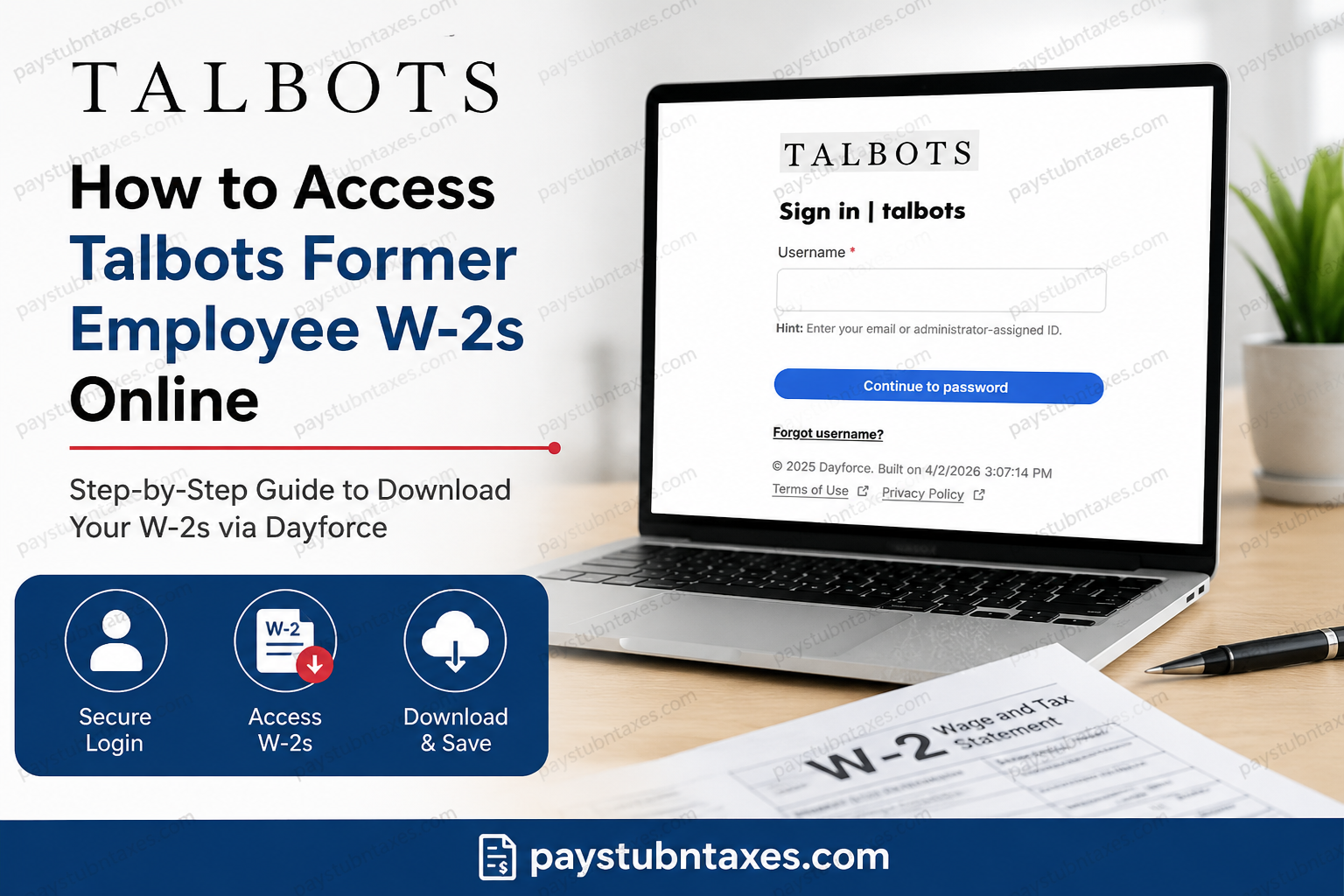
Former employees of Talbots can conveniently access year-end tax documents online through the Dayforce HCM self-service portal. Whether you need a recent W-2 form for tax filing, income verification, or personal recordkeeping, the online process is secure, fast, and accessible from virtually anywhere. Talbots, founded in 1947, has grown into one of America’s most recognizable women’s fashion brands, operating hundreds of stores across the United States and Canada while maintaining a strong commitment to quality, timeless style, and exceptional customer service.
Talbots Former Employee W-2 Portal
Former Talbots associates can retrieve tax documents through the Dayforce HCM platform.
Official Login Portal
The login page allows former associates to securely access payroll and tax records, including electronic W-2 forms.
What You Need Before Logging In
Before attempting to access your Talbots W-2 online, make sure you have:
- Your Dayforce username
- Your password
- Access to your registered email or phone number for verification
- A stable internet connection
- Your updated browser or Dayforce mobile app
If you no longer remember your login credentials, use the “Forgot Username” or password recovery option available on the login screen.
How to Access Talbots Former Employee W-2s Online
Follow these steps carefully to retrieve your W-2 form online.
Step 1: Visit the Talbots Dayforce Portal
Go to the official Dayforce login page:
Enter your username and continue to the password page.
Step 2: Sign In to Your Account
Input your Dayforce password and complete any required authentication steps.
If you are logging in for the first time after separation from employment, you may need to reset your password or verify your identity through email authentication.
Step 3: Open the Earnings Section
Once logged in:
- Navigate to the Earnings section from the dashboard
- Select the Year-End Forms tab
- Choose the applicable tax year
- Open your W-2 form
The Year-End Forms section contains electronic tax statements that can be viewed, downloaded, and printed directly from the portal.
How to Download or Print Your Talbots W-2
After opening the document:
- Click the download icon to save the PDF copy
- Use the print option for a physical copy
- Store the document securely for future tax or employment verification purposes
Electronic copies are generally available earlier than mailed paper statements.
Accessing W-2s Through the Dayforce Mobile App
Talbot’s former employees may also access tax forms using the Dayforce mobile application.
Mobile Setup Steps
- Download the Dayforce app from:
- Apple App Store
- Google Play Store
- Open the app and connect to your company account
- Enter the Talbots company credentials if requested
- Log in using your Dayforce username and password
- Navigate to:
- Earnings
- Year End Forms
- Select your W-2
The mobile app provides convenient access to payroll records, earnings statements, and tax forms directly from your smartphone.
How to Choose Paperless W-2 Delivery
Dayforce also allows users to elect electronic-only delivery for tax documents.
To enable paperless W-2 delivery:
- Open Profile & Settings
- Navigate to Payroll Information
- Select the edit or pencil icon
- Review the consent agreement
- Accept electronic delivery for W-2 forms
Electronic delivery helps reduce mailing delays and allows faster access to tax documents.
What to Do If You Cannot Access Your Talbots W-2
If you experience login or account issues, try the following solutions:
Reset Your Password
Use the password recovery option on the Dayforce login page.
Verify Your Email Address
Ensure your former employee account still has access to your registered email address.
Clear Browser Cache
Sometimes, outdated browser data can interfere with login authentication.
Try Another Device
Switching browsers or devices may resolve compatibility issues.
Contact Payroll or HR Support
If your account remains inaccessible, contact Talbots payroll or HR support for additional assistance regarding former employee tax documents.
Important W-2 Availability Information
Employers typically issue W-2 forms by the end of January each year. Electronic forms may appear in Dayforce before paper copies arrive by mail.
Former associates should regularly monitor their Dayforce account during tax season to avoid delays.
Benefits of Accessing Talbots W-2s Online
Using the Dayforce self-service portal offers several advantages:
- 24/7 access to tax forms
- Faster retrieval than postal mail
- Secure electronic storage
- Ability to print multiple copies instantly
- Mobile-friendly access through the Dayforce app
- Reduced risk of lost documents
Final Thoughts
Talbot’s former employees can efficiently retrieve W-2 tax documents online through the secure Dayforce HCM portal. By using the Earnings and Year-End Forms sections, associates can quickly download, print, and manage important payroll records without waiting for mailed copies. Online access simplifies tax season while providing secure, convenient, and immediate availability of essential employment documents.
Frequently Asked Questions
1. Can former Talbots employees still access Dayforce?
Yes. Former associates can generally continue accessing Dayforce to retrieve tax documents and payroll history.
2. When will my Talbots W-2 become available?
Most W-2 forms are uploaded by late January each year.
3. Can I download previous years’ W-2 forms?
Depending on retention policies, prior tax forms may remain accessible within Dayforce.
4. What if I forgot my Dayforce username?
Use the “Forgot Username” link on the login page or contact HR support.
5. Can I access my W-2 from my phone?
Yes. The Dayforce mobile app supports access to year-end tax forms.
6. Is Dayforce secure?
Yes. Dayforce uses secure authentication and encrypted access protocols to protect employee information.
7. Can I print my W-2 directly from Dayforce?
Absolutely. You can print or download a PDF copy at any time.
8. Will Talbot mail a paper W-2?
Paper copies may still be mailed unless you opted into paperless delivery.
9. What browser works best with Dayforce?
Updated versions of Chrome, Edge, Safari, or Firefox generally work best.
10. Can I update my personal information in Dayforce?
Some profile information may still be editable, depending on your former employee account permissions.
