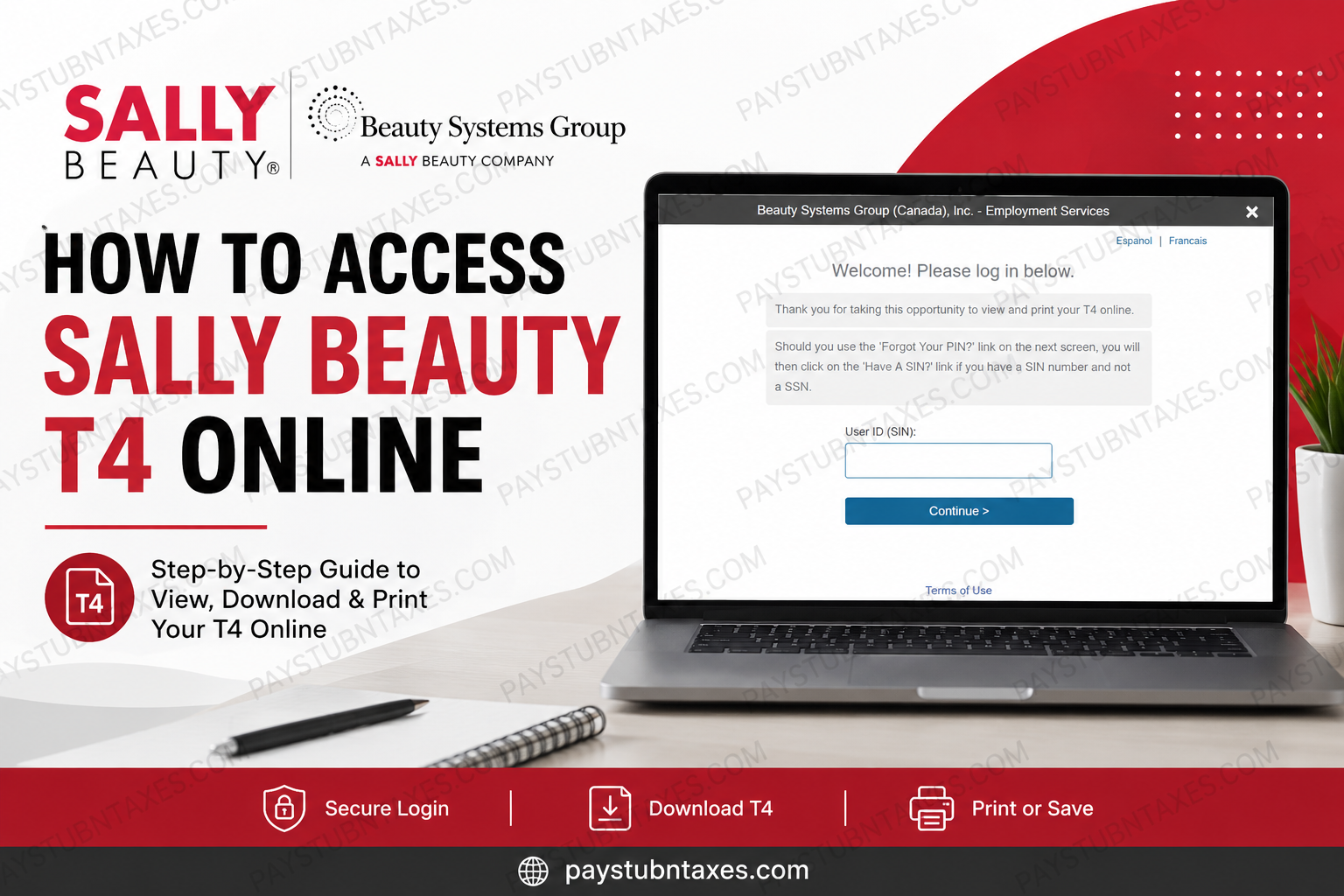
For employees of Sally Beauty and Beauty Systems Group (BSG) in Canada, accessing your T4 online is a fast, secure, and convenient way to manage your tax documents. Since Sally Beauty operates under Beauty Systems Group in Canada, employees can retrieve their T4 slips through the official Tax Form Management portal powered by Equifax. This guide explains exactly how to access, download, print, and manage your Sally Beauty T4 online without unnecessary complications.
Whether you are a current employee or a former team member, the online portal allows you to securely view, download, print, and manage your tax documents from any device with internet access.
The company code for Sally Beauty Canada / Beauty Systems Group is: Company Code: 90529
The portal also supports online consent for electronic tax delivery, account updates, and secure identity verification.
About Sally Beauty and Beauty Systems Group
Sally Beauty Holdings is one of the world’s largest specialty retailers and distributors of professional beauty supplies. The company operates thousands of locations globally and serves both retail customers and salon professionals with premium beauty brands and proprietary products. Beauty Systems Group (BSG), headquartered in Denton, Texas, operates CosmoProf and Armstrong McCall stores across North America. BSG distributes professional salon products from leading brands such as Paul Mitchell, Wella, Matrix, Schwarzkopf, Goldwell, Kenra, Joico, and CHI.
How to Access Sally Beauty T4 Online
Step 1: Visit the Tax Form Management Website
Go to: Tax Form Management Portal
On the homepage, enter the company code: 90529
After entering the code, you will be redirected to the Beauty Systems Group (Canada) employee login page.
Step 2: Enter Your Login Information
You will be asked to enter your User ID information. In many cases for Canadian employees, the system may use your SIN-based identification for verification.
The portal supports both first-time users and returning users.
First-Time User Login Process
If you are logging in for the first time:
- Select Register Now
- Enter your personal verification information
- Complete the identity authentication process
- Create a personalized User ID and password
- Save your credentials for future access
The authentication system may request:
- First and last name
- SIN information
- Date of birth
- Primary email address
- Phone verification through a One-Time Passcode (OTP)
The system may also send a verification code by email, phone, or postal mail for additional security verification.
Returning User Login Instructions
Returning users can log in using their personalized User ID and password.
If the system recognizes your device and login history, you may gain immediate access. Otherwise, the portal may require additional identity verification through OTP authentication.
If you forgot your password or User ID, use the Forgot User ID or Forgot Password option on the login page. Users resetting credentials may need to complete the same identity verification process as first-time users.
How to Consent to Online T4 Delivery
To receive your T4 electronically instead of by mail:
- Log in to your account
- Locate the Online Delivery Consent section
- Select the checkbox beside your tax form
- Click Receive Forms Online
- Review the disclosure agreement
- Accept the consent terms
- Confirm your email and mailing address
- Submit your request
After submission, you will receive confirmation that your online delivery request has been successfully processed.
How to Download or Print Your T4
Once logged in:
- Navigate to the homepage dashboard
- Locate your available tax forms
- Select the T4 form you wish to access
- Click View to open the document
- Download or print the form as needed
The portal may also provide additional options such as:
- Download a PDF copy
- Request postal mail delivery
- Fax delivery options
How to Update Your Personal Information
If your contact details have changed:
- Log in to your account
- Click My Account
- Select the pencil/edit icon
- Update your information
- Save your changes
Keeping your email address and phone number current helps ensure uninterrupted access to your tax forms and security verification codes.
Troubleshooting Sally Beauty T4 Access Issues
Forgot Password or User ID
Use the recovery options on the login screen. The portal may verify your identity using OTP authentication or additional security questions.
Unable to Receive Verification Code
If your email or phone number is outdated, the system may require employer-assisted verification.
Browser Compatibility Issues
For the best experience:
- Use updated browsers such as Chrome, Edge, Firefox, or Safari
- Enable cookies and JavaScript
- Disable pop-up blockers temporarily if PDF downloads fail
Locked Account
Multiple failed login attempts may temporarily lock your account for security reasons. Wait several minutes before retrying or contact support if necessary.
Benefits of Accessing T4 Forms Online
Using the Tax Form Management portal offers several advantages:
- Faster access to tax forms
- Secure digital delivery
- 24/7 availability
- Reduced paper clutter
- Easy downloading and printing
- Faster tax filing preparation
Electronic delivery also helps minimize delays associated with traditional mail delivery.
Final Thoughts
The Sally Beauty and Beauty Systems Group Tax Form Management portal makes accessing T4 slips simple, secure, and efficient for Canadian employees. By registering for online delivery, employees can retrieve tax documents quickly, reduce paperwork, and prepare for tax season with greater convenience. Using the portal’s secure authentication features and self-service tools, both current and former employees can manage their tax records anytime and anywhere.
Frequently Asked Questions (FAQ)
1. What is the Sally Beauty T4 company code?
The company code for Sally Beauty Canada / Beauty Systems Group is: 90529
2. Where can I access my Sally Beauty T4 online?
You can access your T4 through the Tax Form Management portal: www.mytaxform.com
3. Why does the website show Beauty Systems Group instead of Sally Beauty?
Sally Beauty operates in Canada under Beauty Systems Group (BSG), so employees are redirected to the BSG login page.
4. Can former employees still access their T4 online?
Yes. Former employees can typically continue accessing their tax documents through the portal using their registered credentials.
5. What should I do if I forgot my password?
Use the Forgot Password option on the login page and complete the identity verification process.
6. Can I download my T4 as a PDF?
Yes. The portal allows users to view, download, save, and print T4 forms electronically.
7. Is online T4 delivery secure?
Yes. The portal uses identity verification and secure authentication measures to protect employee information.
8. Can I receive my T4 by mail instead?
Yes. Employees who do not consent to online delivery may still receive paper copies by mail, depending on employer settings.
9. What information do I need for first-time registration?
You may need:
- SIN
- Date of birth
- Email address
- Phone number
- Personal verification details
10. Can I update my contact information online?
Yes. You can update your email, phone number, and address through the My Account section.
