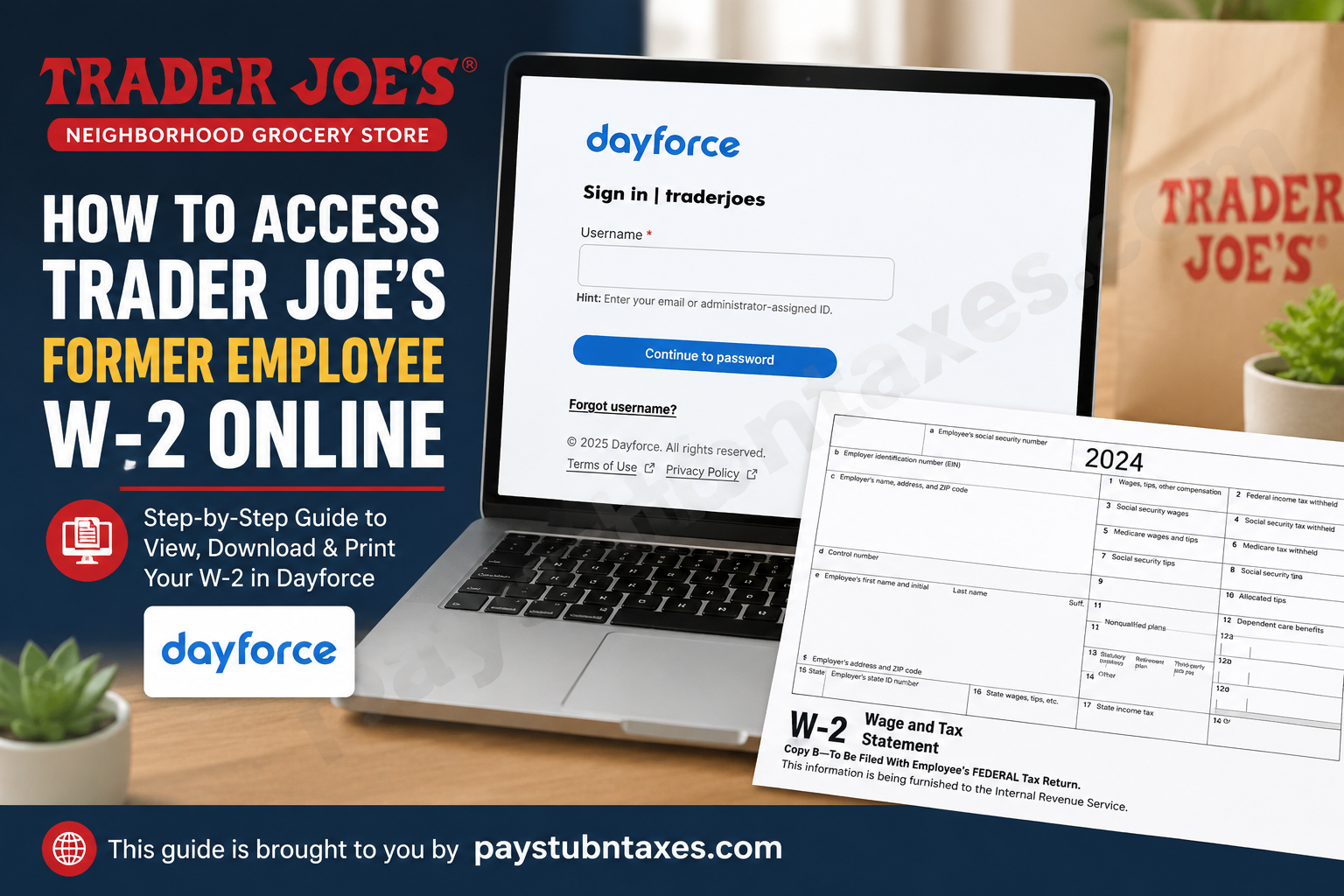
Former employees of Trader Joe’s can still access their W-2 forms online through the official Dayforce payroll portal after leaving the company. Trader Joe’s allows former Crew Members to retain access to Dayforce for up to 18 months after termination, making it easier to retrieve year-end tax documents without waiting for paper copies. Whether you need your W-2 for tax filing, income verification, mortgage applications, or personal records, this guide explains everything you need to know about accessing, downloading, and printing your former Trader Joe’s employee’s W-2 online.
Trader Joe’s Former Employee W-2 Access
Trader Joe’s uses the Dayforce HCM payroll and human resources system to manage employee records, earnings statements, and tax documents. Former employees can continue using the same Dayforce login credentials they used during employment.
Official Dayforce Portal: Trader Joe’s Dayforce Login
If you previously consented to electronic tax delivery, your W-2 will typically be available online by the end of January each year. Employees who did not enroll in electronic delivery should receive a physical copy by mail on or before January 31.
Requirements Before Logging In
Before attempting to access your W-2, make sure you have:
- Your Dayforce username or email address
- Your existing password
- Access to your registered email account
- A stable internet connection
- A computer or laptop (recommended instead of the mobile app)
Former Crew Members are generally advised to use a desktop browser because certain tax document functions may not appear properly in the Dayforce mobile application.
How to Access Trader Joe’s Former Employee’s W-2 Online
Follow these steps carefully to retrieve your W-2 through Dayforce:
Step 1: Visit the Trader Joe’s Dayforce Portal
Go to: https://traderjoes.dayforcehcm.com
You will arrive at the Dayforce sign-in page.
Step 2: Enter Your Username
Use the same username or email address associated with your former Trader Joe’s employee account.
Click “Continue to password.”
Step 3: Enter Your Password
Type your Dayforce password and complete the login process.
If you forgot your password, click “Forgot username?” or use the password recovery option to regain account access.
Step 4: Navigate to Earnings or Documents
After signing in:
- Open the Dayforce dashboard
- Select Earnings
- Choose Year-End Forms
- Locate your W-2 for the desired tax year
- Open the document
The Dayforce system allows employees to view and download year-end tax documents electronically.
Step 5: Download or Print Your W-2
Once your W-2 opens:
- Click Download to save the PDF
- Click the Print icon if you need a physical copy
- Adjust print scaling if necessary for proper formatting
The Dayforce print instructions explain that users may need to modify scaling settings for optimal printing results.
First-Time Dayforce Registration Instructions
If you have never activated your Dayforce account or cannot access it anymore, you may need to complete the registration process.
Typical Dayforce setup steps include:
- Selecting Sign Up Now
- Entering your registered email address
- Receiving a security verification code
- Confirming the last four digits of your Social Security Number
- Creating a password
- Setting security questions
Electronic W-2 setup and account verification processes are standard within Dayforce systems.
How to Consent to Electronic W-2 Delivery
Trader Joe’s employees who enroll in electronic delivery can access W-2 forms faster online instead of waiting for postal delivery.
In Dayforce:
- Open Profile & Settings
- Navigate to Payroll Information
- Select Year-End Form Delivery
- Review the consent agreement
- Approve electronic delivery preferences
Electronic delivery settings in Dayforce allow employees to receive employment-related tax forms digitally.
What If You Cannot Access Your Trader Joe’s W-2?
If you experience login issues or account problems, try the following:
Reset Your Password
Use the Dayforce password recovery feature to reset your credentials.
Verify Your Email Address
Ensure you are using the same email address associated with your Trader Joe’s employee profile.
Check Browser Compatibility
Use an updated browser such as Google Chrome, Microsoft Edge, or Firefox.
Contact Trader Joe’s HR Support
For additional assistance with Dayforce access or W-2 retrieval:
- HR Phone: 833-473-9261
- Email: rdenning@traderjoes.com
How Long Can Former Employees Access Dayforce?
Trader Joe’s generally allows former employees to retain Dayforce access for up to 18 months after termination. During this period, you can still:
- View W-2 forms
- Download tax statements
- Access earnings records
- Print payroll documents
After the access period expires, you may need to contact HR directly to request copies of prior tax documents.
Benefits of Accessing Your W-2 Online
Using Dayforce to retrieve your Trader Joe’s W-2 provides several advantages:
- Faster access to tax forms
- Secure digital storage
- Ability to download previous records
- Convenient printing options
- Reduced risk of lost mail
Electronic delivery is also environmentally friendly and helps streamline tax filing preparation.
Common Dayforce W-2 Problems and Solutions
| Problem | Solution |
| Forgot password | Use password reset option |
| Locked account | Contact HR support |
| W-2 not visible | Check “Year End Forms” section |
| Cannot print | Adjust browser print scaling |
| Wrong mailing address | Update address with HR immediately |
| Expired access | Contact Trader Joe’s HR |
Final Thoughts
Trader Joe’s makes it relatively simple for former employees to obtain W-2 forms online through Dayforce. As long as your account remains active, you can securely log in, download your tax documents, and print copies whenever needed. To avoid delays during tax season, it is wise to enable electronic delivery, keep your contact information updated, and save digital copies of all important payroll records. For unresolved issues, Trader Joe’s HR support can assist with account recovery, mailing concerns, and document access.
Frequently Asked Questions (FAQs)
1. How do I access my Trader Joe’s former employee’s W-2 online?
You can log into the Trader Joe’s Dayforce portal using your former employee credentials and access your W-2 under the “Year End Forms” section.
2. What is the official Trader Joe’s Dayforce login link?
The official portal is: https://traderjoes.dayforcehcm.com/?
3. How long can former Trader Joe’s employees access Dayforce?
Former employees typically retain access for up to 18 months after termination.
4. Can I access my Trader Joe’s W-2 from the Dayforce mobile app?
A computer browser is generally recommended because some W-2 functions may not work correctly on the mobile app.
5. When are Trader Joe’s W-2 forms available online?
W-2 forms are usually available by the end of January each year.
6. What happens if I did not consent to electronic W-2 delivery?
Your physical W-2 should be mailed to your address on file on or before January 31.
7. Can I print my Trader Joe’s W-2 from Dayforce?
Yes. You can open the document and use the print feature to generate a paper copy.
8. What should I do if I forgot my Dayforce password?
Use the password reset option on the Dayforce login page or contact HR for assistance.
9. Can former employees still access pay stubs?
Yes, many former employees can still access pay statements during the active access period.
10. What browser works best with Dayforce?
Google Chrome, Firefox, and Microsoft Edge generally provide the best compatibility.
11. Why is my W-2 missing from Dayforce?
Check the “Year End Forms” section carefully. If it still does not appear, contact HR support.
12. Who do I contact for Trader Joe’s W-2 help?
You can call HR at 833-473-9261 or email rdenning@traderjoes.com.
13. Can I download previous years’ W-2 forms?
Depending on account availability, Dayforce may allow access to prior tax years.
14. Is Trader Joe’s Dayforce access secure?
Yes. Dayforce uses authentication and verification measures to protect employee payroll records.
15. Can I receive my W-2 electronically instead of by mail?
Yes. You can enroll in electronic delivery through your Dayforce payroll settings.
