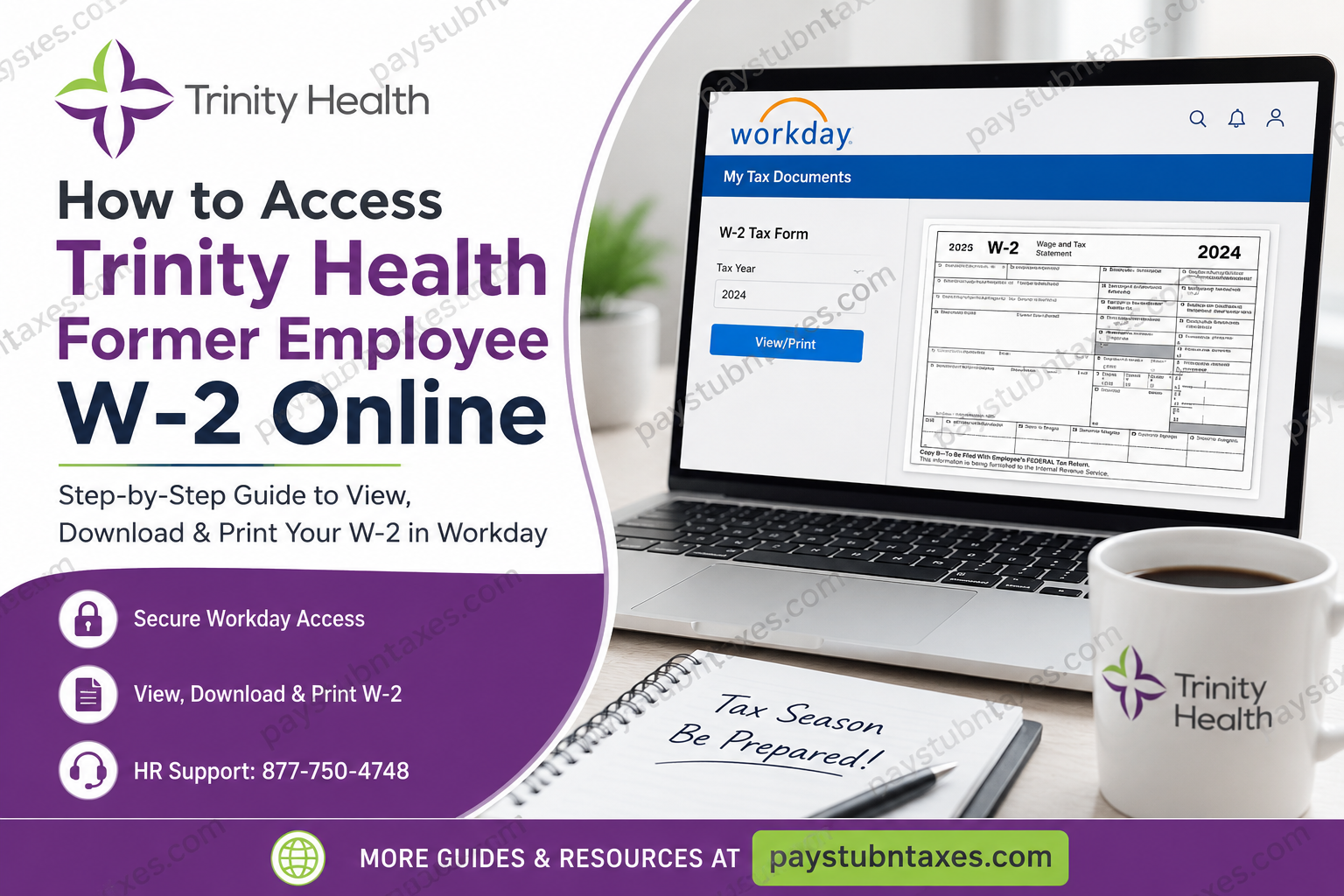
Trinity Health is one of the largest Catholic health care systems in the United States, serving communities across 26 states through hospitals, urgent care centers, continuing care facilities, and physician networks. Former employees can conveniently access their W-2 tax forms online through the Workday self-service platform after separation from employment. If you recently left Trinity Health and need your W-2 for tax filing, this complete guide explains how to log in, download, print, and troubleshoot your W-2 access quickly and securely.
Can Former Trinity Health Employees Access W-2 Online?
Yes. Trinity Health allows terminated employees to continue accessing year-end tax documents through Workday after employment ends. While active employees typically sign in through the organization’s Single Sign-On (SSO) system, former employees lose SSO access shortly after termination. To ensure uninterrupted access to tax forms, Trinity Health provides former employees with separate Workday credentials during the offboarding process.
Trinity Health Former Employee Workday Login
Former employees should use the direct Workday login page instead of the internal employee SSO portal.
Direct Workday Login Link: Trinity Health Workday Login
The login screen contains separate guidance for terminated colleagues and HR support information.
What You Need Before Logging In
Before attempting to access your W-2 online, make sure you have:
- Your former employee’s Workday username
- Temporary or updated password
- Access to the email account used during employment
- A secure internet connection
During termination or separation, HR generally sends login instructions to your personal email address. If you cannot find the message, check:
- Spam folder
- Junk mail
- Promotions tab
- Archived emails
Step-by-Step Guide to Access Trinity Health W-2 Online
Follow these steps carefully to retrieve your W-2 tax statement.
Step 1: Open the Workday Login Portal
Visit the Trinity Health former employee Workday login page: https://www.myworkday.com/trinityhealth/login.htmld?redirect=n
Enter your username and password, then click Sign In.
Step 2: Navigate to the Pay Dashboard
After signing in:
- Open your Workday homepage
- Select the Pay application/dashboard
- Locate the payroll and tax section
The Workday payroll dashboard contains all available tax documents and pay records.
Step 3: Open “My Tax Documents”
Inside the Pay section:
- Click My Tax Documents
- Locate your available W-2 forms
- Choose the correct tax year
Workday stores W-2 forms under the My Tax Documents section for easy retrieval.
Step 4: View or Print Your W-2
Once your W-2 appears:
- Click View/Print
- Wait a few seconds for the document to load
- Use the navigation arrows to browse pages
- Select the printer icon to print
- Select the download icon to save a PDF copy
The Workday interface also includes an accessible W-2 format option for users requiring enhanced accessibility support.
When Will Trinity Health W-2 Forms Be Available?
W-2 forms are typically issued by the end of January each year.
If you enrolled in electronic delivery, your form may appear in Workday earlier than the mailed paper version. Employees who did not consent to electronic delivery should expect their paper W-2 to be postmarked on or before January 31.
Forgot Your Workday Password?
If you cannot sign in:
- Click Forgot Your Password
- Follow the password reset instructions
- Verify your identity through the recovery process
If password recovery fails, contact HR Shared Services for additional assistance.
Trinity Health HR Support for Former Employees
If you experience issues accessing Workday or retrieving your W-2, contact Trinity Health HR Shared Services.
HR Shared Services Contact
- Phone: 877-750-4748
The login portal specifically instructs terminated colleagues to contact HR Shared Services for Workday access issues.
Common Problems Former Employees Face
SSO Login No Longer Works
This is normal after termination. Former employees must use the direct Workday login instead of organizational SSO authentication.
Temporary Password Expired
Contact HR Shared Services to request a password reset or updated credentials.
W-2 Not Showing in Workday
Possible reasons include:
- W-2 has not yet been published
- Incorrect tax year selected
- Electronic delivery not enabled
- Payroll processing delays
Wait a few business days and try again.
Locked Workday Account
Multiple failed login attempts may temporarily lock your account. HR can assist with unlocking access.
Can You Access Older Trinity Health W-2 Forms?
In many cases, yes. Workday may retain prior-year tax documents depending on payroll retention policies and account availability. Former employees should download and save copies immediately after accessing them to avoid future access limitations.
Is Trinity Health Workday Access Secure?
Yes. Workday uses encrypted authentication and secure payroll systems to protect sensitive employee tax information. Always:
- Log in from trusted devices
- Avoid public Wi-Fi
- Sign out after use
- Never share login credentials
Final Thoughts
Accessing your Trinity Health former employee W-2 online is generally straightforward when you use the dedicated Workday portal rather than the internal employee SSO system. Once logged in, you can quickly view, print, or download your tax forms through the My Tax Documents section. If login problems occur, Trinity Health HR Shared Services can help restore access and guide you through the recovery process.
Frequently Asked Questions (FAQs)
1. How do former employees access Trinity Health W-2 online?
Former employees must use the direct Workday login portal with separate credentials provided during termination.
2. What is the Trinity Health Workday login link?
The direct login page is:
https://www.myworkday.com/trinityhealth/login.htmld?redirect=n
3. Does Trinity Health mail paper W-2 forms?
Yes. Employees who did not consent to electronic delivery typically receive paper W-2 forms by mail before January 31.
4. Why can’t I use Trinity Health SSO anymore?
SSO access is usually revoked shortly after termination for security purposes.
5. Where is the W-2 located inside Workday?
Go to:
Pay Dashboard → My Tax Documents → View/Print W-2
6. Can I download my W-2 as a PDF?
Yes. Workday allows you to download and save a PDF copy.
7. What if I forgot my Workday password?
Use the password recovery option or contact HR Shared Services.
8. Who do I contact for Workday login issues?
Call Trinity Health HR Shared Services at 877-750-4748.
9. When are W-2 forms available?
Typically by late January each year.
10. Can former employees still access Workday?
Yes, Trinity Health provides separate access for terminated employees.
11. What should I do if my W-2 is missing?
Verify the correct tax year and wait for payroll publication if forms are not yet released.
12. Is Workday mobile-friendly?
Yes. Workday can be accessed from most smartphones and tablets.
13. Can I print multiple copies of my W-2?
Yes. You may print as many copies as needed while access remains active.
14. Is there an accessible version of the W-2?
Yes. Workday includes an “Accessible Form” option.
15. Should I save my W-2 immediately?
Absolutely. Download and securely store your W-2 for future reference.
