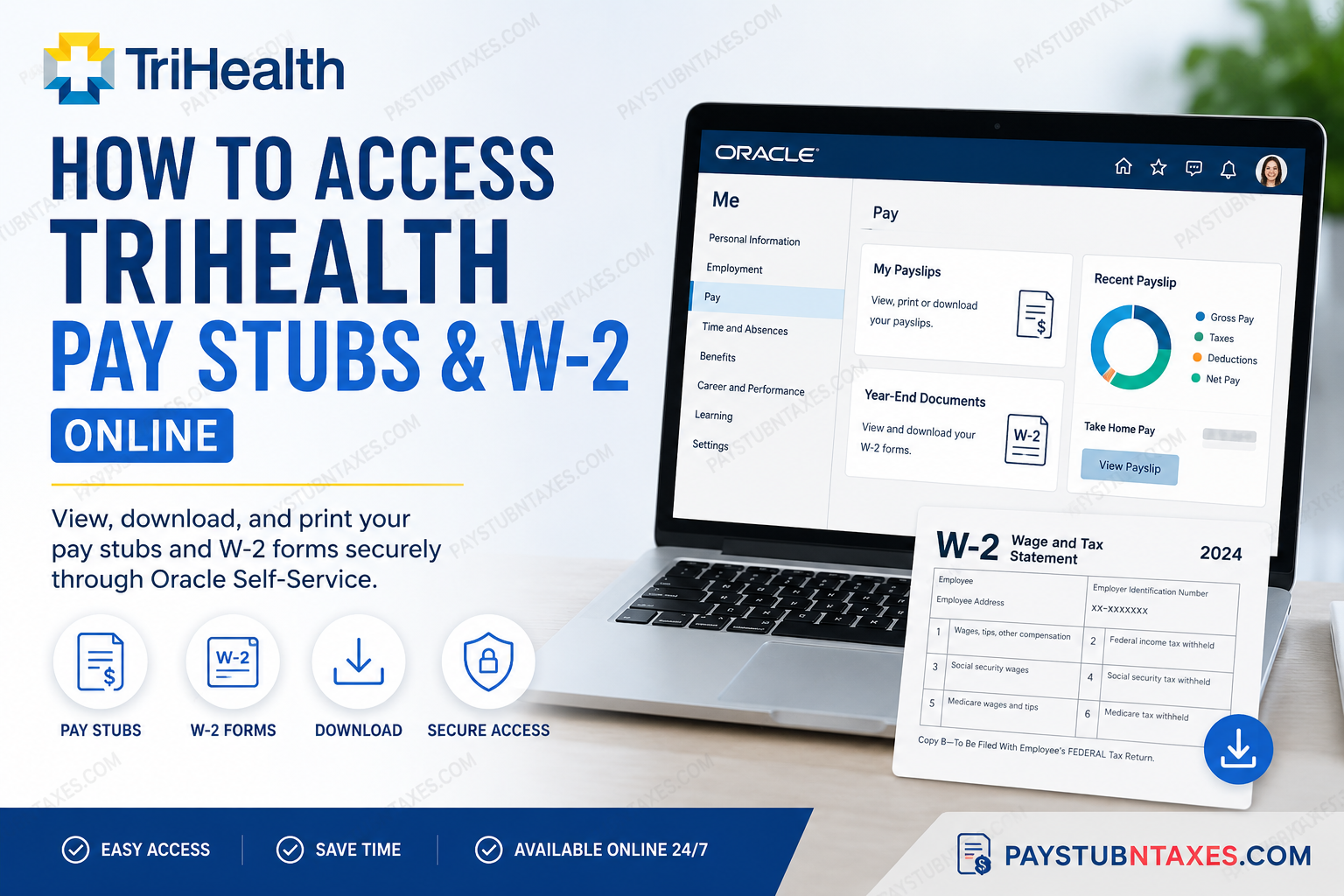
Managing payroll and tax documents online has become an essential part of modern employment, and TriHealth makes the process remarkably convenient through its Oracle Self-Service platform. Whether you need to review your latest paycheck, download previous payslips, update direct deposit details, or retrieve your annual W-2 form for tax filing, the entire process can be completed securely online within minutes. TriHealth, one of Cincinnati’s leading healthcare systems, serves the community through a network of hospitals, clinics, and specialty care facilities while supporting thousands of employees and physicians across the region. The organization utilizes Oracle Cloud applications to centralize HR and payroll services, replacing older systems such as SuccessFactors and INFOR HR. This guide explains exactly how current TriHealth employees can access pay stubs and W-2 forms online using Oracle Self-Service.
What Is the TriHealth Oracle Self-Service Portal?
TriHealth uses Oracle as its primary employee self-service platform. Team members can use the Oracle application to:
- Access pay stubs and payroll history
- View and download W-2 statements
- Manage direct deposit information
- Access payroll previews
- Review deductions and earnings
- Navigate to additional HR tools such as Kronos and Learn
Oracle is accessible both through the TriHealth Bridge intranet and remotely online using secure login credentials.
TriHealth Oracle Login Portal
Employees can sign in to the Oracle platform using the official Microsoft authentication page below: TriHealth Oracle Login Portal
The login page uses TriHealth’s Microsoft authentication system and requires your employee credentials.
How to Access TriHealth Pay Stubs Online
TriHealth employees can quickly access digital payslips directly through Oracle Payroll Self-Service.
Step-by-Step Instructions to View Pay Stubs
Step 1: Sign In to Oracle
Visit the Oracle login portal and enter your TriHealth employee credentials.
Step 2: Open the “Me” Section
After signing in, navigate to your home dashboard and click: Me
Step 3: Open the Payroll Page
Select: Pay
This opens the Payroll workspace, where payroll records and payment methods are stored.
Step 4: Access Payslips
Click: My Payslips
You will now see your available payroll history organized by pay date.
What You Can View Inside Your Payslip
TriHealth’s Oracle Payroll portal provides detailed payroll breakdowns, including:
- Gross earnings
- Federal and state tax deductions
- Benefit deductions
- Net pay distribution
- Payroll previews
- Direct deposit details
The system also includes visual analytics such as pie charts and payroll comparison charts for multiple pay periods.
Employees can:
- Download payslips as PDF files
- Print payroll statements
- Export multiple payslips simultaneously
- Compare historical payroll data
- Review bank deposit distributions
TriHealth stores payroll records securely within the application, allowing employees to retrieve them anytime.
How to Access TriHealth W-2 Forms Online
TriHealth employees can also retrieve year-end tax statements electronically through Oracle Self-Service.
Steps to View Your W-2
Step 1: Log In to Oracle
Sign in using your TriHealth credentials.
Step 2: Navigate to Payroll
From the home page:
- Click Me
- Select Pay
Step 3: Open Year-End Documents
Click: Year-End Documents
Your available W-2 forms will appear by tax year.
Step 4: Download the PDF Version
Select the red PDF icon beside the desired tax year to open and download your W-2 statement. If multiple years are available, each tax year will appear separately for easy retrieval.
Important Tip for Saving W-2 Forms Correctly
When downloading your W-2:
- Use the Print option
- Select Print to PDF
Using the browser’s regular “Save” button may save the document as an HTML webpage instead of a PDF file.
This ensures your W-2 remains in the proper IRS-ready format for tax filing.
How to Set Up Direct Deposit in Oracle
TriHealth employees can manage payment methods directly within Oracle Payroll.
Steps to Add Bank Information
- Open the Payment Methods section
- Add your bank account details
- Choose Direct Deposit
- Select either:
- Checking account
- Savings account
- Assign payment percentages or fixed amounts
- Save your settings
Employees can configure multiple bank accounts and split deposits between accounts if desired.
TriHealth Bridge and Additional Employee Resources
TriHealth Bridge serves as the organization’s primary employee intranet and provides access to system-wide news, HR resources, payroll tools, and internal services. Team members can access Bridge remotely with internet connectivity and login credentials.
Additional employee tools available through TriHealth include:
- Kronos
- TriHealth Learn
- Outlook Web Access
- IS Service Center
- Self-Service Password Reset
- Employee Assistance Program (EAP)
TriHealth HR Service Center Contact Information
If you experience login issues, payroll discrepancies, or W-2 access problems, you can contact the TriHealth HR Service Center.
HR Service Center
- Phone: 513-569-5950
- Email: TriHealthHRBC@TriHealth.com
Hours of Operation
- Monday–Thursday: 7:30 a.m. – 5:00 p.m.
- Friday: 7:30 a.m. – 4:30 p.m.
Common Reasons You May Not See Your W-2
There are several reasons why your W-2 may not yet appear in Oracle:
- The form has not been released yet for the current tax year
- Your mailing address needs updating
- You recently changed employment status
- Browser cache or pop-up blockers are interfering
- Payroll processing is still underway
Typically, employers are required to provide W-2 forms by January 31 each year.
Troubleshooting TriHealth Oracle Login Issues
If you cannot access Oracle:
Try These Solutions
- Reset your TriHealth password
- Clear browser cache and cookies
- Use a different browser
- Disable popup blockers
- Verify your Microsoft authentication login
- Confirm VPN or remote access settings if applicable
TriHealth also provides a Self-Service Password Reset tool for employees who need credential assistance.
Benefits of Accessing Pay Stubs and W-2s Online
Using Oracle Self-Service provides several advantages:
- Instant access to payroll records
- Secure digital document storage
- Faster W-2 retrieval during tax season
- Convenient remote access
- Reduced paper clutter
- Easy direct deposit management
- Historical payroll tracking
The platform is designed to streamline employee payroll management while improving accessibility and security.
Final Thoughts
TriHealth’s Oracle Self-Service platform offers a reliable and efficient way for employees to manage payroll and tax documentation online. From viewing current payslips to downloading annual W-2 forms, the system centralizes essential payroll services within a secure digital environment. By following the steps outlined above, TriHealth employees can quickly access their payroll information anytime and from virtually anywhere with internet access.
Frequently Asked Questions (FAQ)
1. How do I log in to the TriHealth Oracle portal?
You can log in through the official Oracle Self-Service portal using your TriHealth employee credentials and Microsoft authentication.
2. Where can I find my TriHealth pay stubs online?
After logging into Oracle, go to: Me → Pay → My Payslips.
You can then view, print, or download your payroll statements.
3. How do I access my TriHealth W-2 form?
Log in to Oracle and navigate to: Me → Pay → Year-End Documents.
Select the desired tax year and click the PDF icon to download your W-2.
4. Can I download TriHealth pay stubs as PDFs?
Yes. Oracle allows employees to download and print payslips directly as PDF documents.
5. Why won’t my W-2 open correctly?
If your W-2 saves as an HTML file instead of a PDF, use the Print option and select Print to PDF rather than using the browser’s save button.
6. Can former TriHealth employees access Oracle payroll records?
Access policies may vary depending on employment status and account activity. Former employees should contact the HR Service Center for assistance.
7. What information appears on a TriHealth payslip?
A TriHealth payslip typically includes:
- Gross earnings
- Taxes withheld
- Benefit deductions
- Net pay
- Direct deposit details
- Payroll history
8. How many past payslips can I view in Oracle?
Oracle typically displays up to 25 payroll statements in date order, with the newest payslips shown first.
9. Can I update direct deposit information online?
Yes. Employees can add or update bank accounts through the Payment Methods section inside Oracle Payroll Self-Service.
10. What should I do if I forget my TriHealth password?
Use the TriHealth Self-Service Password Reset tool or contact the IT Help Desk for login assistance.
11. Is TriHealth Oracle accessible outside the workplace?
Yes. Employees can securely access Oracle and TriHealth Bridge remotely using an internet connection and valid login credentials.
12. When are W-2 forms usually available?
W-2 forms are generally released by the end of January in compliance with federal tax reporting deadlines.
13. Can I print multiple pay stubs at once?
Yes. Oracle allows employees to select and export multiple payslips simultaneously.
14. Who do I contact for payroll or W-2 issues?
You can contact the TriHealth HR Service Center:
- Phone: 513-569-5950
- Email: TriHealthHRBC@TriHealth.com
15. What other employee resources are available through TriHealth?
TriHealth employees may also access:
- Kronos
- TriHealth Learn
- Outlook Web Access
- IS Service Center
- Employee Assistance Program (EAP)
- TriHealth Bridge intranet
