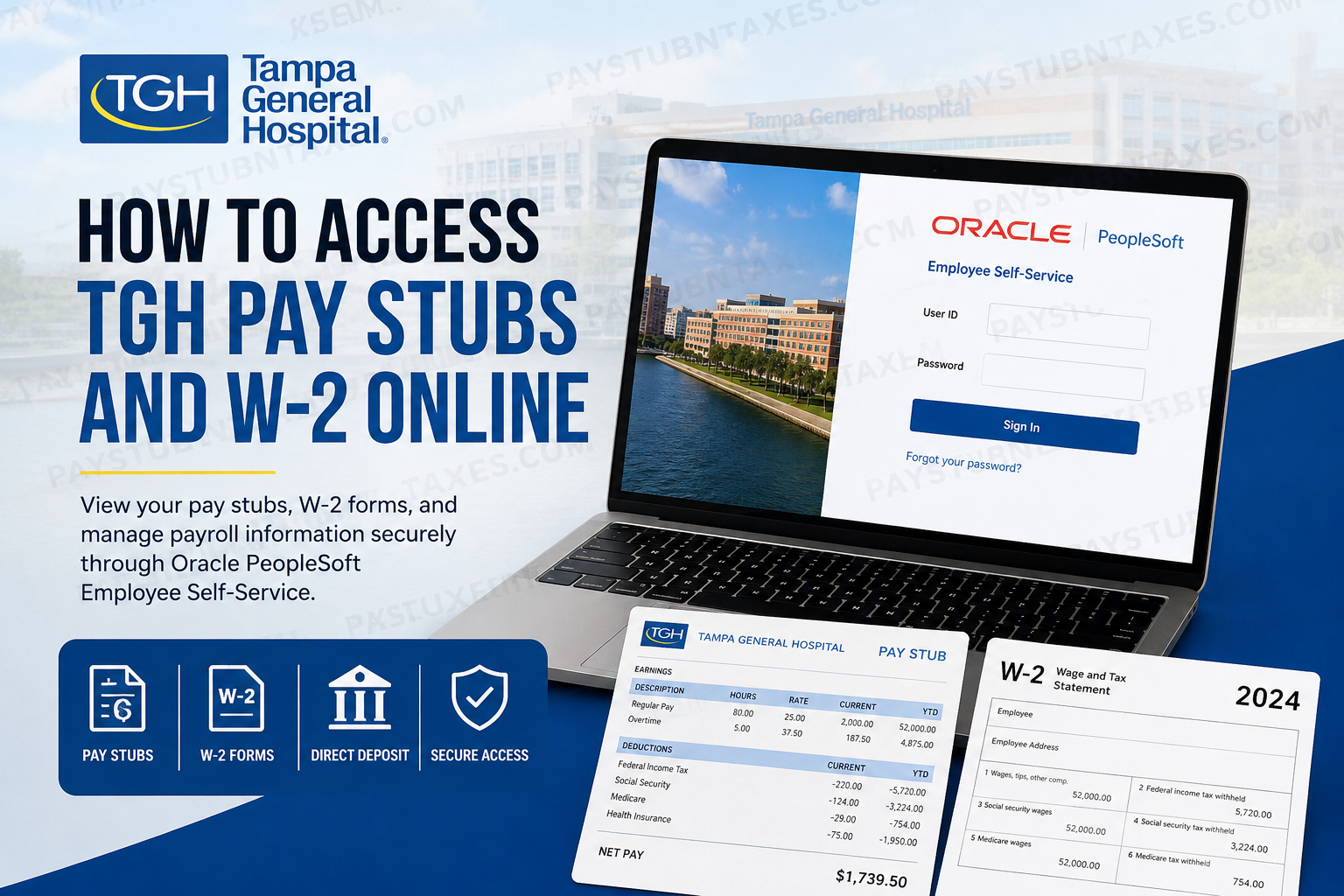
Managing payroll and tax documents digitally has become essential for today’s healthcare workforce. Tampa General Hospital (TGH), one of Florida’s leading academic health systems, provides employees and physicians with secure online access to pay stubs, W-2 forms, payroll information, tax withholding details, and direct deposit settings through the Oracle PeopleSoft Employee Self-Service portal. Whether you are a current TGH team member or a physician affiliated with the organization, this guide explains exactly how to access your TGH pay stubs and W-2 forms online quickly and securely.
About Tampa General Hospital
Tampa General Hospital is one of the largest private not-for-profit hospitals in Florida, serving more than a dozen counties across West Central Florida. The hospital operates as the region’s only academic health system in partnership with the USF Health Morsani College of Medicine and is nationally recognized for excellence in patient care, trauma services, transplant medicine, and advanced specialty treatment. TGH employs more than 15,000 team members and maintains nearly 1,000 licensed beds, making it one of the region’s largest employers and most respected healthcare institutions.
TGH Employee Payroll Portal
TGH uses Oracle PeopleSoft Employee Self-Service (ESS) for payroll and HR management.
TGH PeopleSoft Login Portal
TGH Oracle PeopleSoft Employee Self-Service
Employees and physicians can use the portal to:
- View and download pay stubs
- Access W-2 tax forms
- Update direct deposit information
- Manage tax withholding elections
- Review compensation details
- Update personal information
- Access payroll history securely online
The system uses TGH Single Sign-On (SSO) authentication for secure access.
How to Access TGH Pay Stubs Online
Follow these steps to retrieve your TGH paycheck statements online:
Step 1: Open the TGH PeopleSoft Portal
Visit the official TGH Employee Self-Service website: https://myhumanresource.tgh.org/psc/HCMPRD
Step 2: Sign In Using TGH SSO
Enter your:
- TGH network username
- Password
Then click Sign On.
The portal uses secure authentication and may require multi-factor verification depending on your security settings.
Step 3: Navigate to Payroll and Compensation
After signing in:
- Open the Employee Self-Service dashboard
- Select Payroll and Compensation
- Click View Paycheck
This section allows you to review both current and previous pay statements. The PeopleSoft system supports online paycheck access and payroll management features through the employee dashboard.
Step 4: Download or Print Your Pay Stub
You can now:
- Open your latest pay stub
- Download the statement as a PDF
- Print copies for personal or financial use
- Review deductions, taxes, overtime, and direct deposit information
Most pay statements become available electronically before payday.
How to Access TGH W-2 Forms Online
TGH employees can also retrieve year-end tax forms directly from PeopleSoft Employee Self-Service.
Step 1: Log Into Employee Self-Service
Go to: TGH PeopleSoft ESS Portal
Sign in using your TGH SSO credentials.
Step 2: Open Payroll and Compensation
From the Quick Links or Employee Self-Service menu:
- Select Payroll and Compensation
- Click View W-2 Form
Step 3: View Your Available W-2 Forms
The system will display the View W-2/W2c Forms page.
Here you can:
- Select the desired tax year
- Open your W-2 PDF
- View filing instructions
- Access prior-year W-2 forms
Step 4: Download and Print Your W-2
Click the Year-End Form link to open the PDF version of your W-2. Make sure pop-up blockers are disabled in your browser before downloading the file.
You may also:
- Save the W-2 for tax filing
- Print physical copies
- Access previous years’ tax statements online
How to Reset Your TGH PeopleSoft Password
If you forget your password:
- Visit the login page
- Select Forgot your password?
- Enter your User ID
- Complete identity verification
- Generate a one-time password (OTP)
- Reset your password securely
The PeopleSoft system supports secure password recovery using email or SMS verification.
How to Update Direct Deposit Information
Employees can update banking details online through PeopleSoft.
To Update Direct Deposit:
- Log into Employee Self-Service
- Open the Direct Deposit section
- Add or edit bank accounts
- Enter:
- Routing number
- Account number
- Account type
- Save changes
The system supports both checking and savings accounts and allows employees to split deposits across multiple accounts.
Benefits of the TGH PeopleSoft Payroll System
The Oracle PeopleSoft platform gives TGH employees secure 24/7 access to payroll and HR services.
Key Advantages
- Secure online payroll access
- Electronic W-2 delivery
- Fast paycheck retrieval
- Mobile-friendly login experience
- Direct deposit management
- Self-service tax updates
- Reduced paperwork
- Historical payroll access
The platform also supports enhanced security features, including one-time password authentication and encrypted login protection.
Common TGH Payroll Login Issues
Incorrect Username or Password
Verify your TGH SSO credentials carefully. Passwords are case-sensitive.
Browser Compatibility Problems
Use an updated browser such as:
- Google Chrome
- Mozilla Firefox
- Microsoft Edge
- Safari
PDF Does Not Open
Disable pop-up blockers to allow W-2 and paycheck PDFs to load properly.
OTP Verification Issues
Ensure your registered email address and phone number are current in PeopleSoft.
Frequently Asked Questions (FAQs)
1. How do I access my TGH pay stubs online?
Log into the TGH PeopleSoft Employee Self-Service portal using your TGH SSO credentials and navigate to Payroll and Compensation > View Paycheck.
2. Where can I download my TGH W-2 form?
You can access your W-2 through the PeopleSoft ESS portal under Payroll and Compensation > View W-2 Form.
3. Does TGH use Oracle PeopleSoft?
Yes. Tampa General Hospital uses Oracle PeopleSoft Employee Self-Service for payroll, HR, and tax document management.
4. Can former employees access TGH W-2 forms?
Former employees may still have limited access depending on their account status. Contact TGH HR if you cannot sign in.
5. What should I do if I forget my password?
Use the “Forgot your password?” option on the login page and complete OTP verification.
6. Can I print my pay stubs from home?
Yes. Pay stubs and W-2 forms can be downloaded and printed securely from any authorized device.
7. Does the TGH portal support mobile access?
Yes. The PeopleSoft ESS system works on most modern mobile browsers.
8. How do I update direct deposit information?
Sign in to ESS and open the Direct Deposit section to add or modify banking information.
9. Why is my W-2 PDF not opening?
Disable browser pop-up blockers and ensure you have a PDF reader installed.
10. Is the TGH payroll portal secure?
Yes. The platform uses TGH SSO authentication and secure access protocols to protect employee information.
