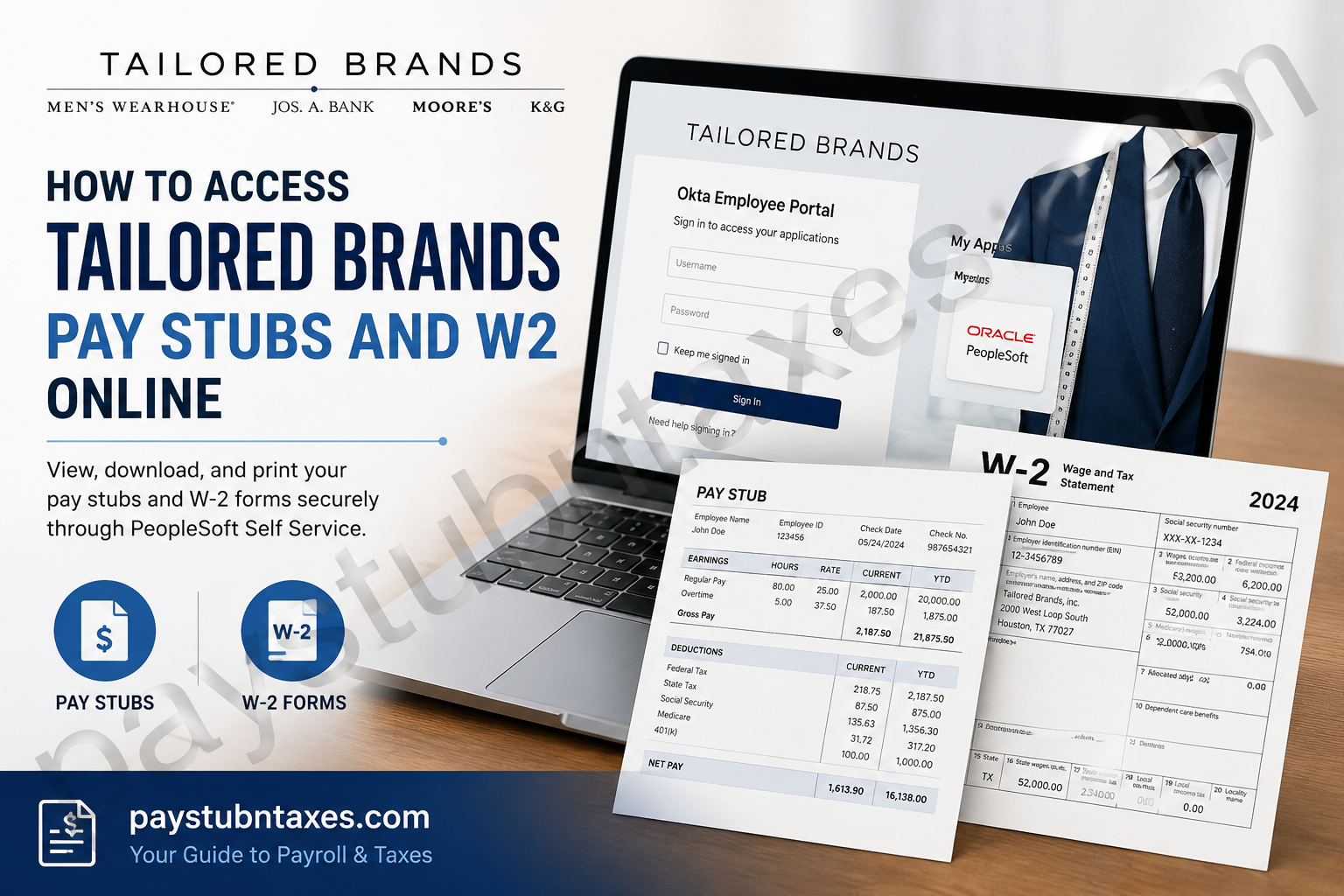
Tailored Brands, Inc. is one of America’s leading specialty retailers in menswear, operating iconic brands such as Men’s Wearhouse, Jos. A. Bank, Moores Clothing for Men, and K&G Fashion Superstore. Headquartered in Houston, Texas, the company serves millions of customers through its retail stores and e-commerce platforms while helping people look and feel their best for life’s most important moments. If you are a current employee of Tailored Brands, you can conveniently access your pay stubs, W-2 tax forms, payroll information, and employee self-service tools online through the PeopleSoft Self-Service portal integrated with Okta Single Sign-On (SSO). This complete guide explains how to log in, retrieve your pay stubs, download W-2 forms, reset your password, and troubleshoot common login issues.
Tailored Brands Employee Payroll Portal
Tailored Brands employees access payroll and tax documents through the company’s secure Okta dashboard.
Employee Login Portal
- Okta Sign-In Portal:
Tailored Brands Okta Login
After signing in to Okta, employees can launch the PeopleSoft application directly from their dashboard to manage payroll and compensation information.
How to Access Tailored Brands Pay Stubs Online
Follow these steps to view or download your current and previous pay stubs.
Step 1: Visit the Okta Employee Portal
Open the Tailored Brands Okta portal in your web browser:
Tailored Brands Employee Portal
Step 2: Enter Your Login Credentials
Input your:
- Username
- Password
Then click Sign In.
For security purposes, some employees may also be required to complete multi-factor authentication (MFA) using email or mobile verification.
Step 3: Open the PeopleSoft Application
After successful login:
- Access your Okta dashboard
- Locate the PeopleSoft app icon
- Click the application tile
You will automatically be redirected to the PeopleSoft Employee Self-Service system.
Step 4: Navigate to Payroll and Compensation
Inside PeopleSoft:
- Select Self Service
- Click Payroll and Compensation
- Choose View Paycheck
You will see a complete list of available paychecks organized by pay date.
Step 5: View or Download Your Pay Stub
To open your paycheck:
- Click the View Paycheck icon beside the pay date
- Enable the View PDF option for a downloadable pay stub version
- Save or print the document for your records
The online pay stub typically includes:
- Gross earnings
- Net pay
- Tax withholdings
- Overtime pay
- Before-tax deductions
- After-tax deductions
- Employer-paid benefits
How to Access Tailored Brands W-2 Forms Online
Employees can also retrieve annual W-2 tax statements electronically through PeopleSoft Self-Service.
Step 1: Log into PeopleSoft
Access the Okta portal and launch the PeopleSoft application.
Step 2: Open Payroll and Compensation
Navigate to:
- Self Service
- Payroll and Compensation
- View W-2 Form
Step 3: Select Your Tax Year
The system will display available W-2 forms.
Choose:
- The desired tax year
- “Year End Form” link
The W-2 will open as a PDF document.
Step 4: Download or Print Your W-2
Once the form opens:
- Download the PDF copy
- Print for tax filing purposes
- Save a backup copy securely
Employees may also access previous tax years through the View a Different Tax Year option.
Tailored Brands Payroll Features Available in PeopleSoft
The PeopleSoft Employee Self-Service platform allows employees to manage more than just pay statements.
Employees may also:
- Update direct deposit information
- Modify W-4 tax withholding
- Review compensation details
- Access year-end tax forms
- Update emergency contacts
- Change passwords
- Review benefits information
- Manage personal information
How to Reset Your Tailored Brands Password
If you forget your password:
- Go to the Okta login page
- Click Need Help Signing In?
- Select password recovery
- Verify your identity
- Follow the email or mobile verification instructions
- Create a new password
For additional login assistance, contact Tailored Brands Human Resources.
Tailored Brands Human Resources Contact Information
HR Support
- Phone: 281-776-7000
- Email: MyHR@Tailoredbrands.com
HR representatives can assist with:
- Payroll issues
- W-2 delivery problems
- Locked accounts
- Okta login issues
- Direct deposit updates
- Employment verification
Common Tailored Brands Payroll Login Issues and Fixes
Incorrect Username or Password
- Double-check spelling and capitalization
- Ensure Caps Lock is disabled
- Try password recovery if necessary
Okta Verification Not Working
- Verify your registered phone number or email
- Check spam or junk folders
- Request a new authentication code
PDF Pay Stub Will Not Open
- Disable pop-up blockers
- Try another browser such as Chrome or Firefox
- Ensure Adobe PDF Reader is installed
PeopleSoft App Missing from Dashboard
- Log out and sign back in
- Clear browser cache and cookies
- Contact HR or IT support for account permissions
Benefits of Online Pay Stub and W-2 Access
Using the online payroll system offers several advantages:
- 24/7 access to payroll records
- Faster access to W-2 tax forms
- Secure digital document storage
- Reduced paper clutter
- Easy printing and downloading
- Convenient access from home or mobile devices
Final Thoughts
Tailored Brands provides employees with a streamlined and secure digital payroll experience through the Okta-integrated PeopleSoft Employee Self-Service platform. Whether you need to review your paycheck, print a W-2, update tax information, or manage direct deposit details, the online portal offers quick and convenient access from virtually anywhere. By following the steps outlined above, employees can efficiently manage their payroll records while enjoying secure, paperless access to important financial documents. Information adapted from the uploaded employee payroll and PeopleSoft guidance documents.
Frequently Asked Questions (FAQs)
1. How do I access my Tailored Brands pay stubs online?
Employees can log into the Tailored Brands Okta portal, open the PeopleSoft app, and navigate to Payroll and Compensation to view paychecks.
2. What is the Tailored Brands employee login portal?
The official employee login portal is: https://tailoredbrands.okta.com
3. Can former employees access W-2 forms online?
Access availability may vary after termination. Former employees should contact Tailored Brands HR for assistance retrieving tax documents.
4. Where can I find my W-2 in PeopleSoft?
Inside PeopleSoft, go to:
Self Service → Payroll and Compensation → View W-2 Form.
5. Why is my pay stub not opening?
Most issues are caused by pop-up blockers or browser settings. Enable pop-ups and try opening the PDF again.
6. Can I download previous pay stubs?
Yes. PeopleSoft stores historical paycheck records that employees can download anytime.
7. How do I change my direct deposit information?
Log into PeopleSoft Self-Service and navigate to payroll settings or direct deposit management.
8. What should I do if my account is locked?
Use the password recovery feature or contact HR support for account assistance.
9. Does Tailored Brands use Okta for employee access?
Yes. Tailored Brands uses Okta Single Sign-On (SSO) to securely access PeopleSoft and other employee applications.
10. Is the payroll portal available on mobile devices?
Yes. Employees can access the Okta and PeopleSoft portals using most modern smartphones and tablets.
11. Can I print my W-2 form?
Yes. W-2 forms can be downloaded as PDFs and printed directly from PeopleSoft.
12. What information appears on a pay stub?
Pay stubs generally include:
- Gross pay
- Net pay
- Taxes withheld
- Deductions
- Overtime
- Benefits information
13. Who do I contact for payroll issues?
Contact Tailored Brands Human Resources:
- Phone: 281-776-7000
- Email: MyHR@Tailoredbrands.com
14. Is PeopleSoft secure?
Yes. PeopleSoft access is protected through Okta authentication and secure login procedures.
15. Can employees access multiple years of W-2 forms?
Yes. Employees can typically select different tax years from the W-2 portal section.
