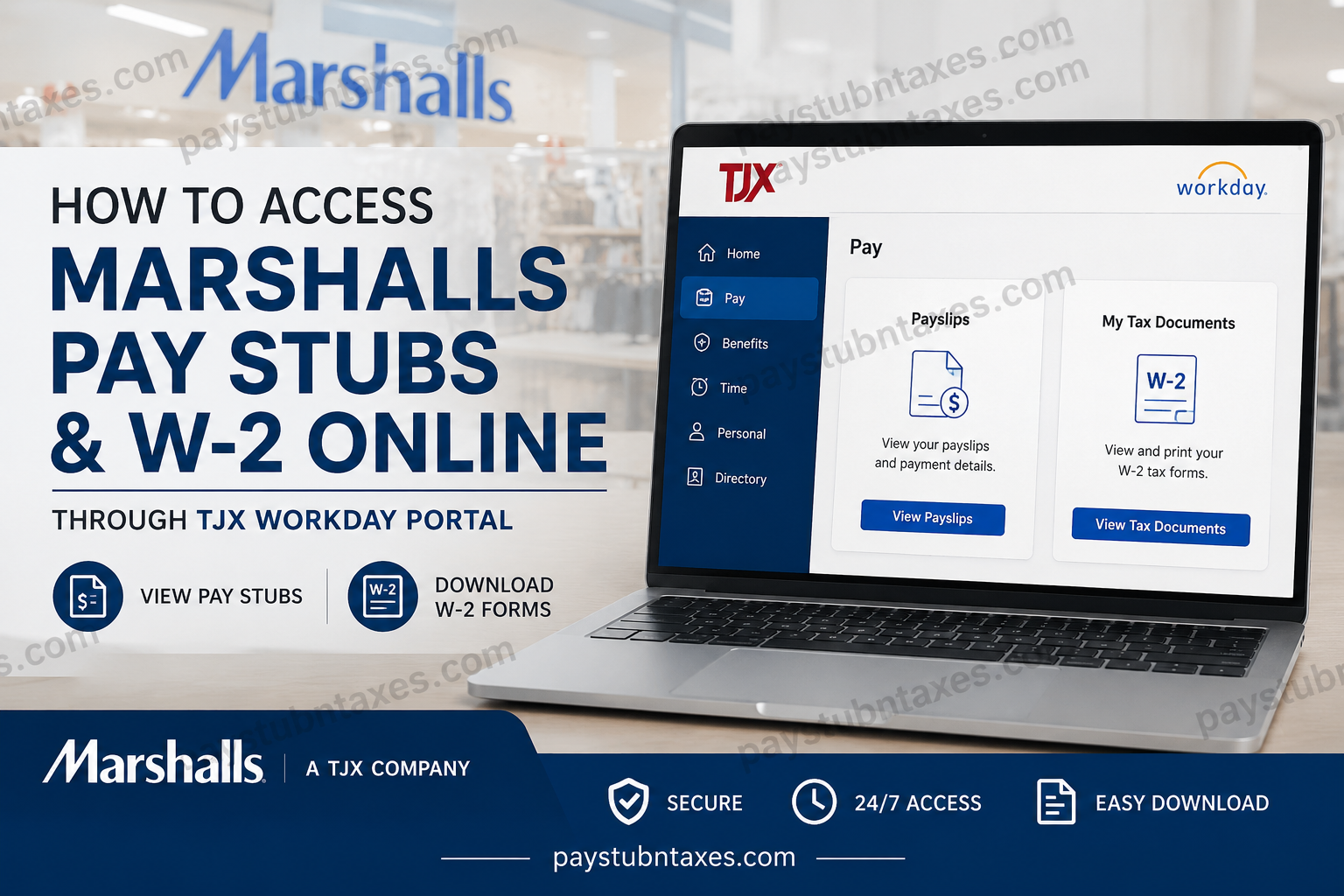
As one of America’s leading off-price retailers, Marshalls continues to modernize its employee experience through digital payroll and HR solutions. Since April 2025, Marshalls and its parent company, TJX, have fully transitioned to the Workday platform, enabling associates to access pay stubs, payroll records, and year-end W-2 tax forms online through a secure self-service portal. Whether you are a current employee looking to download your latest payslip or searching for your annual W-2 tax statement during tax season, this comprehensive guide explains everything you need to know about accessing your Marshalls payroll documents online.
About Marshalls and TJX
Marshalls is one of the largest off-price family apparel and home fashion retailers in the United States. Founded in 1956 and acquired by TJX in 1995, Marshalls operates more than 1,000 stores across the U.S. and Puerto Rico, along with dozens of locations in Canada. The company is widely recognized for offering designer brands, fashion apparel, footwear, beauty products, and home décor at discounted prices.
As part of the broader TJX ecosystem, Marshalls employees now utilize Workday for payroll management, HR services, tax document delivery, and employee self-service access.
Marshalls Workday Login Portal
All active Marshalls associates can access payroll information through the official TJX Workday portal:
Official Workday Login
TJX Organization ID
When logging into the Workday mobile application, enter the Organization ID: TJX
Employees may also be prompted to complete Multi-Factor Authentication (MFA) for additional account security.
How to Access Marshalls Pay Stubs Online
Marshalls associates can conveniently view and download digital payslips directly through Workday. The platform stores payroll information electronically, making it accessible anytime from desktop or mobile devices.
Step-by-Step Guide to View Pay Stubs
- Visit the TJX Workday login page.
- Sign in using your TJX employee credentials.
- From the Workday homepage, select the Pay application.
- Click Payslips under the payroll section.
- Choose the relevant pay period date.
- Open the PDF version of your paycheck statement.
- Download, print, or save the pay stub for your records.
Employees using the Workday mobile application can follow the same process directly from their smartphones or tablets.
The Workday mobile setup guide also confirms that employees can access payroll services by downloading the Workday app from the Apple App Store or Google Play and signing in using the TJX organization ID.
How to Access Marshalls W-2 Forms Online
During tax season, Workday allows Marshalls employees to retrieve electronic W-2 forms quickly and securely.
Steps to Download Your W-2
- Log in to your Workday account.
- Navigate to the Pay dashboard.
- Select My Tax Documents.
- Locate the desired tax year.
- Click View/Print next to the W-2 form.
- Download or print the document for tax filing purposes.
The Workday system also allows employees to access accessible versions of tax forms and print them directly from the browser interface.
How to Access Marshalls Pay Stubs on Mobile Devices
TJX fully supports Workday mobile access for Marshalls associates. Employees may use either company-issued devices or personal smartphones.
Mobile Access Instructions
- Download the Workday app from:
- Apple App Store
- Google Play Store
- Enter the organization ID:
- TJX
- Sign in using your employee ID and password.
- Complete MFA verification if required.
The mobile platform provides secure access to:
- Pay stubs
- W-2 tax documents
- Payroll history
- Direct deposit information
- Tax withholding elections
- Employee profile information
What Information Is Included in Marshalls Pay Stubs?
Your Marshalls payslip typically contains:
- Gross earnings
- Net pay
- Federal and state tax deductions
- Overtime pay
- Holiday pay
- Insurance deductions
- Retirement contributions
- Pay period dates
- Year-to-date earnings
Employees are encouraged to review their pay statements regularly to ensure payroll accuracy.
Benefits of Using Workday for Payroll Access
The transition to Workday provides Marshalls employees with several advantages:
1. 24/7 Payroll Access
Employees can retrieve payroll documents anytime without visiting HR offices.
2. Faster Tax Document Delivery
Electronic W-2 delivery eliminates mailing delays during tax season.
3. Mobile Convenience
Associates can access payroll records directly from smartphones and tablets.
4. Secure Authentication
Multi-factor authentication enhances account protection and payroll privacy.
5. Paperless Payroll Management
Digital payroll access helps reduce paper waste and improves document organization.
Forgot Your Workday Password?
If you cannot access your Workday account:
- Select “Can’t access your account?” on the login page.
- Follow the password recovery instructions.
- Contact TJX IT support if additional assistance is required.
Employees may also contact their store manager or TJX support services for credential assistance.
Marshalls Payroll and HR Support
For payroll issues, W-2 inquiries, or Workday login assistance, contact TJX Human Resources:
TJX HR Support Number
1-888-627-6299
Support representatives can assist with:
- Payroll discrepancies
- Missing W-2 forms
- Login problems
- Tax withholding questions
- Account recovery
- Direct deposit concerns
Common Workday Login Issues and Solutions
| Problem | Solution |
| Incorrect password | Reset credentials using the recovery option |
| MFA not working | Reconfigure authentication settings |
| Locked account | Contact TJX IT Service Desk |
| Missing W-2 | Verify tax document publication status |
| Mobile app errors | Update or reinstall the Workday application |
Final Thoughts
The migration to Workday has significantly improved payroll accessibility for Marshalls associates. Employees can now securely retrieve pay stubs, W-2 tax forms, and payroll history online from virtually anywhere. With mobile compatibility, electronic tax delivery, and user-friendly self-service tools, Workday streamlines payroll management across the TJX organization. Whether you need your latest paycheck statement or your annual tax documents, the Marshalls Workday portal provides a fast, secure, and efficient solution for managing employment records online.
Frequently Asked Questions (FAQs)
1. How do I access my Marshalls pay stubs online?
You can access your pay stubs through the TJX Workday portal by signing in and selecting Pay > Payslips.
2. What is the official Marshalls Workday login website?
The official portal is: https://www.myworkday.com/tjx/login.htmld
3. What Organization ID should I use for Workday?
Use the Organization ID: TJX.
4. Can former Marshalls employees access Workday?
Access availability may vary after termination. Former employees should contact TJX HR for assistance retrieving payroll or tax documents.
5. How do I download my Marshalls W-2 form?
Log into Workday, open Pay, select My Tax Documents, then click View/Print beside your W-2.
6. When are Marshalls W-2 forms available online?
W-2 forms are generally available by the end of January each year.
7. Can I access Marshalls’ pay stubs from my phone?
Yes. Employees can use the Workday mobile app on Android or iPhone devices.
8. How do I reset my Workday password?
Click “Can’t access your account?” on the Workday login page and follow the password recovery steps.
9. Why can’t I log into Workday?
Common reasons include incorrect passwords, MFA issues, expired credentials, or account lockouts.
10. Does Marshalls use Workday for payroll?
Yes. TJX transitioned Marshalls payroll and HR systems to Workday in 2025.
11. Can I print my pay stubs from Workday?
Yes. Open the PDF version of the payslip and use the print option.
12. How do I contact Marshalls HR support?
Call TJX HR support at 1-888-627-6299.
13. What information appears on Marshall’s pay stubs?
Pay stubs typically include gross pay, deductions, taxes, overtime, net pay, and year-to-date earnings.
14. Is Workday secure for payroll access?
Yes. Workday uses secure login protocols and multi-factor authentication for employee protection.
15. Can I access previous years’ W-2 forms in Workday?
Yes. Employees can typically view archived tax forms under My Tax Documents in Workday.
