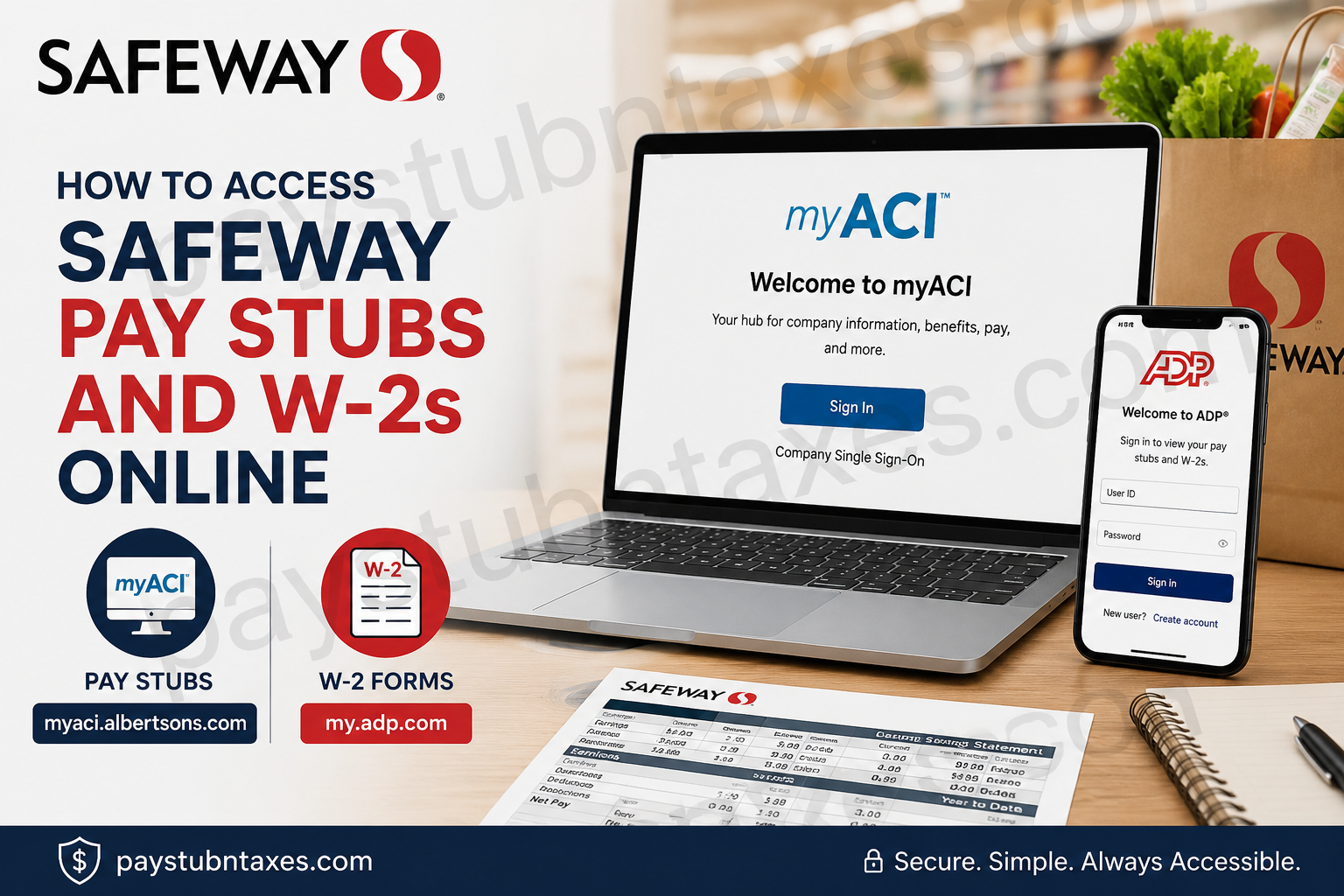
Safeway, a flagship banner of Albertsons Companies, employs thousands of associates across the United States in retail, pharmacy, corporate, and supply chain operations. Whether you are a current employee or a recently separated associate, accessing your payroll and tax documents online is straightforward through the company’s digital self-service platforms. Safeway employees can conveniently retrieve pay statements through the myACI portal and obtain year-end W-2 tax forms through the ADP self-service platform. These secure systems provide 24/7 access to employment-related information, including compensation details, benefits, schedules, tax documents, and HR resources.
Safeway Pay Stub & W-2 Access Information
| Service | Portal |
| Pay Stubs | myACI Portal |
| W-2 Forms | ADP Self-Service |
| ADP Registration Code | Safeway-reg1 |
| Service Desk | 877-286-3200 |
| MFA Required | Yes, outside the company network |
What Is myACI?
myACI is Albertsons Companies’ official Human Resources and employee self-service platform. Employees can use it to:
- View and download pay stubs
- Access payroll information
- Review compensation and performance data
- Check absence balances
- Manage benefits and beneficiaries
- Access company training
- Stay updated with ACI news and announcements
- Manage HR-related requests
The platform is available to authorized Safeway and Albertsons associates through a secure login portal.
Safeway Employee Login Portals
Pay Stub Portal (myACI)
W-2 Tax Form Portal (ADP)
my.adp.com
ADP Registration Passcode: Safeway-reg1
How to Access Safeway Pay Stubs Online
Follow these steps to retrieve your Safeway pay statements online:
Step 1: Visit the myACI Portal
Go to: myACI Portal
If you are using a shared or store computer, open a private or InPrivate browser window before signing in.
Step 2: Select Company Single Sign-On
On the Oracle Application Cloud login screen:
- Click Company Single Sign-On
- Do not use the regular username/password fields directly
Step 3: Enter Your Login Credentials
Corporate, Pharmacy, Backstage & Supply Chain Associates
Enter your:
- LDAP username
- LDAP@safeway.com email address
Retail Associates
Enter your:
- Employee ID
- EmployeeID@safeway.com
Then click Next.
Step 4: Enter Your Password
Input your account password and click Sign In.
If you are signing in outside the company network, Multi-Factor Authentication (MFA) may be required.
Step 5: Navigate to MyHR
After successfully signing in:
- Go to the Me page
- Click the MyHR tab
- Select My Pay Statements
You will see a list of available pay dates.
Step 6: Open or Download Your Pay Stub
- Click the specific pay period
- Open the PDF pay statement
- Download or print the document for your records
First-Time myACI Login Setup
New Safeway associates must complete an initial account setup before accessing payroll services.
Temporary Password Format
If you did not receive a password, Safeway automatically assigns a temporary password using the following format:
- First letter of first name (uppercase)
- First letter of last name (uppercase)
- Two-digit birth month
- Two-digit birth date
- First three digits of SSN
- @ symbol
Example
Name: Robert H
Birth Date: June 1
SSN: 222-11-0000
Temporary Password: RH0601222@
Account Setup Process
After your first login:
- Change your temporary password
- Create security questions
- Save your authentication preferences
- Sign in again using your new password
Once completed, your myACI account will be fully activated.
Multi-Factor Authentication (MFA)
Safeway uses MFA for additional security outside the company network.
Employees may verify their identity through:
- Text message verification
- Phone call authentication
- Microsoft Authenticator app
MFA protects employee payroll and personal information from unauthorized access.
How to Access Safeway W-2 Forms Online
Safeway and Albertsons Companies provide W-2 tax statements through ADP.
Step 1: Visit ADP
Go to: ADP Employee Login
Step 2: Create an Account
Click:
- Create Account
- Or Sign Up
Step 3: Enter the Registration Code
Use the Safeway registration passcode: Safeway-reg1
Step 4: Verify Your Identity
You may need to provide:
- Full legal name
- Social Security Number
- Date of birth
- Email address
- Phone number
The information must match the company payroll records.
Step 5: Create Username and Password
Set up:
- A secure password
- Security questions
- Verification preferences
Once registration is complete, you can access:
- W-2 forms
- Tax statements
- Payroll records
- Electronic tax delivery settings
Forgot Your myACI Password?
If you forget your password:
- Visit the myACI login page
- Click the password reset option
- Complete identity verification
- Create a new password
If you continue experiencing issues, contact the Safeway Service Desk:
Safeway Service Desk
Phone: 877-286-3200
Safeway Payroll and Benefits Resources
Employees can also use myACI to:
- Enroll in health benefits
- Manage dependents
- Update beneficiaries
- Access the ALEX benefits counselor
- Review leave balances
- Access HR knowledge articles
- Submit life event changes
Common Problems and Solutions
Unable to Access myACI
Possible causes include:
- Incorrect LDAP or Employee ID
- Expired password
- MFA verification issues
- Browser cache problems
Solution
- Clear browser cache
- Use an updated browser
- Try private browsing mode
- Reset your password
ADP Registration Code Not Working
Ensure you enter the code exactly as:
Safeway-reg1
Avoid adding spaces or extra characters.
W-2 Not Available Yet
W-2 forms are generally released by the end of January each year.
If your form is unavailable:
- Wait for payroll processing completion
- Check electronic delivery settings
- Contact payroll support
Why Employees Prefer Online Payroll Access
Digital payroll systems offer several advantages:
- Instant access to pay history
- Faster tax form delivery
- Secure document storage
- Paperless convenience
- Mobile accessibility
- Easy printing and downloading
Both myACI and ADP are optimized for desktop and mobile access, allowing associates to retrieve payroll documents anytime.
Final Thoughts
Safeway employees can efficiently manage payroll and tax documentation online through myACI and ADP. The systems are designed to provide secure, paperless, and user-friendly access to essential employment records, including pay stubs, W-2 forms, benefits information, and HR resources. Whether you are a current associate, a pharmacy employee, a retail team member, or part of the corporate workforce, accessing your payroll information online takes only a few minutes once your account is properly configured. For persistent login or payroll issues, Safeway associates should contact the Albertsons Service Desk or HR support team for assistance.
Frequently Asked Questions (FAQ)
1. How do I access my Safeway pay stubs online?
Visit myACI Login, sign in using your Employee ID or LDAP credentials, then navigate to MyHR > My Pay Statements.
2. Where can I get my Safeway W-2 form online?
Safeway W-2 forms are available through the ADP self-service portal at my.adp.com.
3. What is the Safeway ADP registration code?
The Safeway ADP registration passcode is: Safeway-reg1.
4. Can former Safeway employees access W-2 forms online?
Yes. Former employees can usually retrieve W-2 forms through ADP using their previously registered account credentials.
5. What is myACI?
myACI is Albertsons Companies’ employee self-service HR platform used for payroll, benefits, training, schedules, and tax document access.
6. How do retail associates sign in to myACI?
Retail associates sign in using their Employee ID or EmployeeID@safeway.com account credentials.
7. How do corporate or pharmacy employees log in?
Corporate, pharmacy, backstage, and supply chain associates use their LDAP credentials or LDAP@safeway.com email address.
8. How can I reset my Safeway myACI password?
Use the password reset option on the myACI login screen or contact the Service Desk at 877-286-3200.
9. Does Safeway use Multi-Factor Authentication (MFA)?
Yes. MFA is required when employees access myACI outside the company network.
10. Can I download or print my Safeway pay stub?
Yes. Employees can open the PDF version of any pay statement and download or print it directly from myACI.
11. What should I do if my ADP registration code does not work?
Ensure you entered the code exactly as: Safeway-reg1
If issues continue, contact ADP or Safeway payroll support.
12. When are Safeway W-2 forms available?
W-2 forms are generally released by the end of January each year.
13. Can I access Safeway payroll portals from my phone?
Yes. Both myACI and ADP are mobile-friendly and accessible through smartphones and tablets.
14. What information is available in myACI besides pay stubs?
Employees can access benefits, schedules, leave balances, HR resources, training information, and company updates.
15. Who do I contact for Safeway payroll or login assistance?
For technical support, contact the Safeway Service Desk at: 877-286-3200
