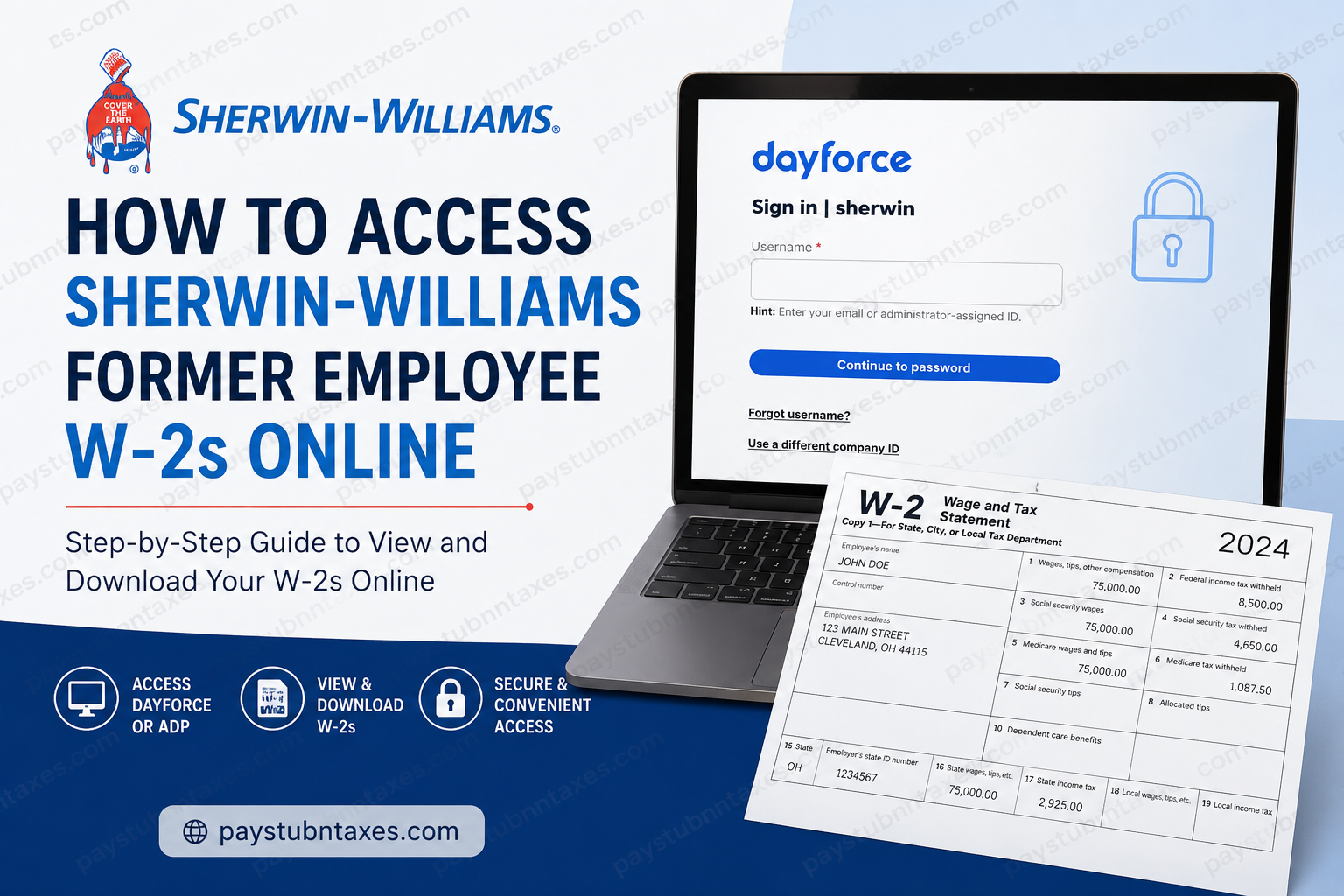
Former employees of Sherwin-Williams can conveniently access their W-2 forms, pay statements, and tax documents online through either the Dayforce or ADP self-service portals, depending on the tax year they need. Whether you recently left the company or separated years ago, Sherwin-Williams continues to provide secure digital access to payroll and year-end tax information. Founded in 1866, Sherwin-Williams has grown into one of the world’s leading paint and coatings companies, employing more than 64,000 people across 120+ countries and operating thousands of retail stores and facilities worldwide. If you are searching for your former employee’s W-2 online, this detailed guide explains everything you need to know — including login instructions, passwords, troubleshooting solutions, and how to download your tax forms securely.
Sherwin-Williams Former Employee W-2 Access
Sherwin-Williams uses two separate payroll systems for former employees:
| Tax Year | Payroll Portal |
| Before 2022 | ADP Portal |
| 2022 and Later | Dayforce |
This means your W-2 access method depends entirely on the year of the tax document you need.
How to Access Sherwin-Williams W-2s for Tax Years 2022 and Later
Former employees needing W-2 forms from 2022 onward must use the Dayforce portal.
Dayforce Login Information
Dayforce Website
Visit:
Company Code
Use the following company ID: sherwin
Username
Your username is your former Sherwin-Williams User ID.
Example: ABC123
Default Password
Your initial password format is:
FirstName + last 3 digits of SSN/SINExample: Michael123
The first letter of your first name must be uppercase.
After your first successful login, Dayforce will prompt you to create a new secure password.
Step-by-Step Guide to Download Your Sherwin-Williams W-2 in Dayforce
Once logged in:
- Navigate to the Earnings section
- Open the Year End Forms tab
- Select your W-2 tax year
- View or download the PDF copy
- Print the form for tax filing if necessary
The Dayforce system stores electronic tax statements and earnings statements in one centralized location. The uploaded Dayforce guide also confirms that year-end tax forms are accessible under the “Year End Forms” section inside the Earnings area.
How to Access Sherwin-Williams W-2s Before 2022
If you need older tax statements prior to 2022, Sherwin-Williams directs former employees to the ADP self-service portal.
ADP Login Portal
Visit:
How to Register for ADP
If you have never logged into ADP before:
- Click Create Account
- Select Find Me
- Verify your identity
- Create your username and password
- Complete account setup
Once registered, you can access historical pay statements and W-2 forms.
How to View Former Sherwin-Williams Pay Stubs Online
Former employees can also retrieve previous payslips online.
In Dayforce
- Log into Dayforce
- Open the Earnings section
- Choose the earnings statement date
- View or print your payslip
The Dayforce employee guide explains that all earnings statements are provided electronically and can be printed directly from the portal.
In ADP
For pay statements before 2022, use the ADP portal with your previous login credentials.
How to Reset Your Sherwin-Williams Dayforce Password
If you forgot your Dayforce password:
- Go to the Dayforce login page
- Select Forgot Password
- Verify your identity
- Create a new password
If your account remains locked or inaccessible, contact Sherwin-Williams payroll support directly.
Sherwin-Williams Payroll Support for Former Employees
If you still cannot access your W-2 or payroll records, contact the Dayforce support team:
- Email: globaldayforcesupport@sherwin.com
You may need to verify your identity before access is restored.
Can Former Employees Still Access Dayforce After Termination?
Yes. Sherwin-Williams allows former employees to retain access to payroll and tax records through Dayforce and ADP after separation from the company. This enables ex-employees to download W-2 forms, review prior earnings statements, and retrieve tax documentation without contacting HR for every request.
Is the Sherwin-Williams W-2 Available Electronically?
Yes. W-2 forms are available electronically through Dayforce and ADP. Employees can:
- View W-2 forms online
- Download PDF copies
- Print official tax statements
- Access prior-year records
The Dayforce system also supports paperless tax statement delivery preferences.
Common Sherwin-Williams Dayforce Login Issues
Incorrect Username
Use your former employee User ID, not your email address.
Password Problems
Remember:
- First letter uppercase
- Include only the last 3 digits of your SSN/SIN for the default password
Locked Account
Too many failed login attempts may temporarily lock your account.
Browser Compatibility
Use updated browsers such as:
- Google Chrome
- Microsoft Edge
- Mozilla Firefox
- Safari
Sherwin-Williams at a Glance
Sherwin-Williams remains one of the most recognized names in the coatings industry. The company operates more than 5,400 stores and branches globally and maintains manufacturing and distribution facilities across more than 130 locations worldwide. With over 150 years of innovation and growth, the company continues to support both current and former employees with modern payroll and tax access systems.
Frequently Asked Questions
1. How do I get my Sherwin-Williams W-2 online?
Use Dayforce for 2022 and newer W-2s, or ADP for tax years before 2022.
2. What is the Sherwin-Williams Dayforce company code?
The company code is: sherwin
3. Can I still access Dayforce after leaving Sherwin-Williams?
Yes. Former employees can still log in to retrieve payroll and tax records.
4. What website does Sherwin-Williams use for payroll?
Sherwin-Williams uses:
- Dayforce HCM
- ADP Portal
5. How do I reset my Dayforce password?
Use the “Forgot Password” option on the Dayforce login page or contact support.
6. Where can I download my Sherwin-Williams payslips?
Payslips are available under the Earnings section in Dayforce.
7. Can I print my W-2 from Dayforce?
Yes. W-2 forms can be viewed, downloaded, and printed directly from the portal.
8. What if I no longer remember my User ID?
Contact Sherwin-Williams payroll or Dayforce support for account recovery assistance.
9. Does ADP still work for former Sherwin-Williams employees?
Yes, but only for tax documents and payslips before 2022.
10. Is Dayforce available on mobile?
Yes. The Dayforce mobile application is available for both Android and iOS devices.
