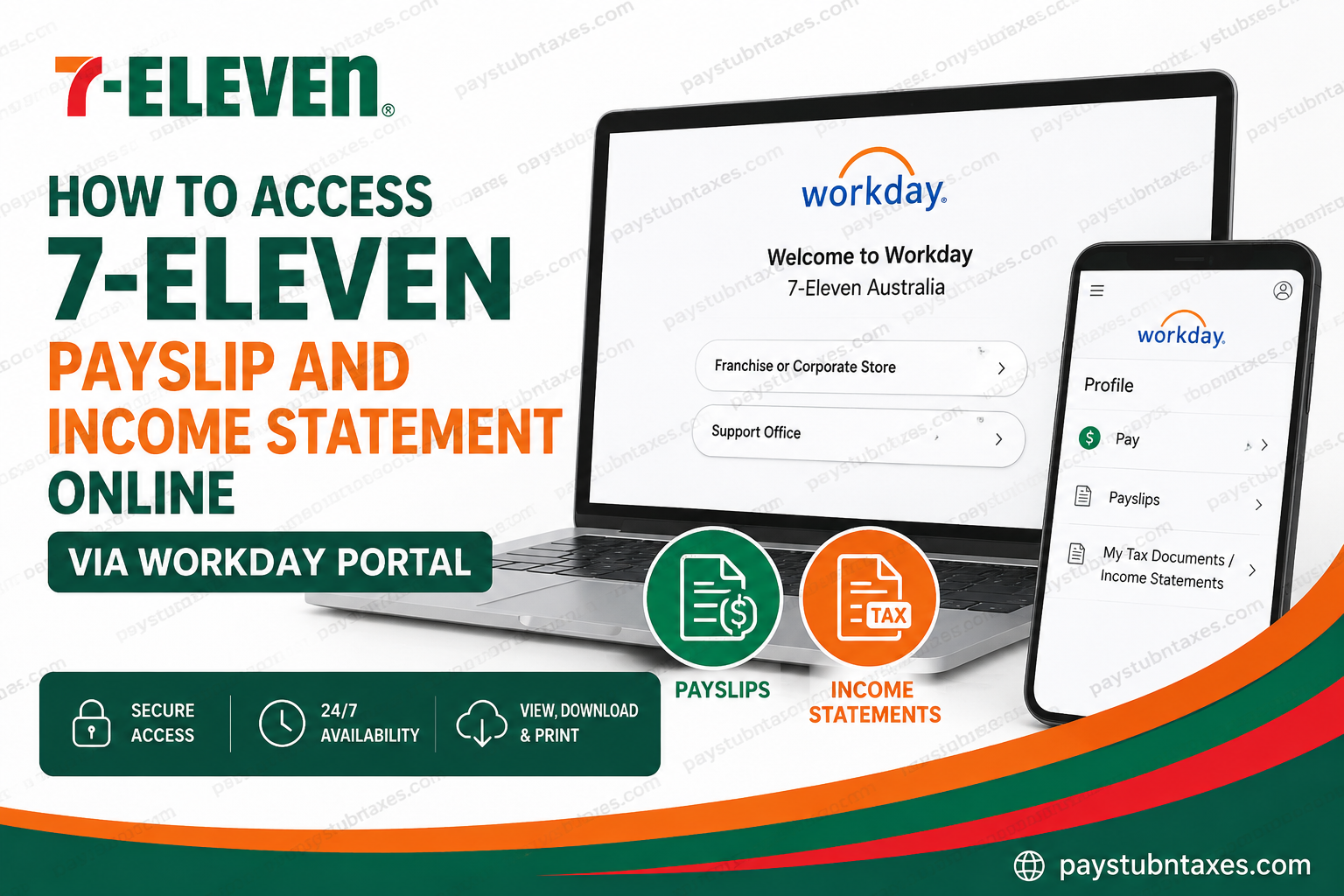
Employees working under the 7-ELEVEN Australia brand — whether employed directly through the corporate office or indirectly through franchise-operated stores — can conveniently access their payslips and yearly income statements online through the Workday self-service portal. As one of Australia’s leading convenience retailers, 7-ELEVEN Australia operates approximately 750 stores across Victoria, New South Wales, ACT, Queensland, and Western Australia, supporting thousands of employees nationwide through both corporate and franchise networks. The company has streamlined payroll and employment document access by adopting Workday, enabling team members to securely retrieve payroll records, tax-related documents, and employment information anytime and from virtually anywhere.
7-ELEVEN Australia Workday Login Portal
To access your payslips and income statements online, visit the official 7-ELEVEN Australia Workday portal:
Workday Login:
https://wd3.myworkday.com/7eleven/login.flex
The login page provides separate sign-in options for:
- Franchise or Corporate Store employees
- Support Office employees
Employees should select the appropriate login category and enter their Workday credentials to proceed.
How to View Your 7-ELEVEN Payslip Online
Workday allows employees to access both current and historical payslips in a secure digital environment.
Step-by-Step Instructions
Step 1: Sign In to Workday
Open the official Workday portal and log in using your employee credentials.
Step 2: Open Your Profile
After signing in, click on your employee profile icon located within the Workday dashboard.
Step 3: Navigate to the Pay Section
From your profile menu, select:
Profile → Pay → Payslips
Step 4: Select the Relevant Pay Period
A complete list of available pay periods will appear. Choose the payslip corresponding to the payment date you wish to review.
Step 5: Open or Download the PDF
Click the PDF link beside the selected pay period to:
- View your payslip online
- Download a copy for personal records
- Print the document if required
How to Access Your 7-ELEVEN Income Statement Online
Employees can also retrieve annual income statements and tax-related payroll documents directly through Workday.
Steps to Access Income Statements
Step 1: Log In to Workday
Access your employee account using the official Workday portal.
Step 2: Open the Pay Dashboard
From the Workday homepage, select the Pay application.
Step 3: Open My Tax Documents
Under the Pay section, click:
My Tax Documents / Income Statements
Step 4: Locate Your Annual Tax Documents
Your available income statements and payroll tax forms will be displayed within the document list.
Step 5: View, Print, or Download
Select the relevant document and click View/Print to open the file. From there, you may:
- Print the document
- Download a PDF copy
- Save it for tax filing purposes
Benefits of Using Workday for Payroll Access
7-ELEVEN Australia’s implementation of Workday provides employees with a highly efficient and secure payroll management experience.
Key Advantages Include:
- 24/7 online access to payroll documents
- Secure cloud-based storage
- Easy downloading and printing functionality
- Fast access to yearly tax documentation
- Centralised employee self-service management
- Reduced reliance on paper payroll records
This digital payroll infrastructure significantly improves accessibility while ensuring that sensitive employee information remains protected.
About 7-ELEVEN Australia
7-ELEVEN Australia is a locally operated convenience retail network comprising approximately 750 stores across several Australian states and territories. The organisation supports more than 450 family-owned franchise businesses and employs around 9,000 Australians across both corporate and franchised operations.
The company focuses strongly on workplace inclusion, employee wellbeing, diversity, and career development while continuing to deliver customer-focused convenience services throughout Australia.
Its workplace culture prioritises collaboration, accessibility, and professional growth, enabling employees to thrive within a dynamic retail environment.
Troubleshooting Workday Login Issues
If you experience difficulties accessing your Workday account, consider the following solutions:
- Verify that your username and password are entered correctly
- Ensure Caps Lock is disabled
- Try clearing your browser cache and cookies
- Use an updated web browser
- Attempt access from another device or network
If the issue persists, contact your manager, payroll department, or 7-ELEVEN Australia People Support team for assistance.
7-ELEVEN Australia Contact Information
Employee Support Phone
1800 247 711
Support Hours
- Monday to Friday: 8:00 AM – 6:00 PM AEST
- Saturday to Sunday: 8:00 AM – 4:00 PM AEST
Accessibility and Inclusion Support
Email: peoplesupport@7eleven.com.au
Please note that this email address is specifically reserved for accessibility and recruitment adjustment enquiries.
Final Thoughts
Through the Workday employee self-service portal, 7-ELEVEN Australia employees can conveniently manage payroll-related information without requiring paper copies or manual payroll requests. Whether you need to download a recent payslip, retrieve an annual income statement, or maintain payroll records for tax purposes, Workday provides a secure, user-friendly, and highly accessible platform designed to simplify the entire process. For both franchise and corporate employees, accessing payroll documents online has become faster, safer, and considerably more efficient.
Frequently Asked Questions (FAQs)
1. How do I log into the 7-ELEVEN Australia Workday portal?
Visit the official Workday login page at https://wd3.myworkday.com/7eleven/login.flex and sign in using your employee credentials.
2. Can franchise employees access Workday payroll services?
Yes. Both franchise and corporate employees of 7-ELEVEN Australia can access payslips and income statements through Workday.
3. Where can I find my payslips in Workday?
After logging in, go to:
Profile → Pay → Payslips
4. How do I download my 7-ELEVEN payslip?
Open the desired pay period and click the PDF link or download option to save the payslip to your device.
5. Can I print my payslip from Workday?
Yes. Workday allows employees to print payslips directly from the PDF viewer.
6. Where are income statements located in Workday?
Income statements are available under:
Profile → Pay → My Tax Documents / Income Statements
7. Is the Workday portal available 24/7?
Yes. Employees can access Workday anytime, provided they have internet access and valid login credentials.
8. What should I do if I forget my Workday password?
Contact your manager, payroll administrator, or internal IT support team for password reset assistance.
9. Can former employees access Workday payroll records?
Access policies may vary depending on employment status and company procedures. Former employees should contact payroll or HR support for assistance.
10. Are payslips stored securely in Workday?
Yes. Workday uses secure cloud-based technology designed to protect employee payroll and tax information.
11. Can I access Workday from my mobile phone?
Yes. Workday is accessible through mobile browsers and the Workday mobile application.
12. What documents can employees access in Workday?
Employees can access payslips, income statements, tax documents, payroll history, and other employment-related records.
13. Why is my payslip not showing in Workday?
This may occur due to payroll processing delays, account access restrictions, or system updates. Contact payroll support if the issue continues.
14. Does 7-ELEVEN Australia use the same Workday system for all employees?
Yes. Both corporate and franchise payroll access is managed through the Workday platform.
15. How can I contact 7-ELEVEN Australia employee support?
Employees can call 1800 247 711 during support hours or contact their internal HR or payroll department for assistance.
