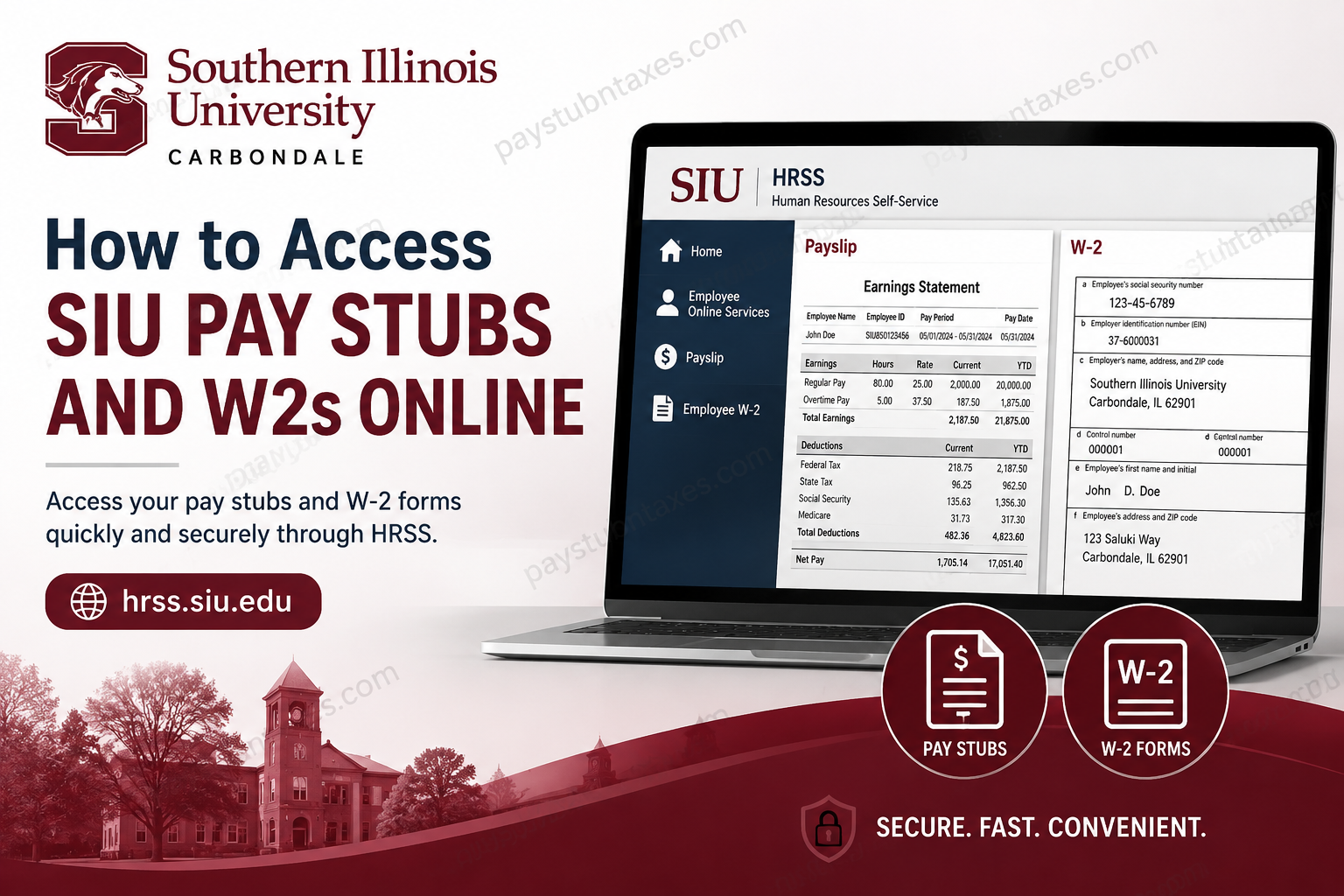
Southern Illinois University (SIU) provides employees with a secure and efficient online payroll management system through Human Resources Self-Service (HRSS). Whether you are an active employee, a retiree, a faculty member, a student worker, or a former employee with remaining access eligibility, the HRSS portal enables you to conveniently view, download, print, and manage your pay stubs and W-2 tax statements online. The university’s payroll and tax document system has been designed to streamline payroll administration while ensuring employees maintain secure access to essential financial records throughout the year.
What Is SIU HRSS?
The Human Resources Self-Service (HRSS) portal is SIU’s centralized online payroll platform, accessible at hrss.siu.edu, where employees can securely access payroll-related information, including:
- Electronic pay stubs (payslips)
- Current and prior-year W-2 forms
- Payroll schedules
- Employee payroll records
- Tax documentation
The system supports both current and eligible former employees while also offering specialized access options for retirees and student employees.
Who Can Access SIU Pay Stubs and W-2s Online?
SIU provides varying levels of HRSS access depending on employment status.
Active Employees
Current SIU employees can access:
- Current pay stubs
- Historical payslips
- Current W-2 forms
- Prior-year W-2 statements
Retired Employees
Employees who retired after September 30, 2012, retain unlimited online access to their W-2 forms, provided they previously consented to electronic W-2 delivery.
Former Employees
Employees who were active during any part of the current W-2 reporting year may continue accessing their current and prior-year W-2 forms online through April 30 of the year following their separation from employment, assuming electronic consent was granted.
Student Employees
Student workers may also access their payroll records and W-2 forms through HRSS and can update mailing addresses directly within the portal.
How to Log In to SIU HRSS
To access your SIU payroll records online, follow these steps carefully.
Step 1: Visit the HRSS Portal
Go to: https://hrss.siu.edu
The HRSS login screen will appear.
Step 2: Enter Your Username
SIU uses different username formats depending on employment classification.
SIUC Employees
Your username typically follows this format:
SIU85xxxxxxx
SIUSOM Employees
School of Medicine employees generally use their full institutional email address unless classified as:
- SMC extra-help employees
- Graduate assistants
- Students
Step 3: Enter Your Password
Input your HRSS password and select Login.
If you are logging in for the first time or have forgotten your password, use the Login Assistance option.
How to Reset Your SIU HRSS Password
If you cannot access your account, the HRSS system allows password recovery directly from the login screen.
Password Reset Process
- Click Login Assistance
- Enter your username
- Select Forgot Password
- Wait for the password reset email
- Open the email from SIU AIS Notification
- Click Reset your password
- Create a new password
- Confirm the password
- Return to the login page and sign in
The system requires passwords to:
- Be 16–30 characters long
- Include upper and lower-case letters
- Allow select special characters
- Be changed every 365 days
- Avoid reuse of prior passwords
The platform also supports passphrase-style passwords for improved security.
How to View SIU Pay Stubs Online
Once logged into HRSS, employees can quickly access their electronic payslips.
Steps to Access Payslips
- Log in to HRSS
- Open the Employee Online Services section
- Select Payslip
- Your most recent payslip will appear automatically as a PDF
- To access older pay stubs:
- Use the Choose a Payslip dropdown
- Select the desired pay period
- Click Go
The selected pay stub will then open for viewing and downloading.
How to Print or Save SIU Pay Stubs
SIU recommends using the embedded PDF toolbar rather than your browser’s print function.
To Print a Payslip
- Open the pay stub PDF
- Click the Printer icon on the PDF toolbar
- Select your printer settings
- Click OK
Important Note
Using your web browser’s print option may produce a blank page.
To Save a Payslip
- Click the Save icon
- Choose a save location
- Rename the file if desired
- Save the document as a PDF
How to Access SIU W-2 Forms Online
SIU employees who consented to electronic W-2 delivery can access tax forms digitally through HRSS.
Steps to View W-2 Forms
- Log in to HRSS
- Select Employee W-2
- The latest W-2 will appear automatically
- To access previous years:
- Open the Select Organization/Year dropdown
- Choose the required year
- Click Go
Each W-2 PDF contains:
- Federal tax copies
- Employee instructions
- Wage and withholding information
When Are SIU W-2 Forms Available?
Employees who enrolled in electronic consent can typically view and print W-2 statements online as soon as annual payroll processing is completed.
Employees who did not provide electronic consent receive paper W-2 forms by mail no later than January 31 following the taxable year.
Faculty and staff W-2 forms are mailed to the address listed in the AIS HRMS payroll system. Address updates should be completed no later than the second week of January to avoid mailing delays.
How to Request a Duplicate W-2 From SIU
If you lose your W-2 or require an additional copy, SIU allows employees to request duplicates.
Duplicate W-2 Request Process
Employees must:
- Complete the SIUC Employee Information Request Form
- Submit the form with required payment
- Ensure all information is accurate and complete
Requests are processed in the order received and may require up to 10 business days due to processing volume.
If your mailing address has changed, a separate Change of Address form must also be completed.
Special Information for Student Employees
Student workers should ensure their mailing address is updated in HRSS if they want W-2 forms sent to a specific location.
International mailing addresses cannot be entered directly into the payroll system. However, employees may provide a non-U.S. address separately for manual W-2 mailing arrangements.
Additional Payroll and Tax Information
SIU issues only one W-2 per employee regardless of:
- Multiple payroll classifications
- Different job assignments
- Multiple university positions
The payroll system consolidates all year-to-date earnings into a single tax form.
Some employees may also receive additional W-2 forms for taxable fringe benefits, including:
- Vehicle usage
- Non-cash awards
- Moving expense reimbursements
- Clothing allowances
Additionally, graduate-level educational tuition waivers exceeding the federal tax-free threshold of $5,250 may generate taxable wage adjustments reflected on the W-2.
Payroll Security Best Practices
Because payroll documents contain highly sensitive personal information, SIU strongly discourages emailing pay stubs or W-2 forms due to potential third-party interception risks.
Employees should always:
- Log out after each HRSS session
- Avoid using public Wi-Fi when accessing payroll records
- Use strong passwords
- Save payroll documents securely
SIU Payroll Contact Information
For payroll assistance, employees may contact:
Human Resources
Phone: 618-453-6689
SalukiTech Support
Phone: 618-453-5155
Official HR website: https://hr.siu.edu
Final Thoughts
Southern Illinois University’s HRSS portal offers a highly streamlined and secure method for employees to manage payroll records and tax documentation online. From accessing current pay stubs to downloading historical W-2 statements and requesting duplicate tax forms, the platform provides a comprehensive self-service experience designed to minimize administrative delays and improve employee convenience. Whether you are an active faculty member, a retiree, a student employee, or a recently separated staff member, understanding how to navigate HRSS effectively ensures uninterrupted access to your critical payroll and tax information throughout the year.
Frequently Asked Questions
1. How do I access my SIU pay stubs online?
You can access SIU pay stubs by logging into the HRSS portal at hrss.siu.edu and selecting the Payslip option under Employee Online Services.
2. Where can I download my SIU W-2 form?
Your SIU W-2 form can be downloaded through the HRSS self-service portal after logging into your employee account.
3. What is the SIU HRSS website?
HRSS stands for Human Resources Self-Service, SIU’s official payroll and employee records portal located at hrss.siu.edu.
4. Can former SIU employees access W-2 forms online?
Yes. Eligible former employees may access current and prior-year W-2 forms online through April 30 of the year following separation from employment.
5. Do SIU retirees keep access to W-2 forms?
Retirees who retired after September 30, 2012, and consented to electronic W-2 delivery retain unlimited online access.
6. What username do SIU employees use for HRSS?
Most SIUC employees use an SIU85xxxxxxx username, while many School of Medicine employees use their full SIU email address.
7. How do I reset my SIU HRSS password?
Click the Login Assistance option on the HRSS login page and follow the password reset instructions sent to your SIU email.
8. Can I print my SIU pay stubs?
Yes. Open the payslip PDF and use the PDF toolbar’s print icon rather than your browser print button.
9. Why does a blank page print from HRSS?
Using the browser’s print feature may produce a blank page. SIU recommends printing directly from the PDF toolbar.
10. When are SIU W-2 forms available online?
Electronic W-2s are typically available as soon as annual payroll processing is completed.
11. When are paper W-2 forms mailed?
Employees without electronic consent receive paper W-2s by mail no later than January 31.
12. How do I request a duplicate SIU W-2?
Complete the SIUC Employee Information Request form and submit it with payment to Human Resources.
13. How long does SIU take to process duplicate W-2 requests?
Duplicate W-2 requests may take approximately 10 business days to process due to high request volume.
14. Can student employees access W-2 forms online?
Yes. Student employees can access W-2 forms through HRSS and update mailing addresses online.
15. What should I do if my address is incorrect for my W-2?
You must submit a Change of Address form or update your address in HRSS before W-2 mailing deadlines.
