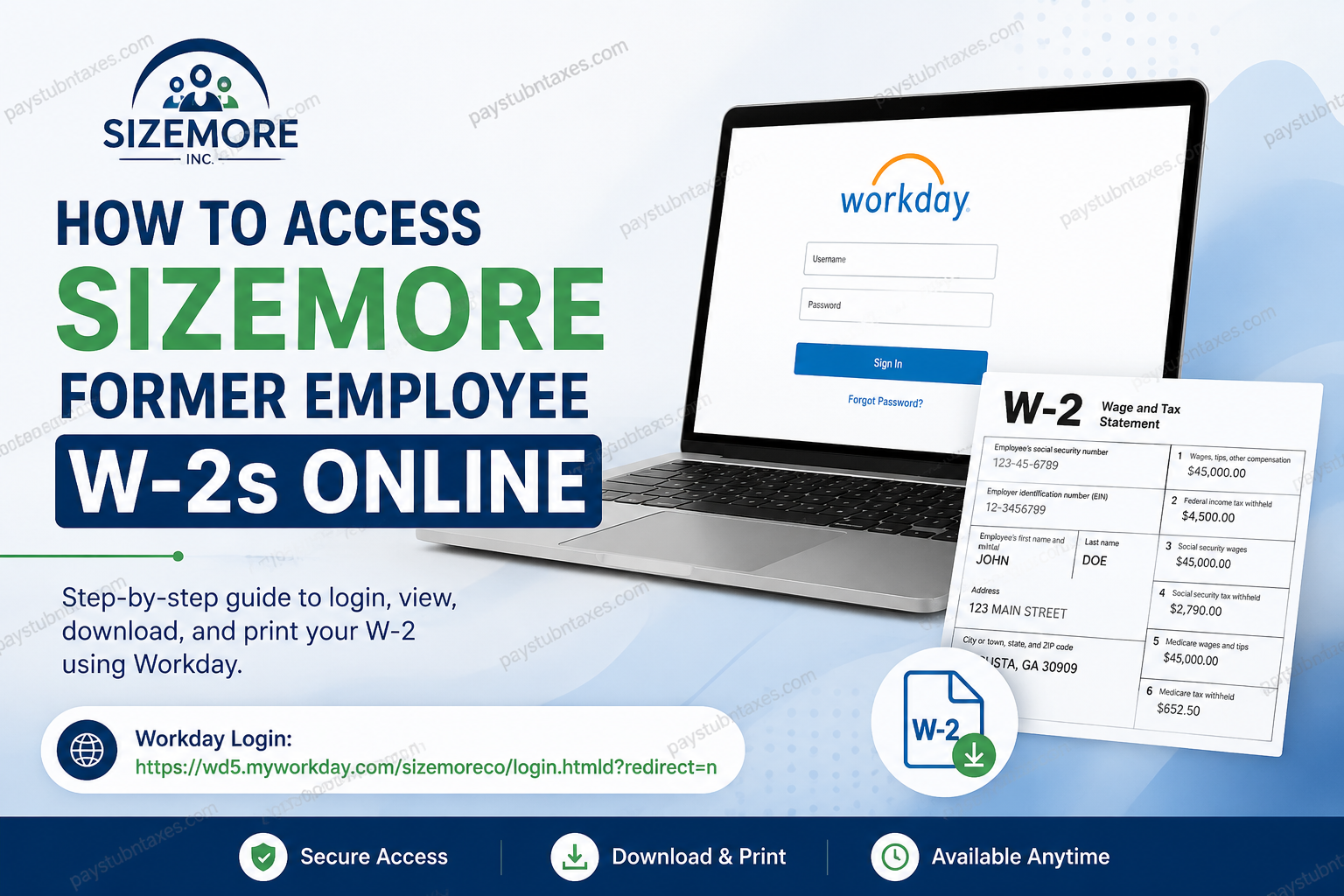
Former employees of Sizemore, Inc. can conveniently access and download their W-2 tax statements online through the Workday self-service portal, provided they previously consented to electronic W-2 delivery. Because Sizemore utilizes Workday as its centralized Human Capital Management (HCM) and payroll platform, separated associates retain limited post-employment access for payroll and tax-related purposes during the designated offboarding access period. Founded in 1955 and headquartered in Augusta, Georgia, Sizemore, Inc. has built a longstanding reputation as a trusted workforce solutions provider specializing in janitorial, staffing, and security services throughout the United States. Through its advanced Workday environment, the company enables associates to securely manage payroll records, tax forms, benefits information, and personal data from virtually anywhere.
Can Former Employees Access W-2 Forms Online?
Yes. Former Sizemore employees who completed Electronic W-2 Consent during employment may access and print their W-2 forms electronically through Workday after separation from the company. Access credentials are generally provided during the offboarding process.
Employees who did not enroll in electronic delivery will instead receive paper W-2 statements by mail no later than January 31 of the following tax year.
Because tax documents are mailed to the address stored in Workday, it is essential to keep your mailing information current before separation whenever possible.
Sizemore Workday Login Portal
Former associates can access their payroll and tax documents using the official Workday login portal:
Workday Login:
https://wd5.myworkday.com/sizemoreco/login.htmld?redirect=n
Your Workday username and temporary password are typically delivered via email during the separation or offboarding process. Be sure to check both your inbox and spam or junk folders if you cannot initially locate the message.
Step-by-Step Guide to Access Sizemore W-2 Online
Follow these instructions carefully to retrieve your W-2 form through Workday:
Step 1: Visit the Workday Login Page
Open the Sizemore Workday portal in your browser and enter your assigned username and password.
If you are signing in for the first time after separation, you may be prompted to change your temporary password and complete additional identity verification steps.
Step 2: Access the Pay Dashboard
Once logged into Workday, navigate to the homepage dashboard and select the Pay application.
The Pay section contains payroll-related information including payslips, tax withholding elections, payment methods, and year-end tax documents.
Step 3: Open “My Tax Documents”
Inside the Pay dashboard, locate and select My Tax Documents.
This section stores available W-2 forms and other year-end tax records associated with your employment history.
Step 4: Select Your W-2 Form
Locate the appropriate tax year and click the View/Print button beside the W-2 form.
The document may require several moments to load depending on your internet connection and browser settings.
Step 5: Download or Print the W-2
After the form opens:
- Use the printer icon to print a physical copy.
- Use the download icon to save a PDF version to your device.
- Use the navigation arrows to move through multiple pages if necessary.
For accessibility purposes, Workday may also provide an Accessible Form option.
What If You Forgot Your Workday Password?
If you can no longer remember your Workday password:
- Visit the Workday login page.
- Select Forgot Your Password?
- Follow the identity verification prompts.
- Reset your credentials using your registered email address or authentication method.
If the password reset process fails, contact Sizemore Human Resources for assistance.
How Long Do Former Employees Keep Workday Access?
Separated associates generally retain Workday access for a limited period after employment ends. The exact duration may vary depending on company policy, employment type, or internal system settings.
Because access may eventually expire, former employees are strongly encouraged to download and securely store all important tax and payroll documents as soon as they become available.
What If You Did Not Consent to Electronic W-2 Delivery?
If you previously declined electronic W-2 delivery:
- Your W-2 form will be mailed to your address on file.
- Paper statements are typically postmarked by January 31.
- Incorrect addresses may delay delivery or result in returned mail.
To avoid complications, employees should verify or update their mailing address through Workday before separation whenever possible.
Additional Features Available Through Workday
Beyond W-2 access, the Sizemore Workday platform allows associates to manage numerous employment-related functions, including:
- Viewing payslips and payroll history
- Updating direct deposit information
- Managing tax withholding elections
- Reviewing benefits elections
- Updating contact information
- Accessing leave balances and time tracking
- Managing emergency contact details
Workday serves as a centralized self-service portal designed to streamline administrative tasks while improving accessibility and efficiency for both current and former associates.
Common Issues When Accessing Sizemore W-2s
Invalid Username or Password
Ensure you are using the exact credentials issued during offboarding. Passwords are case-sensitive.
Locked Account
Multiple failed login attempts may temporarily lock your Workday account for security reasons.
Expired Access
If your post-employment Workday access window has ended, you may need to request assistance directly from Human Resources.
Missing W-2 Form
W-2s are generally published after payroll finalization. If the form is unavailable, wait several business days and try again.
Sizemore HR Contact Information
If you experience login difficulties or need additional payroll assistance, contact Sizemore Human Resources directly.
HR Email: hr@sizemoreinc.com
Corporate Office:
Sizemore, Inc.
2003 Gordon Highway
Augusta, GA 30909
Final Thoughts
Sizemore’s Workday self-service platform provides former associates with a secure and efficient method for retrieving W-2 tax documents online. By maintaining electronic consent and preserving your Workday login credentials after separation, you can conveniently access, download, and print important payroll records without waiting for paper mail delivery. To avoid unnecessary delays during tax season, former employees should verify their contact information, monitor their email for Workday access credentials, and save digital copies of all year-end tax forms for future reference.
Frequently Asked Questions
1. How do former employees access Sizemore W-2 forms online?
Former Sizemore employees can log into the Workday self-service portal using their assigned credentials, then navigate to Pay > My Tax Documents to view and print W-2 forms.
2. What is the Sizemore Workday login URL?
The official Sizemore Workday login portal is:
https://wd5.myworkday.com/sizemoreco/login.htmld?redirect=n
3. Can separated employees still access Workday?
Yes. Former employees generally retain limited Workday access after separation in order to retrieve payroll and tax-related documents.
4. Where can I find my W-2 in Workday?
Inside Workday, select the Pay application and then click My Tax Documents to locate available W-2 forms.
5. What should I do if I forgot my Workday password?
Click the Forgot Your Password? link on the Workday login page and follow the verification instructions to reset your password.
6. Will Sizemore mail paper W-2 forms?
Yes. Employees who did not consent to electronic W-2 delivery will receive paper copies mailed by January 31.
7. How do I print my W-2 from Workday?
After opening the W-2 form, click the printer icon located in the upper-right corner of the document viewer.
8. Can I download a PDF copy of my W-2?
Yes. Workday allows users to download W-2 forms as PDF files using the download icon within the document viewer.
9. What if my mailing address is incorrect?
You should update your address in Workday as soon as possible to avoid delays in receiving tax documents by mail.
10. How long are W-2 forms available in Workday?
W-2 availability may vary depending on company retention policies, but former employees should download copies immediately once available.
11. Does Sizemore use Workday for payroll services?
Yes. Sizemore uses Workday for payroll processing, tax document management, benefits administration, and employee self-service functions.
12. What information can former employees access in Workday?
Former associates may access payslips, W-2 forms, tax withholding information, direct deposit details, and certain benefits-related records.
13. Why is my W-2 not showing in Workday?
W-2 forms may not appear until payroll processing has been finalized. If unavailable, wait several business days and check again.
14. Who should I contact for Sizemore payroll assistance?
For payroll or Workday support, contact Sizemore Human Resources at:
hr@sizemoreinc.com
15. Is Workday secure for accessing tax documents?
Yes. Workday is a secure cloud-based platform designed to protect sensitive payroll and employee information through encrypted authentication and access controls.
