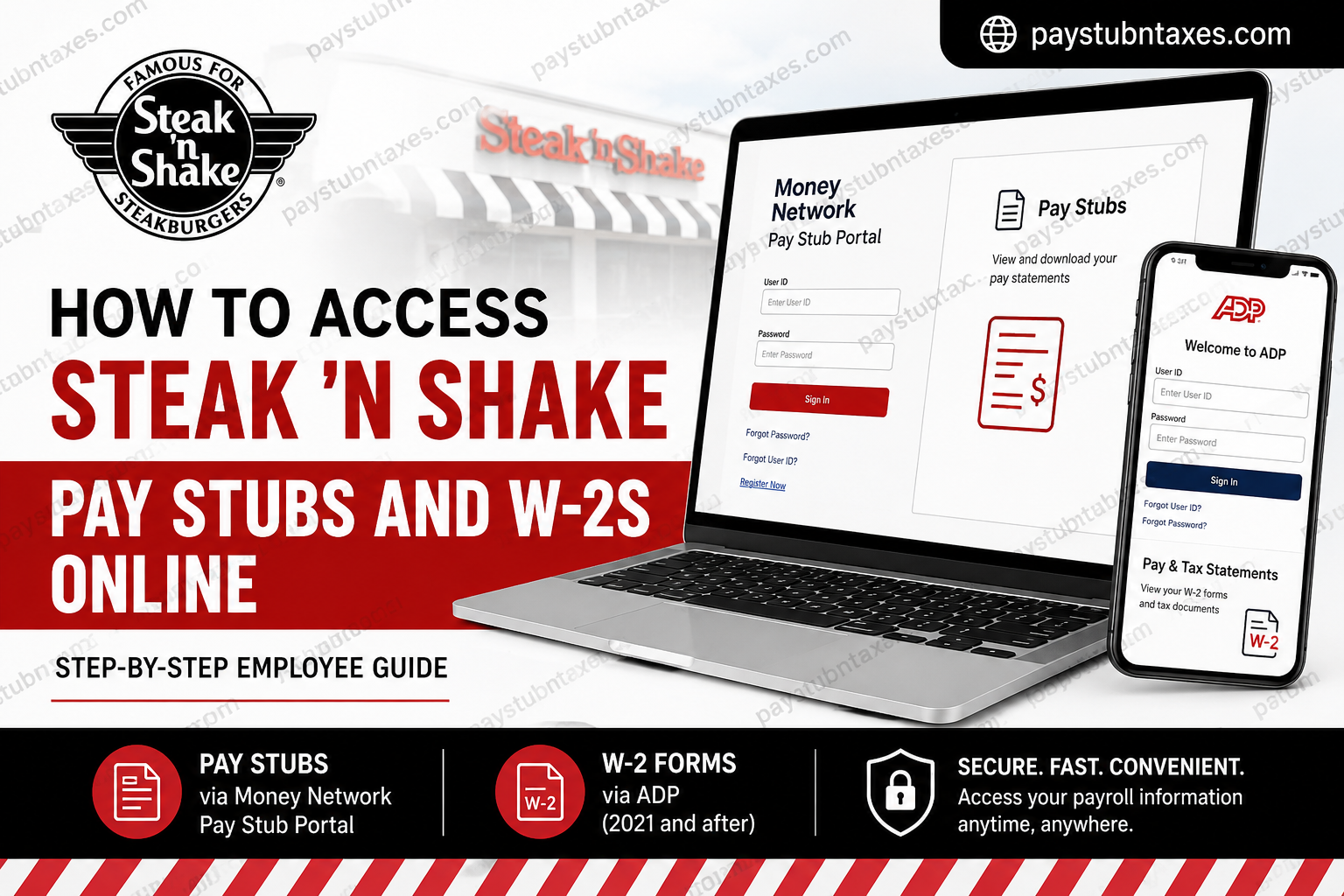
Steak ‘n Shake has long been recognized as one of America’s most iconic fast-food restaurant chains, renowned for its premium Steakburgers, hand-dipped milkshakes, and customer-focused service culture. Headquartered in Indianapolis, Indiana, the company operates hundreds of locations across the United States and internationally while continuing to modernize its employee systems and payroll services. To simplify payroll management and tax document distribution, Steak ‘n Shake provides employees with secure online access to pay stubs and W-2 forms through dedicated digital platforms. Current and former employees can conveniently review earnings statements, print payroll records, and download year-end tax documents anytime and from virtually anywhere. This comprehensive guide explains exactly how to access your Steak ‘n Shake pay stubs and W-2s online, including login instructions, account registration steps, troubleshooting solutions, and important payroll information every employee should know.
Steak ‘n Shake Employee Payroll Systems
Steak ‘n Shake currently uses two separate platforms for payroll-related documents:
· Money Network Pay Stub Portal — for pay stubs and earnings statements
· ADP — for W-2 tax forms issued from 2021 onward
The company’s employee resources section also provides dedicated links for downloading pay stubs and accessing W-2 forms.
Official Payroll Links
Pay Stub Portal: https://www.paystubportal.com/FdcPsp/login.jsp?orgName=steaknshake
ADP W-2 Portal: https://my.adp.com
How to Access Steak ‘n Shake Pay Stubs Online
Steak ‘n Shake employees can securely retrieve payroll information through the Money Network Pay Stub Portal. The portal allows employees to review payment history, download pay statements, and print payroll records for personal or financial use.
Step-by-Step Instructions to Access Pay Stubs
Step 1: Visit the Official Pay Stub Portal
Open your web browser and go to the Steak ‘n Shake Money Network Pay Stub Portal:
https://www.paystubportal.com/FdcPsp/login.jsp?orgName=steaknshake
The login page includes options for account registration, password recovery, and user ID assistance.
Step 2: Enter Your User ID and PIN or Password
Type your:
- User ID
- PIN or Password
Then click the “Sign In” button.
Step 3: Register Your Account (If You Are a First-Time User)
If this is your first time accessing the system:
- Click “Register Now”
- Follow the verification prompts
- Create your User ID and Password
- Complete the account activation process
The portal now requires employees to create a User ID and Password for secure access.
Step 4: Access Your Dashboard
Once successfully logged in, you will be redirected to your payroll dashboard, where you can:
- View recent pay stubs
- Check earnings history
- Review deductions and taxes
- Access payroll-related information
Step 5: Download or Print Your Pay Stub
To download a pay statement:
- Click on the “Pay Stubs” section
- Select the desired pay period
- Open the statement
- Download, save, or print the document for your records
Employees commonly use these documents for:
- Loan applications
- Income verification
- Apartment rentals
- Tax preparation
- Financial planning
How to Access Steak ‘n Shake W-2 Forms Online
Steak ‘n Shake distributes W-2 tax forms through ADP beginning with tax year 2021. Employees can access digital copies of their W-2 statements directly from the ADP portal.
Steps to Download Your Steak ‘n Shake W-2
Step 1: Visit the ADP Portal
Go to: https://my.adp.com
Sign in using your ADP credentials.
Step 2: Navigate to Pay & Tax Statements
After logging in:
- Select “Myself”
- Click “Pay”
- Choose “Pay & Tax Statements”
The ADP payroll interface provides centralized access to payroll and tax records.
Step 3: Open the Tax Statements Section
On the right-hand side of the page:
- Locate the “Tax Statements” section
- Click “View All Statements”
This section displays available W-2 forms by tax year.
Step 4: Select Your Tax Year
Choose the year corresponding to the W-2 form you wish to retrieve.
Step 5: Open and Download Your W-2
- Click “Open Document”
- Your W-2 form will appear in a new ADP window
- Select either:
- Download
You may then save the document securely for tax filing purposes.
W-2 Access for Previous Tax Years
According to Steak ‘n Shake employee resources:
- W-2s from 2021 and after are accessible through ADP
- W-2s from 2020 and earlier may be maintained through Ceridian payroll systems
Employees experiencing difficulty retrieving older tax documents should contact the Steak ‘n Shake Human Resources or Payroll Department for assistance.
Forgot Your Password or User ID?
Both the Money Network portal and ADP provide self-service recovery tools.
Money Network Recovery Options
- Forgot Password
- Forgot User ID
ADP Recovery Options
- Forgot User ID
- Forgot Password
- Create Account
You may need to verify:
- Employee ID
- Social Security Number
- Registered email address
- Mobile phone number
Common Reasons Employees Need Pay Stubs and W-2s
Steak ‘n Shake employees frequently access payroll documents for:
- Filing federal and state income taxes
- Applying for mortgages or loans
- Employment verification
- Rental applications
- Income tracking
- Financial recordkeeping
Because payroll documents contain sensitive information, employees should always access them through official company-authorized portals only.
Tips for Secure Payroll Access
To protect your personal and financial data:
- Use strong, unique passwords
- Avoid public Wi-Fi when accessing payroll portals
- Enable multi-factor authentication when available
- Log out after each session
- Never share payroll login credentials
Contact Steak ‘n Shake HR or Payroll Support
If you cannot access your account, encounter login errors, or need assistance retrieving historical payroll records, contact your local Human Resources representative or Payroll Department directly.
Support teams can assist with:
- Account activation
- Password resets
- Missing W-2 forms
- Payroll discrepancies
- Employment verification
Final Thoughts
Steak ‘n Shake has streamlined employee payroll management by providing secure online access to pay stubs and W-2 tax forms through the Money Network Pay Stub Portal and ADP. Whether you need to download your latest earnings statement or retrieve an annual tax document, the process is straightforward, secure, and accessible 24/7. By maintaining digital access to payroll records, employees can efficiently manage financial documentation while enjoying the convenience of modern self-service payroll technology.
Frequently Asked Questions
1. How do I access my Steak ‘n Shake pay stubs online?
You can access your pay stubs by logging into the Money Network Pay Stub Portal using your User ID and Password.
2. What website does Steak ‘n Shake use for pay stubs?
Steak ‘n Shake uses the Money Network Pay Stub Portal for employee payroll statements.
3. How can I get my Steak ‘n Shake W-2 online?
You can retrieve your W-2 through the ADP portal by navigating to “Myself” > “Pay” > “Pay & Tax Statements.”
4. Does Steak ‘n Shake use ADP for payroll?
Steak ‘n Shake uses ADP to distribute W-2 tax forms beginning with tax year 2021.
5. What if I forgot my Money Network password?
Click the “Forgot Password” option on the login page and follow the verification instructions to reset your password.
6. Can former employees access Steak ‘n Shake W-2 forms?
Yes. Former employees may still access W-2s through ADP if their account remains active.
7. How do I register for the Steak ‘n Shake pay stub portal?
Select “Register Now” on the Money Network login page and complete the account setup process.
8. What information do I need to create an account?
You may need your Employee ID, Social Security Number, registered email address, or other verification details.
9. Can I print my Steak ‘n Shake pay stubs?
Yes. Once logged in, you can open any pay statement and print or download it as a PDF.
10. Are W-2 forms available for previous years?
Yes. W-2s for 2021 and later are typically available through ADP, while older records may require HR assistance.
11. Why can’t I log into my payroll account?
Login issues may occur due to incorrect credentials, inactive accounts, or password expiration.
12. Is the Steak ‘n Shake payroll portal secure?
Yes. Both Money Network and ADP use secure authentication systems to protect employee payroll information.
13. Can I access payroll documents on my phone?
Yes. Both payroll portals are mobile-friendly and accessible through most smartphones and tablets.
14. What should I do if my W-2 is incorrect?
Contact Steak ‘n Shake Human Resources or Payroll Support immediately to request corrections.
15. Who should I contact for payroll support?
You should contact your local HR department or payroll administrator for assistance with account access or payroll discrepancies.
