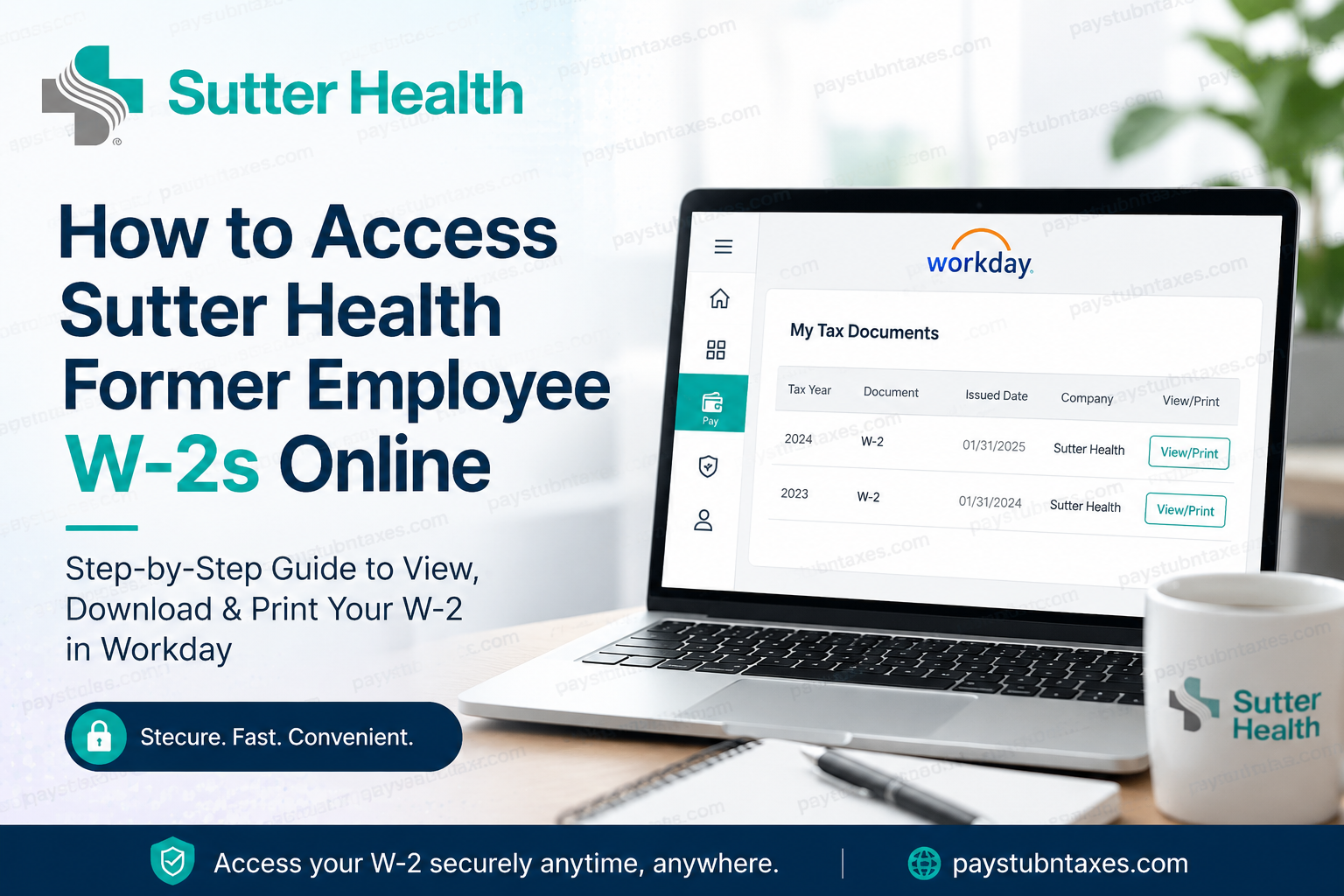
Tax season often arrives with a flurry of deadlines, paperwork, and financial responsibilities, making seamless access to tax documents more important than ever. Fortunately, former employees of Sutter Health can conveniently retrieve their W-2 forms online through the organization’s Workday self-service platform, eliminating the need for unnecessary delays or administrative complications. As one of California’s largest not-for-profit healthcare systems, Sutter Health serves millions of patients through an expansive network of hospitals, clinics, medical groups, ambulatory centers, telehealth services, and community healthcare programs. With more than 57,000 employees and clinicians across the state, the organization continues to modernize its workforce systems to provide efficient digital access to payroll and tax records.
Can Former Employees Access W-2 Forms Online?
Yes. Former Sutter Health employees can access their W-2 tax statements electronically through Workday after separation from employment, provided electronic tax document access was previously enabled.
Employees who did not opt for paperless delivery should receive their W-2 forms by mail no later than January 31 each year. However, electronic access through Workday remains the fastest and most secure method for retrieving tax records, downloading copies, or printing documents for filing purposes.
Sutter Health Workday Login Portal
Former employees may access their tax forms using the official Sutter Health Workday portal:
Workday Login:
https://www.myworkday.com/sutterhealth/login.htmld?redirect=n
Once on the login page, users will be prompted to enter their Workday username and password through the secure Sutter Health network tenant interface.
It is important to note that standard SSO (Single Sign-On) credentials used during active employment may no longer function after termination. Instead, offboarded employees typically receive separate Workday login instructions via email.
Step-by-Step Guide to Retrieve Your Sutter Health W-2 Online
Accessing your tax forms through Workday is straightforward and typically requires only a few minutes.
Step 1: Sign In to Workday
Visit the official Sutter Health Workday portal and log in using your post-employment credentials.
Step 2: Open the Pay Section
After signing in, navigate to the dashboard and select the “Pay” tile from the applications menu.
Step 3: Access My Tax Documents
Inside the Pay section:
- Locate the View menu
- Click More to expand additional options
- Select My Tax Documents
Step 4: View or Download Your W-2
On the My Tax Documents page, you will see all available year-end tax forms, including:
- W-2 forms
- W-2C corrected forms (if applicable)
Click View/Print to open, download, or print your tax document for filing purposes.
What Is a W-2C Form?
A W-2C is a corrected wage and tax statement issued when amendments or corrections are required on an original W-2 form. If a corrected document is available in Workday, it is advisable to print both the original W-2 and the accompanying W-2C for accurate tax reporting.
What If You Cannot Log In?
Former employees occasionally encounter login difficulties due to expired passwords, inactive accounts, or outdated contact information. Since active employee SSO credentials generally become invalid after separation, users should refer to the offboarding email instructions provided by Sutter Health.
If you are unable to access your account, assistance is available through the Sutter Health Employee Center or Service Desk.
Employee Support Resources
Employee Center:
https://sutterprod.service-now.com/sp
Service Desk Phone Number:
888-888-6044
Support representatives can assist with:
- Workday login issues
- Password resets
- Missing W-2 forms
- Electronic tax document access
- Account recovery assistance
Why Online W-2 Access Is Beneficial
Electronic access to tax documents offers numerous advantages for former employees, particularly during peak tax season.
Faster Access
Avoid postal delays and retrieve your W-2 instantly online.
Enhanced Security
Digital delivery reduces the risk of sensitive tax documents being lost or stolen through traditional mail.
Convenient Recordkeeping
Employees can download and securely store tax records for future financial planning, mortgage applications, audits, or amended tax returns.
Easy Reprinting
Workday allows users to reprint previous tax documents whenever needed.
Important Security Reminder
Because tax records contain highly sensitive personal and financial information, former employees should always log out of Workday after completing their session, especially when using public or shared devices.
Final Thoughts
Sutter Health has streamlined the process of accessing former employee W-2 forms through its Workday platform, enabling separated employees to retrieve critical tax documents quickly, securely, and efficiently. Whether you need your W-2 for tax filing, financial verification, or personal recordkeeping, the online portal offers a reliable self-service solution available anytime and from virtually anywhere. By following the simple navigation steps outlined above, former employees can easily locate and download their year-end tax statements without unnecessary administrative delays. Should any complications arise, Sutter Health’s Employee Center and Service Desk remain available to provide timely support and technical assistance.
Frequently Asked Questions (FAQs)
1. How do I access my Sutter Health W-2 online?
You can access your W-2 by logging into the Sutter Health Workday portal, opening the Pay section, selecting My Tax Documents, and clicking View/Print on your available tax forms.
2. What is the official Sutter Health Workday login portal?
The official login portal is: https://www.myworkday.com/sutterhealth/login.htmld?redirect=n
3. When will Sutter Health mail W-2 forms?
W-2 forms are generally mailed by January 31 if you did not opt for electronic delivery.
4. Can former employees still use Workday after termination?
Yes. Former employees can typically access Workday using offboarding credentials provided through email after separation from employment.
5. Why is my SSO login not working after leaving Sutter Health?
Standard employee Single Sign-On (SSO) credentials usually become inactive after termination. Former employees must use separate Workday login credentials.
6. Where can I find my tax documents in Workday?
After logging in, go to: Pay → More → My Tax Documents
7. Can I download and print my W-2 from Workday?
Yes. Workday allows users to view, download, save, and print W-2 forms directly from the portal.
8. What should I do if I forgot my Workday password?
You should contact the Sutter Health Employee Center or Service Desk for password reset assistance.
9. What is the Sutter Health Service Desk phone number?
The Sutter Health Service Desk can be reached at: 888-888-6044
10. What is a W-2C form?
A W-2C is a corrected tax document issued when changes or corrections are made to an original W-2 form.
11. Can I access previous years’ W-2 forms online?
Yes. If available in your Workday account, previous tax documents can typically be viewed and downloaded anytime.
12. What if I never enrolled in paperless W-2 delivery?
If you did not consent to electronic delivery, your W-2 will usually be mailed to your address on file.
13. Is Workday secure for accessing tax documents?
Yes. Workday uses secure authentication and encrypted access to help protect sensitive employee and tax information.
14. What should I do if my W-2 is missing?
Contact the Employee Center or Service Desk immediately to verify your mailing address, account access, or tax document availability.
15. Why should I access my W-2 electronically?
Electronic access provides faster delivery, secure storage, easy reprinting, and convenient access from anywhere.
