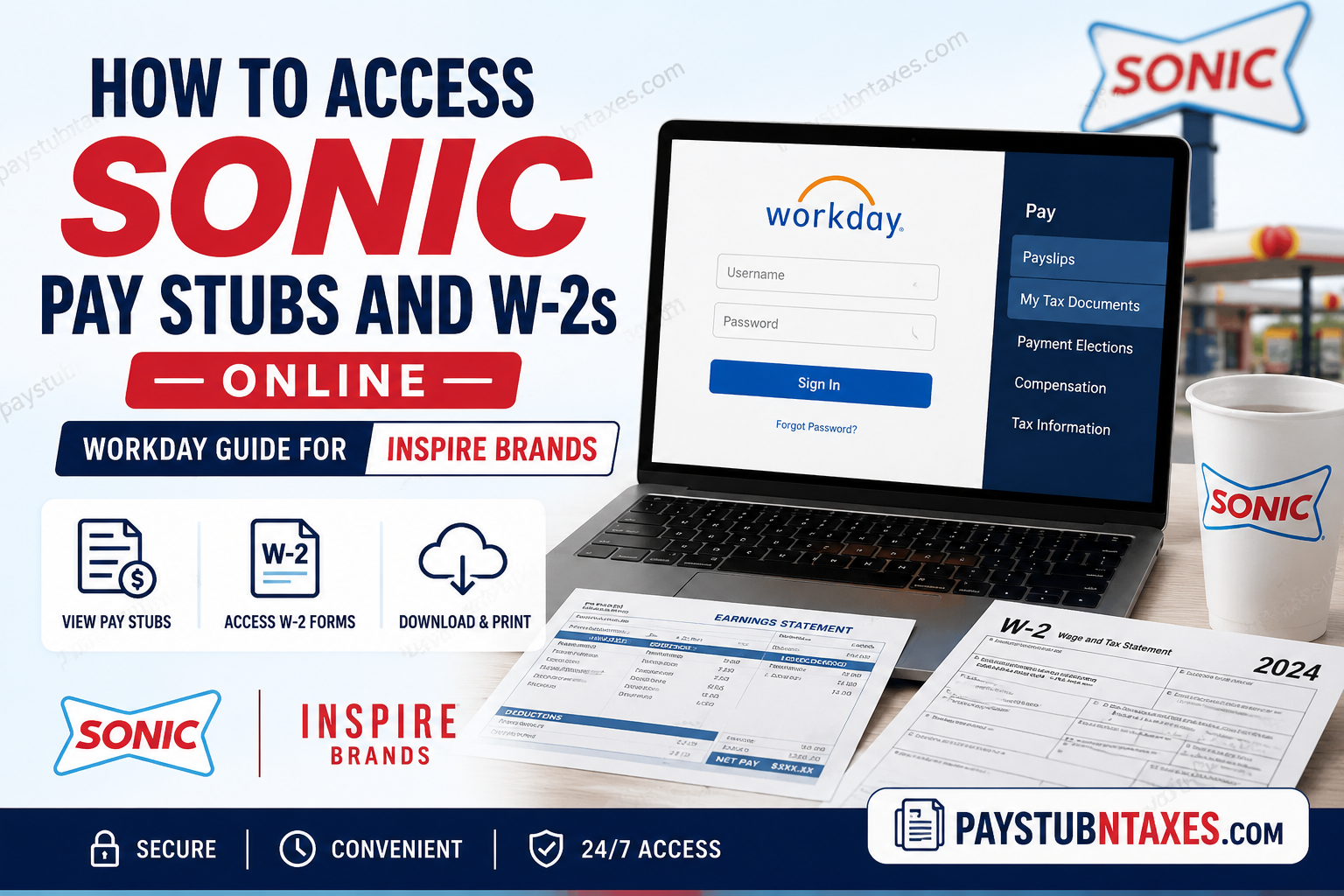
For thousands of employees across the United States, SONIC Drive-In represents more than a beloved fast-food brand — it is a workplace that offers flexible employment opportunities, career advancement, and a dynamic restaurant environment. While many SONIC locations are independently franchised, a substantial number of restaurants are operated under Inspire Brands, one of the largest restaurant companies in the world. If you are employed at a SONIC Drive-In location managed by Inspire Brands, you can conveniently access your pay stubs, payroll history, tax forms, and W-2 statements online through the Workday employee self-service portal. This comprehensive guide explains how current employees, former employees, pre-hires, and corporate staff can securely log in to Workday and retrieve important payroll documents with ease.
About SONIC Drive-In and Inspire Brands
SONIC Drive-In, originally founded in Oklahoma in 1953, has evolved into one of America’s most recognizable drive-in restaurant chains, operating thousands of locations nationwide. The company became part of Inspire Brands in 2018 following a multi-billion-dollar acquisition.
Today, Inspire Brands oversees a massive portfolio of restaurant chains, including SONIC Drive-In, Arby’s, Buffalo Wild Wings, Dunkin’, Jimmy John’s, and Baskin-Robbins. Because Inspire Brands operates a significant number of SONIC restaurants throughout the United States, many SONIC employees use Workday as their official payroll and human resources platform.
SONIC Workday Login Portal
Employees can access their payroll and tax records through the Inspire Brands Workday portal:
Workday Login:
https://wd5.myworkday.com/inspirebrands/login.flex
The portal provides secure access to:
- Current and historical pay stubs
- W-2 wage and tax statements
- Direct deposit information
- Tax withholding elections
- Payroll history
- Personal employee information
- Benefits and compensation records
How to Access SONIC Pay Stubs Online
Accessing your SONIC pay stubs through Workday is straightforward and typically requires only a few minutes.
Step-by-Step Instructions
Step 1: Sign In to Workday
Visit the Inspire Brands Workday login portal and enter your username and password.
Step 2: Open the Menu
After logging in, navigate to the main Workday menu dashboard.
Step 3: Go to the Pay Application
Locate and select the Pay application from the available menu options.
Step 4: Select “Payslips”
Under the “View” section, click Payslips to access your payroll statements.
Step 5: Open or Print Your Pay Stub
You may now:
- View current and previous pay stubs
- Download PDF copies
- Print payroll statements for personal records, income verification, or financial applications
Workday also allows employees to review historical payroll activity and compensation-related records in one centralized location.
How to Access SONIC W-2 Forms Online
Each year, Inspire Brands employees can retrieve electronic W-2 forms directly through Workday without requiring a VPN or company network access.
Steps to Retrieve Your W-2 Statement
Step 1: Log In to Workday
Access your employee account using your Workday credentials.
Step 2: Open the Pay Application
From the Workday home dashboard, click the Pay icon.
Step 3: Select “My Tax Documents”
Inside the Pay section, choose My Tax Documents to access available W-2 forms.
Step 4: Choose the Applicable Tax Year
A table displaying available tax forms will appear. Select the W-2 corresponding to the appropriate filing year.
Step 5: Download and Print
Open the PDF version of your W-2 and print it if necessary for tax filing purposes.
Workday Login Support for SONIC Employees
Inspire Brands provides separate login pathways depending on the employee’s role within the organization.
Username and Password Access
This login option is intended for:
- Active restaurant employees
- Pre-hires
- Former employees
Employees using this method should not use OKTA authentication.
If you experience login difficulties:
- Click “Forgot Password?”
- A temporary password will be sent to your registered email address
- If you do not receive the email, contact the Inspire Brands Service Center
Support Number
1-800-499-9586 — Option 2
OKTA SSO Access Support
This login method is primarily designated for:
- Above-store leadership
- Support center employees
- Contractors
Employees using OKTA Single Sign-On can also access Workday through: https://inspire.okta.com/
OKTA Support Contacts
- Phone: 1-800-272-9457
- Email: eushelp@inspirebrands.com
General Workday Assistance
For all other payroll or Workday-related issues, employees may contact the People Link support team.
People Link Support
Phone: 1-800-499-9586 — Option 3
Availability:
Monday through Friday
7:00 AM to 7:00 PM EST
Employees may also submit a support case directly within Workday Help.
Common Reasons Employees Access SONIC Pay Stubs and W-2s
Employees frequently retrieve payroll and tax documents for the following purposes:
- Filing federal and state income taxes
- Applying for loans or mortgages
- Employment verification
- Proof of income
- Reviewing deductions and tax withholdings
- Tracking overtime and compensation history
- Maintaining personal financial records
Because Workday stores historical payroll information digitally, employees can usually access previous statements without needing to contact payroll administrators directly.
Troubleshooting SONIC Workday Login Problems
If you cannot access your account, consider the following solutions:
Verify Your Login Credentials
Ensure your username and password are entered correctly without extra spaces or incorrect capitalization.
Reset Your Password
Use the “Forgot Password?” feature to generate a temporary password.
Clear Browser Cache
Occasionally, outdated browser cache or cookies may interfere with login sessions.
Use a Supported Browser
For optimal performance, use updated versions of:
- Google Chrome
- Microsoft Edge
- Mozilla Firefox
- Safari
Contact Support
If your account remains inaccessible, contact Inspire Brands support using the numbers listed above.
Final Thoughts
Managing payroll and tax documentation has become significantly more convenient for SONIC employees through the Inspire Brands Workday platform. Whether you need to retrieve a recent pay stub, print your W-2 for tax season, or review compensation records, Workday provides secure and centralized access from virtually anywhere. By understanding the proper login procedures and support channels, employees can efficiently manage their payroll information without unnecessary delays or administrative complications.
Frequently Asked Questions
1. How do I access my SONIC pay stubs online?
You can access your SONIC pay stubs by logging into the Inspire Brands Workday portal and navigating to the Pay application, then selecting “Payslips.”
2. Where can SONIC employees download W-2 forms?
SONIC employees can download W-2 forms from the “My Tax Documents” section inside Workday.
3. What is the official SONIC Workday login website?
The official Inspire Brands Workday portal is:
https://wd5.myworkday.com/inspirebrands/login.flex
4. Can former SONIC employees access Workday?
Yes. Former employees can still access Workday using the Username and Password Access option.
5. What should I do if I forgot my Workday password?
Click the “Forgot Password?” link on the login page to receive a temporary password via email.
6. Who uses the OKTA SSO login option?
OKTA SSO is typically used by Above Store Leaders, Support Center employees, and contractors.
7. Can I access my SONIC W-2 without a VPN?
Yes. Employees generally do not need a VPN or company network connection to access W-2 forms in Workday.
8. How do I print my SONIC pay stub?
Open the desired payslip in Workday and use the print or download PDF option.
9. How do I retrieve old pay stubs from Workday?
Workday stores historical payroll records, allowing employees to access previous pay stubs anytime.
10. What phone number helps with Workday password issues?
For password assistance, contact Inspire Brands Service Center at: 1-800-499-9586 Option 2
11. What is the Inspire Brands People Link support number?
The People Link support number is: 1-800-499-9586 Option 3
12. What hours is Workday support available?
People Link support is available Monday through Friday from 7 AM to 7 PM EST.
13. Can I download my W-2 as a PDF?
Yes. Workday allows employees to open and download W-2 forms in PDF format.
14. Why can’t I log into SONIC Workday?
Login problems may occur due to incorrect credentials, expired passwords, browser cache issues, or incorrect login methods.
15. Is SONIC owned by Inspire Brands?
Yes. Inspire Brands acquired SONIC Drive-In in 2018 and operates a large number of SONIC restaurants across the United States.
