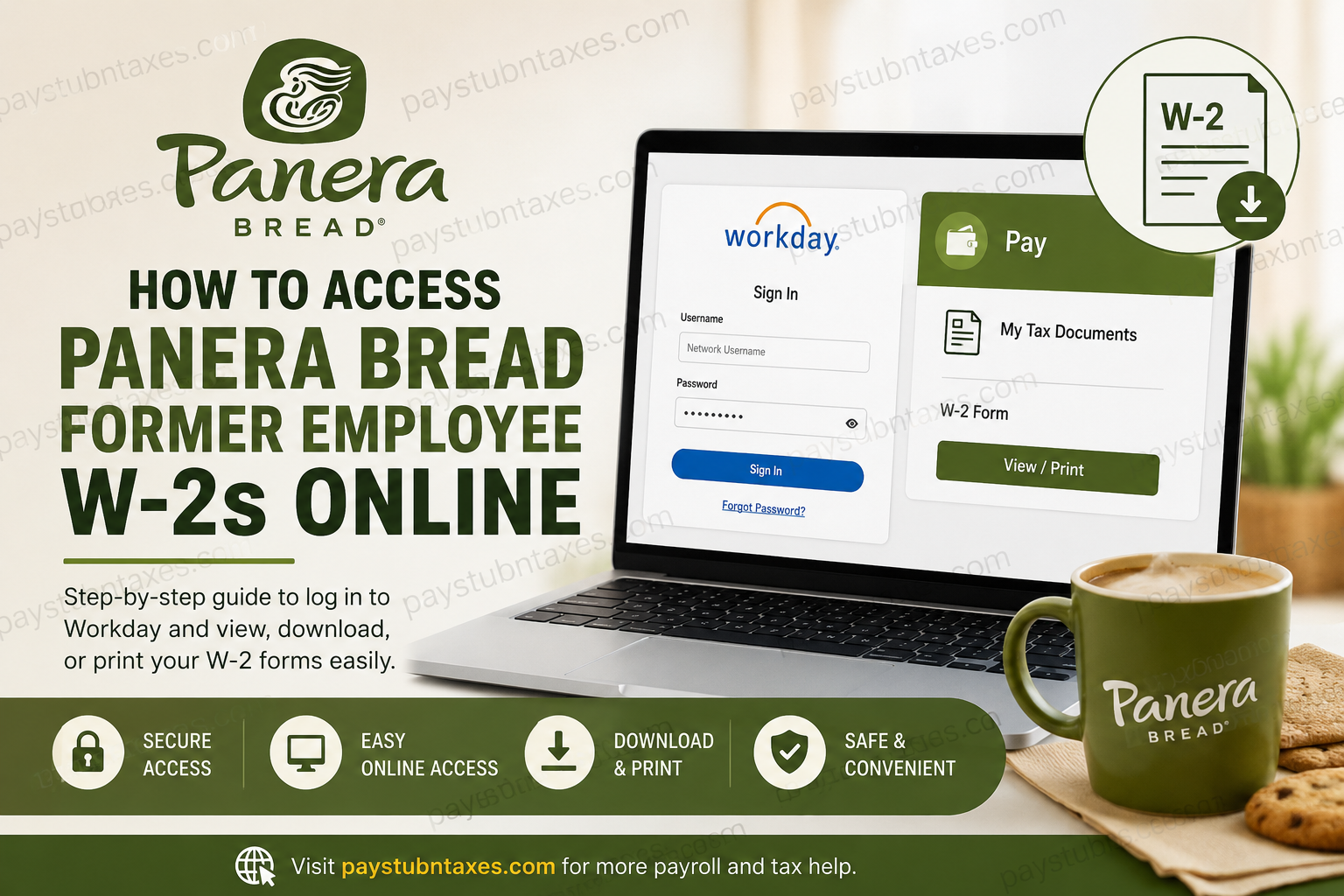
Filing taxes can often feel like navigating a labyrinth, especially after leaving an employer. Fortunately, former employees of Panera Bread can access their W-2 forms online through the company’s Workday platform, eliminating the need for cumbersome paperwork or lengthy wait times. Whether you need your W-2 for tax filing, loan applications, or recordkeeping purposes, this guide walks you through the process with clarity and precision.
What Is the Panera Bread Workday Portal?
Workday serves as Panera Bread’s centralized human resources and payroll management system. Through this secure online portal, current and former associates of Panera, LLC can access employment-related information, including tax documents, personal details, and payroll records.
One of Workday’s most valuable features is its ability to provide immediate electronic access to W-2 forms, ensuring that former employees can retrieve essential tax documents whenever needed.
Who Can Access W-2 Forms Online?
Online W-2 access is available to:
- Former employees of Panera, LLC
- Current Panera associates
- Employees whose W-2 forms have been published for the tax year
Important: If you worked for an independently owned Panera franchise rather than Panera, LLC, you must contact your former bakery-cafe directly, as franchise employees may use different payroll systems.
Panera Bread Former Employee W-2 Login Portal
Workday Login URL:
https://wd5.myworkday.com/wday/authgwy/panerabread/login.htmld?redirect=n
Former employees can sign in using their Workday credentials to view, download, or print their W-2 forms online.
How to Access Your Panera Bread W-2 Online
Follow these simple steps to retrieve your W-2 form:
Step 1: Visit the Workday Portal
Open the Panera Bread Workday login page using the official link provided above.
Step 2: Enter Your Username
Your Workday username is your network username.
Example:
If your company username was jdough@panerabread.com, enter only:
jdough
Do not include @panerabread.com when logging in.
Step 3: Enter Your Password
Input your Workday password and click Sign In.
Step 4: Navigate to Tax Documents
Once logged in:
- Open the Pay dashboard.
- Select My Tax Documents.
- Locate your available W-2 forms.
W-2s are stored under My Tax Documents, making retrieval remarkably straightforward.
Step 5: View and Print Your W-2
After locating your W-2:
- Click View/Print to open the document.
- Use the navigation arrows to move between pages.
- Select the printer icon to print the form.
- Select the download icon to save a digital copy for your records.
Keeping a downloaded copy is prudent, as it provides convenient access for future financial or tax-related needs.
When Are Panera W-2 Forms Available?
Panera typically publishes W-2 forms around January 31 each year, in accordance with IRS requirements.
If your form does not appear immediately, allow additional processing time before contacting support.
Forgot Your Workday Password?
If you cannot remember your password:
- Click Forgot Password on the Workday login page.
- Enter the required information.
- A password reset link will be sent to your registered email address.
- Check your spam or junk folder if you do not receive the email promptly.
Resetting your credentials generally takes only a few minutes.
What If You Cannot Find Your W-2?
If your W-2 is missing or inaccessible, Panera offers several support channels.
Payroll Support Contacts
W-2 Assistance:
seemyw2@panerabread.com
Workday Support:
workday-help@panerabread.com
Payroll Department:
payroll@panerabread.com
When contacting support, have the following information ready:
- Full legal name
- Employee ID (if available)
- Last four digits of your Social Security Number
- Employment dates
- Current mailing address
Providing accurate information expedites the verification process and helps resolve issues more efficiently.
Why Access Your W-2 Online?
Online W-2 access offers several advantages:
- Immediate availability
- Secure digital storage
- Easy printing and downloading
- Faster tax preparation
- Reduced risk of lost documents
In today’s increasingly digital workplace, electronic access to tax records is not merely convenient—it has become indispensable.
Common Issues and Troubleshooting Tips
Invalid Username
Ensure you are using only your network username and excluding @panerabread.com.
Password Reset Email Not Received
Check spam folders and verify that your email address on file remains active.
W-2 Not Available
W-2s are generally released by the end of January. If yours is unavailable after that date, contact payroll support.
Franchise Employee Access
Employees of franchise-owned Panera locations should contact their former bakery-cafe directly, as their payroll records may not reside in Panera’s corporate Workday system.
Final Thoughts
Accessing your Panera Bread former employee W-2 online is a relatively seamless process thanks to the Workday portal. By maintaining your login credentials and understanding where tax documents are stored, you can retrieve your W-2 in a matter of minutes rather than days. As the old saying goes, an ounce of prevention is worth a pound of cure—downloading and securely saving your W-2 each year can spare you unnecessary stress when tax season rolls around.
FAQ: Panera Bread Former Employee W-2 Access
1. How do former employees access their Panera Bread W-2 online?
Former employees can log in to the Panera Workday portal using their network username and password to access W-2 forms under Pay > My Tax Documents.
2. What is the Panera Bread W-2 login website?
The official portal is the Panera Workday website used by current and former Panera, LLC employees.
3. When are Panera W-2 forms available?
Panera typically releases W-2 forms by January 31 each year in compliance with IRS regulations.
4. What username do former employees use for Workday?
Use your network username only. Do not include @panerabread.com.
5. I forgot my Workday password. What should I do?
Click Forgot Password on the login page and follow the instructions sent to your registered email address.
6. Can franchise employees access W-2 forms through Panera Workday?
Not always. Employees of independently owned franchises should contact their bakery-cafe directly for W-2 assistance.
7. Where can I find my W-2 after logging into Workday?
Navigate to Pay > My Tax Documents to locate your available W-2 forms.
8. Can I download and print my W-2 from Workday?
Yes. Select View/Print and use the download or printer icons to save or print your W-2.
9. What if my W-2 is missing from Workday?
Contact Panera support at seemyw2@panerabread.com if your W-2 is unavailable after January 31.
10. How long do former employees retain access to Workday?
Former employees generally maintain access for tax document retrieval, though access policies may vary.
11. What information should I provide when contacting payroll support?
Provide your full name, employee ID (if available), employment dates, and current contact information.
12. Can I access my Panera W-2 on a mobile device?
Yes. Workday is accessible through mobile browsers and supported devices.
13. Why is my password reset email not arriving?
Check your spam or junk folder and verify that your email address on file is current.
14. Who should I contact for Workday login problems?
Email workday-help@panerabread.com for Workday-related assistance.
15. How do I request a replacement W-2 from Panera?
Contact payroll@panerabread.com or seemyw2@panerabread.com for replacement or missing tax forms.
