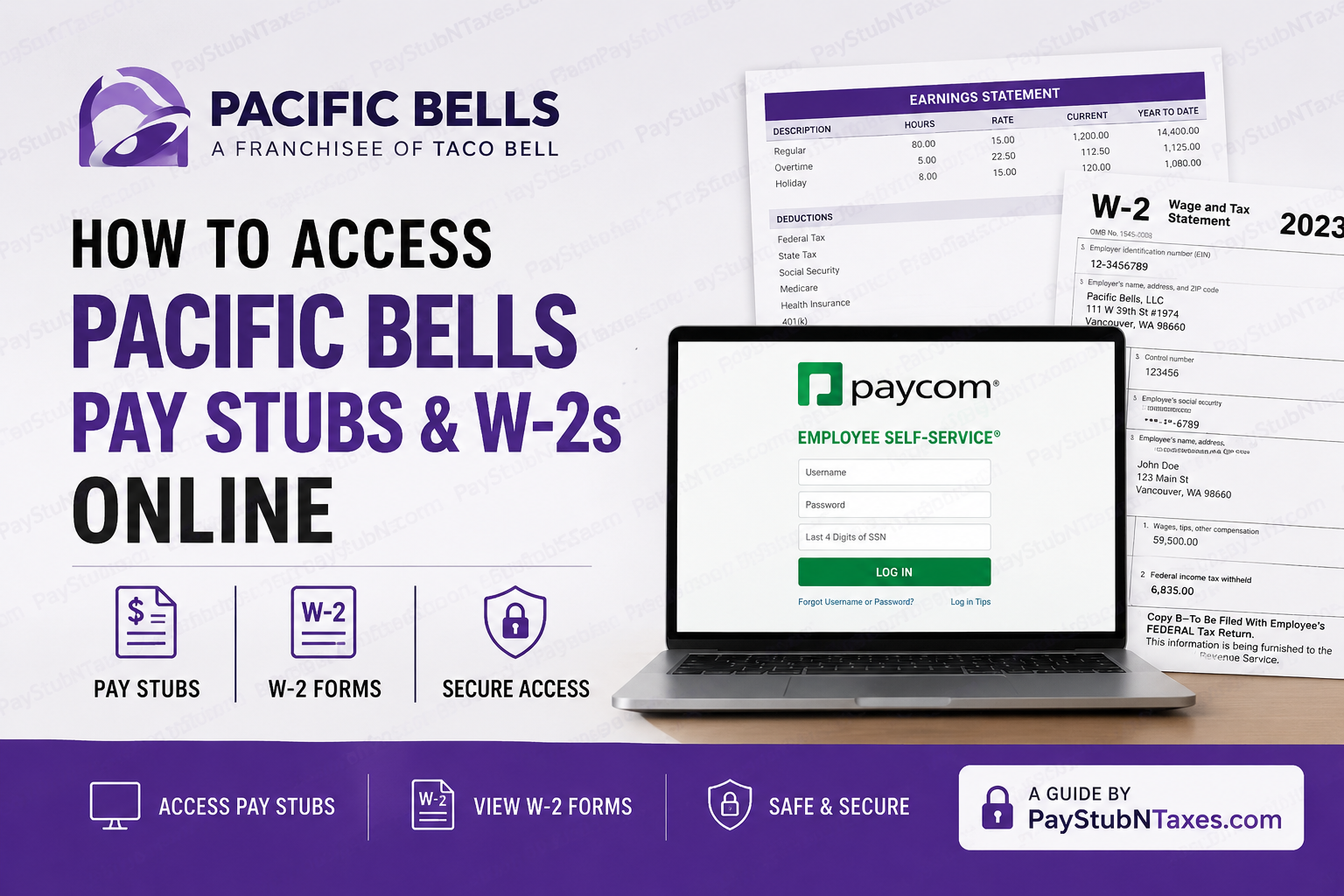
As one of the largest Taco Bell franchise organizations in the United States, Pacific Bells operates more than 300 restaurant locations across 11 states while continuing to expand its footprint throughout the country. Since its founding in 1986, the company has built a reputation for operational excellence, employee development, and a people-first culture. To support its growing workforce, Pacific Bells currently provides employees with online access to payroll information through the Paycom Employee Self-Service (ESS) platform. Although Pacific Bells is preparing to launch a new Employee Self-Service portal through its official website, team members can presently view pay stubs, tax documents, payroll records, and year-end forms using Paycom. This comprehensive guide explains how current and former employees can access Pacific Bell’s pay stubs and W-2 forms online quickly and securely.
About Pacific Bells
Pacific Bells, LLC began with a single Taco Bell restaurant in Tualatin, Oregon, in 1986. Through strategic growth and an unwavering commitment to operational excellence, the organization has evolved into one of the largest Taco Bell franchisees in the nation.
The company operates under a vision centered on enriching its culture, expanding opportunities, and delivering exceptional experiences for both guests and team members. With hundreds of restaurant locations and ongoing expansion plans, Pacific Bells continues to create career advancement opportunities for thousands of employees.
How to Access Pacific Bell’s Pay Stubs Online
Pacific Bell’s employees can access their payroll records through the Paycom Employee Self-Service portal.
Step 1: Visit the Paycom Employee Portal
Navigate to:
Click the “Employee” option on the homepage.
Step 2: Sign In
Enter:
- Username
- Password
- Last four digits of your Social Security Number (SSN)
Click “Log In” to continue.
Step 3: Complete Two-Factor Authentication
When signing in from a new device, Paycom requires identity verification.
Choose one of the following verification methods:
- Text message
- Phone call
Enter the six-digit verification code received and click “Verify.”
For added convenience, you may select “Remember this device” to reduce future authentication prompts.
Step 4: Access Pay Stubs
After logging in:
- Open the Payroll section.
- Select View Pay Stubs.
- Choose the desired payroll year.
- Click on a specific check to view detailed earnings information.
- Download or print your pay stub as needed.
Employees can review:
- Gross earnings
- Net pay
- Federal and state tax withholdings
- Deductions
- Direct deposit information
- Year-to-date earnings totals
Understanding Your Pacific Bells Pay Stub
Your electronic pay statement provides a detailed breakdown of compensation and deductions.
Typical information includes:
Earnings
- Regular hours
- Overtime pay
- Holiday pay
- Bonuses
- Other supplemental earnings
Taxes
- Federal Income Tax
- State Income Tax
- Social Security
- Medicare
Deductions
- Health insurance
- Dental insurance
- Retirement contributions
- Garnishments (if applicable)
Net Pay
The final amount deposited into your bank account after all deductions and withholdings have been applied.
Reviewing your pay stub regularly helps identify discrepancies before payroll issues become more difficult to resolve.
How to Access Pacific Bells W-2 Forms Online
Paycom stores year-end tax documents electronically, allowing employees to retrieve them whenever needed.
Step 1: Log Into Paycom
Access your Employee Self-Service account using your credentials.
Step 2: Open Payroll
From the dashboard, select the Payroll tile.
Step 3: Choose Year-End Tax Forms
Click Year-End Tax Forms.
Step 4: Select Your W-2
Locate the tax year you wish to review and click the document icon.
Step 5: Download or Print
You may:
- View the form online
- Download a PDF copy
- Print the document for tax filing purposes
In addition to W-2 forms, employees may also access:
- Form 1099
- Form 1095-C
- Other applicable tax documents
Pacific Bells Employee Portal Coming Soon
Pacific Bells has announced the upcoming launch of a dedicated Employee Login portal available at:
The new platform is expected to streamline access to employee resources and self-service tools. Until the new portal becomes fully operational, employees should continue using the Paycom Employee Self-Service system for payroll and tax document access.
Benefits of Using Paycom Employee Self-Service
The Paycom platform offers several advantages for Pacific Bells employees:
24/7 Access
Employees can review payroll information anytime from any location.
Mobile Accessibility
Paycom’s mobile application allows secure access from smartphones and tablets.
Paperless Payroll
Electronic pay statements eliminate the need for physical copies.
Tax Form Management
W-2 and other year-end documents remain available in one centralized location.
Enhanced Security
Two-factor authentication helps protect sensitive payroll and tax information.
Troubleshooting Login Issues
Forgotten Password
Select “Forgot Password” on the Paycom login page and follow the verification prompts.
Forgotten Username
Contact your manager or HR representative for assistance.
Authentication Problems
Verify that your phone number and email address on file are current and accessible.
Missing Pay Stub or W-2
If payroll records appear incomplete or unavailable, contact your supervisor or Pacific Bells Human Resources department.
Pacific Bells Payroll Contact Information
If you need assistance accessing your pay stubs, W-2 forms, or Employee Self-Service account, contact Pacific Bells directly:
Pacific Bells, LLC
111 W 39th St #1974
Vancouver, WA 98660
Phone: (866) 962-8685
Final Thoughts
Pacific Bells has embraced digital payroll management by providing employees with secure online access to pay stubs, W-2 forms, and other important payroll records through Paycom Employee Self-Service. Whether you need to review recent earnings, verify tax withholdings, or retrieve a previous year’s W-2, the process can be completed within minutes from virtually anywhere. While Pacific Bells prepares to launch its new employee portal, Paycom remains the primary gateway for accessing payroll and tax information. By maintaining your login credentials and keeping your contact information up to date, you can ensure uninterrupted access to all essential employment records throughout the year.
Frequently Asked Questions
1. How do I access my Pacific Bells pay stubs online?
Log in to the Paycom Employee Self-Service portal, select Payroll, and click View Pay Stubs to access your earnings statements.
2. Where can I find my Pacific Bells W-2 form?
After logging into Paycom, navigate to Payroll > Year-End Tax Forms and select the applicable tax year to view or download your W-2.
3. What website does Pacific Bells use for payroll access?
Pacific Bells currently uses the Paycom Employee Self-Service platform for payroll and tax document access.
4. Can I view my pay stubs from a mobile phone?
Yes. Employees can access Paycom through its mobile app available for iOS and Android devices.
5. What information do I need to log into Paycom?
You need your username, password, and the last four digits of your Social Security number.
6. Why am I being asked for a verification code?
Paycom uses two-factor authentication to protect employee payroll information and verify new devices.
7. Can I print my Pacific Bells pay stubs?
Yes. Open the desired pay stub and select the print option to generate a paper copy.
8. Can former Pacific Bell employees access W-2 forms online?
In most cases, former employees can continue accessing their tax documents through Paycom if their account remains active.
9. What should I do if I forgot my Paycom password?
Click Forgot Password on the Paycom login page and follow the recovery instructions.
10. What should I do if my pay stub contains incorrect information?
Contact your supervisor or Human Resources department immediately to report payroll discrepancies.
11. Can I download electronic copies of my W-2 forms?
Yes. Paycom allows employees to download and save PDF versions of W-2 forms.
12. What other tax documents are available in Paycom?
Employees may also access forms such as 1099 and 1095-C when applicable.
13. How far back can I view my payroll history?
Paycom generally stores multiple years of payroll records, depending on company retention policies.
14. Is Pacific Bells launching a new employee portal?
Yes. Pacific Bells has announced a dedicated employee login portal that is expected to launch soon through its website.
15. Who should I contact for payroll assistance?
Employees can contact Pacific Bells, LLC at (866) 962-8685 for payroll and employee self-service support.
