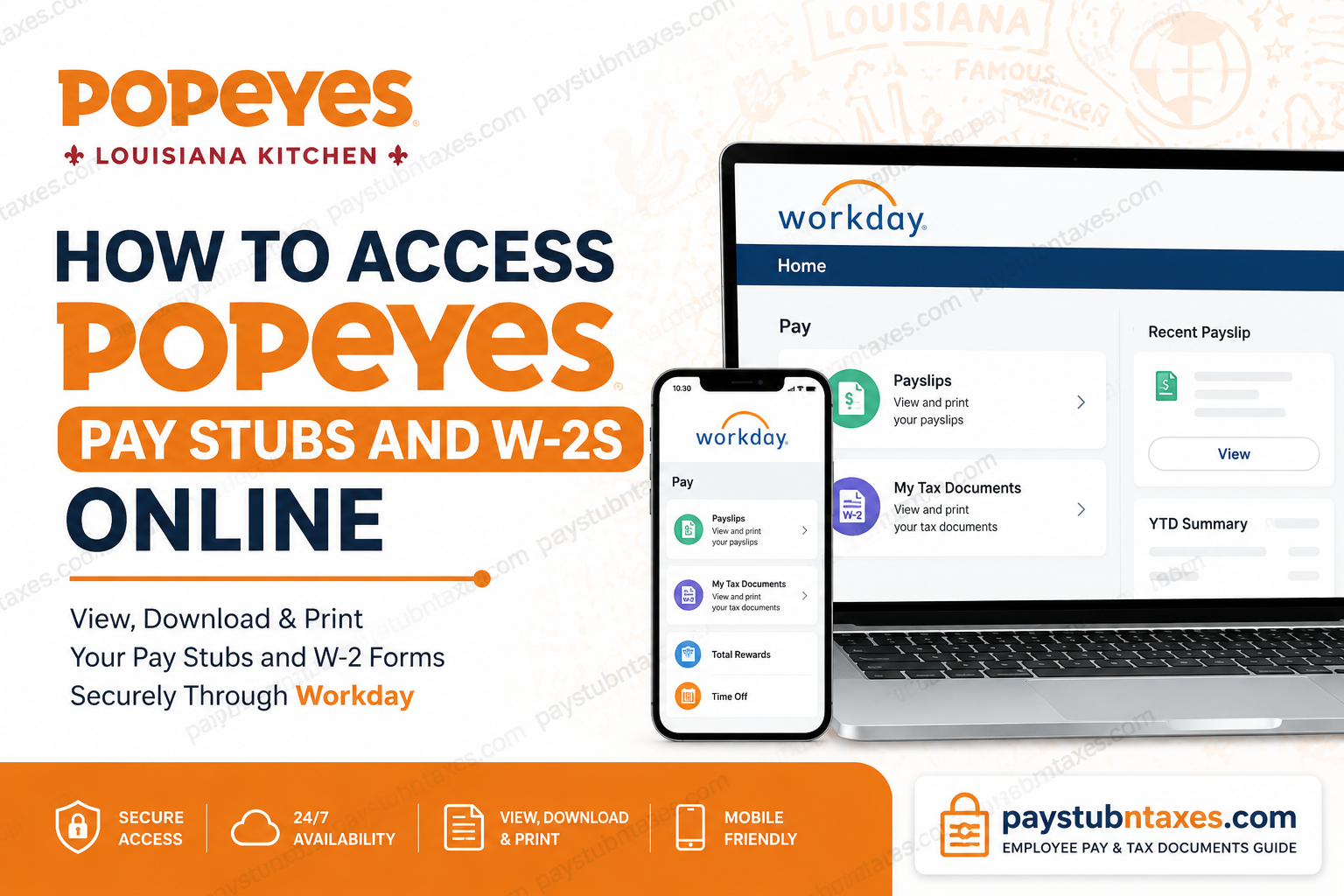
Popeyes Louisiana Kitchen is one of the world’s most recognizable quick-service restaurant brands, serving millions of customers across more than 5,400 locations worldwide. As a subsidiary of Restaurant Brands International (RBI), Popeyes provides employees with a modern digital Human Resources platform through Workday, enabling convenient access to payroll, tax, and employment information at any time. Whether you need to review your latest paycheck, download previous pay statements, retrieve your annual W-2 form, update direct deposit information, or manage employee benefits, Workday serves as the central self-service portal for Popeyes employees working under RBI. This guide explains how to access your Popeyes pay stubs and W-2 forms online through the Workday website and mobile application.
Popeyes Employee Payroll Portal
Popeyes employees under Restaurant Brands International use Workday for payroll and human resources management.
Employee Self-Service Login:
Portal: https://wd3.myworkday.com/rbi/login-saml2.flex
Active employees can sign in using their RBI company credentials through Single Sign-On (SSO). After authentication, employees are automatically redirected to the Workday dashboard where payroll, tax, benefits, and personal information can be managed.
What Can Employees Access Through Workday?
The Workday platform provides secure, 24/7 access to a variety of employment-related records, including:
- Current and historical pay stubs
- Annual W-2 tax forms
- Direct deposit information
- Benefits enrollment and elections
- Paid time off (PTO) balances
- Tax withholding information
- Compensation history
- Company announcements
- Personal profile updates
- Employment records
Because payroll and tax documents are stored electronically, employees can access important information without contacting Human Resources for routine requests.
How to Access Popeyes Pay Stubs Online
If you need to view or print your paycheck information, follow these steps:
Step 1: Sign In to Workday
Visit: https://wd3.myworkday.com/rbi/login-saml2.flex
Log in using your RBI Single Sign-On credentials.
Step 2: Open Your Employee Profile
After signing in:
- Click your profile icon in the upper-right corner.
- Select View Profile.
Step 3: Navigate to Pay Information
Inside your profile:
- If the Pay section is not immediately visible, select More.
- Click Pay.
Step 4: Open Payslips
Within the Pay section:
- Select Payslips.
- A list of available pay statements will appear.
Step 5: View or Print Pay Stubs
Locate the desired pay period and choose:
- View to open the pay stub
- Print to download or print a copy for your records
Employees can also review earnings, deductions, taxes, and year-to-date totals directly from the pay statement screen.
How to Access Popeyes W-2 Forms Online
Workday also stores annual tax documents, allowing employees to retrieve W-2 forms whenever needed.
Step 1: Log In to Workday
Access the RBI Workday portal and sign in using your employee credentials.
Step 2: Open the Pay Worklet
From your Workday dashboard:
- Click Pay.
- Select My Tax Documents.
Step 3: View Your W-2
Inside My Tax Documents:
- Locate the applicable tax year.
- Click View/Print.
Your W-2 form will open as a PDF document that can be downloaded, saved, or printed for tax filing purposes.
Accessing Popeyes Pay Stubs and W-2s Through the Workday Mobile App
Employees who prefer mobile access can use the Workday application.
Download the Workday App
Available for:
- Apple App Store (iOS)
- Google Play Store (Android)
Mobile Login Steps
- Install the Workday app.
- Enter the organization identifier when prompted.
- Sign in using your RBI SSO credentials.
- Complete any required multi-factor authentication.
- Navigate to the Pay section to view payslips, tax documents, and payroll information.
The mobile app offers the same secure access available through the desktop portal while providing greater flexibility for employees on the go.
What Information Appears on a Popeyes Pay Stub?
A typical Workday pay statement includes:
Employee Information
- Employee name
- Employee ID
- Pay period dates
- Department information
Earnings
- Regular hours worked
- Overtime earnings
- Bonuses and incentive pay
- Additional compensation
Deductions
- Federal income tax
- State income tax
- Social Security tax
- Medicare tax
- Health insurance deductions
- Retirement contributions
Year-to-Date Totals
- Gross earnings
- Taxable wages
- Taxes withheld
- Total deductions
Reviewing pay statements regularly helps employees identify payroll discrepancies promptly.
Common Login Issues and Solutions
Forgotten Password
If you cannot remember your password:
- Use the password reset option on the RBI login page.
- Follow your organization’s credential recovery procedures.
Account Locked
Multiple unsuccessful login attempts may temporarily lock your account.
Contact your local HR department or IT support team for assistance.
SSO Authentication Problems
If Single Sign-On fails:
- Verify your username and password.
- Ensure multi-factor authentication is completed.
- Clear browser cache and cookies.
- Try accessing Workday using another browser.
Mobile App Not Syncing
- Update the Workday application to the latest version.
- Confirm you have a stable internet connection.
- Reinstall the application if issues persist.
Benefits of Using Workday for Payroll Management
Workday streamlines workforce administration by providing:
- Secure cloud-based access
- Real-time payroll updates
- Mobile accessibility
- Faster tax document retrieval
- Reduced paperwork
- Improved data accuracy
- Self-service HR management
As a result, employees can independently manage many payroll and tax-related tasks without waiting for administrative support.
Popeyes Payroll Support Contact Information
For questions regarding payroll records, tax documents, login issues, or website assistance, employees may contact:
Customer Support: 1-855-243-1227
Support representatives can assist with:
- W-2 access
- Tax information
- Login difficulties
- Workday navigation
- Account-related concerns
About Popeyes Louisiana Kitchen
Founded in 1972 in New Orleans, Louisiana, Popeyes Louisiana Kitchen has grown into one of the world’s largest fried chicken restaurant chains. Today, the brand operates more than 5,400 restaurants across 51 countries and territories and is part of Restaurant Brands International, one of the largest quick-service restaurant companies globally. RBI also owns Burger King, Tim Hortons, and Firehouse Subs, collectively serving customers in over 120 countries.
Final Thoughts
Accessing Popeyes pay stubs and W-2 forms online is a straightforward process through the RBI Workday platform. Whether you need to verify earnings, download tax documents, review deductions, or update payroll preferences, Workday provides a secure and efficient self-service solution. By logging into the employee portal or using the Workday mobile app, Popeyes employees can conveniently manage their payroll information anytime and from virtually anywhere.
FAQ: Popeyes Pay Stubs and W-2s Online
1. How do I access my Popeyes pay stubs online?
Log in to the RBI Workday portal using your company SSO credentials, navigate to Pay, and select Payslips to view or print your pay statements.
2. What website do Popeyes employees use to access payroll information?
Popeyes employees under RBI use the Workday portal at https://wd3.myworkday.com/rbi/login-saml2.flex.
3. Can I download my Popeyes pay stubs as PDFs?
Yes. Workday allows employees to view, download, save, and print pay stubs in PDF format.
4. Where can I find my Popeyes W-2 form?
Your W-2 is available in Workday under Pay > My Tax Documents.
5. Can former Popeyes employees access Workday?
Access policies may vary by location and franchise. Former employees should contact HR or payroll support for assistance.
6. What information appears on a Popeyes pay stub?
Pay stubs typically include gross earnings, net pay, taxes withheld, deductions, overtime, direct deposit details, and year-to-date totals.
7. Does Popeyes use Workday for payroll?
Yes. Restaurant Brands International uses Workday as its HR and payroll management platform.
8. Can I access my pay stubs through the Workday mobile app?
Yes. Employees can use the Workday mobile app on Android and iOS devices to access payroll information.
9. How do I print my Popeyes pay stubs?
After opening a payslip in Workday, select the Print option to generate a printable copy.
10. What should I do if I forgot my Workday password?
Use the password recovery option on the login page or contact your company’s IT support team.
11. How can I update my direct deposit information?
Log in to Workday and navigate to the payroll or payment elections section to update banking details.
12. Can I access previous years’ W-2 forms in Workday?
Yes. Available tax years are typically stored under My Tax Documents within the Pay section.
13. Is Workday secure for viewing payroll records?
Yes. Workday uses enterprise-grade security, encryption, and authentication measures to protect employee data.
14. Who do I contact for Popeyes payroll or tax document issues?
For payroll, tax information, or website assistance, contact customer support at 1-855-243-1227.
15. Can I view my PTO balance and benefits information in Workday?
Yes. Workday provides access to time-off balances, benefits enrollment, compensation history, and other HR resources.
