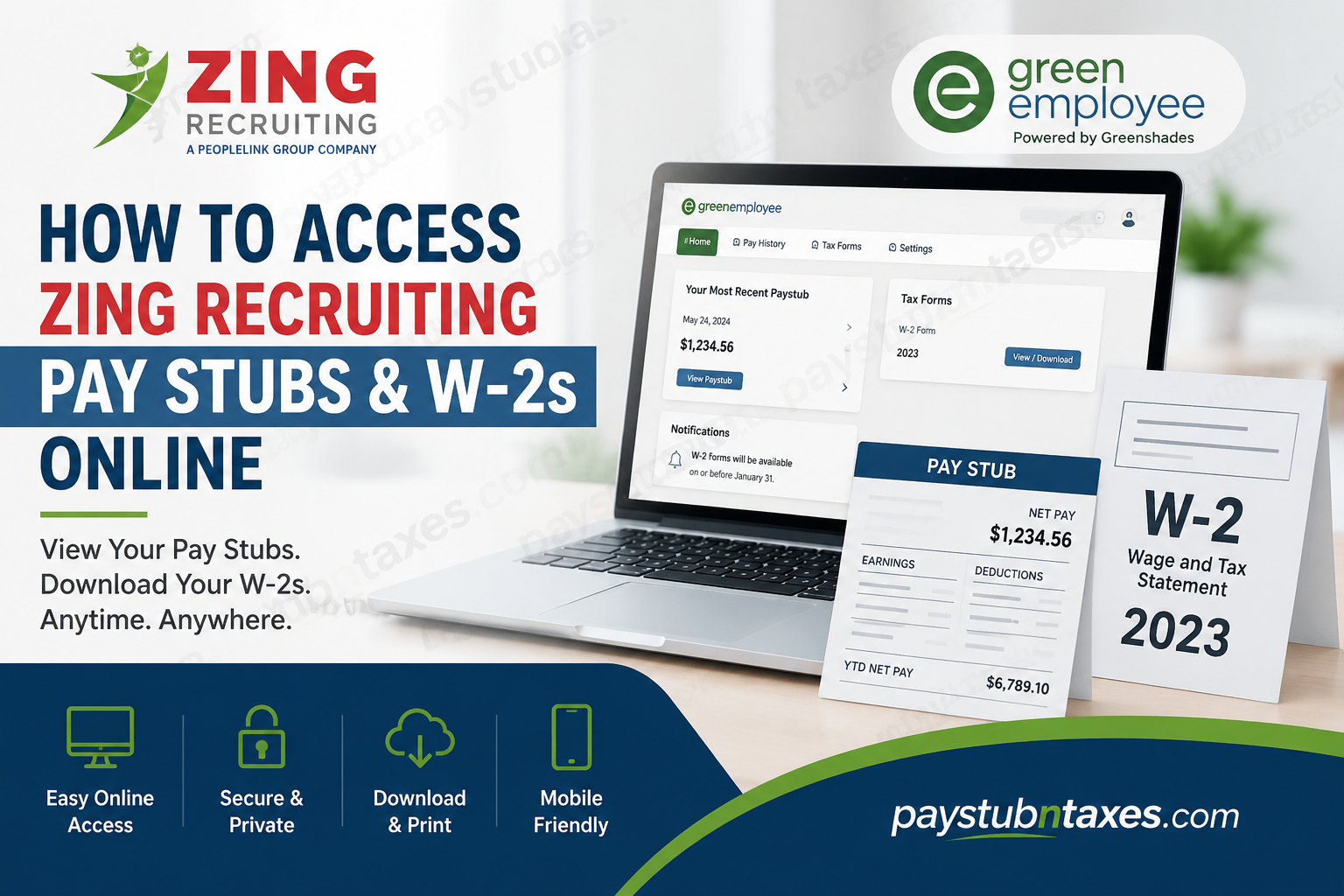
Working for Zing Recruiting comes with the convenience of digital payroll management, allowing employees to retrieve important employment documents anytime and anywhere. Whether you need your latest paycheck details, previous earnings statements, or annual tax documents, Zing Recruiting provides secure online access through the GreenEmployee portal. As a Peoplelink Group company, Zing Recruiting uses the Greenshades-powered GreenEmployee platform to give both current and former employees direct access to their pay and tax records. This comprehensive guide explains how to register, log in, download your pay stubs, and obtain your W-2 forms online.
About Zing Recruiting
Zing Recruiting and its parent organization, Peoplelink Group, have more than 35 years of experience connecting talented professionals with employers in highly regulated industries, including:
- Specialty chemicals
- Pharmaceuticals
- Medical devices
- Financial services
- Healthcare
- Regulated manufacturing
The company prides itself on honest communication, compassion, and helping both clients and candidates achieve their professional aspirations.
Zing Recruiting Pay Stub and W-2 Portal
Official GreenEmployee Portal: https://plg.greenemployee.com
The portal allows employees to:
- View current and previous pay stubs
- Download and print W-2 tax forms
- Access payroll information securely from any device
- Receive electronic tax documents faster
- Use the platform in both English and Spanish
- Access the portal through a mobile-friendly website or smartphone application
How to Register for a GreenEmployee Account
If this is your first time using the portal, follow these steps:
Step 1: Visit: https://plg.greenemployee.com
Step 2: Scroll down and click: New User → Register
Step 3: Enter your personal information, including:
- Social Security Number (SSN)
- Date of Birth
- Email address
- Phone number on file with payroll
Step 4: Click Continue.
Step 5: A verification code will be sent to your email address or phone number.
Step 6: Enter the verification code.
Step 7: Create a secure password and complete your account setup.
Once registration is complete, you can sign in anytime using your email address and password.
How to Log In to Your Zing Recruiting Pay Stub Portal
- Go to https://plg.greenemployee.com
- Enter your email address.
- Enter your password.
- Click Log In.
After logging in, you will see your employee dashboard, where your latest payroll and tax information is available.
How to View and Download Zing Recruiting Pay Stubs
After signing in:
Step 1: Navigate to the dashboard.
Step 2: Select: Pay History
Step 3: Choose the pay period you wish to review.
Step 4: Click:
- View
- Download PDF
You can access both current and previous year pay statements directly from the portal.
How to Get Your Zing Recruiting W-2 Online
W-2 forms are generally finalized and available by January 31 of each tax season.
To download your W-2:
Step 1: Log into GreenEmployee.
Step 2: Select: Tax Forms or W-2 Forms
Step 3: Choose the applicable tax year.
Step 4: Download or print the PDF version of your W-2.
How to Receive Your W-2 Electronically
Employees can receive their W-2 forms faster by enrolling in electronic delivery.
Step 1: Log in to GreenEmployee.
Step 2: Go to: Settings → Notifications
Step 3: Scroll down to: Year-End W-2 and 1095-C Distribution Preferences
Step 4: Click: Change your W-2 and 1095-C Distribution Preferences
Step 5: Enter the authorization code displayed on the screen.
Step 6: Select: I want to receive ‘green’ W-2 electronically through this website.
To receive electronic delivery for the current tax year, employees should enroll by December 12.
Verify Your Mailing Address
Even if you choose electronic delivery, it is wise to ensure your mailing address is accurate.
To verify:
- Download your latest pay stub.
- Review your address information.
- Contact your branch representative if updates are needed.
An outdated address may delay receiving paper tax documents.
How to Reset Your Password
If you cannot access your account:
- Visit the login page.
- Click:
Forgot Password or Reset Password
- Enter your registered email address.
- Open the password reset email.
- Follow the instructions to create a new password.
Can Former Employees Access Their W-2s?
Yes. Former employees can continue accessing their W-2 forms and pay statements through the GreenEmployee portal, provided their account remains active.
If you cannot log in, contact Zing Recruiting support for assistance.
Mobile Access
The GreenEmployee portal is fully mobile-friendly and also offers an application for most smartphone platforms.
Employees can:
- View pay stubs
- Access W-2 forms
- Receive notifications
- Download payroll documents
This means your employment records are only a few taps away, whether you’re at home, travelling, or on the job.
How to Update Direct Deposit Information
Direct deposit and tax withholding changes cannot currently be completed directly through the GreenEmployee portal.
To make changes:
- Contact your local branch office.
- Request the necessary forms.
- Submit the completed paperwork to your representative.
Zing Recruiting Payroll Contact Information
If you experience login issues, do not receive your W-2, or need assistance with your payroll documents, contact:
Zing Recruiting
📞 Phone: (973) 839-4401
📧 Email: info@zingrecruiting.com
🌐 Portal: https://plg.greenemployee.com
Final Thoughts
The GreenEmployee portal has transformed payroll management into a remarkably straightforward process for Zing Recruiting employees. Instead of waiting for paper documents or making repeated requests to payroll administrators, employees can access their earnings statements and tax forms at the click of a button. By creating your GreenEmployee account and opting for electronic W-2 delivery, you can receive your tax documents more quickly, reduce paperwork, and maintain secure access to your employment records throughout the year. In an age where convenience is king, the portal places your payroll information quite literally at your fingertips.
Frequently Asked Questions
1. How do I access my Zing Recruiting pay stubs online?
Visit https://plg.greenemployee.com, log in to your GreenEmployee account, and select Pay History to view or download your pay stubs.
2. What website does Zing Recruiting use for payroll?
Zing Recruiting uses the GreenEmployee portal powered by Greenshades for payroll and tax document access.
3. How do I register for a GreenEmployee account?
Go to the portal, click Register, enter your personal information, verify your identity, and create a password.
4. Can I access previous pay stubs?
Yes. GreenEmployee allows employees to access current and previous pay stubs online.
5. When will my Zing Recruiting W-2 be available?
W-2 forms are generally available on or before January 31 each year.
6. How do I download my W-2 form?
Log in to GreenEmployee and navigate to Tax Forms or W-2 Forms, then download the PDF copy.
7. Can former employees access their W-2 online?
Yes. Former employees can typically access their pay statements and W-2s through the GreenEmployee portal.
8. How do I reset my GreenEmployee password?
Click Forgot Password on the login page and follow the email instructions to create a new password.
9. Can I receive my W-2 electronically?
Yes. Employees can opt into electronic W-2 delivery through the portal’s notification settings.
10. When should I enroll for electronic W-2 delivery?
Enroll by December 12 to receive your W-2 electronically as soon as it becomes available.
11. Is there a mobile app for GreenEmployee?
Yes. GreenEmployee offers a mobile-friendly website and apps for most smartphone platforms.
12. How do I update my direct deposit information?
Contact your local branch or representative, who will provide the necessary forms for updating direct deposit information.
13. Can I change my tax withholding online?
No. Tax withholding changes require contacting your branch or local representative.
14. What should I do if I do not receive my W-2?
Contact your local branch or reach out to Zing Recruiting at (973) 839-4401 or info@zingrecruiting.com.
15. Who do I contact for GreenEmployee login issues?
For assistance, contact your local representative or Zing Recruiting’s support team at (973) 839-4401 or info@zingrecruiting.com.
