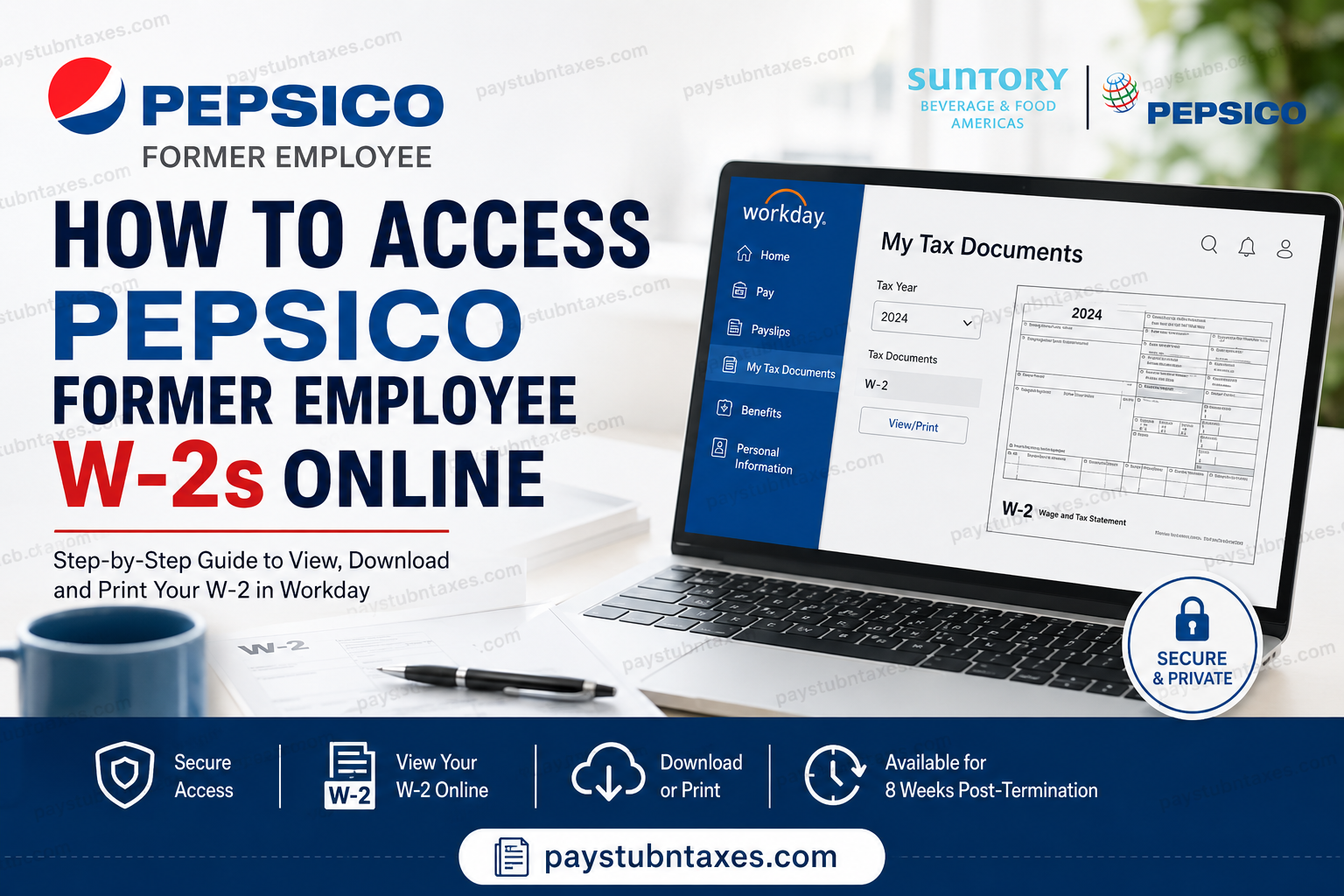
Leaving a company does not extinguish your responsibility to file taxes, nor does it deprive you of access to your earnings records. If you previously worked for Pepsi Bottling Ventures (PBV), a joint venture owned by Suntory and PepsiCo, you may still retrieve your Form W-2 electronically through the company’s Workday platform, provided you remain within the post-employment access window. Information regarding Workday access and W-2 availability is outlined in the employer’s onboarding and payroll documentation. This guide explains precisely how former employees can access their PepsiCo W-2 forms online, download copies for tax filing purposes, and request assistance if they encounter login issues.
Can Former PepsiCo Employees Access Their W-2 Online?
Yes. Former employees of Pepsi Bottling Ventures retain access to their Workday account for up to eight weeks after their employment ends.
If your annual W-2 becomes available during this eight-week period, you can log in and download it directly from Workday. However, if the W-2 is issued after your online access expires, the company will mail a paper copy to the home address currently on file in the Workday system.
Therefore, it is prudent to:
- Update your mailing address before leaving the company.
- Download electronic tax documents as soon as they become available.
- Keep your Workday credentials in a secure location.
PepsiCo Former Employee W-2 Login Information
Workday Login URL
https://wd503.myworkday.com/pbv/login.flex
Workday Organization ID: pbv
PBV Service Desk
Phone: 866-737-7443
The Workday portal serves as the central repository for:
- Pay statements
- W-2 tax forms
- Personal information updates
- Time balances
- Payroll documents
- Employment records
How to Access Your PepsiCo W-2 Online
Step 1: Open the Workday Website
For the best experience, use Google Chrome and visit:
https://wd503.myworkday.com/pbv/login.flex
Step 2: Sign In to Workday
Enter:
- Username
- Password
If you cannot remember your credentials, use the Forgot Password option or contact the PBV Service Desk.
The Workday login portal is designed with secure authentication protocols to protect employee data and payroll records.
Step 3: Navigate to the Pay Section
After signing in:
- Select the Menu icon.
- Click Pay.
- Open My Tax Documents.
Workday stores W-2 forms electronically under the My Tax Documents section, where employees can view, print, and download their tax statements.
Step 4: Locate Your W-2 Form
Inside My Tax Documents, you’ll see:
- Tax Year
- Form Type
- Issue Date
- Employee Copy
Click View/Print beside the applicable tax year.
Step 5: Download or Print Your W-2
After opening the document:
- Click the Download icon to save a PDF copy.
- Click the Printer icon to print your form.
- Review all pages before exiting.
Workday allows employees to maintain electronic copies of their tax forms for future reference and tax preparation purposes.
What If I Cannot Access Workday?
Several issues may prevent access:
Expired Access
Your account may have exceeded the eight-week post-termination period.
Incorrect Password
Reset your password or contact the PBV Service Desk.
Locked Account
Multiple unsuccessful login attempts may temporarily lock your account.
Incorrect Home Address
If your online access has expired and your W-2 was mailed, verify that your address on file was correct before separation.
When Are PepsiCo W-2 Forms Available?
Most employers issue W-2 forms no later than January 31 each year.
Employees who consent to electronic delivery often receive access slightly earlier through Workday.
What If My W-2 Was Mailed?
If your online access expired before the W-2 became available, PBV mails the tax form to your last recorded home address.
If you have moved, contact:
PBV Service Desk: 866-737-7443 as soon as possible to discuss your options.
How to Access Old Pay Stubs in Workday
Former employees who still have active Workday access may also retrieve:
- Current payslips
- Historical pay statements
- Year-end tax documents
- Payment history
To access payslips: Menu → Pay → Payslips
Security Tips for Former Employees
To safeguard sensitive payroll information:
- Never share your Workday password.
- Use a private device whenever possible.
- Download and securely store your W-2 immediately after it becomes available.
- Keep your mailing address updated before leaving the company.
- Sign out of Workday after each session.
Final Thoughts
Pepsi Bottling Ventures has streamlined payroll and tax administration through Workday, allowing both current and recently separated employees to obtain essential tax documents without unnecessary paperwork. The key is acting promptly: once your employment ends, your Workday access remains available only for a limited period. Download your W-2, save a digital copy, and verify your mailing information before that access window closes. By understanding the process in advance, you can avoid last-minute tax complications and ensure that your W-2 arrives exactly when you need it.
Frequently Asked Questions
1. How do former PepsiCo employees get their W-2 online?
Former employees can log into the PBV Workday portal and access their W-2 under Pay > My Tax Documents.
2. What is the former PepsiCo employee Workday login URL?
The Workday login URL is: https://wd503.myworkday.com/pbv/login.flex.
3. What is the Workday Organization ID for Pepsi Bottling Ventures?
The Organization ID is pbv.
4. How long do former employees have access to Workday?
Former employees generally retain access for up to 8 weeks after termination.
5. What happens if my Workday access expires?
If your W-2 is released after your access expires, PBV will mail your W-2 to your address on file.
6. Where can I find my W-2 in Workday?
Navigate to: Menu > Pay > My Tax Documents
7. Can I download my W-2 as a PDF?
Yes. After opening your W-2, click the Download icon to save it as a PDF.
8. Can I print my W-2 directly from Workday?
Yes. Click the Printer icon after opening your W-2.
9. I forgot my Workday password. What should I do?
Use the password reset option on the login page or contact the PBV Service Desk.
10. What should I do if my account is locked?
Call the PBV Service Desk at 866-737-7443 for assistance.
11. When are PepsiCo W-2 forms usually available?
W-2 forms are generally issued by January 31 each year.
12. Will my W-2 be mailed automatically?
Yes. If you no longer have online access, your W-2 will typically be mailed to your home address on file.
13. Can I access old pay stubs in Workday?
Yes, as long as your Workday access remains active within the post-termination period.
14. Which browser works best with Workday?
Google Chrome is recommended for the best user experience.
15. How can I update my address after leaving PepsiCo?
Contact the PBV Service Desk to discuss updating your information and obtaining your tax documents.
