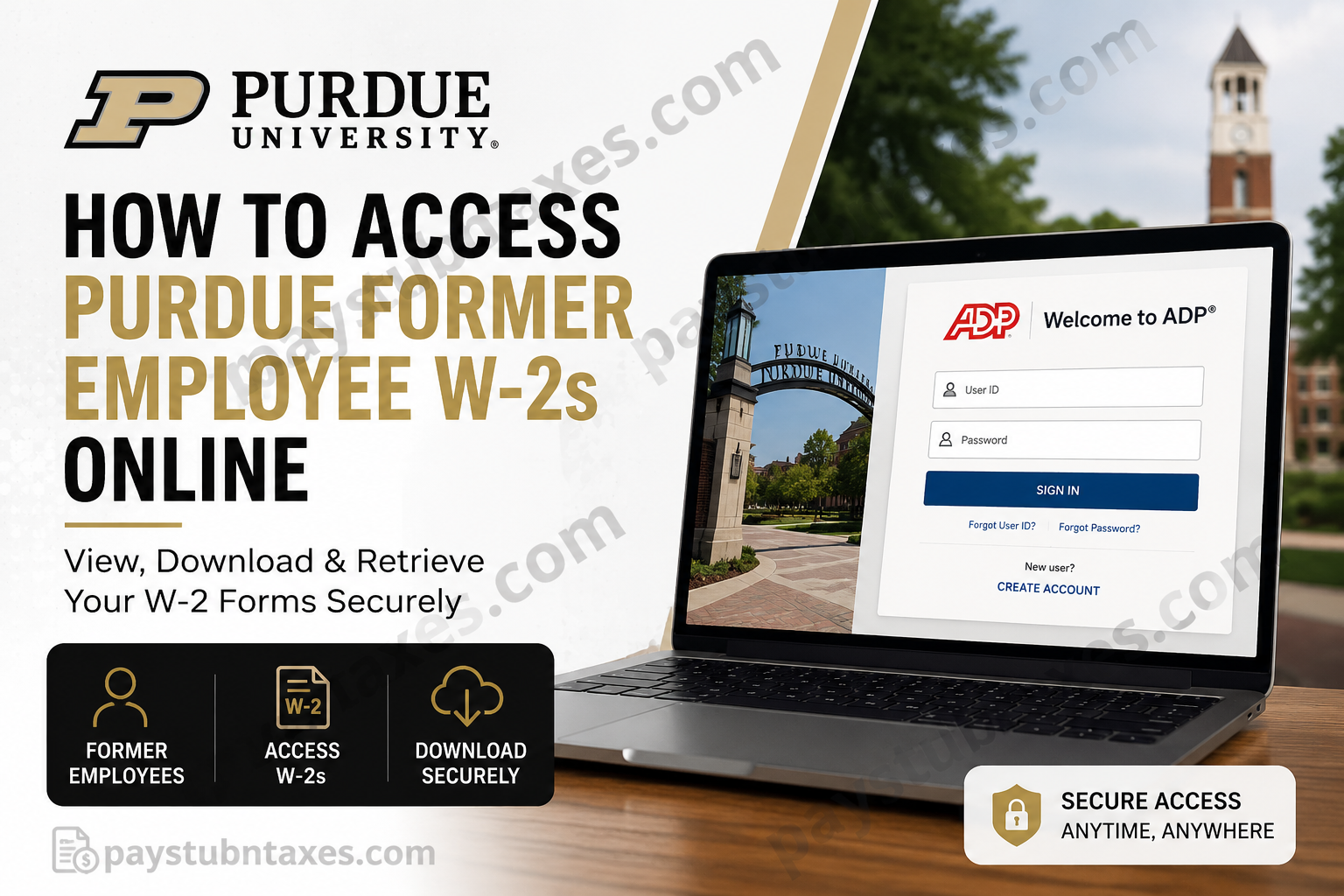
For former employees of Purdue University, obtaining a copy of your W-2 form is now easier than ever. Whether you need your tax document to file your federal return, apply for financial aid, or simply maintain your personal records, Purdue offers secure electronic access through the ADP portal. This comprehensive guide explains exactly how former Purdue employees can access, download, and request previous W-2 forms online.
About Purdue University
Founded in 1869, Purdue University is one of America’s premier public land-grant research institutions and the flagship campus of the Purdue University system. Located in West Lafayette, Indiana, the university has built an international reputation for academic excellence, groundbreaking research, and innovation in science, technology, engineering, and mathematics (STEM).
For more than 150 years, generations of Boilermakers have shaped industries, advanced scientific discoveries, and left an indelible mark on the world. Today, Purdue continues to foster a vibrant community of students, faculty, and employees across its campuses and online programs.
Can Former Purdue Employees Access Their W-2 Online?
Yes. Former Purdue employees can access their W-2 forms electronically through ADP’s secure online platform at my.adp.com.
Electronic access offers several advantages:
- Immediate access to tax documents
- Ability to download and print copies anytime
- Reduced risk of lost or delayed mail
- Convenient access from any device with internet connectivity
Purdue Former Employee W-2 Login Portal
ADP Portal: https://my.adp.com
Former employees who have already created an ADP account can simply sign in using their username and password.
If you have never registered for an account, Purdue allows separated employees to register directly with ADP.
For registration instructions, contact:
Email: w2help@purdue.edu
How to Access Your Purdue W-2 Online
Follow these simple steps:
Step 1: Visit the ADP Website
Go to: https://my.adp.com
Step 2: Sign In or Create an Account
- Existing users can enter their username and password.
- New users should select “Create Account” and follow the registration instructions provided by Purdue.
Step 3: Verify Your Identity
You may be asked to provide:
- Full legal name
- Social Security Number (SSN)
- Email address
- Security verification information
Step 4: Navigate to Tax Statements
Once logged in:
- Select Pay
- Choose Tax Statements
- Click View All Statements
Step 5: Select the Appropriate Tax Year
Choose the W-2 form you need from the available tax years.
Step 6: Download or Print Your W-2
Open the document and select:
- Download
It is advisable to save an electronic copy for your records.
Important Requirements for Online W-2 Access
Before attempting to access your W-2 online, keep the following in mind:
1. You Must Have a Valid Social Security Number
Only individuals with a valid SSN are eligible to access W-2 forms electronically.
2. Register by December 31 to Stop Paper Delivery
Employees who register and select paperless delivery by December 31 can avoid receiving a mailed copy for that tax year.
3. Available Tax Years
ADP generally allows access to:
- Current year’s W-2
- Two prior years’ W-2 forms
Need Older Purdue W-2 Forms?
If you need W-2 forms older than the current year plus the previous two years, you must submit a:
Duplicate Tax Request Form
The completed and signed form may be:
- Mailed
- Faxed
- Emailed to: tax@purdue.edu
Important: If emailing the request form, include only the last four digits of your Social Security Number.
Purdue retains W-2 records for ten prior tax years plus the current tax year.
Requesting Older 1099-MISC or 1042-S Forms
Former employees and former contractors who need prior:
- 1099-MISC forms
- 1042-S forms
must also use the Duplicate Tax Request Form.
Benefits of Choosing Paperless W-2 Delivery
Enrolling in paperless delivery offers numerous advantages:
Faster Access
Your W-2 becomes available online as soon as it is released.
Increased Security
Electronic access reduces the risk of lost or stolen mail.
Convenience
Access your tax forms anywhere and at any time.
Environmentally Friendly
Reduces paper consumption and mailing materials.
Troubleshooting Purdue Former Employee W-2 Access
Forgot Your ADP Password?
Use the Forgot User ID/Password link on the ADP login page.
Unable to Register?
Email: w2help@purdue.edu for registration assistance.
Need Additional Tax Support?
Contact: tax@purdue.edu
Final Thoughts
Tax season need not be a labyrinth of paperwork and unnecessary stress. Purdue University has streamlined the process by enabling former employees to securely retrieve their W-2 forms online through the ADP portal. By registering for online access and opting for paperless delivery, former Boilermakers can enjoy quicker, safer, and more convenient access to their tax documents. And if you require older records, Purdue’s retention policy ensures that historical W-2 forms remain accessible for many years. Should you encounter any difficulties, Purdue’s support teams are readily available to help you navigate the process and obtain the documents you need.
FAQs
1. How do former Purdue employees get their W-2 online?
Former employees can access their W-2 by signing in to their ADP account at my.adp.com.
2. What website do I use to access my Purdue W-2?
The official portal is https://my.adp.com.
3. Can I access my W-2 after leaving Purdue University?
Yes. Former employees can continue accessing their W-2 forms through ADP.
4. How do I register for an ADP account?
Email w2help@purdue.edu to obtain registration instructions.
5. Do I need a Social Security Number to access my W-2?
Yes. Only individuals with a valid Social Security Number can access their W-2 online.
6. How many years of W-2 forms are available online?
ADP generally provides access to the current year’s W-2 and the previous two years.
7. How do I get an older Purdue W-2?
Complete a Duplicate Tax Request Form and send it to tax@purdue.edu.
8. How long does Purdue keep W-2 records?
Purdue retains W-2 records for ten prior tax years plus the current tax year.
9. Can I download and print my W-2?
Yes. ADP allows users to download and print copies of their W-2 forms.
10. What if I forgot my ADP password?
Use the Forgot User ID/Password option on the ADP login page.
11. Can I opt out of receiving a paper W-2?
Yes. Register for paperless delivery by December 31 to stop receiving mailed copies.
12. What should I do if my W-2 contains incorrect information?
Contact Purdue’s tax office at tax@purdue.edu immediately.
13. Can international former employees access their W-2?
Yes, provided they have a valid SSN and can complete ADP’s identity verification process.
14. Is there a fee to access my Purdue W-2 online?
No. Online access through ADP is completely free.
15. Who do I contact for W-2 assistance?
For registration issues, email w2help@purdue.edu. For tax-related questions, contact tax@purdue.edu.
