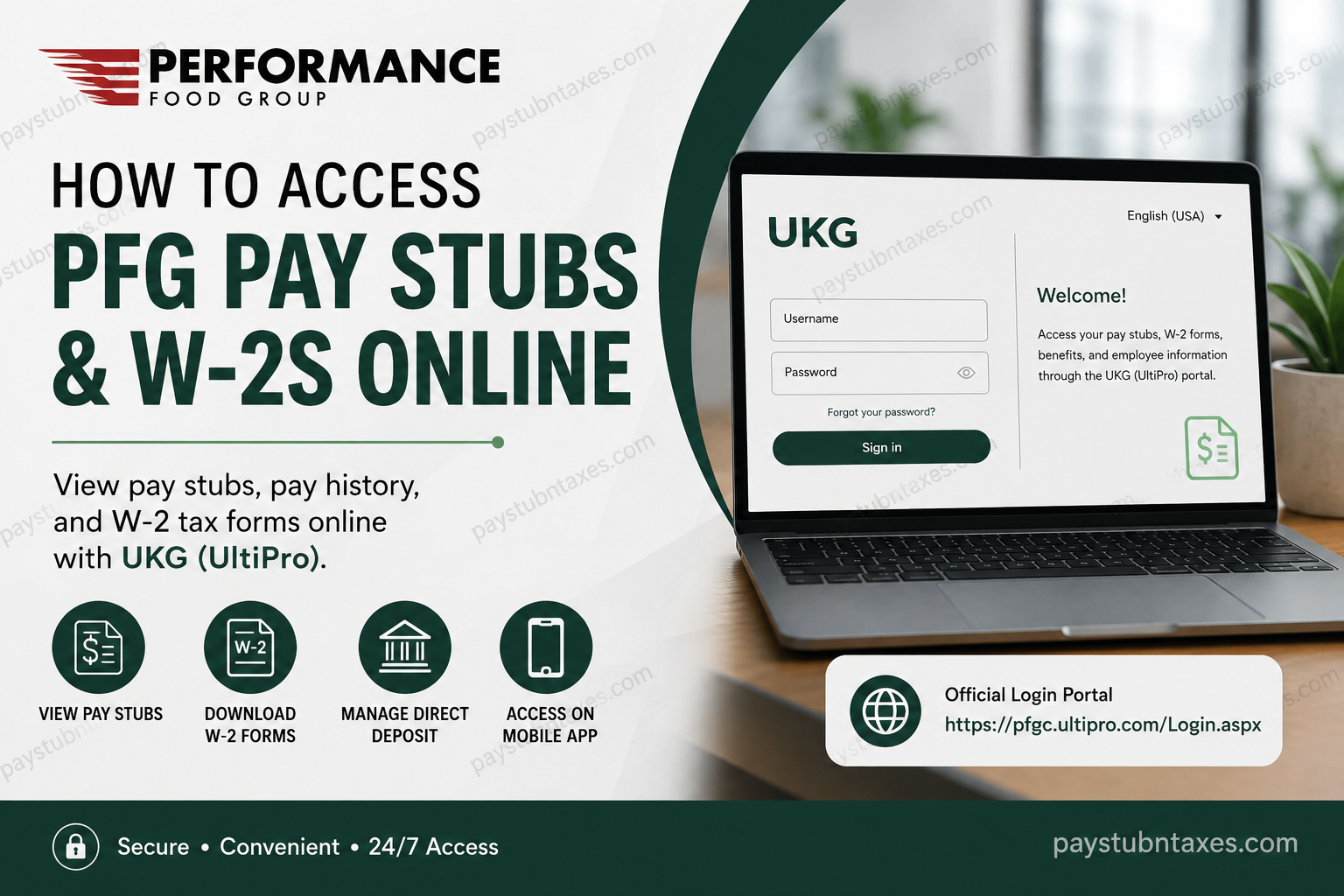
Managing payroll documents should never feel like navigating a maze. Fortunately, Performance Food Group (PFG) provides employees with a secure, self-service platform through UKG (formerly UltiPro), enabling associates to access pay stubs, W-2 forms, direct deposit information, and personal employment details at any time and from virtually anywhere. Whether you are a newly hired employee, a current associate, or preparing for tax season, this guide walks you through everything you need to know about accessing your Performance Food Service pay stubs and W-2s online.
About Performance Food Group (PFG)
Performance Food Group (PFG) is one of North America’s largest food and foodservice distribution companies, serving more than 300,000 customer locations across the United States and Canada. Headquartered in Richmond, Virginia, the company operates through three primary segments:
- Performance Foodservice
- Vistar
- Core-Mark Convenience
With over 43,000 associates and more than 150 locations nationwide, PFG has built its reputation on delivering exceptional service, cultivating long-standing customer relationships, and driving innovation throughout the food distribution industry.
What Is the PFG UKG Portal?
Performance Food Group uses UKG (UltiPro) as its Human Resources and Payroll management platform. The portal acts as a centralized hub where employees can:
- View current and historical pay statements
- Download W-2 tax forms
- Update direct deposit information
- Modify tax withholding elections
- Change personal contact information
- Access employment details and benefits information
- Review employee records and organizational information
Employees gain access to the portal beginning on their first day of employment.
PFG UKG Login Portal
Official Login Website:
https://pfgc.ultipro.com/Login.aspx
The login page requires:
- Username
- Password
If you cannot remember your credentials, select “Forgot your password?” on the sign-in page and follow the account recovery instructions.
How to View Your Current Performance Food Service Pay Stub
Once you have successfully signed into UKG:
Step 1: Open the navigation menu.
Step 2: Select: Menu → Myself → Pay → Current Pay Statement
Step 3: Your latest pay statement will appear on screen.
Step 4: Click Print if you need a physical copy or wish to save the document as a PDF.
How to Access Previous Pay Stubs
If you need older payroll records, UKG makes the process remarkably straightforward.
Step 1: Log into the UKG portal.
Step 2: Navigate to: Menu → Myself → Pay → Pay History
Step 3: Choose the pay date you wish to review.
Step 4: Open the statement and select Print or download the file for your records.
Historical pay statements are particularly useful when:
- Applying for loans or mortgages
- Verifying income
- Filing taxes
- Completing employment verification requests
- Applying for rental properties
How to Download Your Performance Food Service W-2 Online
Each year, employees can access their tax documents directly through UKG.
Step 1: Sign into your employee portal.
Step 2: Navigate to: Menu → Myself → Pay → W-2
Step 3: Select the appropriate tax year.
Step 4: Open, print, or download your W-2 form.
Maintaining electronic copies of your tax documents can save significant time during tax season and ensures you always have access to prior-year records.
How to Update Direct Deposit Information
Employees may update banking information directly inside UKG.
Navigate to: Menu → Myself → Pay → Direct Deposit
From there, you can:
- Add a new bank account
- Change an existing account
- Delete outdated banking information
- Modify deposit allocation percentages
Always verify your banking details carefully before saving any changes to avoid payroll disruptions.
How to Update Tax Withholding Information
To make changes to your federal or state withholding elections:
Navigate to: Menu → Myself → Pay → Income Tax
You can:
- Update your W-4 information
- Change withholding allowances
- Adjust state tax elections
- Review current tax settings
Employees should consider updating their withholding information after major life events, such as marriage, divorce, or the birth of a child.
Accessing PFG Pay Stubs Using the UKG Mobile App
For employees who prefer managing payroll information on their smartphones, UKG offers a convenient mobile application.
Step 1: Download the UKG Pro (UltiPro) app from:
- Apple App Store
- Google Play Store
Step 2: Enter the company access code: pfgc
Step 3: Log in using your regular UKG username and password.
Important: You must sign into the desktop version of UKG at least once before using the mobile application for the first time.
Information Available Through the PFG Employee Portal
The UKG portal provides access to a wide range of employment information, including:
- Pay statements
- W-2 tax forms
- Direct deposit information
- Tax elections
- Employee identification number
- Department information
- Supervisor details
- Contact information
- Emergency contacts
- Benefits information
- Employment records
Because payroll and personal information can change over time, employees are encouraged to review their profiles regularly.
Troubleshooting UKG Login Issues
Forgot Your Password?
Use the Forgot your password? link on the login page.
Locked Out of Your Account?
Multiple unsuccessful login attempts may temporarily lock your account.
Browser Problems?
Try:
- Google Chrome
- Microsoft Edge
- Mozilla Firefox
Clear your browser cache if pages fail to load correctly.
Performance Food Group Payroll Contact Information
If you need additional assistance with payroll or portal access:
Performance Food Group Corporate Office
Phone: (804) 484-7700
You may also contact your local HR office or payroll administrator for account-specific assistance.
Final Thoughts
Performance Food Group has made payroll management refreshingly convenient through its UKG employee self-service platform. Whether you need to download a pay stub, retrieve your W-2, update direct deposit information, or review your employment records, the portal provides secure, around-the-clock access to essential payroll resources. By familiarizing yourself with the UKG system and keeping your personal information up to date, you can ensure that payday and tax season proceed without unnecessary complications.
Frequently Asked Questions
1. How do I access my Performance Food Service pay stubs online?
Log in to the UKG portal at https://pfgc.ultipro.com/Login.aspx and navigate to Menu → Myself → Pay → Current Pay Statement.
2. Where can I find my previous pay stubs?
Go to Menu → Myself → Pay → Pay History and select the desired pay date.
3. How do I download my W-2 from Performance Food Group?
After logging in, go to Menu → Myself → Pay → W-2, choose the tax year, and download your form.
4. What is the PFG UKG login website?
The official employee login portal is: https://pfgc.ultipro.com/Login.aspx.
5. What is the company access code for the UKG mobile app?
The company access code is pfgc.
6. Can I access my pay stubs on my phone?
Yes. Download the UKG Pro app from the Apple App Store or Google Play Store and sign in using your credentials.
7. Do I need to log in on a computer before using the mobile app?
Yes. Employees must complete at least one successful login on a desktop browser before using the UKG mobile app.
8. Can I print my Performance Food Service pay stubs?
Yes. Open the pay statement and click Print or save it as a PDF.
9. How do I change my direct deposit information?
Navigate to Menu → Myself → Pay → Direct Deposit and update your banking information.
10. How do I update my tax withholding information?
Go to Menu → Myself → Pay → Income Tax and modify your W-4 or state withholding elections.
11. What should I do if I forgot my UKG password?
Click Forgot your password? on the login page and follow the instructions to reset your credentials.
12. Why is my UKG account locked?
Too many unsuccessful login attempts can temporarily lock your account. Contact your HR department or payroll administrator for assistance.
13. Can former employees still access their W-2s?
Former employees may retain portal access for a limited period. If access has expired, contact HR or payroll for assistance.
14. Who should I contact if I have payroll issues?
Contact your local HR office or call the Performance Food Group corporate office at (804) 484-7700.
15. What information can I access through the PFG employee portal?
Employees can access:
- Pay stubs
- W-2 forms
- Direct deposit information
- Tax elections
- Personal information
- Benefits information
- Employee records
- Supervisor and department details
