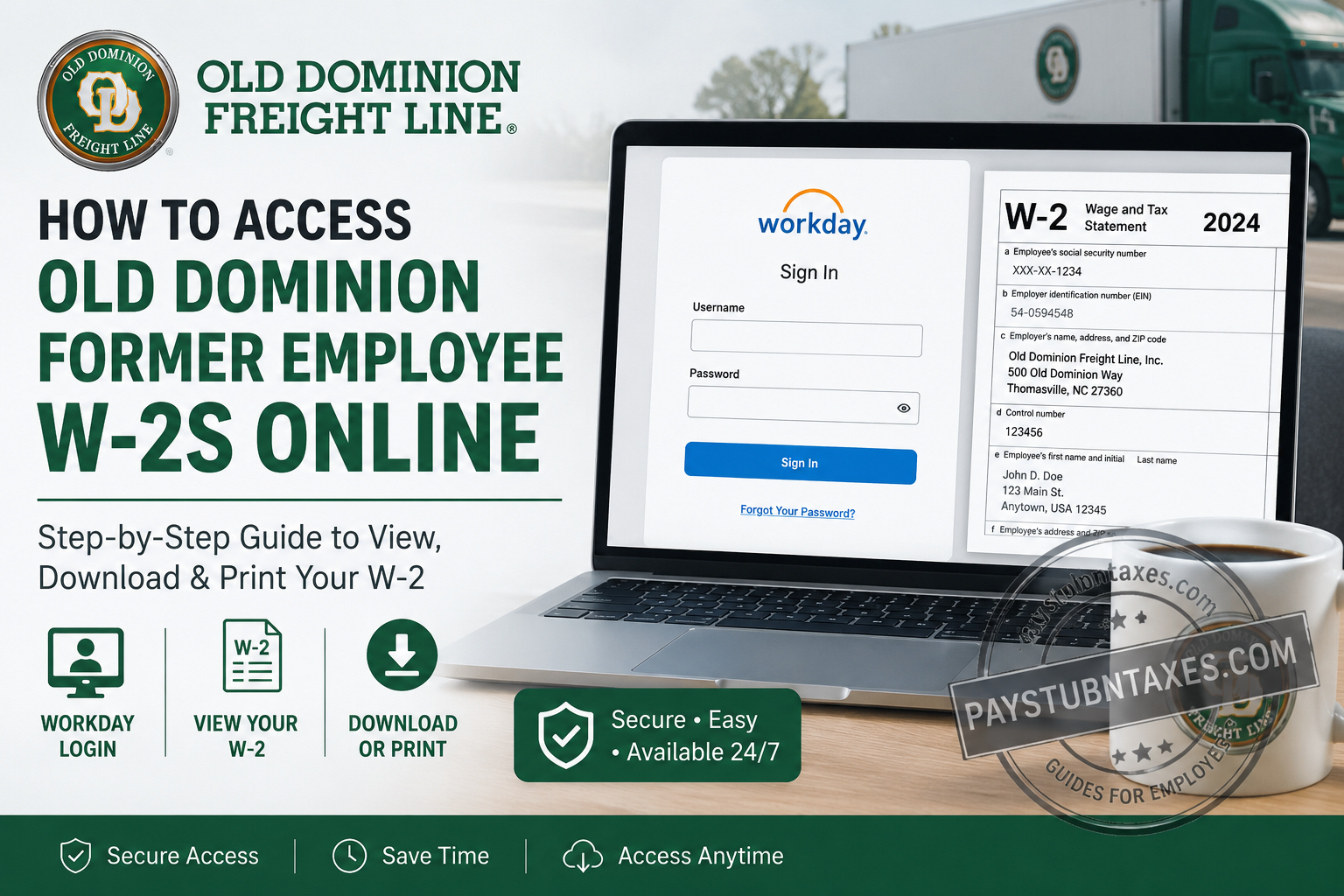
Former employees of Old Dominion Freight Line, Inc. (ODFL) can conveniently access and download their W-2 forms and payroll documents online through the company’s Workday portal. Whether you need your W-2 for filing taxes, applying for a mortgage, or maintaining your personal records, this guide will walk you through the process step by step. As one of America’s premier less-than-truckload (LTL) carriers, Old Dominion Freight Line has grown from a single truck operation in 1934 to a transportation powerhouse employing more than 23,000 people across North America. The company remains committed to its philosophy of “Helping the World Keep Promises” while embracing technology that simplifies the employee experience.
Old Dominion Workday Login Portal
Workday Login URL:
https://wd1.myworkday.com/wday/authgwy/odfl/login.htmld?redirect=n
The Workday platform serves as the central hub for payroll, tax information, benefits administration, and employment records for both current and former employees.
Can Former Employees Still Access Workday?
Yes. Unlike active employees, who may sign in through Single Sign-On (SSO), former employees typically use direct Workday credentials that are provided during the separation or offboarding process.
The credentials generally include:
- Username
- Temporary or permanent password
- Password reset instructions
- Guidance for accessing payroll and tax documents
If you misplaced these credentials, the Payroll team can help restore access.
Step-by-Step Guide to Access Your ODFL W-2 Online
Step 1: Visit the Workday Login Page
Open your web browser and navigate to the ODFL Workday portal.
You will see fields for:
- Username
- Password
- Sign In button
- Forgot Your Password option
Step 2: Enter Your Login Credentials
Input your:
- Username
- Password
Then click Sign In.
If you’ve forgotten your password, select Forgot Your Password and follow the recovery instructions.
Step 3: Open the Pay Dashboard
Once logged into Workday:
- Click the Pay dashboard.
- Navigate to payroll services and tax information.
The Pay dashboard contains your:
- Pay stubs
- Direct deposit information
- Tax documents
- Payroll history
The Workday Pay dashboard stores employee tax forms under My Tax Documents.
Step 4: Select “My Tax Documents”
Under the Pay section:
- Click My Tax Documents.
- Locate your available W-2 forms by tax year.
Workday stores W-2 forms electronically, making them available whenever you need them.
Step 5: View and Download Your W-2
Find the applicable tax year and click: View/Print
A PDF version of your W-2 will open.
From there, you can:
- Print your W-2
- Download a copy
- Save it to your device for future reference
The Workday document viewer also provides accessible versions of tax forms for employees who require additional accessibility features.
How to Print Your W-2
After opening the W-2 document:
- Click the printer icon in the upper-right corner.
- Choose your printer.
- Click Print.
You can also download the form as a PDF by selecting the download icon.
What If I Forgot My Workday Username or Password?
If you cannot access your account:
Option 1: Use the Forgot Your Password link on the Workday login page.
Option 2: Contact ODFL Payroll Customer Service:
Phone: 1-800-235-5569
The payroll team can assist with:
- Password resets
- Username recovery
- Tax document access
- Direct deposit questions
- Payroll discrepancies
When Are ODFL W-2 Forms Available?
Employers are generally required to issue W-2 forms by January 31 each year.
Former employees can usually access their forms online shortly after they are released.
What Information Is Included on Your W-2?
Your ODFL W-2 contains:
- Total wages earned
- Federal income tax withheld
- Social Security wages
- Medicare wages
- State and local taxes
- Retirement contributions
- Employer identification information
Review the form carefully to ensure all information is accurate before filing your tax return.
How Long Can Former Employees Access Workday?
Access periods may vary depending on company policy and individual circumstances. Therefore, it is advisable to:
- Download your W-2 immediately after it becomes available.
- Save electronic copies in a secure location.
- Print a backup copy for your records.
Why ODFL Uses Workday
Old Dominion continues to invest heavily in technology that improves efficiency and provides better visibility and dependable performance for employees and customers alike. The company’s technology initiatives extend to its HR and payroll systems, giving employees secure self-service access to important employment information.
Final Thoughts
Accessing your Old Dominion Freight Line W-2 online is a relatively straightforward process thanks to the company’s Workday self-service platform. By maintaining your login credentials and downloading your tax documents as soon as they become available, you can avoid unnecessary delays during tax season. If you encounter any difficulties, ODFL’s Payroll Customer Service team stands ready to assist, ensuring that obtaining your W-2 is as smooth and hassle-free as the company’s renowned transportation services.
Frequently Asked Questions
1. How do I get my Old Dominion W-2 online?
Log in to the ODFL Workday portal, go to Pay, and select My Tax Documents to access your W-2.
2. What is the Old Dominion Workday login website?
The Workday login portal is: https://wd1.myworkday.com/wday/authgwy/odfl/login.htmld?redirect=n
3. Can former ODFL employees still access Workday?
Yes. Former employees can access Workday using the credentials provided during the offboarding process.
4. Where can I find my W-2 in Workday?
Your W-2 is located under Pay > My Tax Documents.
5. When will my ODFL W-2 become available?
W-2 forms are typically available by the end of January each year.
6. What should I do if I forgot my Workday password?
Use the Forgot Your Password link on the login page or contact Payroll Customer Service.
7. Can I download and print my W-2?
Yes. Workday allows you to download a PDF version and print your W-2 directly.
8. Can I access previous years’ W-2 forms?
Yes, if the forms remain available within your Workday account.
9. Is there a mobile app for accessing Workday?
You can access Workday through your mobile browser and, where available, the Workday mobile application.
10. What if I never received my offboarding login credentials?
Contact ODFL Payroll Customer Service at 1-800-235-5569 for assistance.
11. Does Old Dominion mail paper W-2 forms?
Electronic access through Workday is the primary method, though mailing policies may vary.
12. Who do I contact if my W-2 contains incorrect information?
Contact the ODFL Payroll department immediately to request corrections.
13. Can I update my tax information in Workday?
Current employees generally can update tax information in Workday. Former employees should contact Payroll for assistance.
14. Can I access my pay stubs in Workday?
Yes. Pay stubs and payroll history are available under the Pay section of Workday.
15. How do I contact Old Dominion Payroll Customer Service?
You can reach ODFL Payroll Customer Service by calling 1-800-235-5569 during business hours.
