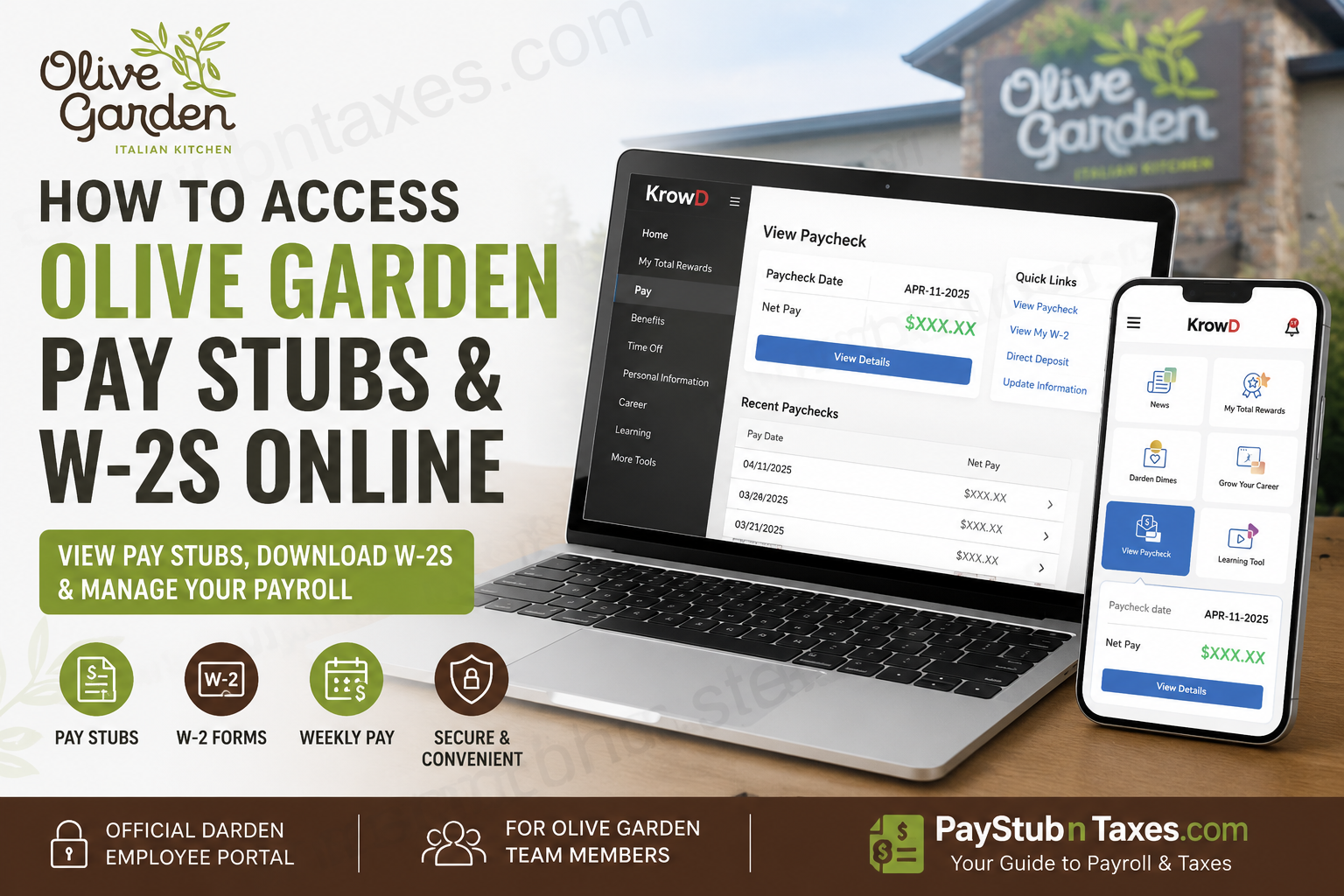
Working at Olive Garden comes with a variety of benefits, and one of the most convenient is the ability to access your payroll and tax information online at any time. Whether you need a recent paycheck for proof of income, want to review your earnings history, or need a copy of your annual W-2 form for tax filing, Darden Restaurants has made the process remarkably straightforward through its employee portal, KrowD. This comprehensive guide explains exactly how current Olive Garden employees can access their pay stubs and W-2s online, troubleshoot login issues, and make the most of the payroll resources available to them.
About Olive Garden
Founded in 1982 in Orlando, Florida, Olive Garden has grown into America’s leading Italian casual dining restaurant chain. Today, the company serves millions of guests annually and employs more than 92,000 team members across hundreds of restaurant locations nationwide.
As a subsidiary of Darden Restaurants, Inc., Olive Garden provides employees with competitive benefits, career advancement opportunities, and convenient digital tools, including the KrowD employee portal, where team members can manage their payroll and employment information.
What Is KrowD?
KrowD is Darden Restaurants’ official employee intranet and self-service portal. It serves as a centralized hub where employees can:
- View and download pay stubs
- Access W-2 tax forms
- Update personal information
- Manage direct deposit
- Review benefits and compensation
- Access work schedules and company news
- View My Total Rewards information
- Access HR and payroll resources
The platform is available both through a desktop browser and the KrowD mobile application.
Olive Garden Payroll Schedule
Olive Garden employees are paid:
✅ Weekly
Payday: Every Friday
Employees can typically view their upcoming pay statements several days before payday through the KrowD portal.
How to Access Olive Garden Pay Stubs Online
Method 1: Through KrowD Website
Step 1: Visit the KrowD Portal
Go to:
- https://krowdweb.darden.com
- https://auth.krowd.darden.com/auth/transmit-sdk/
Step 2: Log In
Enter your:
- Username
- Password
Complete multi-factor authentication if prompted.
Step 3: Navigate to Payroll Information
From the dashboard, select: KrowD → HR Self Service → Employee Self Service → View Pay
Step 4: View Your Pay Stub
You can now:
- View current paychecks
- Access previous pay statements
- Review deductions and taxes
- Check direct deposit information
- Download pay stubs as PDF files
Method 2: Using the KrowD Mobile App
The KrowD mobile app provides an even quicker way to access payroll information.
Steps:
- Open the KrowD app.
- Sign in using your credentials.
- Select View Paycheck.
- Tap View Details.
- Choose the paycheck date you want to review.
- Download or save the pay stub.
The app allows employees to view several months of paycheck history directly from their smartphones.
How to Download Olive Garden Pay Stubs as PDF
Once you open a paycheck:
- Select the desired pay period.
- Scroll to the bottom of the pay statement.
- Click the PDF Download option.
- Save or print the document.
This feature is particularly useful when:
- Applying for loans
- Renting an apartment
- Verifying employment
- Filing taxes
- Applying for government assistance
How to Access Olive Garden W-2 Forms Online
Olive Garden employees can retrieve their annual W-2 forms directly through My Total Rewards.
Steps to Access Your W-2:
Step 1:
Log in to KrowD.
Step 2:
Select: My Total Rewards
Step 3:
Click: Pay
Step 4:
Choose: View My W-2
Step 5:
Download or print your W-2.
Electronic access is generally available well before paper copies arrive by mail, making online retrieval the quickest and most convenient option.
How to Reset Your KrowD Password
If you’ve forgotten your password:
- Visit the KrowD login page.
- Click Forgot Password.
- Verify your identity.
- Follow the instructions sent to your email.
If you continue experiencing login problems, contact the My Service Desk.
How to Update Direct Deposit Information
To modify your banking information:
KrowD → HR Self Service → Employee Self Service → Direct Deposit
You can:
- Add a new bank account
- Change existing accounts
- Update routing numbers
- Manage payroll distribution
Common Reasons Employees Need Pay Stubs
Employees frequently need copies of their pay stubs for:
- Mortgage applications
- Apartment rentals
- Auto loans
- Income verification
- Immigration applications
- Financial aid
- Tax preparation
- Government benefits
Having digital access through KrowD eliminates the need to contact payroll for every request.
Benefits of Using KrowD
The KrowD portal offers numerous advantages:
24/7 Access
Review payroll information anytime and anywhere.
Paperless Convenience
Download digital copies instantly.
Secure Platform
Protected login and employee authentication.
Mobile Access
View payroll information directly from your smartphone.
Historical Records
Access previous pay statements whenever needed.
Olive Garden Employee Support Contacts
Total Rewards Service Center
Phone: 855-201-7638
Email: totalrewards@darden.com
Leave of Absence Questions
Sedgwick: 866-901-0258
IT Support and Login Assistance
My Service Desk: 800-551-2444
Final Thoughts
Olive Garden has streamlined payroll management through Darden’s KrowD platform, enabling employees to access pay stubs and W-2 forms with just a few clicks. Whether you’re checking your weekly earnings, downloading tax documents, or updating your banking information, KrowD offers a secure and user-friendly solution that keeps essential employment records at your fingertips. By familiarizing yourself with the portal and its features, you can save time, avoid unnecessary paperwork, and manage your payroll information efficiently throughout your employment with Olive Garden.
Frequently Asked Questions
1. What is KrowD?
KrowD is Darden Restaurants’ employee portal that allows Olive Garden team members to access payroll, benefits, schedules, tax forms, and company information online.
2. How do I log in to KrowD?
Visit https://krowd.darden.com and sign in using your username and password.
3. How do I view my Olive Garden pay stubs?
Navigate to: KrowD → HR Self Service → Employee Self Service → View Pay
4. Can I download my pay stubs as PDF files?
Yes. After opening a paycheck, you can download and save it as a PDF.
5. Does Olive Garden pay employees weekly?
Yes. Olive Garden employees are paid every Friday.
6. How do I access my W-2 online?
Go to: KrowD → My Total Rewards → Pay → View My W-2
7. Can former Olive Garden employees access their W-2s?
Yes. Former employees may still be able to access their W-2s online or can request assistance from the Total Rewards Service Center.
8. What should I do if I forgot my KrowD password?
Click the Forgot Password link on the login page and follow the instructions to reset your credentials.
9. Can I access KrowD from my phone?
Yes. Employees can access payroll information through the KrowD mobile app.
10. How do I update my direct deposit information?
Navigate to: KrowD → HR Self Service → Employee Self Service → Direct Deposit
11. How can I change my mailing address?
Go to: KrowD → HR Self Service → Employee Self Service → My Personal Data
12. How long are pay stubs available online?
Employees can typically access several months of paycheck history through KrowD.
13. Who do I contact for payroll questions?
Contact the Total Rewards Service Center at 855-201-7638 or email totalrewards@darden.com.
14. Who should I contact for leave-related questions?
Contact Sedgwick at 866-901-0258.
15. Who can help with KrowD login problems?
Contact the My Service Desk at 800-551-2444 for technical support.
