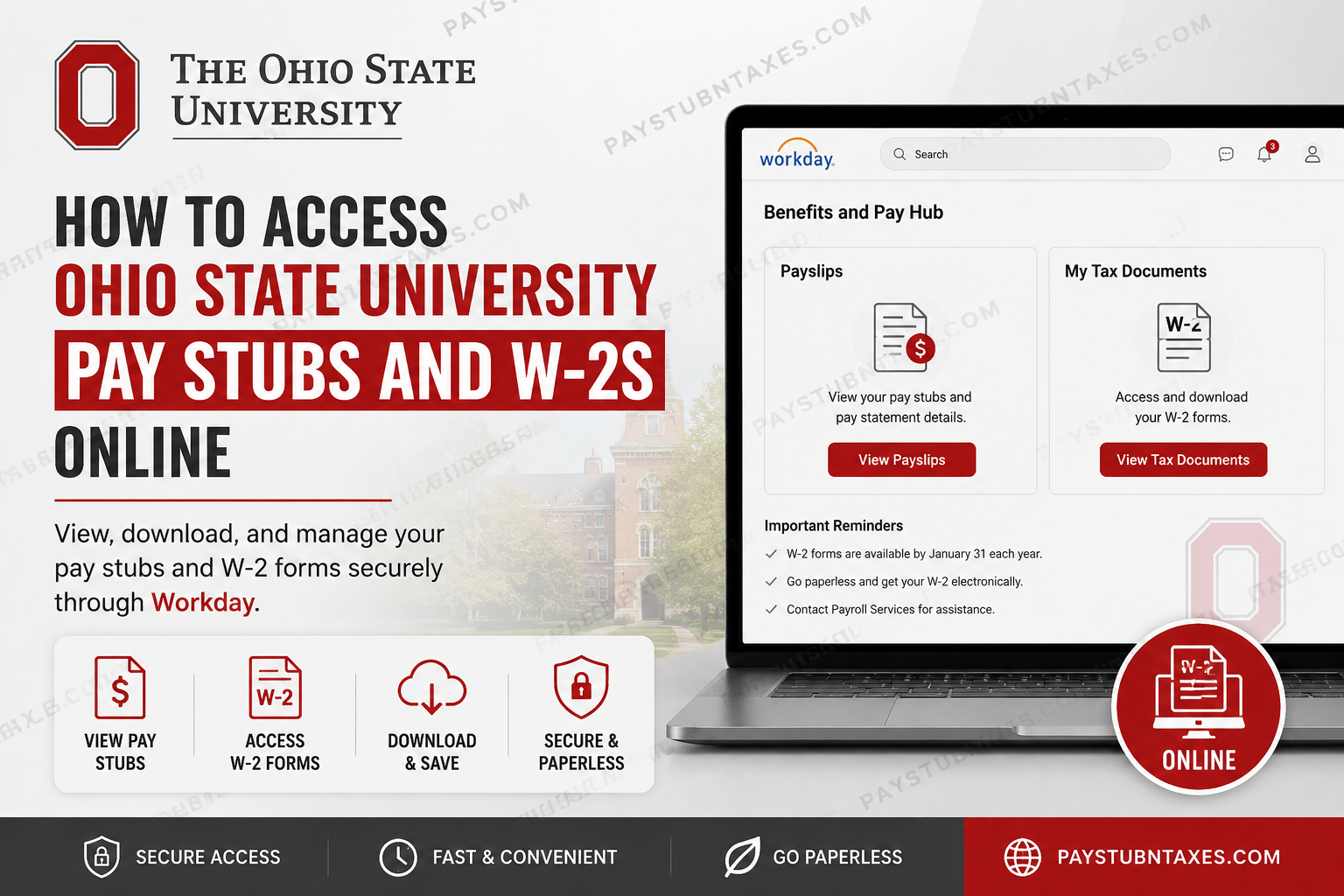
The Ohio State University (OSU) is one of the largest and most prestigious public research institutions in the United States. Founded in 1870, the university serves tens of thousands of students and employees across its main campus in Columbus and regional campuses in Lima, Mansfield, Marion, Newark, and Wooster. As a modern, technology-driven institution, Ohio State has adopted a fully paperless payroll system that allows faculty, staff, and student employees to access their pay information electronically. Whether you need to review your latest earnings, download a previous pay stub, or retrieve your annual tax documents, Ohio State’s Workday platform makes the entire process seamless, secure, and convenient.
Ohio State University Payroll System Overview
The Ohio State University uses Workday as its official human resources and payroll platform. Through Workday’s Benefits and Pay Hub, employees can:
- View current and historical pay stubs
- Access annual W-2 tax forms
- Download and print payroll records
- Manage tax withholding elections
- Enroll in paperless W-2 delivery
- Update direct deposit and payroll preferences
The university no longer issues routine paper pay statements, making online access the primary method for managing payroll information.
Ohio State University Workday Login
Workday Portal: https://www.myworkday.com/osu/d/home.htmld
To access your payroll records:
- Visit the Ohio State Workday portal.
- Enter your Ohio State Username and password.
- Complete any multi-factor authentication requirements.
- Sign in to your employee dashboard.
The university’s login system is protected by secure authentication protocols and reminds users never to disclose their passwords through email or telephone requests.
How to Access Ohio State University Pay Stubs Online
Ohio State employees can access electronic payslips directly through the Benefits and Pay Hub app in Workday.
Step 1: Log in to Workday
Sign in using your Ohio State credentials.
Step 2: Open the Benefits and Pay Hub
After logging in, navigate to the Benefits and Pay Hub application.
Step 3: Select Payslips
Under the payroll section, choose Payslips to view your available pay statements.
Step 4: Open the Desired Pay Stub
A list of pay periods will appear. Select the appropriate pay date to view your payslip.
Step 5: Download or Print
You may:
- Download a PDF copy
- Print your payslip for personal records
- Save electronic copies to cloud storage or your computer
Current and historical pay statements are accessible through the same system, including older payroll records that predate January 1, 2021.
Understanding Your Ohio State Pay Stub
Each payslip contains detailed payroll information, including:
Employee Information
- Employee ID
- Department
- Position title
- Pay period dates
- Check date
Pay Summary
- Gross pay
- Taxes withheld
- Before-tax deductions
- After-tax deductions
- Net pay
Hours and Earnings
- Salary pay
- Overtime
- Holiday pay
- Vacation pay
- Sick leave
- One-time payments
- Shift premiums
- Fellowship stipends
Taxes
- Federal withholding
- State withholding
- Local taxes
- Medicare taxes
Deductions
- Medical insurance
- Dental insurance
- Vision coverage
- Retirement contributions
Understanding these sections can help employees reconcile their earnings and prepare for tax filing.
How to Access Ohio State University W-2 Forms Online
Every year, Ohio State is legally required to provide employees with Form W-2 no later than January 31.
Employees can conveniently retrieve their tax forms through Workday.
Step 1: Log in to Workday
Access the Workday portal using your Ohio State credentials.
Step 2: Open Benefits and Pay Hub
Navigate to the payroll dashboard.
Step 3: Select “My Tax Documents”
Open the My Tax Documents section.
Step 4: Choose the Appropriate Tax Year
All available W-2 forms will be listed by year.
Step 5: Download or Print
Select:
- View
- Download
to save a copy of your W-2 for tax filing purposes.
Go Paperless with Electronic W-2 Delivery
Ohio State encourages employees to opt for electronic W-2 delivery.
Benefits of electronic delivery include:
✅ Faster access to tax documents
✅ Enhanced security
✅ Elimination of lost or delayed mail
✅ Ability to download and save copies indefinitely
✅ Environmentally friendly paper reduction
To enroll:
- Log in to Workday.
- Open the Benefits and Pay Hub.
- Navigate to tax document preferences.
- Elect electronic delivery of your Form W-2.
How to Access Previously Issued W-2 Forms
Employees can access prior-year tax documents directly within Workday.
Simply:
- Log in to Workday.
- Open Benefits and Pay Hub.
- Select My Tax Documents.
- Choose the desired tax year.
- Download or print your form.
This feature eliminates the need to contact Payroll Services for most historical tax records.
Accessible W-2 Forms
Ohio State also provides accessible versions of Form W-2 for employees who use screen readers or other assistive technologies.
To access the accessible version:
- Open Change Preferences within Workday.
- Enable Simplified View.
- Navigate to My Tax Documents.
- Select Accessible Form.
Employees who require additional assistance may contact the:
Accessibility Help Line
Phone: 614-292-5000
What If You Forgot Your Ohio State Password?
If you cannot access your account:
- Reset your password using the self-service portal.
- Recover your username if necessary.
- Contact the IT Service Desk.
IT Service Desk:
Phone: 614-688-4357 (HELP)
The university advises employees never to respond to emails requesting passwords or personal account information.
Payroll Services Contact Information
For payroll-related questions:
Ohio State Payroll Services
Website: https://busfin.osu.edu
IT Service Desk
Phone: 614-688-4357
Accessibility Help Line
Phone: 614-292-5000
IRS Information Line
Phone: 1-800-829-1040
For specific tax advice or filing questions, employees should consult a qualified tax professional or contact the Internal Revenue Service directly.
Final Thoughts
The Ohio State University has embraced a fully digital payroll environment that provides employees with immediate, secure access to pay statements and tax documents. Through Workday’s Benefits and Pay Hub, faculty, staff, and student employees can review earnings, download historical pay records, and retrieve W-2 forms from virtually anywhere. By opting for electronic W-2 delivery and maintaining updated payroll preferences in Workday, Buckeye employees can simplify tax season, reduce paperwork, and enjoy faster access to their important financial records.
Frequently Asked Questions
1. How do I access my Ohio State University pay stubs?
Log into Workday, open the Benefits and Pay Hub, and select Payslips to view or download your pay statements.
2. What is the Ohio State Workday login URL?
The Workday portal is available at:
https://www.myworkday.com/osu/d/home.htmld
3. Can I print my Ohio State pay stubs?
Yes. Workday allows you to download and print your payslips as PDF files.
4. Does Ohio State provide paper paychecks?
No. Ohio State uses a fully paperless payroll system for pay statements.
5. Where can I find my W-2 form?
Your W-2 is available in Workday under Benefits and Pay Hub → My Tax Documents.
6. When are W-2 forms available?
Ohio State must provide W-2 forms by January 31 of each year.
7. Can I receive my W-2 electronically?
Yes. Employees can opt for paperless W-2 delivery through Workday.
8. How do I access old W-2 forms?
Historical W-2 forms remain available in Workday under My Tax Documents.
9. Can former employees access their W-2 forms?
In many cases, former employees retain access to previously issued W-2 forms through Workday. If access has expired, contact Payroll Services.
10. What information appears on my pay stub?
Your pay stub includes:
- Gross pay
- Net pay
- Taxes withheld
- Deductions
- Earnings details
- Pay period information
11. What should I do if I forgot my Ohio State password?
Use the password recovery tools on the login page or contact the IT Service Desk at 614-688-4357.
12. How can I update my tax withholding information?
You can update your tax elections through Workday under payroll and tax settings.
13. Can I download my W-2 for tax filing?
Yes. Workday allows you to download and print your W-2 as a PDF.
14. Is an accessible version of the W-2 available?
Yes. Employees can access an accessible W-2 by enabling Simplified View and selecting Accessible Form in Workday.
15. Who should I contact for payroll assistance?
For payroll-related questions, contact:
- Payroll Services: https://busfin.osu.edu
- IT Service Desk: 614-688-4357
- Accessibility Help Line: 614-292-5000
