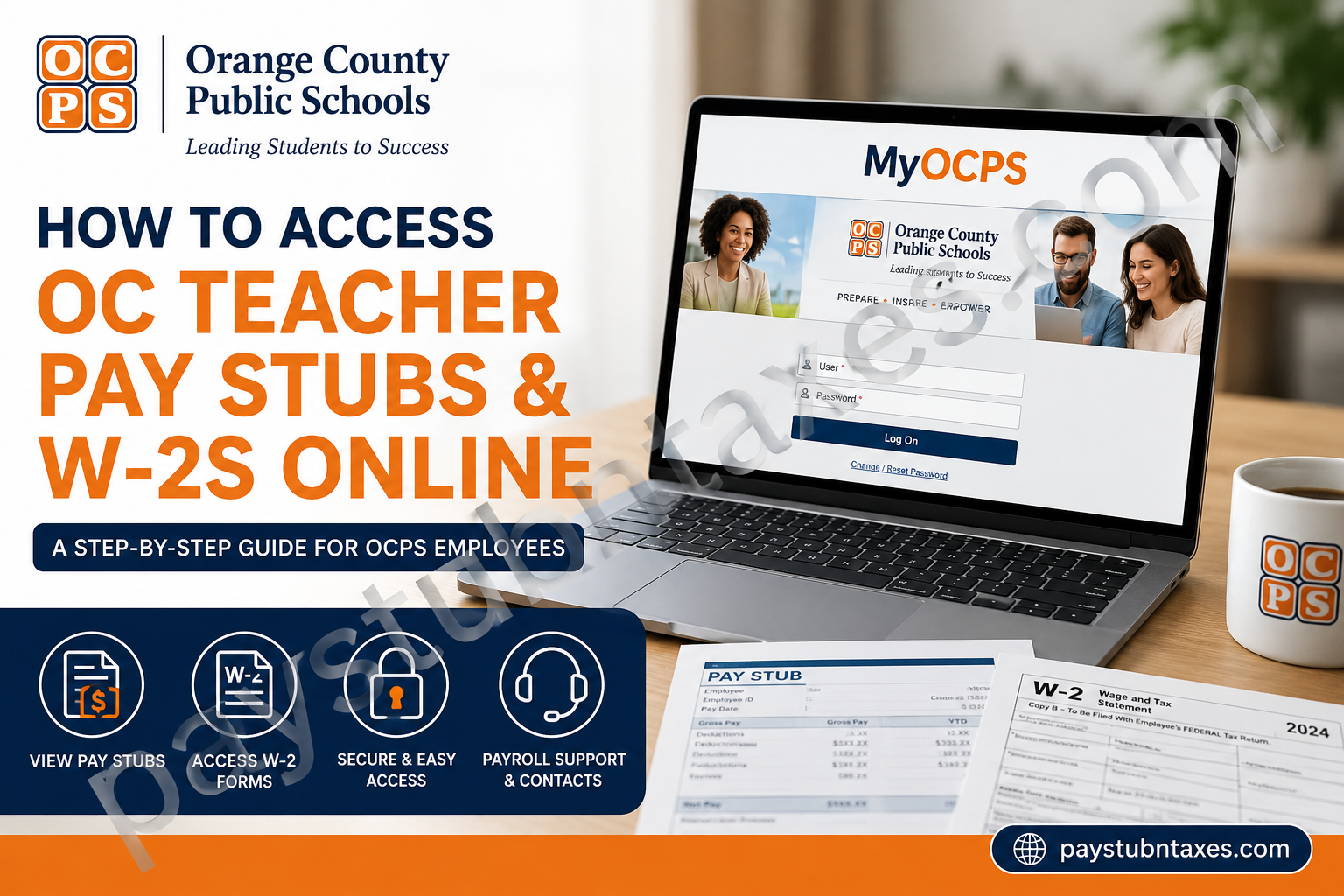
Orange County Public Schools (OCPS) is the eighth-largest school district in the United States and the fourth-largest in Florida, serving approximately 209,000 students across more than 210 schools. With over 23,000 employees, OCPS is one of Central Florida’s largest employers and is committed to empowering both students and staff through innovation, opportunity, and excellence. To make payroll and employment services more convenient, OCPS provides employees with a secure online portal known as MyOCPS, where teachers and other staff members can access pay stubs, W-2 forms, direct deposit information, leave balances, and numerous other employment-related services from virtually anywhere. If you are an OCPS teacher or employee and need to retrieve your salary statements or tax documents, this guide will walk you through the entire process.
What Is MyOCPS?
MyOCPS is Orange County Public Schools’ employee self-service portal designed to provide staff members with secure, around-the-clock access to employment and payroll information.
Through MyOCPS, employees can:
- View and download paycheck stubs (salary statements)
- Access W-2 tax forms
- Update personal and emergency contact information
- Change direct deposit details
- Review paid time off and leave balances
- Submit leave requests
- Complete timesheets (where applicable)
- Enroll in or manage insurance benefits
The portal significantly reduces paperwork and allows employees to manage important employment information independently.
MyOCPS Login Requirements
Before accessing your pay information, you’ll need:
- Your OCPS Personnel Number
- Your Network (Active Directory) Password
- Internet access and a web browser
MyOCPS Login Portal
Website: https://sapportal.ocps.net/irj/portal
How to Access OC Teacher Pay Stubs Online
Retrieving your paycheck stubs through MyOCPS takes only a few minutes.
Step 1: Visit the MyOCPS Portal
Go to: https://sapportal.ocps.net/irj/portal
Step 2: Sign In
Enter:
- User ID (Personnel Number)
- Network Password
Then click Log On.
Step 3: Open Employee Self-Service
After logging in: Employee Self-Service → Payment
Step 4: Select Salary Statement
Click: Salary Statement
A list of all paychecks issued during the calendar year will appear.
Step 5: View or Download Your Pay Stub
Select the desired paycheck to open the complete salary statement.
You can:
- View online
- Download as a PDF
- Print for your personal records
What Information Appears on an OCPS Pay Stub?
Each salary statement contains detailed payroll information, including:
- Attendance Period
- Pay Date
- Payroll Area
- Gross Pay
- Taxes Withheld
- Insurance Deductions
- Retirement Contributions
- Net Pay
- Direct Deposit Information
- Leave Balances (if applicable)
These details allow employees to verify earnings and ensure payroll accuracy.
How to Access OCPS W-2 Forms Online
OCPS employees can also obtain their annual W-2 tax forms electronically.
Steps to Access Your W-2:
- Log into MyOCPS.
- Navigate to the Payroll or Tax Documents section.
- Select the current tax year.
- Download or print your W-2.
Electronic access makes filing taxes considerably easier since employees can retrieve forms anytime without waiting for postal delivery.
W-2 Assistance for Former Employees
Former employees who no longer have portal access should contact the OCPS Payroll Services Department.
W-2 Hotline
Phone: 407-317-3200 Ext. 200-2448
Email: Payroll.Services@ocps.net
The W-2 Hotline can assist with:
- Missing W-2 forms
- Duplicate W-2 requests
- Address corrections
- Tax document inquiries
New Employees: Activate Your Network Account First
Newly hired or rehired employees cannot access MyOCPS until their network account has been activated.
To activate your account:
- Visit the MyID Password & Access Management portal.
- Select:
Log In / Claim an Account / Reset Password
- Follow the on-screen instructions to complete account setup.
Once activated, you’ll be able to access MyOCPS and all employee self-service features.
How Often Do OCPS Employees Get Paid?
Orange County Public Schools employees are generally paid on a bi-weekly basis.
Paychecks are typically issued:
Every other Wednesday
Employees can review the annual payroll calendar through the Payroll Services website or MyOCPS portal.
Common Reasons Employees Access MyOCPS
Besides pay stubs and W-2 forms, employees regularly use MyOCPS to:
Update Direct Deposit
Modify banking information for payroll deposits.
Manage Personal Information
Update:
- Address
- Phone number
- Emergency contacts
Review Leave Balances
Check:
- Sick leave
- Personal leave
- Vacation balances
Complete Insurance Enrollment
Manage medical, dental, vision, and retirement benefits.
Troubleshooting MyOCPS Login Issues
Forgot Your Password?
Use the Change/Reset Password option on the login page.
Account Locked?
Contact the Information Technology Services Help Desk.
Phone: 407-317-3375
Unable to Access Pay Stubs?
Contact your:
- School secretary
- Department bookkeeper
- Payroll preparer
If the issue cannot be resolved locally, Payroll Services can provide additional assistance.
OCPS Payroll Services Contact Information
Payroll Services Department
Phone: (407) 317-3260
Email: PayrollSvcs@ocps.net
W-2 Hotline
Phone: 407-317-3200 Ext. 200-2448
Email: Payroll.Services@ocps.net
District Office Address
Ronald Blocker Educational Leadership Center
445 W. Amelia Street
Orlando, Florida 32801
Benefits of Using MyOCPS
The MyOCPS employee portal offers numerous advantages:
✔ 24/7 access to payroll information
✔ Instant access to pay stubs and tax forms
✔ Secure online document storage
✔ Convenient updates to employee information
✔ Paperless payroll management
✔ Easy access from home or work
By centralizing employment services into one secure platform, OCPS enables employees to manage their payroll and benefits efficiently and with minimal administrative hassle.
Final Thoughts
For Orange County Public Schools teachers and staff, MyOCPS serves as the primary gateway to payroll and employment information. Whether you need to download a recent paycheck stub, obtain your W-2 for tax season, update direct deposit information, or review leave balances, the portal provides a convenient and secure self-service solution. Keeping your login credentials current and reviewing your salary statements regularly can help ensure your payroll records remain accurate and up to date throughout the year.
Frequently Asked Questions
1. What is MyOCPS?
MyOCPS is the official employee self-service portal for Orange County Public Schools that allows employees to manage payroll, benefits, and personal information online.
2. How do I log in to MyOCPS?
Visit https://sapportal.ocps.net/irj/portal and sign in using your OCPS Personnel Number and Network Password.
3. Where can I find my pay stubs?
Navigate to Employee Self-Service > Payment > Salary Statement within MyOCPS.
4. Can I download or print my paycheck stubs?
Yes. All salary statements can be downloaded or printed directly from the MyOCPS portal.
5. What information is included on an OCPS pay stub?
Your pay stub includes your attendance period, pay date, payroll area, gross pay, deductions, taxes, and net pay.
6. How do I get my W-2 form online?
Log into MyOCPS and access the Payroll or Tax Documents section to download your W-2.
7. When are W-2 forms available?
W-2 forms are generally available by the end of January each year for the previous tax year.
8. What should former employees do if they cannot access MyOCPS?
Former employees should contact the W-2 Hotline or Payroll Services for assistance obtaining tax documents.
9. What is the OCPS W-2 Hotline number?
The W-2 Hotline can be reached at 407-317-3200 Ext. 200-2448.
10. Who should I contact about paycheck errors?
Start by contacting your school’s secretary, department bookkeeper, or payroll preparer.
11. How often are OCPS employees paid?
Most OCPS employees are paid on a bi-weekly basis, with paychecks typically issued every other Wednesday.
12. Can I update my direct deposit information in MyOCPS?
Yes. Employees can update direct deposit information through the MyOCPS employee portal.
13. What if I forgot my MyOCPS password?
Use the Change/Reset Password link on the MyOCPS login page or contact the IT Help Desk.
14. Do new employees need to activate their accounts before using MyOCPS?
Yes. New and rehired employees must activate their network account before accessing the employee portal.
15. What other services are available in MyOCPS?
Employees can manage leave balances, update personal information, enroll in benefits, complete timesheets, and review payroll records through MyOCPS.
