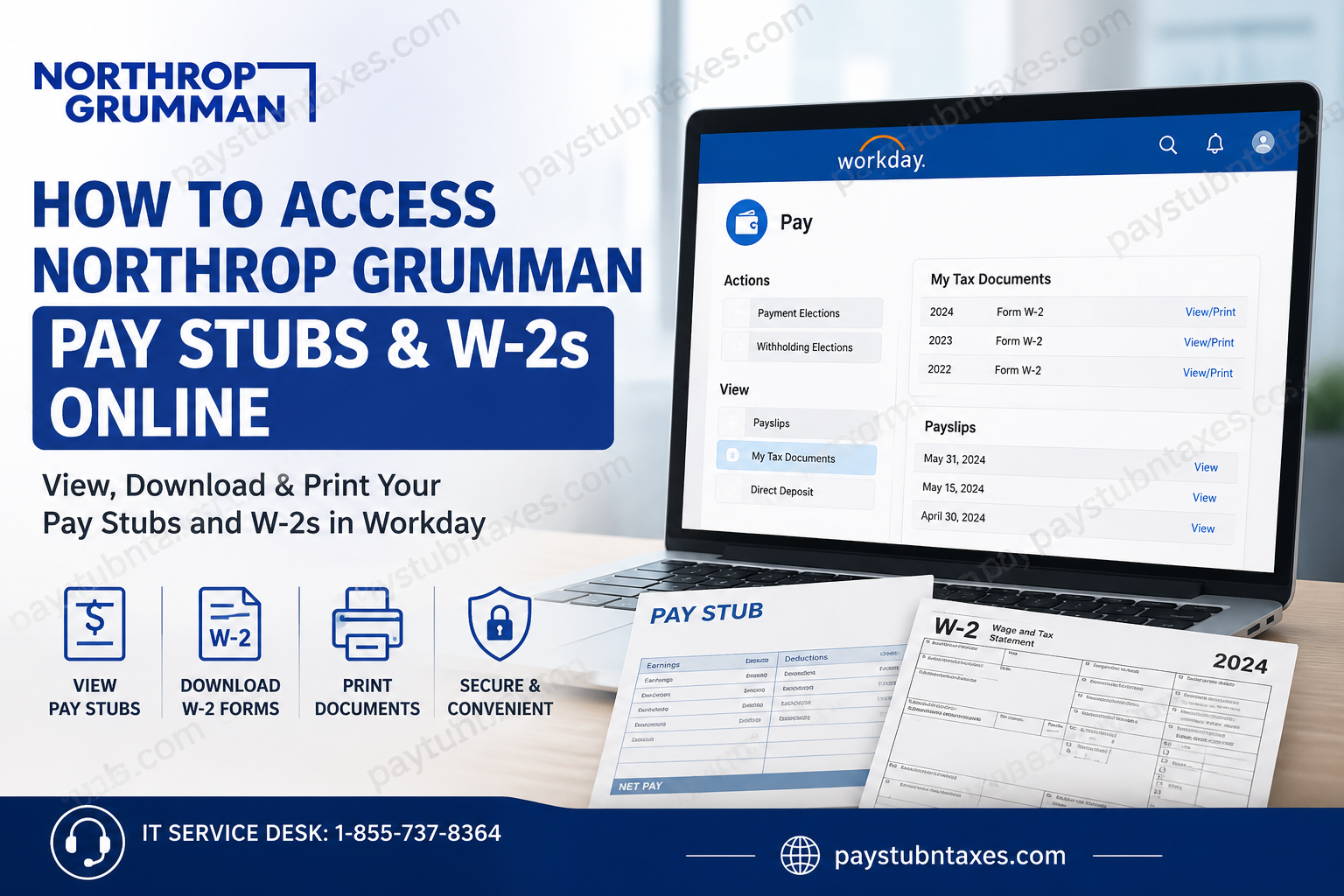
Managing payroll and tax documents has never been more convenient for Northrop Grumman employees. Through the company’s Workday Human Capital Management (HCM) platform, current employees can securely access pay stubs, tax forms, direct deposit information, and other payroll-related records from virtually anywhere. Whether you need your latest payslip, want to download a previous earnings statement, or print your annual W-2 for tax filing, Workday provides a centralized and user-friendly solution. Former employees who no longer have access to Workday will receive their W-2 forms by mail from Human Resources, while active employees can conveniently download and print their W-2 directly from Workday once it becomes available in late January.
About Northrop Grumman
Northrop Grumman is one of the world’s foremost aerospace and defense technology companies, employing approximately 90,000 professionals across air, land, sea, space, and cyber domains. The company develops advanced technologies that support national security, autonomous systems, cybersecurity, mission systems, and space exploration, while fostering a workplace centered on innovation, collaboration, diversity, and continuous professional development.
Northrop Grumman Workday Portal
Employee Login Portal
Workday URL: https://wd1.myworkday.com/ngc/login.htmld
Workday allows employees to:
- View and download pay stubs
- Access annual W-2 tax forms
- Update direct deposit information
- Review payroll history
- Manage tax withholding elections
- Access personal employment information
- Update contact details
- Manage benefits and compensation
How to Sign In to Northrop Grumman Workday
- Open the Northrop Grumman Workday login page.
- Enter your Northrop Grumman work email address.
- Click Next.
- Complete your organization’s authentication process.
- After successful verification, you’ll arrive at your Workday homepage.
The sign-in page prompts users to enter their company email before proceeding to authentication.
Choose the Correct Authentication Option
Northrop Grumman uses multiple authentication methods depending on your employment status and geographic location.
Choose the option that matches your account:
| Authentication Option | Who Should Select It |
| NG US Employee | U.S.-based employees and authorized internal contractors using Northrop Grumman’s trusted computing environment with single sign-on. |
| NG EMEA Employee | Employees located in Europe, the Middle East, and Africa using the regional NG trusted environment. |
| NG APAC Employee | Employees based in Asia-Pacific using the APAC trusted computing environment. |
| Int’l Subsidiary Employee (AMER) | Employees of international subsidiaries (such as Sperry Marine, NG LITEF, NG Italia, Solystic, Vinnell, etc.) issued Northrop Grumman credentials. |
| Int’l Customer/Partner/Supplier | International partners, suppliers, and customers with authorized NG credentials and authentication tokens. |
| US Customer/Partner/Supplier | U.S.-based partners, suppliers, and customers with authorized NG accounts. |
| MARSYS | Users requiring access through the MARSYS authentication environment. |
How to View Your Northrop Grumman Pay Stubs
Once you’re logged into Workday:
- Open your Workday Home page.
- Select the Pay application.
- Click Payslips.
- A complete list of available pay periods will appear.
- Select the desired pay period.
- Click the PDF icon to:
- View
- Download
- Print your payslip
You can also add the Pay application to your Workday homepage using Configure Applications for quicker access. The Workday navigation follows the standard Pay → Payslips workflow for viewing payroll statements.
How to Download Your Northrop Grumman W-2
Your annual W-2 becomes available in late January after Payroll publishes tax documents.
To access it:
- Log into Workday.
- Open the Pay application.
- Select My Tax Documents.
- Locate the desired tax year.
- Click View/Print.
- Download or print your W-2.
Workday also provides an accessible version of the tax form for employees who require it. The standard navigation is Pay → My Tax Documents, where published W-2 forms are stored.
What If You’re a Former Employee?
If you are no longer employed by Northrop Grumman:
- Your Workday access may be disabled.
- Human Resources will mail your W-2 to your address on file.
- Ensure your mailing address is current before your employment ends to avoid delivery delays.
Payroll Features Available in Workday
Northrop Grumman employees can use Workday to:
- View current and historical pay statements
- Download payroll PDFs
- Access annual W-2 tax forms
- Manage direct deposit accounts
- Update tax withholding elections
- Review payroll deductions
- Track compensation history
- Maintain personal information
- Access benefit-related payroll records
Additional Employee Financial Resources
Beyond payroll services, Northrop Grumman’s Total Rewards program provides a broad range of financial support resources, including:
- Employee discount programs
- Legal assistance plans
- Tax preparation support
- Voluntary insurance options
- Identity theft protection
- Financial consultation resources
These benefits are designed to support employees’ financial wellbeing both inside and outside the workplace.
Need Help?
If you experience login issues, authentication problems, or cannot access your payroll information, contact the:
Northrop Grumman IT Service Desk
Phone: 1-855-737-8364
For general corporate assistance, Northrop Grumman’s headquarters and employee resources are available through the company’s Contact Us page.
Conclusion
Northrop Grumman has streamlined payroll management through its Workday platform, giving employees fast, secure access to pay stubs, W-2 forms, tax documents, and payroll preferences from a single portal. By selecting the correct authentication option during sign-in and following the simple navigation within Workday, employees can retrieve important payroll records in just a few minutes. For former employees, W-2 forms are mailed directly by Human Resources, ensuring continued access to essential tax documentation even after employment concludes.
Frequently Asked Questions
1. How do I access my Northrop Grumman pay stubs?
Log in to the Northrop Grumman Workday portal, open the Pay application, and select Payslips to view, download, or print your earnings statements.
2. Where can I find my Northrop Grumman W-2 online?
Your W-2 is available in Workday under Pay > My Tax Documents after Payroll publishes the forms, typically in late January.
3. What payroll system does Northrop Grumman use?
Northrop Grumman uses Workday Human Capital Management (HCM) for payroll, HR, benefits, and employee self-service.
4. When are Northrop Grumman W-2 forms available?
W-2 forms are generally released in late January each year for active employees.
5. Can former Northrop Grumman employees access Workday?
Former employees usually lose Workday access after separation. Their W-2 forms are mailed to their home address by Human Resources.
6. Can I download my pay stubs as PDF files?
Yes. Each payslip can be opened as a PDF, allowing you to save or print a copy for your records.
7. How do I print my W-2 from Workday?
Navigate to My Tax Documents, select the applicable tax year, open the form, and use the print or download option.
8. Which authentication option should I select when logging in?
Choose the option that matches your employment status, such as NG US Employee, NG EMEA Employee, NG APAC Employee, or another applicable category.
9. Can I access Workday from home?
Yes. Employees can securely access Workday remotely using authorized credentials and internet access.
10. Can I update my direct deposit information in Workday?
Yes. Workday allows eligible employees to manage and update their direct deposit details.
11. What should I do if I forget my Workday password?
Use your organization’s password recovery process or contact the Northrop Grumman IT Service Desk for assistance.
12. Does Workday store historical pay statements?
Yes. Active employees can access current and previous pay statements through the Workday Payslips section.
13. Can I access Workday using a mobile device?
Yes. Workday is accessible through supported mobile browsers and the Workday mobile app, if enabled by Northrop Grumman.
14. Who should I contact for payroll or login issues?
For login or authentication problems, contact the Northrop Grumman IT Service Desk at 1-855-737-8364. Payroll-specific questions should be directed to Human Resources or Payroll.
15. Is Northrop Grumman Workday secure?
Yes. Workday uses enterprise-grade security features, including secure authentication and encrypted connections, to protect employee payroll and personal information.
