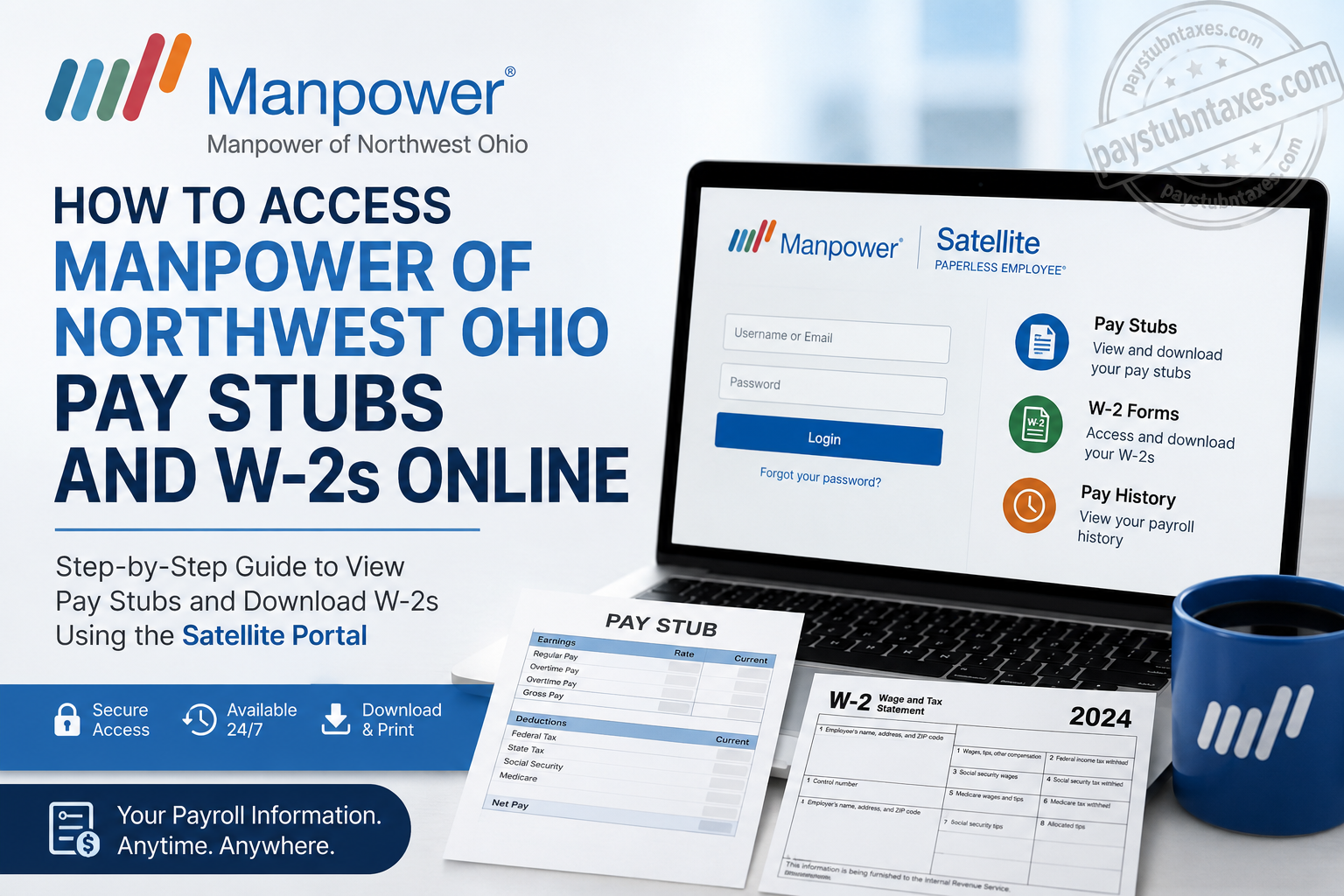
Managing your payroll records should be straightforward, secure, and available whenever you need them. If you are a current or former employee of Manpower of Northwest Ohio, you can conveniently retrieve your weekly pay stubs, year-end W-2 forms, and other payroll information online through the Satellite (Paperless Employee) portal powered by Avionté. Whether you need your latest paycheck for income verification, require a previous pay statement for financial records, or are preparing your annual tax return, this comprehensive guide explains everything you need to know about accessing your payroll documents quickly and securely.
What Is Manpower of Northwest Ohio?
Manpower of Northwest Ohio has been connecting employers with qualified talent throughout Northwest Ohio and Southeast Michigan for more than six decades. As part of the globally recognized Manpower network, the company specializes in delivering flexible workforce solutions across a wide range of industries, including:
- Administrative and office support
- Customer service and call centers
- Manufacturing
- Skilled trades
- Accounting and finance
- Information technology
- Human resources
- Scientific and technical staffing
By combining local market expertise with global recruiting resources, Manpower helps businesses fill critical positions while creating rewarding employment opportunities for thousands of associates.
How Manpower of Northwest Ohio Delivers Pay Stubs and W-2s
To simplify payroll management and reduce paper documentation, Manpower of Northwest Ohio provides employees with secure electronic access through the Satellite (Paperless Employee) portal.
Through this online platform, employees can:
- View weekly pay statements
- Download or print pay stubs
- Access annual W-2 tax forms
- Maintain payroll history
- Retrieve payroll documents anytime with an internet connection
Instead of waiting for tax forms to arrive by mail, employees receive electronic access to their W-2 as soon as it becomes available.
Manpower of Northwest Ohio Satellite Portal
Employee Login Portal
https://mpr.myavionte.com/satellite/login?buildId=ymCj3pGXT7I&appId=BOLD
How to Access Your Pay Stubs Online
Follow these simple steps:
Step 1: Visit the Satellite Employee Portal
Open the Manpower Satellite login page using the official portal link.
Step 2: Enter Your Username
Your username is the email address you used when registering with Manpower.
Step 3: Continue to log in
Click Continue and enter your password.
Step 4: Open Pay History
After signing in, navigate to: Pay History → Paychecks
This section displays your complete paycheck history, allowing you to:
- View current pay stubs
- Download PDF copies
- Print earnings statements
- Review payroll deductions
- Check direct deposit information
The portal is designed to give employees secure access to payroll records whenever needed.
How to Access Your W-2 Online
Once your W-2 has been prepared, retrieving it only takes a few moments.
Step 1: Log into your Satellite account.
Step 2: Navigate to: Pay History → Taxes
Step 3: Select the appropriate tax year.
Step 4: Download or print your W-2 for tax filing or personal records.
Electronic W-2s become available as soon as they have been finalized, eliminating the need to wait for postal delivery.
Forgot Your Password?
If you cannot remember your password:
- Open the Satellite login page.
- Select Forgot Password.
- Enter your registered email address.
- Check your inbox for the password reset email.
- Create a new password.
- Return to the login page and sign in.
Password reset instructions are sent directly to the email address associated with your employee account.
What If You Cannot Access Your W-2?
If you continue experiencing login issues after resetting your password:
- Confirm you’re using the same email address used during registration.
- Check your spam or junk email folder.
- Contact the Manpower branch where you originally registered.
- Request assistance with account verification or W-2 access.
When Are Employees Paid?
According to Manpower payroll procedures:
- The standard workweek runs Monday through Sunday.
- Time should be submitted no later than midnight Sunday.
- Payroll is issued on Friday following the workweek, provided time has been submitted and approved.
Submitting your timesheet accurately and on time helps prevent delays in receiving your paycheck.
Direct Deposit and Electronic Pay Statements
Manpower encourages employees to enroll in Direct Deposit, offering:
- Faster payment processing
- Secure electronic deposits
- No waiting for mailed checks
- Automatic weekly earnings statements
- Convenient online access to W-2 forms
After each payroll is processed, employees receive an email notification indicating that their pay statement is available in the Satellite portal.
Advantages of Using the Satellite Portal
Using the online employee portal provides several benefits:
- Secure payroll access 24/7
- Instant download of pay stubs
- Immediate access to completed W-2 forms
- Electronic record keeping
- Reduced paperwork
- Convenient printing whenever needed
- Quick password recovery
- Accessible from desktop, tablet, or mobile devices
Common Login Problems and Solutions
| Issue | Solution |
| Forgot password | Use the Forgot Password option to reset it. |
| Incorrect username | Use the email address registered with Manpower. |
| No password reset email | Check Spam or Junk folders before requesting another email. |
| Locked account | Contact your local Manpower branch. |
| W-2 unavailable | Wait until tax forms have been finalized or contact your branch for assistance. |
Payroll Tips for Employees
To avoid payroll interruptions:
- Submit timesheets before the weekly deadline.
- Keep your contact information current.
- Update your email address promptly if it changes.
- Verify your direct deposit information.
- Save copies of important pay statements.
- Download your W-2 before leaving employment whenever possible.
The employee handbook also reminds associates to report all hours worked accurately, maintain updated contact information, and notify Manpower of any banking changes that could affect payroll processing.
Final Thoughts
Manpower of Northwest Ohio has streamlined payroll management by providing employees with secure electronic access through the Satellite (Paperless Employee) portal. Instead of relying on paper records or waiting for mailed tax documents, associates can conveniently access weekly pay stubs, download W-2 forms, review payroll history, and manage essential payroll information from virtually anywhere. By keeping your registered email address up to date, submitting timesheets on time, and using the portal’s password recovery tools when necessary, you can ensure uninterrupted access to your payroll records throughout your employment.
Frequently Asked Questions
1. How do I access my Manpower of Northwest Ohio pay stubs online?
Visit the Satellite employee portal, sign in with your registered email address and password, then go to Pay History > Paychecks to view, download, or print your pay stubs.
2. Where can I download my Manpower of Northwest Ohio W-2?
After logging into the Satellite portal, navigate to Pay History > Taxes and select the applicable tax year to download your W-2 form.
3. What portal does Manpower of Northwest Ohio use for payroll?
Manpower of Northwest Ohio uses the Satellite (Paperless Employee) portal powered by Avionté for online payroll access.
4. What username do I use to log into the Satellite portal?
Use the email address you registered with Manpower of Northwest Ohio as your username.
5. What should I do if I forgot my Satellite portal password?
Click Forgot Password, enter your registered email address, and follow the password reset instructions sent to your inbox.
6. When are Manpower of Northwest Ohio W-2 forms available?
Electronic W-2 forms become available in the Satellite portal as soon as they have been finalized for the tax year.
7. Can I print my pay stubs from the employee portal?
Yes. Employees can download or print pay stubs directly from the Pay History section.
8. How often are employees paid at Manpower of Northwest Ohio?
Employees are generally paid weekly, with payday occurring on Friday after approved time has been submitted.
9. What if I cannot access my W-2 online?
First, reset your password if necessary. If you still cannot access your account, contact the Manpower branch where you registered for employment.
10. Can former employees access their W-2 forms online?
Former employees may still have online access if their account remains active. Otherwise, they should contact their local Manpower branch for assistance.
11. Is the Satellite payroll portal available on mobile devices?
Yes. The Satellite portal is mobile-friendly and can be accessed using most smartphones and tablets.
12. Can I update my direct deposit information through Manpower?
For direct deposit updates, contact your local Manpower representative or branch for assistance with payroll changes.
13. Why can’t I see my latest paycheck?
Your latest paycheck may not appear until your timesheet has been submitted, approved, and payroll processing has been completed.
14. Is the Satellite portal secure?
Yes. The Satellite (Paperless Employee) portal provides secure access to payroll information, including pay stubs, W-2s, and payroll history.
15. Who should I contact for payroll or login assistance?
If you experience login or payroll issues, contact your local Manpower of Northwest Ohio branch, where staff can assist with account recovery, W-2 access, and payroll inquiries.
