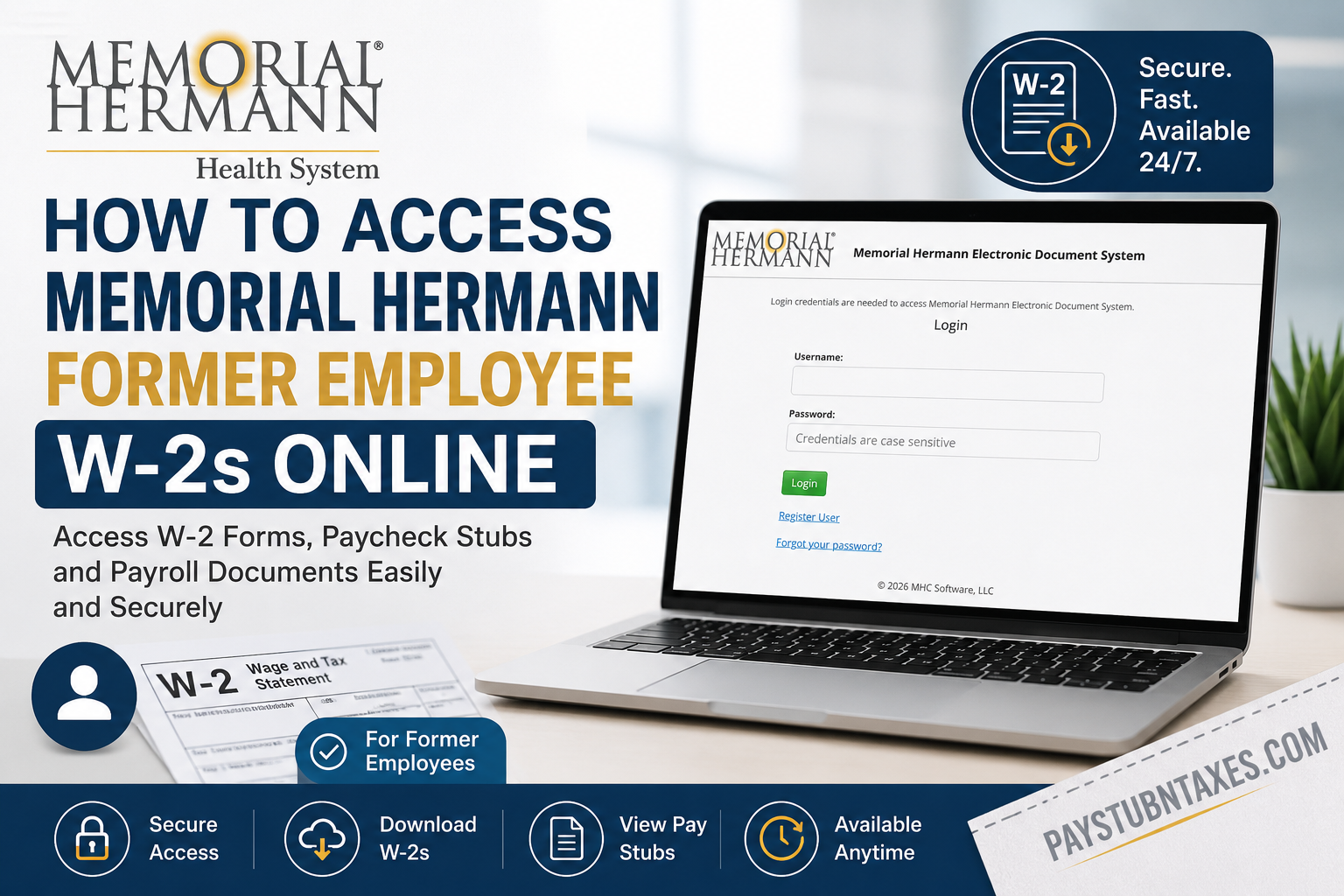
Leaving an organization does not mean losing access to important payroll and tax records. If you are a former Memorial Hermann Health System employee, you can conveniently retrieve your W-2 forms and paycheck stubs through the Memorial Hermann Electronic Document System (EDS). The secure self-service portal enables eligible former employees to register, log in, download tax documents, update notification preferences, and manage account credentials without contacting payroll for every request. Whether you need a W-2 for filing taxes, applying for a mortgage, verifying employment income, or maintaining personal financial records, this guide walks you through the entire process—from first-time registration to accessing and downloading your documents.
About Memorial Hermann Health System
Memorial Hermann Health System is one of the largest nonprofit healthcare organizations in Southeast Texas. Serving communities across the Greater Houston metropolitan area, the system encompasses hospitals, specialty centers, outpatient clinics, rehabilitation facilities, and urgent care locations. With more than 35,000 employees and over 5,500 affiliated physicians, Memorial Hermann is recognized for delivering patient-centered, evidence-based healthcare while continually investing in medical innovation and community wellness initiatives.
Its longstanding commitment to improving public health, advancing clinical excellence, and supporting employees extends beyond active employment, ensuring former team members maintain secure access to essential payroll documentation whenever needed.
Can Former Memorial Hermann Employees Access W-2 Forms Online?
Yes. Former Memorial Hermann employees can securely access:
- W-2 tax forms
- Paycheck stubs
- Payroll documents
- Electronic payroll records
through the Memorial Hermann Electronic Document System (EDS).
If you are returning to the portal, simply sign in using your existing credentials. First-time users must complete a one-time registration before gaining access to their payroll records.
Memorial Hermann Former Employee Portal
Electronic Document System (EDS)
Registration Page:
https://ess.memorialhermann.org/esslw/per/mhc_register.jsp
After registration is complete, you can log in using your email address and password to access available payroll documents.
How to Register for the Memorial Hermann Electronic Document System
If you have never accessed the portal before, complete these steps.
Step 1: Open the Registration Page
Visit the Memorial Hermann Former Employee registration portal.
Click “Click here to Get Started.”
Step 2: Select “Register User”
When the login page appears, click Register User located beneath the login button.
Step 3: Verify Your Identity
Enter the required information exactly as requested:
- Last name (case-sensitive with the first letter capitalized)
- Full Social Security Number (including dashes)
- Security verification code displayed on the screen
Select Submit.
Step 4: Create Your Username
Enter a valid personal email address.
This email address becomes:
- Your username
- Your primary communication email
Confirm the email address before selecting Submit.
Step 5: Confirm Your Email
A confirmation email will be sent to your registered email address.
Open the email and click the registration link to continue creating your account.
Step 6: Complete Identity Verification
The system will ask you to verify your information one more time before account creation is finalized.
Step 7: Create a Secure Password
Your password must include:
- At least 10 characters
- One uppercase letter
- One lowercase letter
- One number
Choose a strong password that is difficult to guess.
Step 8: Add a Secondary Email (Optional)
You may:
- Add another email for communications, or
- Skip this step by selecting the option indicating you do not wish to store a secondary email.
Step 9: Finish Registration
After completing all verification steps, you’ll receive confirmation that your registration has been completed successfully.
Click Login to access the portal.
How to Log In to Access Your W-2
Once registered:
- Open the Memorial Hermann Electronic Document System.
- Enter your email address.
- Enter your password.
- Click Login.
- Retrieve the email verification code sent to your inbox.
- Enter the code.
- Access your payroll dashboard.
The verification code is required each time you sign in, providing an additional layer of account security.
How to View and Download Your W-2
After signing in:
- Navigate to the payroll documents section.
- Locate the desired tax year.
- Select the W-2 form.
- Open the PDF.
- Download or print a copy for your records.
You may also access available paycheck stubs through the same portal.
Forgot Your Password?
If you cannot remember your password:
- Open the login page.
- Select Forgot your password?
- Verify your identity.
- Follow the password reset instructions sent to your registered email.
- Create a new password.
- Log in using your updated credentials.
Updating Your Email or Delivery Preferences
The Memorial Hermann Electronic Document System also allows former employees to manage account settings, including:
- Primary email address
- Secondary email address
- Notification preferences
- Electronic document delivery options
Keeping your contact information current helps ensure uninterrupted access to future payroll communications.
Benefits of Electronic W-2 Access
Using the online portal provides several advantages:
- 24/7 access from any location
- Immediate availability of payroll documents
- Secure authentication with email verification
- Faster tax preparation
- Reduced dependence on paper copies
- Convenient access to historical payroll records
Common Login Issues and Solutions
| Problem | Solution |
| Forgot password | Use the Forgot Password option |
| Didn’t receive verification email | Check spam or junk folders |
| Verification code expired | Request a new code by logging in again |
| Username not recognized | Confirm you’re using the email registered during account creation |
| Unable to register | Verify that your last name and Social Security Number match payroll records exactly |
Contact Memorial Hermann Payroll Support
If you’re unable to access your account or experience registration issues, assistance is available.
Customer Service
Phone: 855-645-8448
You may also contact your former Human Resources representative for additional support with payroll document access.
Conclusion
Accessing your Memorial Hermann W-2 forms after leaving the organization is a straightforward process thanks to the secure Memorial Hermann Electronic Document System (EDS). By completing a one-time registration, former employees can conveniently view, download, and print their W-2s and paycheck stubs anytime, eliminating the need to wait for paper copies or contact payroll for routine requests. The portal’s secure login process, including email verification, helps protect your sensitive payroll information while providing reliable access whenever you need it. If you encounter registration or login issues, don’t hesitate to contact Memorial Hermann Customer Service at 855-645-8448 or reach out to your former Human Resources representative for assistance. Keeping your email address and account information up to date will ensure uninterrupted access to your payroll documents and make future tax seasons significantly easier.
Frequently Asked Questions
1. How do I get my Memorial Hermann W-2 after leaving the company?
Former employees can retrieve their W-2 forms by logging into the Memorial Hermann Electronic Document System (EDS). If you have not registered before, complete the one-time registration process first.
2. Where can former Memorial Hermann employees access payroll documents?
Payroll documents, including W-2 forms and paycheck stubs, are available through the Memorial Hermann Electronic Document System for eligible former employees.
3. Do I need to register before accessing my W-2?
Yes. First-time users must register by verifying their identity and creating login credentials. Returning users can log in with their existing username and password.
4. What information is required to register?
You’ll need your last name, full Social Security Number (including dashes), and a valid personal email address to complete registration.
5. What should I use as my username?
Your personal email address becomes your username when registering for the Electronic Document System.
6. Can I download and print my Memorial Hermann W-2?
Yes. After logging in, you can open your W-2 as a PDF, download it to your device, and print a copy whenever needed.
7. Are paycheck stubs available online for former employees?
Yes. Former employees can access available paycheck stubs through the same Electronic Document System used for W-2 forms.
8. What if I forgot my password?
Click the Forgot your password? link on the login page and follow the email instructions to securely reset your password.
9. Why do I receive a verification code during login?
For enhanced security, the system sends a one-time verification code to your registered email address each time you log in.
10. Can I update my email address after registering?
Yes. After signing in, you can update your primary or secondary email address and manage your communication preferences.
11. Is the Memorial Hermann payroll portal secure?
Yes. The portal uses secure login credentials and email-based verification to help protect your personal payroll information.
12. Can I access my W-2 on a mobile device?
Yes. The Electronic Document System is accessible through most modern web browsers on smartphones, tablets, and computers.
13. What should I do if I don’t receive the verification email?
Check your spam or junk folder first. If you still don’t receive it, verify your registered email address or contact Memorial Hermann Customer Service.
14. Who should I contact if I cannot access my payroll records?
If you’re unable to register or log in, contact Memorial Hermann Customer Service at 855-645-8448 or reach out to your former Human Resources representative.
15. Why should I download my W-2 online instead of waiting for a paper copy?
Downloading your W-2 online provides immediate access, allows you to print additional copies anytime, supports faster tax filing, and keeps your payroll records available whenever you need them.
