McLane Company, Inc. is one of America’s largest supply chain and logistics organizations, serving convenience stores, mass merchants, grocery retailers, pharmacies, military installations, and leading restaurant chains across the United States. With more than 80 distribution centers, one of the nation’s largest private fleets, and a workforce exceeding 25,000 teammates, McLane has established itself as a trusted supply chain partner and a wholly owned subsidiary of Berkshire Hathaway. The company’s mission emphasizes innovation, operational excellence, and long-term partnerships that enable customers to thrive in an increasingly competitive marketplace. To streamline human resources and payroll administration, McLane uses Workday as its primary Human Capital Management (HCM) platform. Through Workday, eligible employees can securely access electronic pay statements, annual W-2 tax forms, payment elections, tax documents, and other employment records from virtually anywhere. Whether you are a current employee looking for your latest paycheck or a former teammate trying to retrieve your year-end tax documents, this comprehensive guide explains everything you need to know.
Can You Access McLane Pay Stubs Online?
Yes. Current McLane employees can conveniently access their pay stubs through the company’s Workday Self-Service portal using their McLane credentials or Okta Single Sign-On (SSO).
Within Workday, employees can:
- View current and previous pay stubs
- Download PDF copies of earnings statements
- Review deductions and tax withholdings
- Update direct deposit information (where permitted)
- Access tax documents
- Manage payroll preferences
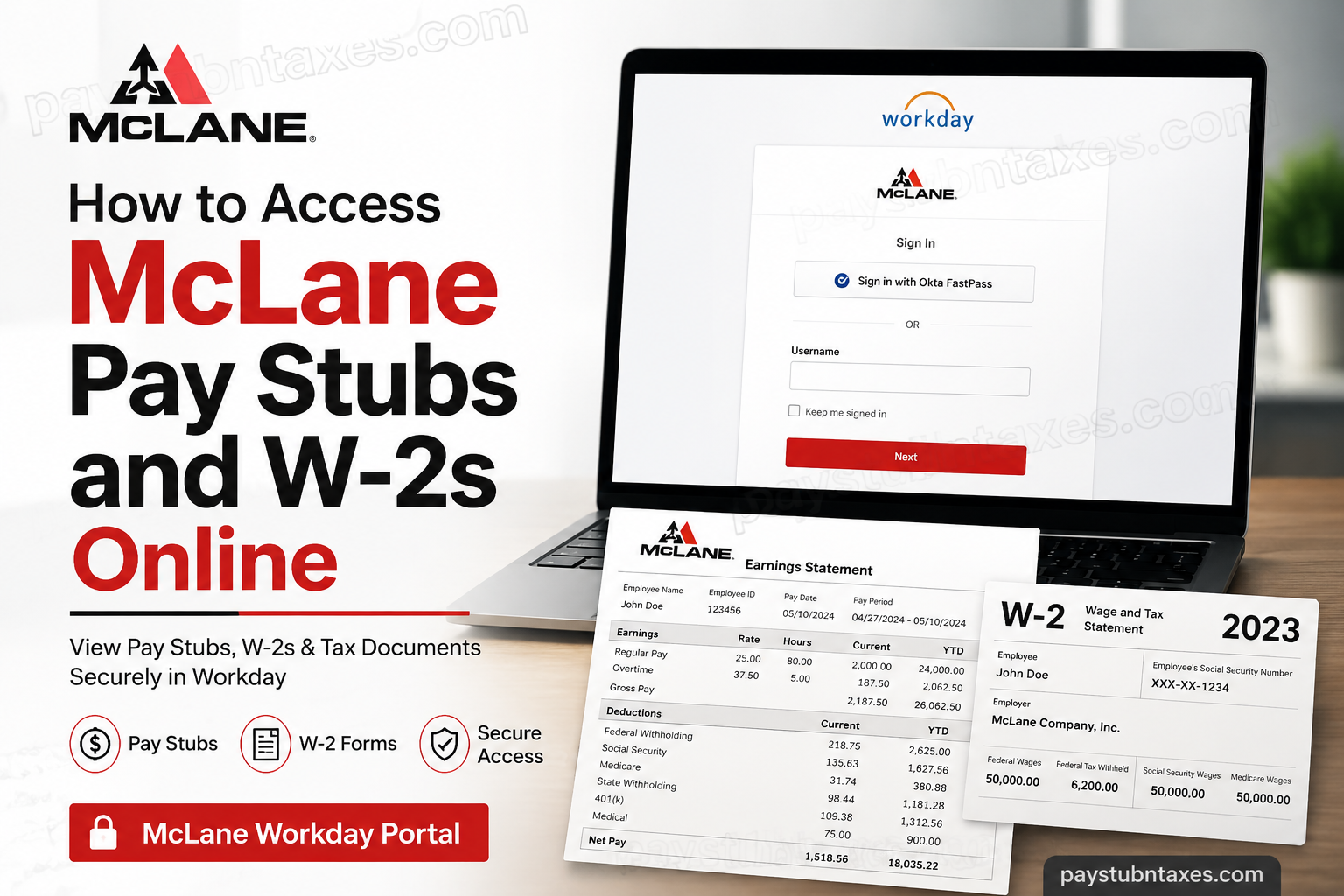
McLane Workday Login
Workday Portal: https://wd5.myworkday.com/mclaneco/login.htmld
The login page provides two authentication methods:
- Sign in with Okta FastPass (recommended)
- Username and password
After successful authentication, employees are directed to their Workday dashboard.
How to View McLane Pay Stubs
Once logged into Workday:
Step 1: Sign in using your McLane credentials or Okta SSO.
Step 2: From your Workday homepage, select: Pay
Step 3: Choose: Payslips
Step 4: A list of payroll periods will appear.
Step 5: Select the desired pay period.
Step 6: Open or download the PDF version of your earnings statement.
Your pay stub will include:
- Gross earnings
- Net pay
- Federal tax withholding
- State tax withholding
- Social Security
- Medicare
- Retirement deductions
- Insurance deductions
- Paid time off balances (where applicable)
How to Download McLane W-2 Forms
Annual W-2 forms become available after Payroll publishes year-end tax documents.
To access your W-2:
- Log into Workday.
- Open the Pay application.
- Select My Tax Documents.
- Locate the appropriate tax year.
- Choose View/Print.
- Download or print the PDF for your records.
Electronic W-2 vs Paper Copy
McLane supports electronic access through Workday.
Employees who do not enroll in electronic delivery will generally receive a printed W-2 by postal mail.
Paper tax statements are typically mailed no later than January 31, in accordance with IRS filing deadlines.
Former Employees
Former McLane employees should note the following:
- Workday access generally remains active for a limited period after employment ends.
- If your W-2 becomes available while your Workday account is still active, you can download it online.
- After Workday access expires, McLane typically mails year-end W-2 forms to the home address on file.
- Keeping your mailing address current before separation helps prevent delivery delays.
Forgot Your Workday Password?
If you cannot access your account:
- Try signing in using Okta FastPass
- Reset your password through your organization’s authentication process
- Contact your manager if your account is locked
- Use the Unlock Account option available on the login page
Payroll Support
If you have questions regarding:
- Paychecks
- Missing pay stubs
- W-2 forms
- Direct deposit
- Payroll corrections
- Payment elections
Speak with your immediate manager first.
You may also contact McLane HR support:
Email: help@mclaneco.com
About McLane Company
Founded in 1894, McLane has grown from a regional grocery wholesaler into one of the largest supply chain organizations in the United States. Today, the company serves nearly every ZIP code through an extensive nationwide distribution network and combines advanced logistics, automation, and technology to deliver reliable service to retailers and restaurant brands. McLane’s culture is built around its LEAD values—Lead forward, Excellence in all we do, Authentic connections, and Do the right thing—which guide teammates in delivering exceptional customer experiences while fostering professional growth and ethical decision-making.
Troubleshooting Common Login Issues
If you’re unable to access Workday:
- Verify that your username is entered correctly.
- Confirm your password has not expired.
- Try signing in with Okta FastPass.
- Clear your browser cache and cookies.
- Use an updated web browser.
- Disable browser extensions that may interfere with authentication.
- Contact McLane support if your account remains inaccessible.
Conclusion
McLane’s Workday platform provides employees with a secure, centralized, and efficient way to manage payroll and tax records throughout the year. Whether you need to download your latest pay stub, retrieve a W-2 for tax filing, or update payroll preferences, Workday offers convenient self-service access from virtually anywhere. Former employees may also be able to access tax documents online for a limited period after separation, after which paper W-2 forms are generally mailed to the address on file. Should any payroll-related issues arise, your manager and McLane Human Resources remain the best points of contact for prompt assistance.
People Also Ask (FAQ)
1. How do I log into McLane Workday?
Visit the McLane Workday login portal, enter your McLane username and password or sign in using Okta FastPass, then complete any required multi-factor authentication.
2. Where can I find my McLane pay stubs?
After logging into Workday, go to Pay and select Payslips to view, download, or print your earnings statements.
3. How do I download my McLane W-2 online?
In Workday, open the Pay application, select My Tax Documents, choose the appropriate tax year, and click View/Print to download your W-2.
4. When are McLane W-2 forms available?
W-2 forms are typically published after year-end payroll processing, while paper copies are generally mailed no later than January 31 for employees who do not receive electronic delivery.
5. Can former McLane employees access Workday?
Yes. Former employees may continue to access Workday for a limited period after leaving the company. Availability depends on account status and company policy.
6. What happens if my Workday access has expired?
If your online access has ended, McLane generally mails your W-2 to the mailing address on file. Contact Human Resources if you do not receive it.
7. Can I print my McLane pay stubs?
Yes. Workday allows employees to download or print PDF copies of their pay statements.
8. What information appears on a McLane pay stub?
A typical pay stub includes gross pay, net pay, federal and state tax withholdings, Social Security, Medicare, benefit deductions, retirement contributions, and other payroll details.
9. How do I reset my McLane Workday password?
Use the password recovery or account unlock options on the Workday login page, or contact your manager or IT support if additional assistance is needed.
10. Does McLane use Okta for Workday login?
Yes. McLane supports Okta Single Sign-On (SSO), including Okta FastPass, for secure employee authentication.
11. Can I access McLane Workday from my phone?
Yes. Employees can access Workday using a compatible mobile browser or the Workday mobile app if it is enabled by McLane.
12. What should I do if my W-2 is missing?
First, verify that it has been published in Workday. If you still cannot locate it, contact your manager or email help@mclaneco.com for assistance.
13. Can I update my direct deposit information in Workday?
Eligible employees can manage payment elections and direct deposit information through Workday, subject to McLane’s payroll policies.
14. Is McLane Workday secure?
Yes. Workday uses enterprise-grade encryption, secure authentication, and multi-factor verification to protect employee payroll and personal information.
15. Who should I contact for McLane payroll or W-2 questions?
For payroll, pay stub, direct deposit, or W-2 inquiries, speak with your manager first or contact McLane Human Resources by emailing help@mclaneco.com.
