
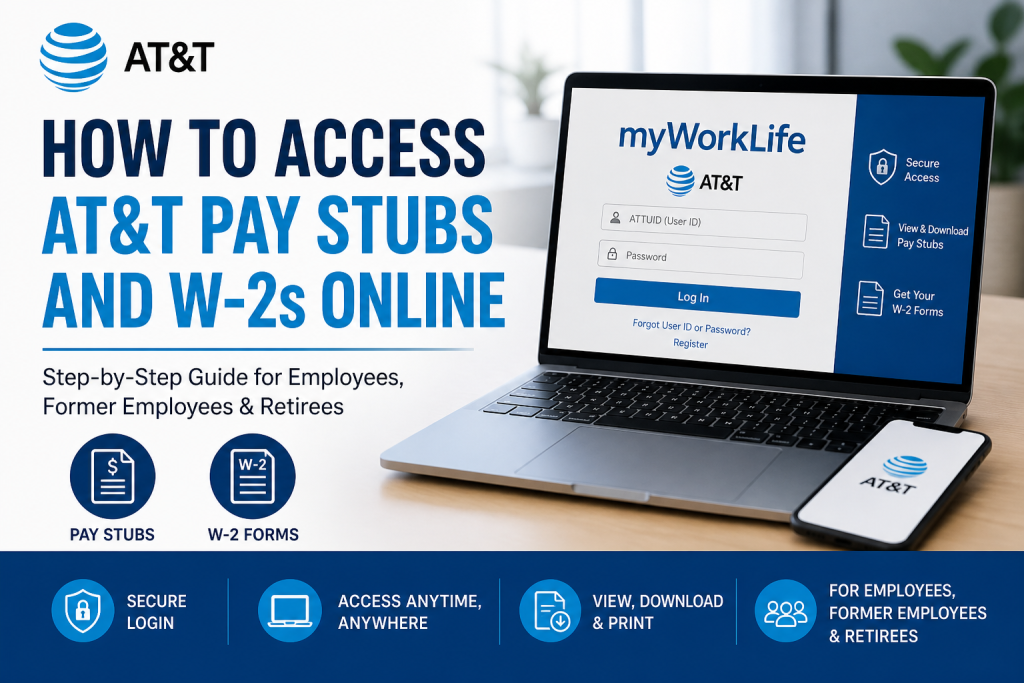
AT&T Inc. is one of the world’s leading telecommunications companies, offering cutting-edge connectivity solutions and employing millions globally. To support its workforce, AT&T provides a streamlined digital system that enables employees and former staff to securely access payroll documents, including pay stubs and W-2 forms, through the AT&T HR Access portal. This guide explains, step by step, how to access your AT&T pay stubs and W-2s online with ease and security.
What is AT&T HR Access?
The AT&T HR Access portal is a centralized self-service platform designed for:
- Active employees
- Former employees and retirees
- Dependents (in some cases)
It allows users to securely view payroll, tax forms, and benefits information anytime, from any location.
How to Access AT&T Pay Stubs Online
Follow these simple steps to view your pay statements:
Step 1: Visit the Official Portal
Go to the AT&T HR Access login page:
👉 https://hraccess.att.com
Step 2: Log In to Your Account
- Enter your ATTUID (User ID)
- Input your password
If you are a first-time user, click “Register” and complete the setup process.
Step 3: Complete Multi-Factor Authentication (MFA)
AT&T uses advanced security protocols. You may need to verify your identity via:
- Mobile Key push notification
- One-time passcode
- Security token or authentication app
Step 4: Navigate to Payroll Section
Once logged in:
- Go to “Pay & Tax Statements” or Payroll
- Select “Pay Stubs”
Step 5: View or Download
- Choose the desired pay period
- Download or print your pay stub for records
How to Access AT&T W-2 Forms Online
Your W-2 form is essential for tax filing. Here’s how to retrieve it:
Step 1: Log into HR Access
Use your ATTUID and password at the portal.
Step 2: Go to Tax Documents
- Navigate to “W-2 / Tax Statements”
Step 3: Select the Tax Year
- Choose the required year
- Download or print your W-2 form
Access for Former Employees and Retirees
If you are no longer working at AT&T, you can still access your payroll records:
- You must create a Former Employee Global Logon before leaving the company
- Visit the registration page and set up credentials
- Use the same login at access.att.com to retrieve documents
According to the AT&T Post-Employment Guide, former employees must register within a specific timeframe and may take up to 6 weeks for retiree status to fully update.
Key Features of AT&T Payroll Portal
- 24/7 secure access to pay and tax records
- Mobile-friendly interface
- Multi-layered authentication system
- Access to benefits and employment information
- Downloadable and printable documents
Troubleshooting Login Issues
If you experience difficulties:
- Reset your password via the login page
- Ensure MFA device or app is active
- Clear browser cache or switch browsers
- Contact support if needed
Support Options:
- Contact your manager or IT helpdesk
- Submit a ticket via internal support systems
- Former employees may call: 888-722-1787
Security Tips for Safe Access
- Never share your login credentials
- Enable MFA for enhanced protection
- Always use the official AT&T portal
- Log out after each session
Conclusion
Accessing your AT&T pay stubs and W-2 forms online is a straightforward and secure process through the HR Access portal. Whether you are a current employee or a former staff member, AT&T ensures seamless digital access to essential payroll documents, empowering you to manage your financial records efficiently.
❓ Frequently Asked Questions (FAQs)
1. How do I log in to the AT&T HR Access portal?
Visit hraccess.att.com, enter your ATTUID and password, and complete the required MFA verification to access your account.
2. Where can I find my AT&T pay stubs?
After logging in, go to “Pay & Tax Statements” and select “Pay Stubs” to view or download your payroll records.
3. How do I download my AT&T W-2 form?
Log in to HR Access, navigate to “W-2 / Tax Statements,” select the tax year, and download your W-2 form as a PDF.
4. Can former AT&T employees access pay stubs and W-2s?
Yes. Former employees must create a Global Logon account and log in via the AT&T access portal to retrieve their documents.
5. What is Multi-Factor Authentication (MFA) in AT&T HR Access?
MFA is a security system requiring multiple verification methods such as passwords, mobile keys, or tokens to protect user accounts.
6. What should I do if I forget my AT&T login credentials?
Use the “Forgot User ID or Password” option on the login page to reset your credentials securely.
7. Is the AT&T HR Access portal available on mobile devices?
Yes. The portal is mobile-friendly and can be accessed via any smartphone browser without downloading an app.
8. How long can I access my pay stubs after leaving AT&T?
You can continue accessing your payroll records as a former employee, provided you have registered your Global Logon account before leaving.
9. When are AT&T W-2 forms available online?
W-2 forms are typically available by late January each year for the previous tax period.
10. Can I print my AT&T pay stubs and W-2 forms?
Yes. All documents can be downloaded as PDFs and printed directly from the portal.
11. Why am I being asked for MFA every time I log in?
AT&T may require MFA frequently to enhance security, especially when accessing sensitive payroll or benefits data.
12. What browsers work best for AT&T HR Access?
Google Chrome and Mozilla Firefox are recommended for optimal performance and compatibility.
13. Who can I contact if I cannot access my account?
- Contact your manager or IT support
- Submit a support ticket
- Former employees can call 888-722-1787
14. Can dependents access AT&T HR Access?
Yes, in certain cases dependents may access benefits information using appropriate credentials.
15. Is it safe to access AT&T payroll information online?
Yes. AT&T uses advanced encryption and MFA security systems to ensure safe and secure access to all employee data.

