
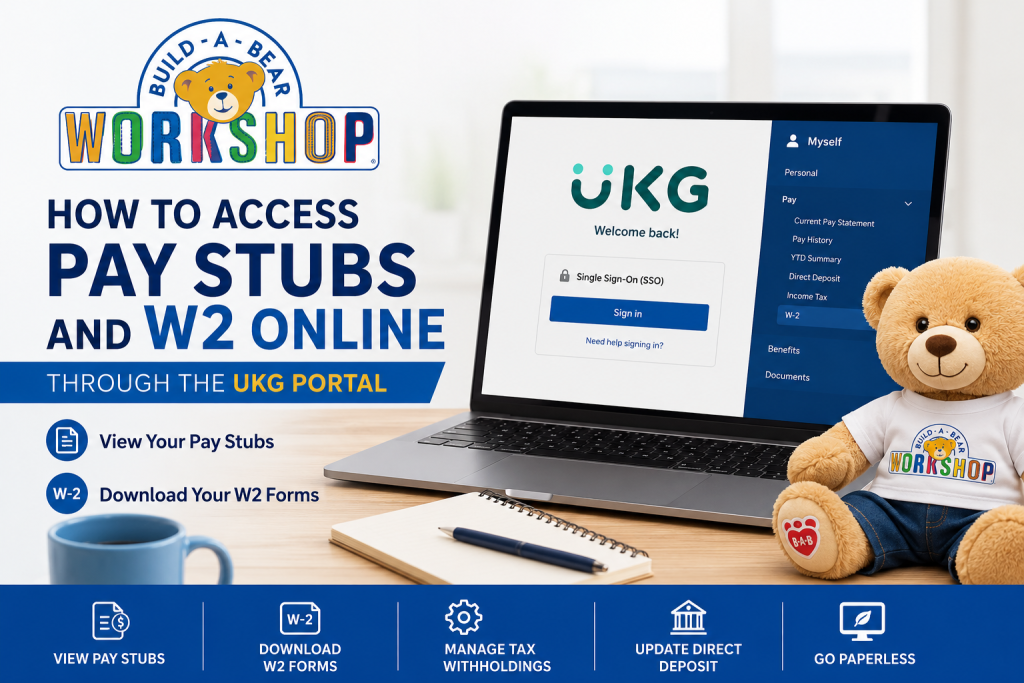
Build-A-Bear Workshop is one of the world’s most recognizable specialty retailers, known for its interactive stuffed animal experience and hundreds of store locations worldwide. Employees of Build-A-Bear Workshop can conveniently access payroll and tax documents online through the UKG (UltiPro) self-service portal. If you are a current Build-A-Bear employee, this guide will help you access your pay stubs, download W2 forms, update tax information, and manage payroll preferences through the secure UKG employee portal.
Build-A-Bear Employee Payroll Portal
Build-A-Bear employees can access payroll information through the UKG Pro (formerly UltiPro) employee self-service platform.
Official UKG Portal
Login Method
Employees must log in using their Single Sign-On (SSO) credentials.
What You Can Access Through the UKG Portal
The Build-A-Bear UKG portal allows employees to:
- View current and previous pay stubs
- Download W2 tax statements
- Update direct deposit information
- Manage tax withholdings
- Enable paperless payroll delivery
- Access earnings and deduction history
- Review benefits and employee information
The UKG system provides a centralized payroll dashboard for employees to securely manage employment-related financial records.
How to Login to Build-A-Bear UKG Portal
Follow these steps to access your payroll account online:
Step 1: Open the UKG Login Page
Visit the official Build-A-Bear employee portal: https://buildabear.employee.hrsd.ultipro.com
Step 2: Sign In with SSO
Click the SSO login option and enter your Build-A-Bear employee credentials.
Step 3: Complete Authentication
Depending on company’s security settings, you may need to verify your identity using:
- Multi-factor authentication (MFA)
- Security questions
- Verification code
Step 4: Access the Employee Dashboard
Once logged in, you will arrive at the UKG dashboard, where payroll and tax services are available.
How to View Build-A-Bear Pay Stubs Online
Employees can quickly view or print pay statements through the UKG payroll menu.
Steps to Access Pay Stubs
- Login to the UKG portal
- Open the Menu section
- Navigate to:
- Myself
- Pay
- Current Pay Statement or Pay History
- Select the desired pay period
- View, download, or print the pay stub
The UKG portal also allows employees to review detailed payroll information including:
- Gross earnings
- Taxes withheld
- Deductions
- Net pay
- Year-to-date earnings
How to Download Build-A-Bear W2 Forms
Employees can access annual W2 tax forms directly within the UKG system.
Steps to Retrieve W2 Statements
- Sign into the Build-A-Bear UKG portal
- Navigate to:
- My Info
- My Pay
- Forms
- W2
- Select the applicable tax year
- Click the Preview W2 icon
- Download the PDF copy of your W2
How to Enable Electronic W2 Delivery
Build-A-Bear employees can choose paperless W2 delivery inside the UKG system.
Steps to Enable Electronic Consent
- Go to:
- My Info
- My Pay
- Forms
- W2
- Select Electronic Consent
- Check the box for:
- “Receive Form W2 Electronically”
- Click Save
- Confirm your password when prompted
Once completed, the system records the date and time of your consent.
If electronic suppression is not enabled, paper W2 forms are typically mailed no later than January 31 each year.
How to Print Pay Stubs from UKG
Employees can print payroll documents directly from the system.
Printing Instructions
- Open the desired pay statement
- Click the Print icon
- Choose Social Security number visibility settings
- Generate the printer-friendly version
- Print or save the document as PDF
Common Build-A-Bear UKG Login Problems
Forgot Password
Use the “Forgot Password” option on the login page or contact your HR/payroll administrator.
SSO Not Working
Ensure:
- Your company credentials are active
- VPN is connected if required
- Multi-factor authentication is completed
Browser Compatibility Issues
For best performance:
- Use Google Chrome or Microsoft Edge
- Clear browser cache regularly
- Disable outdated browser extensions
Account Locked
Multiple failed login attempts may temporarily lock your account. Contact HR or IT support for assistance.
Tips for Secure Payroll Access
To protect your payroll information:
- Never share login credentials
- Avoid saving passwords on public devices
- Enable multi-factor authentication
- Log out after each session
- Regularly review direct deposit and tax settings
The UKG system is designed to securely manage employee payroll and tax information online.
Benefits of Using the Build-A-Bear UKG Portal
Using the online payroll system offers several advantages:
- 24/7 access to payroll records
- Faster W2 retrieval during tax season
- Reduced paper clutter
- Easy payroll history tracking
- Secure digital document storage
- Convenient tax withholding management
Employees can access payroll records anytime from desktop or mobile devices.
Final Thoughts
The Build-A-Bear UKG employee portal provides a secure and convenient way for employees to access pay stubs, W2 forms, tax information, and payroll records online. By using the self-service system, employees can manage payroll tasks quickly without waiting for printed documents or HR assistance. Whether you need to download your latest pay statement, retrieve your W2 for tax filing, or enroll in paperless payroll delivery, the UKG platform makes the process simple and accessible from anywhere.
Frequently Asked Questions (FAQs)
How do I access my Build-A-Bear pay stubs online?
Login to the UKG portal using your SSO credentials and navigate to Myself > Pay > Current Pay Statement.
Where can I download my Build-A-Bear W2 form?
You can access W2 forms under My Info > My Pay > Forms > W2 in the UKG portal.
What is the official Build-A-Bear employee login website?
The official portal is: https://buildabear.employee.hrsd.ultipro.com
Can former employees access W2 forms?
Former employee access policies may vary. Contact Build-A-Bear HR or payroll support if you cannot access your account.
Does Build-A-Bear use UKG or Workday?
Build-A-Bear uses the UKG Pro (UltiPro) payroll platform for employee payroll and tax document access.
Can I print my pay stubs?
Yes. UKG allows employees to print or save pay statements as PDF files.
When are W2 forms available online?
W2 forms are generally available by the end of January each year.
Can I switch to paperless W2 delivery?
Yes. You can enable electronic W2 consent within the UKG portal.
Why is my SSO login not working?
SSO problems may occur due to expired credentials, MFA issues, or network restrictions.
Is the Build-A-Bear payroll portal mobile-friendly?
Yes. UKG works on both desktop and mobile devices.
Can I update direct deposit information online?
Yes. Eligible employees can manage direct deposit settings through UKG.
What should I do if my W2 contains incorrect information?
Contact Build-A-Bear HR or payroll support immediately for corrections.
Can I access previous pay statements?
Yes. UKG stores payroll history for employee review.
Is the UKG portal secure?
Yes. UKG uses encrypted authentication and payroll security protections.
How do I reset my UKG password?
Use the password recovery option on the login page or contact your HR department.

