
At Cabinetworks Group, every employee contributes to a shared purpose: building life into the kitchen, the heart of every home. As America’s largest privately held cabinet manufacturer, Cabinetworks Group employs nearly 6,000 team members across 17 locations, including 15 manufacturing facilities, and offers an extensive portfolio of trusted brands such as KraftMaid®, Merillat®, Medallion®, Cardell®, Schuler®, Design-Craft®, Yorktowne®, MasterCraft®, Smart Cabinetry®, and several others. The company combines more than a century of cabinetry craftsmanship with a forward-thinking culture focused on innovation, collaboration, and customer satisfaction. To simplify payroll and human resources management, Cabinetworks Group uses Workday, a secure cloud-based Human Resources Information System (HRIS). Through Workday, eligible employees can conveniently access their pay statements, tax documents, direct deposit details, and other employment records without visiting the payroll office. This comprehensive guide explains how current Cabinetworks Group employees can access their pay stubs and W-2 tax forms online.
What is Cabinetworks Group Workday?
Workday serves as Cabinetworks Group’s centralized employee self-service platform. It enables employees to securely manage their employment information anytime, from virtually anywhere.
Using Workday, employees can:
- View and download current and previous pay stubs
- Access annual W-2 tax forms
- Review direct deposit information
- Update certain personal information
- Access payroll-related records electronically
The online system significantly reduces paperwork while providing employees with immediate access to important payroll documents whenever they are needed.
Cabinetworks Group Workday Login
Workday Portal
https://wd1.myworkday.com/cabinetworksgroup/login.htmld
Employees can choose between two authentication methods:
1. SSO Login
Use this option if you have:
- A Cabinetworks corporate email address
- Corporate network credentials
2. Workday Login (Non-SSO)
Use this option if you log in using:
- Employee Number
- Password
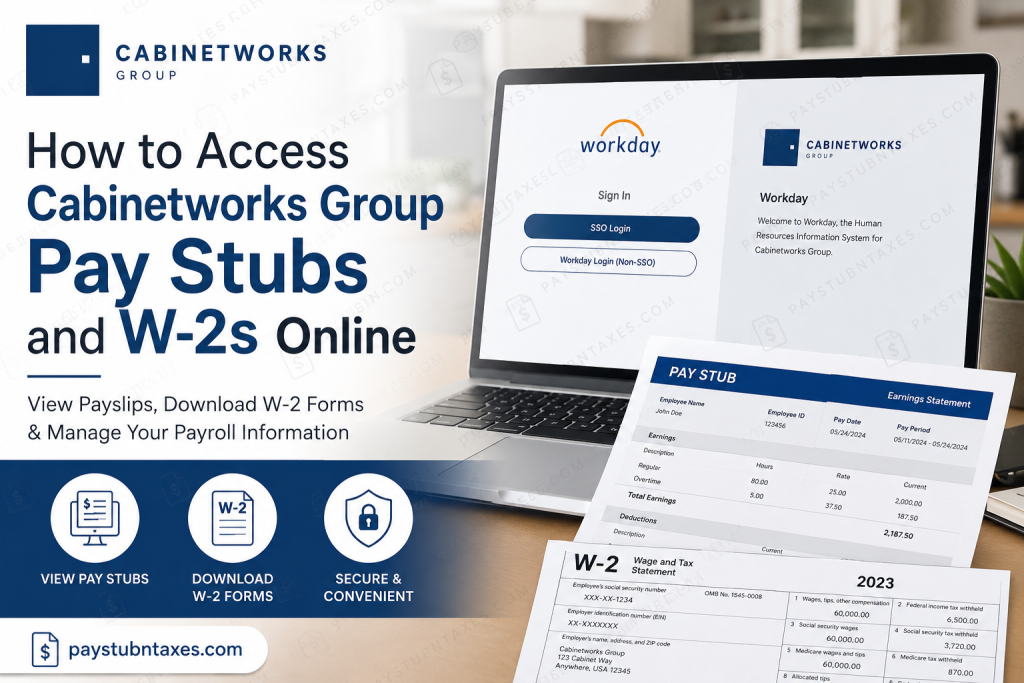
Additional identity verification may be required before access is granted. The login page provides both authentication options for employees depending on their account type.
How to View Your Cabinetworks Group Pay Stubs
Once signed in to Workday, accessing your payroll statements takes only a few minutes.
Step 1: Visit the Cabinetworks Group Workday portal.
Step 2: Sign in using either:
- SSO Login
- Workday Login (Non-SSO)
Step 3: After logging in, open your Profile.
Step 4: Select: Pay → Payslips
Step 5: A list of available payroll periods will appear.
Step 6: Choose the desired pay period.
Step 7: Click the PDF payslip to:
- View
- Download
your earnings statement for that payroll period.
If the Pay application has been added to your Workday home page, you can also access Pay → Payslips directly from the homepage.
How to Access Cabinetworks Group W-2 Forms
Current employees can retrieve their annual W-2 forms directly within Workday.
Follow these steps:
Step 1: Log in to Workday.
Step 2: Open the Pay application.
Step 3: Select My Tax Documents.
Step 4: Locate the appropriate tax year.
Step 5: Click View/Print beside the W-2.
Step 6: Use the on-screen controls to:
- View
- Download
your W-2 form for tax filing purposes. Workday stores W-2 forms under My Tax Documents, making them readily available once Payroll publishes them.
Former Employees
Former Cabinetworks Group employees generally no longer have access to the Workday employee portal.
Your W-2 form will typically be mailed to the home address maintained in your Workday employee record. Therefore, it is important to ensure your mailing address is accurate before your employment ends.
If you do not receive your W-2 or require additional assistance, contact the Team Member Success Center.
Workday Login Assistance
If you’re experiencing problems accessing Workday while located within the United States, contact the Team Member Success Center.
Email: TMSC@CabinetworksGroup.com
Phone: 888-294-8672
Support Hours: Monday–Friday
8:00 a.m. – 5:30 p.m. Eastern Time
The support team can assist with login issues, password resets, account access, and general Workday questions.
Benefits of Using Workday
Cabinetworks Group employees enjoy several advantages through the Workday self-service portal:
- Secure online payroll access
- Immediate availability of pay statements
- Convenient electronic W-2 retrieval
- Faster access to payroll records
- Reduced reliance on paper documents
- Easy download and printing of tax forms
- Access from virtually anywhere with an internet connection
Troubleshooting Login Issues
If you cannot access your account:
- Verify your Employee Number or corporate credentials.
- Ensure you selected the correct login option (SSO or Non-SSO).
- Complete any required multi-factor authentication.
- Reset your password if necessary.
- Try clearing your browser cache or using a different browser.
- Contact the Team Member Success Center if problems persist.
Conclusion
Cabinetworks Group has streamlined payroll administration through Workday, giving employees secure, self-service access to essential payroll documents whenever they need them. Whether you need to review your latest earnings statement, download a previous pay stub, or print your annual W-2 for tax filing, the Workday portal provides a fast and reliable solution. By familiarizing yourself with the navigation steps outlined above and keeping your account information up to date, you can manage your payroll records efficiently while minimizing the need to contact Human Resources. Should you encounter login difficulties or payroll-related concerns, the Team Member Success Center is available during regular business hours to provide prompt assistance.
Frequently Asked Questions
1. How do I log in to the Cabinetworks Group Workday portal?
Visit the Cabinetworks Group Workday login page and sign in using either SSO Login (corporate credentials) or Workday Login (Non-SSO) with your Employee Number and password.
2. Where can I find my Cabinetworks Group pay stubs?
After logging into Workday, go to Profile → Pay → Payslips to view, download, or print your pay statements.
3. How do I access my Cabinetworks Group W-2 form?
Log into Workday, open the Pay application, select My Tax Documents, choose the applicable tax year, and click View/Print.
4. Can I print my pay stubs from Workday?
Yes. Open the desired payslip in PDF format and use the print option to generate a hard copy.
5. Can I download my W-2 as a PDF?
Yes. Workday allows employees to view, download, and print their W-2 tax forms.
6. Who can access payroll documents through Workday?
Only active Cabinetworks Group employees with authorized Workday accounts can access payroll records online.
7. What happens if I leave Cabinetworks Group?
Former employees generally lose Workday access, and their W-2 forms are typically mailed to the home address on file.
8. What should I do if I forget my Workday password?
Contact the Team Member Success Center (TMSC) for assistance with password resets or account recovery.
9. Why are my pay stubs missing in Workday?
Missing pay statements may result from account access issues, payroll processing delays, or incorrect login credentials. Contact Payroll or TMSC if the problem continues.
10. Can I access Workday from my mobile phone?
Yes. Workday can be accessed through a compatible mobile browser or the Workday mobile app if supported by Cabinetworks Group.
11. Can I view previous years’ pay stubs?
Yes. Active employees can typically access available historical payslips stored within their Workday account.
12. Is my payroll information secure in Workday?
Yes. Workday uses secure authentication and encryption technologies to protect employee payroll and personal information.
13. Can I update my direct deposit information in Workday?
Yes. Eligible employees can review and manage their direct deposit details through the Workday self-service portal.
14. Who do I contact if I have payroll or Workday login issues?
You should contact the Team Member Success Center (TMSC) by email at TMSC@CabinetworksGroup.com or by phone at 888-294-8672, Monday through Friday, 8:00 a.m. to 5:30 p.m. ET.
15. What payroll documents can I access through Workday?
Workday provides access to pay stubs, W-2 tax forms, direct deposit information, payroll history, and other employment-related documents for eligible employees.

